Tutorials, product updates, and automation insights from auto-bot.io.
Understand RedFox's QR-linked Telegram-to-WhatsApp flow: no Phone Number ID or access-token entry, but authorization, session security, and platform boundaries still apply.
Fix a Telegram-to-WhatsApp Publish Task methodically: check the linked session, task state, fresh text test, route, content rules, media, and account status.
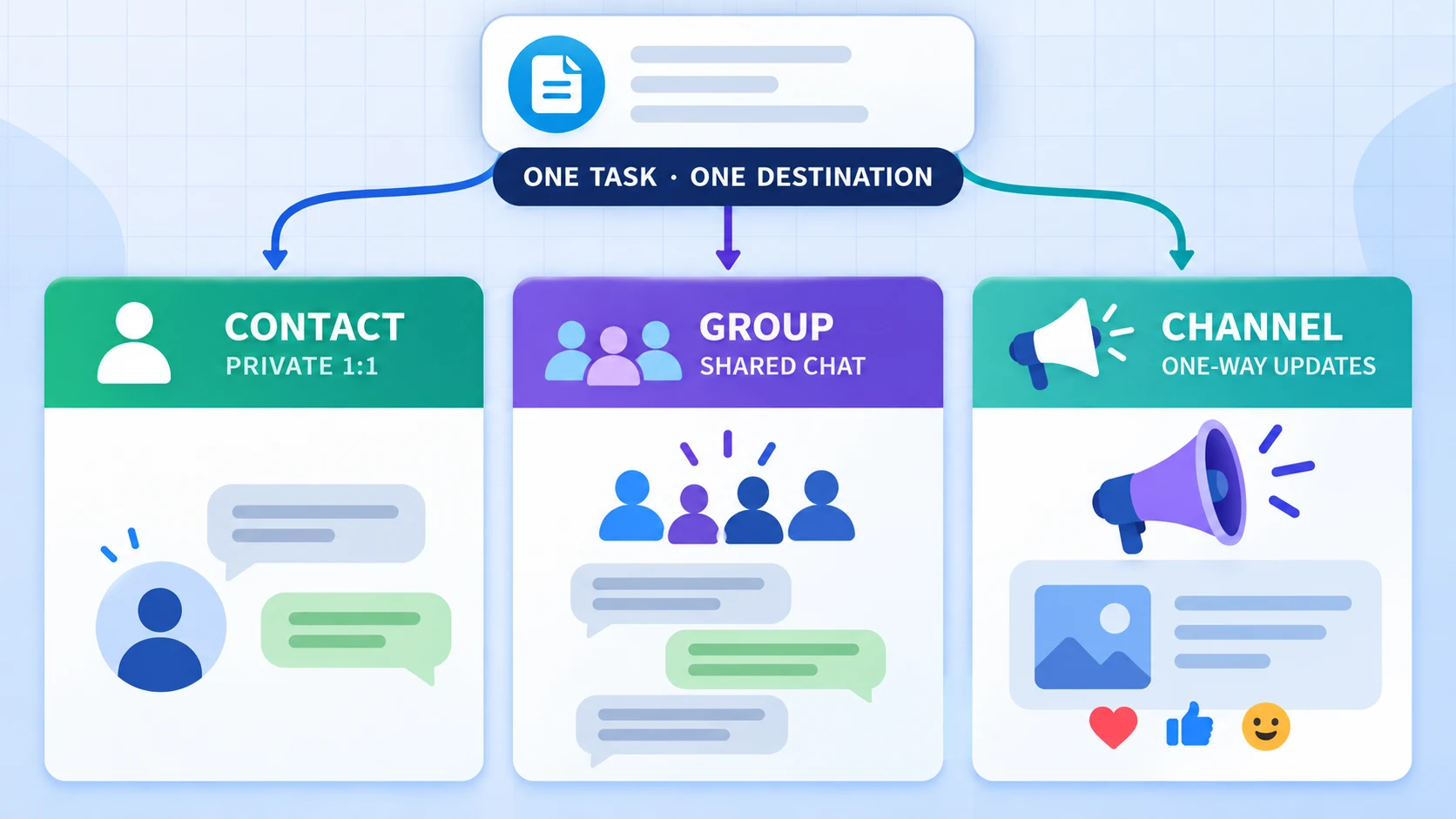
Choose the right WhatsApp destination for a Telegram Publish Task: private Contact, discussion Group, or one-way Channel—called Newsletter in RedFox UI.
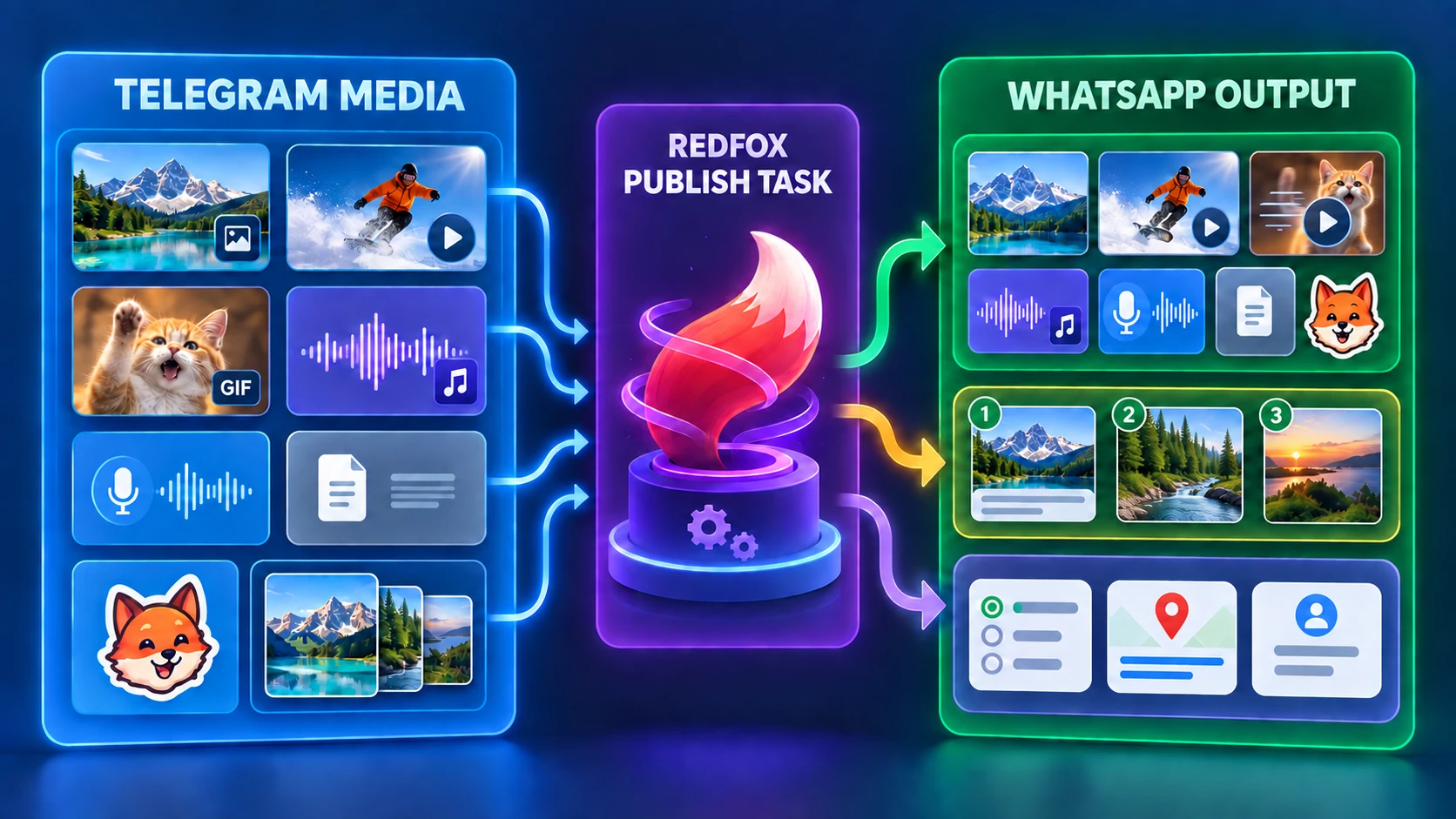
See how RedFox Auto Forward Telegram represents photos, videos, GIFs, voice, documents, stickers, albums, polls, contacts, and locations on WhatsApp.
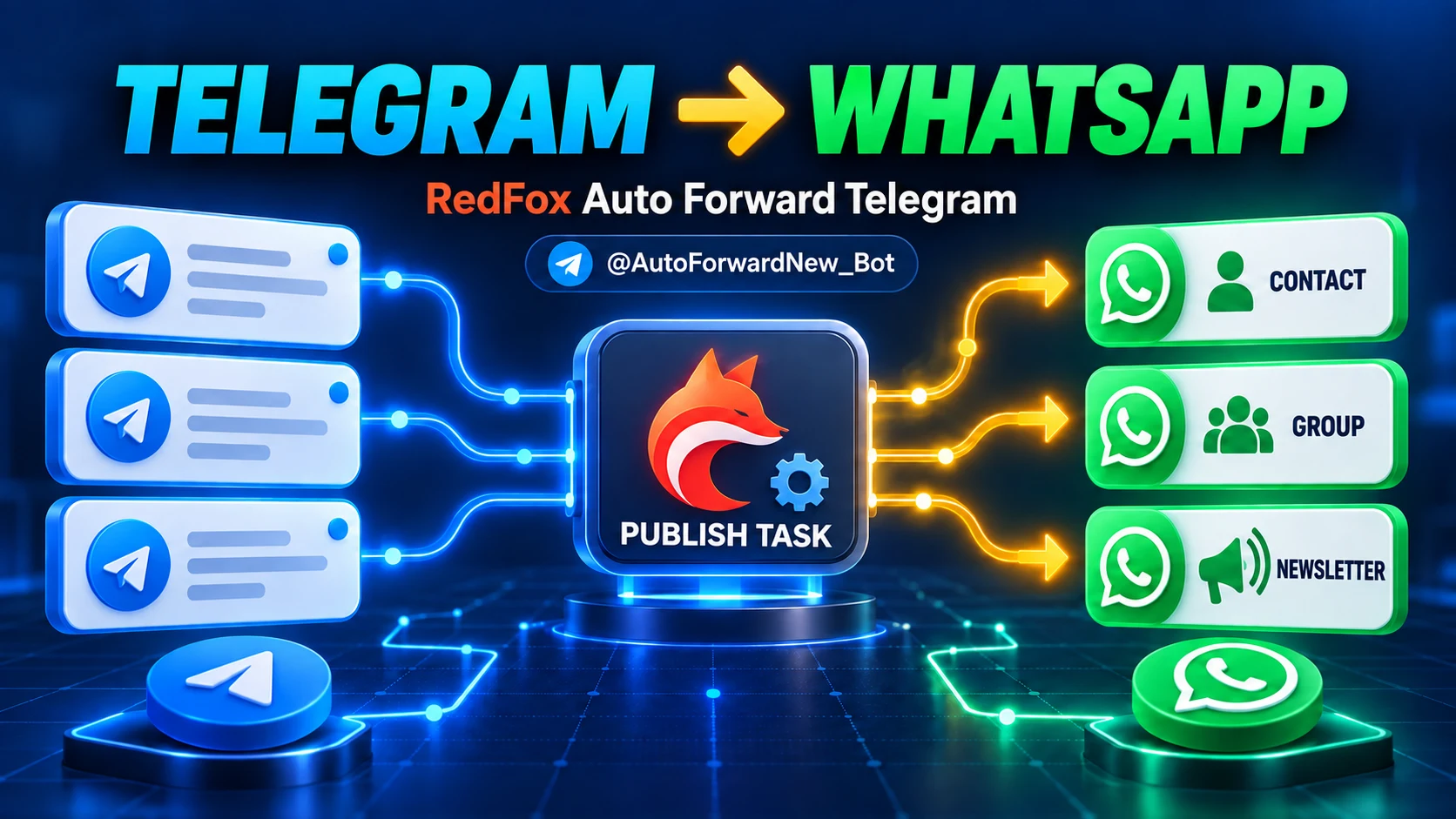
Connect Telegram sources to a WhatsApp Contact, Group, or Channel—labeled Newsletter in RedFox—using QR setup, a Publish Task, and a controlled test.
Compare RedFox Auto Forward Telegram (@AutoForwardNew_Bot) and TeleFeed: documented delivery choices plus delay, filters, cleanup, replacement, topics, albums, and management surfaces.
Compare RedFox Auto Forward Telegram (@AutoForwardNew_Bot) and Junction Bot by integrated route controls, display modes, private sources, plans, and billing scope.
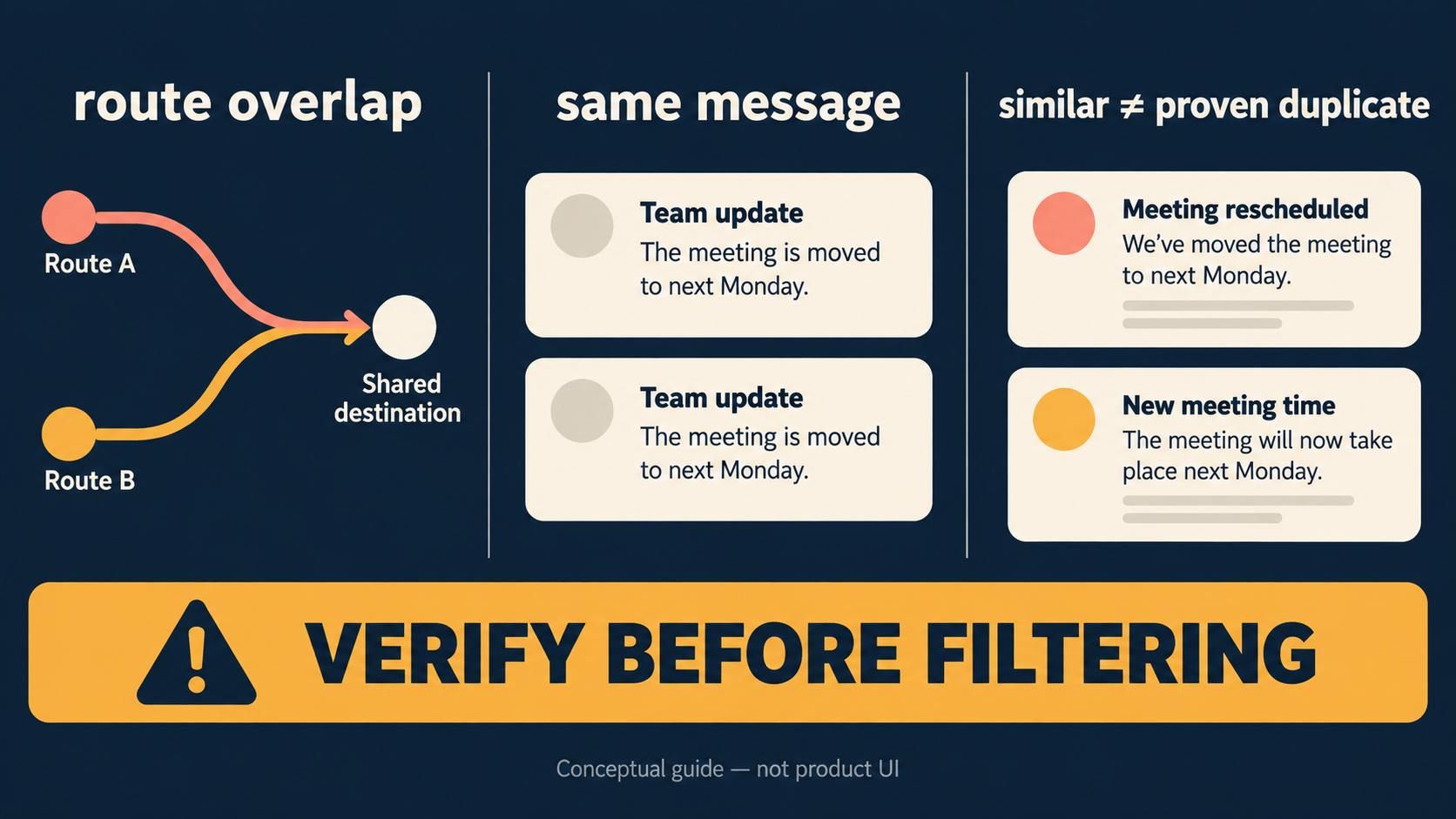
Treat “duplicate” as a diagnosis problem first. The current Auto Forward Telegram Duplicate Filters page exposes no substantive behavior description, so this guide does not claim a matching window, task-level setup, semantic matching, edit/retry treatment, or a blocking guarantee.
Auto Forward Telegram documents Fast for regular albums, Balanced for occasionally unstable grouping, Stable for large or irregular-arrival albums, and Careful for large albums that often miss items. Higher modes may send later; no mode guarantees complete delivery.