Filter Duplicate Telegram Messages Safely
Treat “duplicate” as a diagnosis problem first. The current Auto Forward Telegram Duplicate Filters page exposes no substantive behavior description, so this guide does not claim a matching window, task-level setup, semantic matching, edit/retry treatment, or a blocking guarantee.
Auto-Bot.io is an independent editorial site; it does not develop or operate Auto Forward Telegram. Sources were checked September 14, 2026. Vendor documentation describes documented controls, not a performance benchmark.
Lead with the evidence boundary
The current dedicated Duplicate Filters URL returns only “Last updated.” Its listing in Auto Forward Telegram’s llms.txt documentation index establishes that a page exists, not how matching works. Earlier search snippets and older task-settings text are discovery leads, not enough to publish task-level implementation detail.
Until a current substantive first-party page is available, the useful answer is narrow: Auto Forward Telegram documentation has a Duplicate Filters surface, but its precise behavior is not verified from the reviewed public source. “Not verified” does not mean the control is absent.
Map route overlap before changing a content control
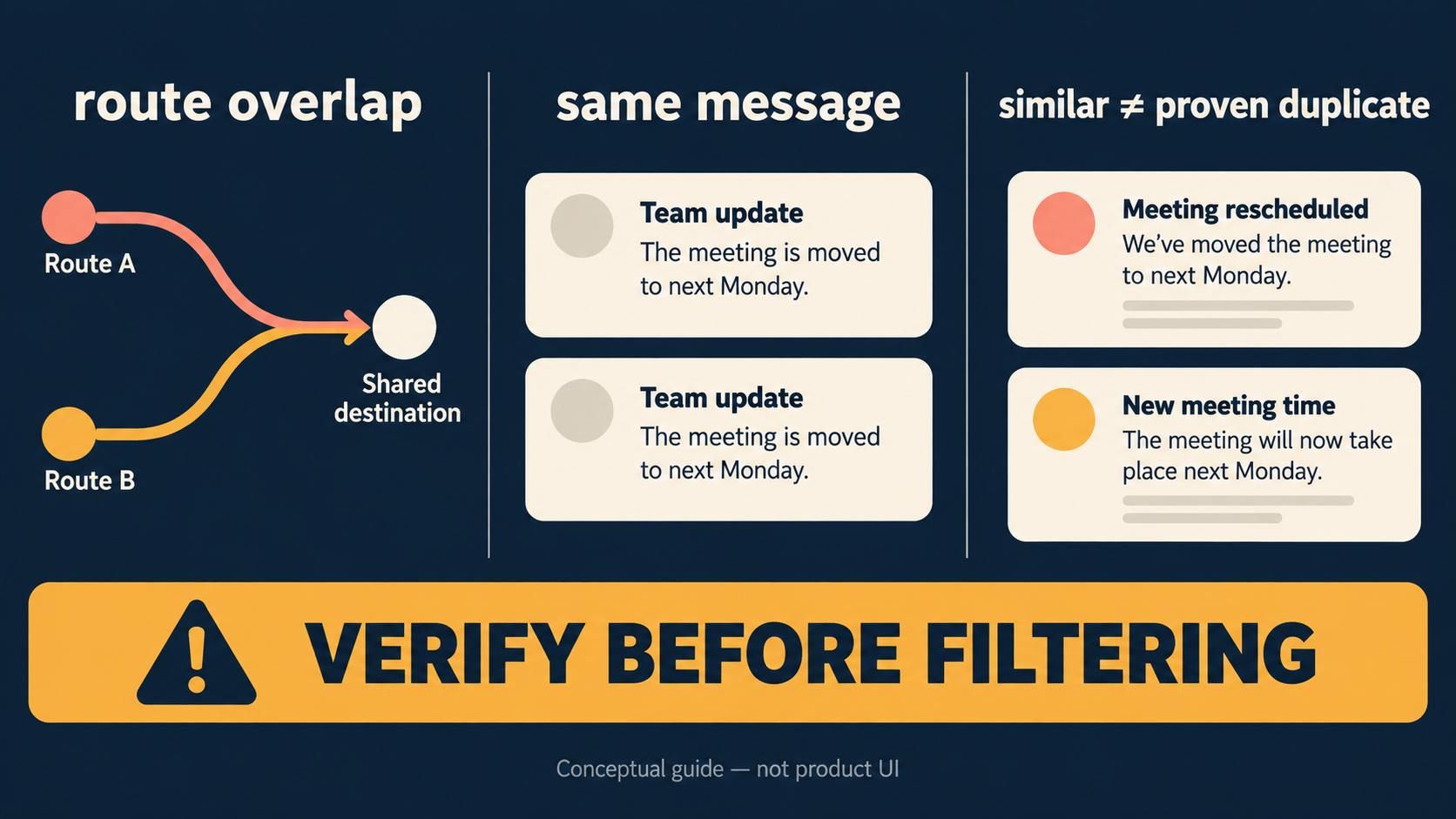
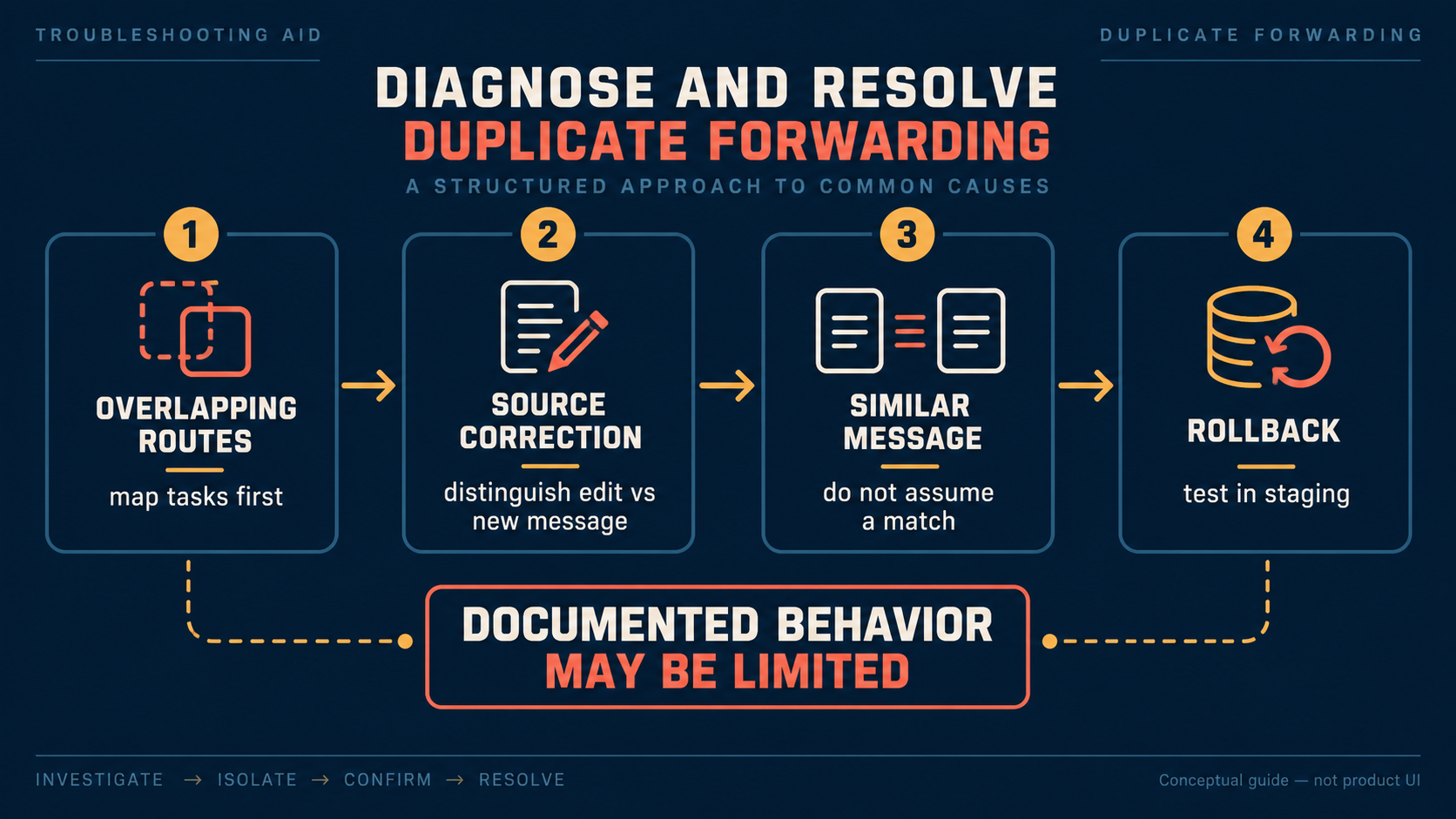
List the source, every active task, every destination, and the observed message identifier or timestamp. Two tasks can legitimately converge on one target; that is a route-design problem, not evidence that two messages are safely interchangeable.
| Observed pattern | What it can mean | First safe action |
|---|---|---|
| Same source message reaches one target twice | Overlapping tasks or targets | Remove the unintended route before assuming a filter is the fix. |
| Two posts look alike | Different source messages with similar wording | Keep both until exact behavior is verified. |
| A correction appears | An edit, retry, or a new post | Preserve the correction; do not infer handling. |
Use a staging protocol that can reveal false positives
Use a source and destination you control. Send one unique plain-text sample twice unchanged, record source and destination arrivals, then test a distinct-message control with one meaningful change. This can show what happened in your own setup; it cannot establish the product’s hidden comparison logic.
Do not use customer data, paid content, credentials, or urgent alerts. If you later find a current first-party configuration guide, recheck the exact control and plan condition before changing production settings.
Keep rollback and support evidence specific
| Problem after a change | Safer response |
|---|---|
| Legitimate updates appear missing | Disable or isolate the change in staging and compare distinct samples. |
| Duplicate-looking arrivals persist | Recheck route overlap and retain timestamps or IDs without sensitive content. |
| Edit/retry behavior is unclear | Do not invent a rule; ask support with a sanitized reproduction. |
| No public behavior evidence | Keep public copy source-bounded and avoid a configuration claim. |
This troubleshooting path is deliberately useful without presenting an undocumented control as tested product behavior.
FAQ
- Does identical wording prove that two forwarded messages are duplicates?
- No. The current Duplicate Filters page does not document matching behavior, so identical wording is a diagnosis lead rather than proof.
- Does the reviewed documentation establish a matching window or task control?
- No. Auto Forward Telegram’s documentation index confirms a page exists, but the dedicated page provides no substantive configuration or behavior detail.
- What should I record before contacting support?
- Keep a sanitized route description, message IDs or timestamps, the source and destination pattern, and what you observed. That is support evidence, not a claimed Auto Forward Telegram configuration.
- Why keep similar messages pending evidence?
- Similarity is not documented as a duplicate rule on the reviewed first-party page; retaining legitimate corrections avoids treating an unknown match rule as a blocking guarantee.
Choose a management surface without overclaiming parity
Use Web, iOS, or Android to inspect tasks. Product information supplied for this guide recommends Web/App for fuller management than the Telegram-bot entrypoint; active tasks run in Auto Forward Telegram’s cloud after activation. That product guidance does not establish duplicate-filter parity on every surface.
Auto Forward Telegram reports 99.99% service uptime, not duplicate-detection accuracy or an SLA. Verify the exact bot at @AutoForwardNew_Bot.
Open the Exact RedFox Auto Forward Telegram Bot
Verify @AutoForwardNew_Bot, then review current plans, limits, and documented destinations before connecting an account.
Check current plans and limits in the bot