Telegram Clone Bot Enabled, but Albums Use Your Account?
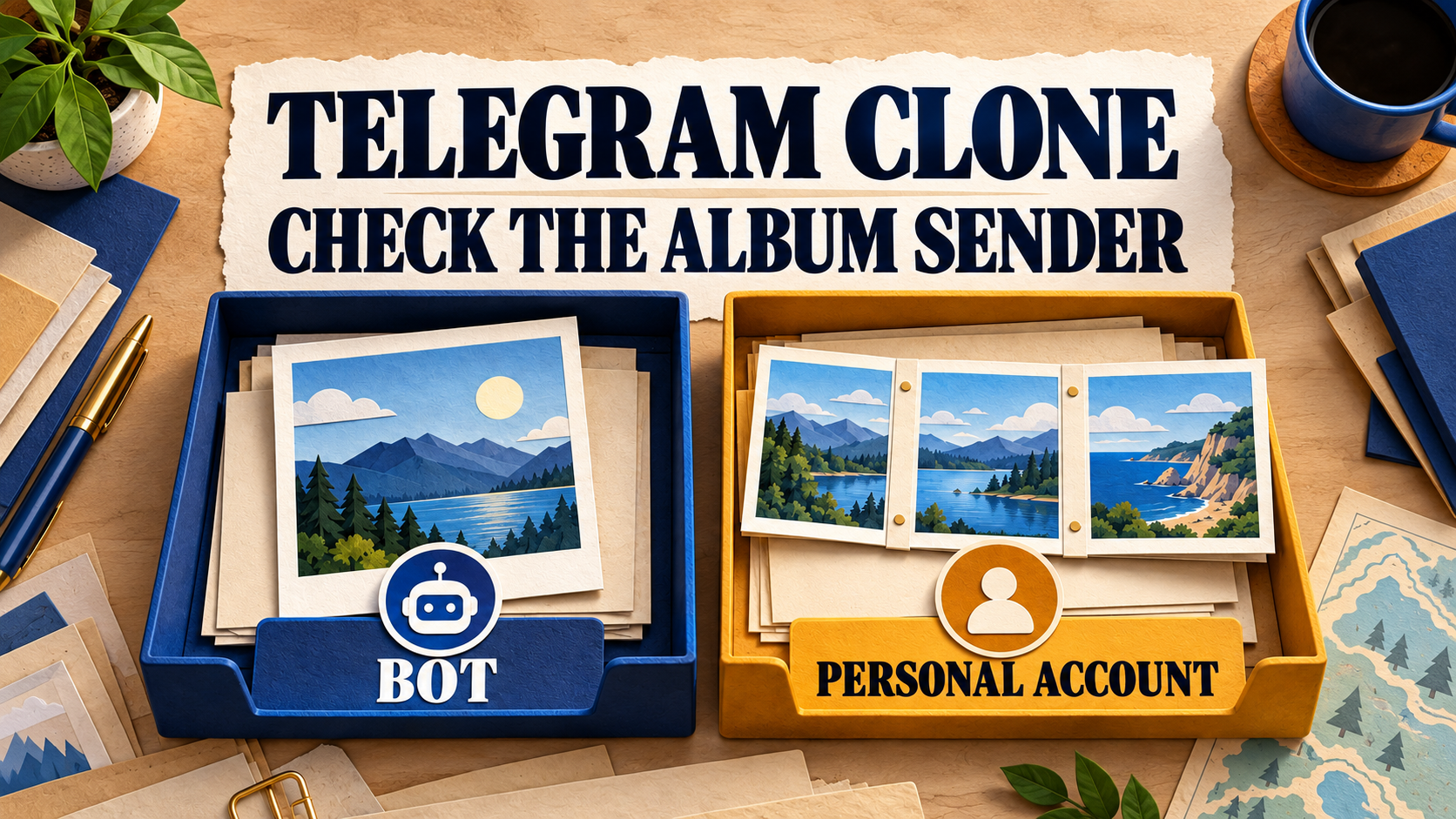
If a Telegram album is cloned by your personal account even though Clone Bot Sender is enabled, do not immediately replace your bot or rerun the archive. RedFox explicitly documents that albums continue to use the Personal Telegram Account. A saved bot selection is therefore not a bot-only promise for a mixed archive. First identify whether the unexpected copy is an album, then decide whether that sender is acceptable before the next run.
This guide is for an operator who already uses a bot-enabled Clone Profile in RedFox Auto Forward Telegram (@AutoForwardNew_Bot) and needs to keep personal-account sending out of a history migration. It is about the sender of copied content, not missing album items or ordinary real-time forwarding. The previous bot, @Auto_Forward_Messages_Bot, has moved to @AutoForwardNew_Bot. RedFox develops and operates the product; Auto-Bot.io publishes this guide.
Based on RedFox documentation checked October 29, 2026. The private checks below are a proposed reader procedure, not a clone test we performed. The featured artwork is a concept illustration of the documented distinction, not product UI or proof of delivery.
The album exception is separate from bot permissions
The official Clone Bot Sender guide says: “Telegram albums are sent using your Personal Telegram Account, even when Bot Sender is enabled.” It also documents Personal Telegram Account as the default, Bot by Strategy as automatic bot selection, and Specific Bot as a selected saved bot.
These are different checks. A missing bot permission can prevent the bot from sending. The album exception is documented even with Bot Sender enabled; adding more permissions or selecting the same bot again is not a documented way to remove that exception. Do not use an album result alone to diagnose a broken token, failed save or faulty rotation.
- One ordinary item uses the wrong sender: inspect the saved Clone Profile, selected bot and target access. Do not assume the album exception explains it.
- An album uses the personal account: this matches the documented exception. Decide whether to include that content in the run at all.
- An album is incomplete or absent: that is a delivery or selection question. Our clone range and retry guide explains why an album crossing an ID-range boundary can be skipped.
Keep the scope narrow. Telegram’s Bot API documents a sendMediaGroup method; the exception above describes RedFox’s Clone Profile behavior, not a universal claim that Telegram bots cannot send albums. Likewise, an ordinary forwarding task’s Sender Type is not evidence of the sender saved on a separate Clone Profile.
Before the next run, write the sender requirement
Choose the rule for this migration before configuring anything:
- Personal-account sending is allowed for albums: record that exception explicitly, review the intended target and proceed only with content you may copy there.
- Every copied item must be bot-sent: hold an album-containing run until you have a separately confirmed way to meet that requirement. Do not treat the enabled toggle, a higher plan or successful bot-access verification as proof that albums will change sender.
- The sender is merely unclear: inspect identity first. A channel title, avatar or plain author signature may not identify the underlying sending account.
Do not launch a full archive just to discover which category it belongs to. If a clone is already active and personal-account output is unacceptable, use the profile’s Stop control. The Clone documentation warns that the state may briefly show Stopping while the current message finishes. Inspect the target and wait for a settled state; Stop is not a promise to retract content already sent.
Inspect the Clone Profile, not an unrelated task
- Open Clone Profiles and select the exact profile. Check its source, target and intended history range. Keep the real audience route stopped while resolving a bot-only requirement.
- Open Edit, then Advanced Settings. Inspect Send clone with Bot and the saved sender choice. For Telegram Bot, note whether it uses Bot by Strategy or a specific saved alias. Record the bot’s exact username separately from its alias; the guide says renaming a bot in Telegram does not automatically rename its saved alias.
- Wait for a save to finish. RedFox says changes to a saved profile’s Bot Sender selection save automatically. If another device changed the profile, the app reloads the latest setting and asks you to choose again. Reopen and check the current value instead of assuming an earlier tap won.
- Verify the bot’s target access. Confirm membership and the sending permissions required for that target, then use Verify bot access to target chats. RedFox recommends verification but says it does not replace Telegram permissions.
This guide starts with Bot Sender already available on your profile. If it is locked, check the account’s current feature eligibility and the dedicated guide with RedFox support before purchasing anything. Eligibility is a separate decision; unlocking a control does not remove the documented album exception. Keep bot tokens, login codes and account secrets out of worksheets and support screenshots.
If you need a recognizable sender for live forwarding rather than history cloning, use the single-bot task guide. For a rotating live task with one destination-rights gap, use the bots-by-targets audit. Do not apply those task repairs as an assumed album fix inside Clone Profiles.
A private check that separates delivery from identity
Only run this check if personal-account sending to the private destination is acceptable. Otherwise, stop at the documentation and configuration review. Use your own harmless content and an isolated source and destination you control; do not test on a member-facing archive. If your plan has no capacity for an isolated profile, do not improvise on the live one.
- Record and isolate. Note the selected bot, profile, endpoints, clone mode and range, permissions, filters and other routes reaching the destination. Keep competing routes out of the test. Use a specific saved bot for this check so an automatic strategy does not add another variable; leave shared Bot Management settings and the live profile unchanged.
- Prepare two distinguishable specimens. Put one standalone photo and one complete small photo album in the private source. Give them harmless distinct captions, such as “SENDER CHECK — single” and “SENDER CHECK — album.” Ensure both meet the same applicable content rules, and select a range containing the entire album. These are test labels, not observed results.
- Establish what you can identify. In the private destination, inspect whether each delivered item exposes an identifiable sender profile. Match an exact bot username or your own personal profile, not just a display name. If Telegram only shows a channel identity or a plain signature, record sender unverified. Do not change live anonymity or author-display settings merely to improve the experiment.
- Run once and wait for completion. Record the resulting destination items, timestamps, grouping and any visible errors. RedFox says only one clone operation can run for an account at a time. Refresh the existing profile’s status if it looks stale; do not tap Run again because the progress display paused in the background.
- Read the result without overclaiming. A positively identified bot on the standalone copy and your positively identified personal profile on the album are consistent with the documented distinction in this private check. Delivery without inspectable identity is inconclusive about sender. A missing or partial item is not a sender result; reconcile its range, rules and run summary first.
There is no need to manufacture a permission failure. Keep a correct bot connection and correct target rights throughout. This check asks whether content types use different documented senders, not whether removing a permission forces a fallback. When finished, leave no test operation running and remove or retain only the test material you deliberately created, according to your own retention needs.
Choose the next action from the result
- The album sender is confirmed as personal: if that is permitted, retain the exception in the migration plan. If it violates your requirement, do not resume the mixed archive. Ask RedFox for a confirmed album-compatible bot-only route before relying on one.
- The ordinary item has an unexpected confirmed sender: recheck the actual Clone Profile selection, saved alias and exact bot, target rights, and competing routes. Keep that problem separate from albums. Preserve the before-state and ask support rather than rotating tokens or stacking changes.
- The sender cannot be identified: keep the result unverified. A successful send is useful delivery evidence, but cannot certify a bot-only migration.
- A copy is missing: inspect the run summary. Retry Missing retries eligible missing items; Clone Again starts a new operation from the beginning. Neither is a documented sender repair, and restarting can repeat already copied content.
For support, provide the profile label, content type, source message IDs, selected sender and alias, target type, timestamp with timezone, and expected versus observed identity. Share only a sanitized example. An earlier copy using the personal account does not become bot-sent when you change future profile settings; review already published items separately and check for existing copies before authorizing any resend.
Frequently asked questions
Will choosing Specific Bot instead of Bot by Strategy fix albums?
The dedicated Clone guide states the album exception even when Bot Sender is enabled. It does not present either bot selection as an exception to that rule. Use a specific bot to simplify a private identity check, not as an assumed album workaround.
Does Clone Bot Sender make the migration anonymous?
No such guarantee follows. RedFox says Bot Sender can separate clone activity from the personal sender, but explicitly warns that it does not guarantee protection from restrictions or bans. The album exception also matters when personal-account sending is unacceptable. Sender identity and source attribution are different facts.
Does stopping or deleting a Clone Profile remove earlier copies?
Stopping may allow the current message to finish. RedFox says deleting a saved profile does not delete Telegram messages or previous run history. Do not use either action as an assumed cleanup of earlier output.
Review one mixed archive before you run it
Your next step: open RedFox Auto Forward Telegram, inspect one Clone Profile and decide whether its albums may use your personal account. Verify privately only if that behavior is acceptable in the test destination. If bot-only sending is mandatory, keep the archive on hold until the album path is confirmed; do not rerun it to find out in public.
Choose the Web App, official iOS app or Android app for management. Web and mobile apps offer fuller management than the limited Telegram-bot entrypoint. The Clone guide says backgrounding the app does not intentionally stop an accepted clone; live progress may pause until you return. Check the existing operation’s state rather than treating a closed screen as a stop command.
Check the Sender Before Your Next Clone
Review one Clone Profile and its album exception before migrating an archive to a real audience.
Manage on Web, iOS or Android