Telegram Clone Missing Messages? Check ID Range and Albums
A Telegram history clone that copies fewer messages than you expected is not automatically a failed run. In RedFox Auto Forward Telegram, an ID range selects source IDs, not a guaranteed number of delivered messages. Deleted, filtered or skipped messages can reduce the result; an album crossing the range boundary is skipped as a whole. Check the selected range and the run summary before choosing Retry Missing or Clone Again—they do different jobs.
This guide is for channel or group operators who have already started a history-copying run and need to account for a gap without unnecessarily copying everything again. It follows the official Clone Profiles documentation, checked October 8, 2026. The examples below are deliberately fictional, not a reproduced customer incident or a hands-on delivery benchmark. RedFox operates the product; Auto-Bot.io is a separate editorial publisher.
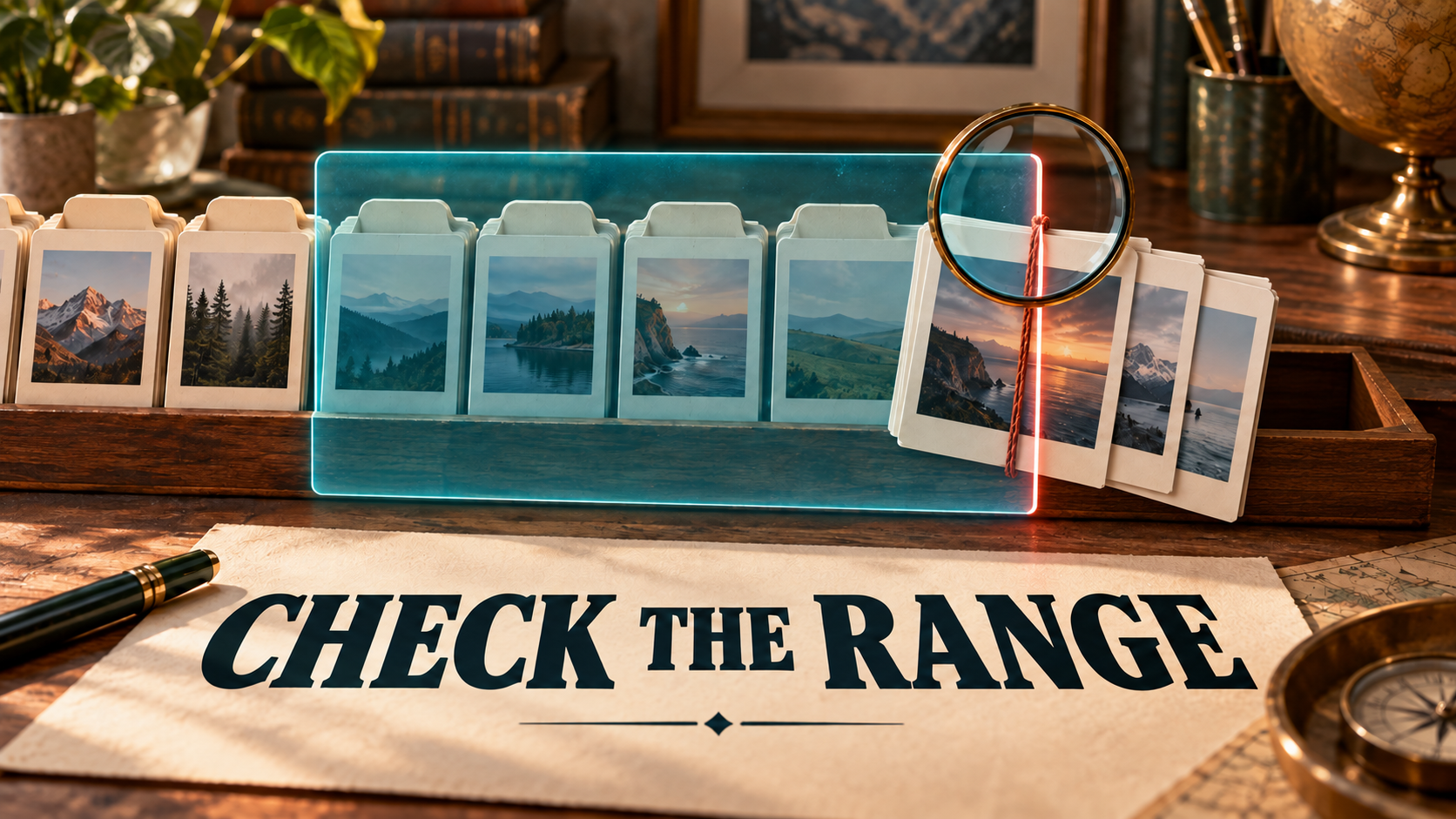
The featured image is a conceptual illustration of a selection boundary and an intact album, not a Telegram or Auto Forward screenshot.
Start with the missing item, not the total
Pick one specific source post you expected to find in the target. Keep its source link or message ID, the selected start and end IDs, the destination, and the run's displayed status together. A screen full of copied posts cannot prove that this particular post arrived; a smaller progress count cannot prove why it did not.
| What you observe | First check | What to do next |
|---|---|---|
| Fewer copied messages than the size of the selected ID range | Does each expected source item still exist, fall inside the range, and meet the configured filters? | Reconcile actual eligible items rather than treating every ID as a deliverable message. |
| A whole album is absent near the start or end | Does part of the album lie outside the selected range? | Review the album's complete extent before planning a separate bounded copy. |
| The run says Completed with issues | Does its summary offer Retry Missing for retryable items? | Use that narrower action when applicable; do not immediately restart the whole run. |
| The progress card looks frozen after returning to the app | Open the profile and use Click to Refresh. | Read the refreshed state before issuing another run. |
| Date headings look right but Telegram timestamps look new | Are you comparing the original-day heading with the time the copy was sent? | Keep those two dates separate; Date-wise Clone does not backdate Telegram messages. |
The table is an editorial diagnostic sequence based on documented behavior, not a promise that every absent message will be recoverable. Access failures, source deletions and intentional exclusions need different remedies.
1. Read an ID range as a selection, not a delivery target
The current Clone flow offers By count and ID range. In ID range mode, you enter Start From Message ID and End ID (included). The final ID is included, but the documentation explicitly warns that the final message count can be lower because messages were deleted, filtered or skipped. It also documents a maximum range of 100,000 source IDs; that is not a guarantee of 100,000 target messages.
Illustrative check: suppose you selected source IDs 100 through 110, inclusive. That is eleven ID positions. It does not establish that eleven existing, eligible standalone messages will be copied. If a post was removed from the source or excluded by your clone settings, retrying the same selection does not make that post eligible again.
- Confirm the exact source and target saved in the Clone Profile. Similar chat names are not sufficient.
- Record the mode and the literal start/end IDs used for this run. Do not substitute an ending timestamp for an ending ID.
- Check the specific missing post in the source with the connected account. If it no longer exists or cannot be accessed, do not treat its absence as a target-only problem.
- Review the clone's own selection and content rules before changing anything. Keep the before-change settings so you can explain whether a later result came from a retry or a new selection.
For a new live-forwarding route, use the basic Telegram forwarding setup guide. Copying historical messages is a separate operation; successfully forwarding a new post does not certify completeness of an old archive.
2. Check whether the range cuts through an album
RedFox's Date-wise Clone documentation states that albums stay grouped and that the whole album is skipped if it crosses the selected range boundary. This can explain an absent album even when some of its items appear to be inside your chosen IDs.
Fictional boundary example: your range ends at 110, but a source album spans IDs 108, 109, 110 and 111. The album straddles the end boundary. Expecting the first three items to arrive individually contradicts the documented whole-album rule. The same reasoning applies when your start boundary falls inside an album.
Inspect the whole source album, not just the one photo whose link you saved. If you are authorized to copy all of it, plan a separate range that fully contains that album and check the target first for anything already present. Do not blindly widen and rerun a large successful range: you would be asking for another copy of unrelated history too. If you cannot establish the album's bounds or the interface does not expose the needed selection, take the saved source links and run summary to support rather than guessing IDs.
For ongoing forwarding rather than history cloning, the Telegram Album Delivery Modes guide owns that separate configuration. Do not assume that changing a live task's album mode removes a clone-range boundary.
3. Choose Retry Missing only for the gap it actually covers
The official guide distinguishes two actions:
- Retry Missing retries messages that were not cloned successfully and are still retryable.
- Clone Again starts a brand-new operation from the beginning.
For Completed with issues, inspect the summary and use Retry Missing when it is available and matches the unresolved items. An intentionally skipped boundary album is not automatically a retryable failed send. First resolve whether its selection needs to change.
Reserve Clone Again for a deliberate full rerun, such as a separately planned copy into a new authorized target. Before running again into the same target, reconcile what already arrived and decide how you will handle overlaps. Do not assume that duplicate filtering in a regular forwarding task makes a full clone rerun harmless.
The documentation allows only one clone operation per account at a time. Wait for the current run to finish before starting another. If the profile card is outdated after returning to the app, open it and tap Click to Refresh; backgrounding the app does not intentionally stop an accepted clone, although live progress may pause until you reopen it.
To stop an active run, the documented control is Stop; the status may temporarily show Stopping while the current message finishes. Confirm the stopped state before your next operation. Deleting a saved profile does not delete Telegram messages or remove earlier run history, so it is not a duplicate-cleanup shortcut.
4. Separate archive dates, delivery times and sender identity
Date-wise Clone adds a heading for the original content day, using your account's configured timezone. The copied messages still carry the Telegram timestamp of when they were sent. Date headings do not count as cloned messages. Turning Date-wise Clone off changes future runs; it does not remove headings already delivered. These distinctions matter when you compare screenshots or count visible items in the destination.
If your diagnosis involves who sent the copy, check the separate Clone Bot Sender guide. Personal Telegram Account is the default. Clone Bot Sender requires an active paid Platinum plan, a saved bot token, target membership and sending permissions; Platinum Trial, Gold, Diamond, Free and expired plans cannot enable it. Albums still use the Personal Telegram Account even when Bot Sender is enabled. Do not mistake an album's personal-account sender for proof that your bot selection failed.
Bot Sender is not a restriction- or ban-protection guarantee. The older bot-command clone guide also warns that bulk cloning can temporarily limit the sending account and delay existing forwarding setups. Those command warnings are not a tested timing promise for every current Clone Profile. If you encounter a limit, respect the reported restriction instead of rapidly restarting jobs.
5. Verify a small correction before resuming a large archive
Use content you own or have permission to redistribute and a destination you control. Private-channel membership or a paid subscription does not grant rights to republish someone else's archive. Do not delete a source, close an account or discard the only remaining original on the strength of a progress badge.
- Save the evidence: the original run's range, settings, status, source links and a sanitized target observation. Keep bot tokens and login details out of this record.
- Classify the gap: outside the range, deleted/inaccessible, filtered, whole-album boundary, retryable failure, or unresolved. Leave genuinely unresolved items unresolved.
- Choose one correction: Retry Missing for an eligible failed subset, or a separately bounded selection for an authorized excluded album. Avoid combining a filter change, sender change and full rerun.
- Check the result in Telegram: compare the specific expected post or complete album, its caption/media, sender and date interpretation. Record what actually arrived, not just what the job counter says.
- Continue only after the small check: if the same item is still missing, retain the refreshed summary and escalate the exact case instead of stacking new runs.
This is a verification recipe for your own run, not a claim that we executed it. A Telegram copy is also not a complete account backup: this procedure does not certify every conversation, original timestamp, relationship, or future edit/delete synchronization.
Quick answers
Why does my ID range produce fewer messages?
The range bounds source IDs. Deleted, filtered or skipped items can lower the result, and a boundary-crossing album is skipped as a whole. Find a specific missing item and classify it before treating the total as a failure.
Will Retry Missing recover every skipped album?
No such guarantee is documented. It retries unsuccessful messages that remain retryable. A range that excludes part of an album needs a selection review, not an assumption that retry changes the boundary.
Can I leave the app while cloning?
The official guide says backgrounding does not intentionally stop an accepted clone. Progress display may pause; reopen the profile and refresh before starting another run. That is not proof of completion or an uninterrupted-delivery guarantee.
Does Date-wise Clone restore the original Telegram timestamp?
No. It adds an original-day heading. Copied messages still show their sending time, and headings are excluded from the clone message count.
Account for the gap before copying more
RedFox Auto Forward Telegram (@AutoForwardNew_Bot) provides documented Clone Profiles, range selection and a narrower Retry Missing path for eligible incomplete results. Start with the affected profile, not another full archive run. Use the Web App, Android app or iOS app for fuller management than the bot entrypoint, choosing the surface you prefer. Active forwarding tasks run in RedFox's cloud without keeping the interface open; for this clone, rely on its refreshed operation status to establish completion.
Review Auto Forward Telegram's platforms and capabilities and the current Clone guide before changing your archive. The previous @Auto_Forward_Messages_Bot entrypoint moved to @AutoForwardNew_Bot. Your useful success check is a verified missing post or intact album in the intended target—not simply a second green completion badge.
Check Your Clone Profile Before Running Again
Review the range, album boundaries and refreshed run summary. Use Retry Missing only for eligible incomplete items.
Check current plan and sender requirements in the Clone guide