WhatsApp Contact vs Group vs Channel: Which to Choose?
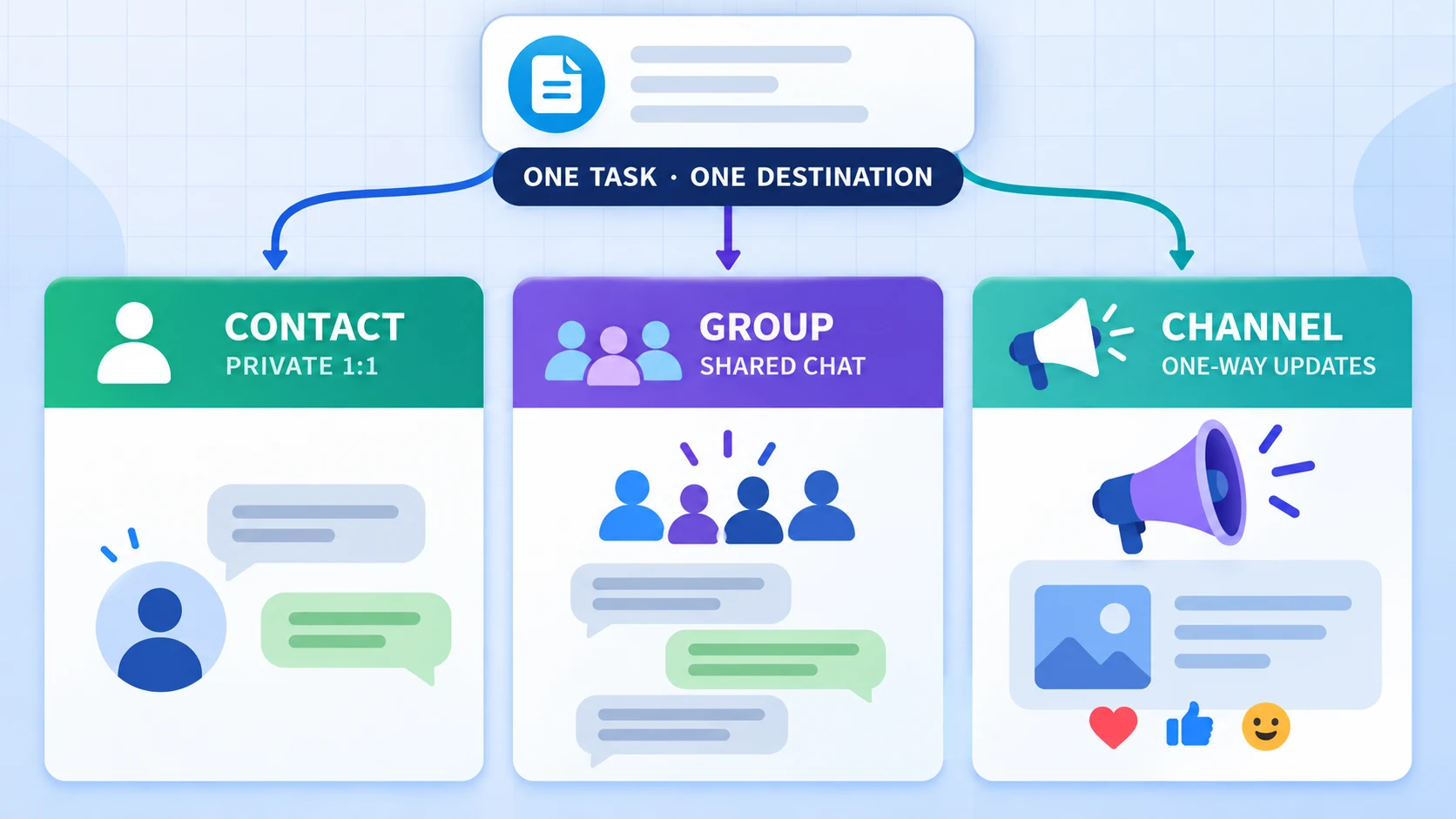
Choose a WhatsApp Contact when one known recipient should receive updates in a 1:1 chat. Choose a Group when several members share the destination and discussion is expected. Choose a Channel for one-way publishing to a public update surface in WhatsApp's Updates tab. RedFox calls the Channel destination type Newsletter in the product behavior inspected on September 17, 2026.
This is a destination-choice guide, not a setup walkthrough. For the full QR connection and task-creation sequence, start with How to Auto Forward Telegram to WhatsApp. For photos, videos, GIFs, voice notes, documents, albums and structured content, use the Telegram-to-WhatsApp supported-media matrix.
WhatsApp Contact vs Group vs Channel: quick comparison
RedFox's task contract inspected on September 17, 2026 accepts three destination families: Contact, Group and Newsletter. The third maps to a WhatsApp Channel. Each Publish Task stores one destination, so a 1:1 recipient, a team group and a public update feed should be separate tasks.
| Question | Contact | Group | Channel |
|---|---|---|---|
| Best fit | One known recipient | A defined set of members | Followers receiving updates |
| Interaction model | 1:1 chat | Shared conversation | One-way updates; reactions or poll votes may be available |
| Where it appears | Personal chats | Group chats | Updates tab, separate from personal chats and calls |
| Reply expectation | The recipient can reply in WhatsApp, but RedFox does not copy that reply back to Telegram | Members may discuss subject to group permissions; RedFox does not bridge replies back to Telegram | Ordinary updates are not direct-reply conversations; reactions, polls and Questions may provide separate interaction where available |
| Important privacy point | The recipient knows the sending account and can screenshot or reshare content; use only with permission | WhatsApp says group members can see other members' phone numbers and profile names in described conditions | Channel content is public; other viewers do not see follower identity, while admins may see profile or interaction information under WhatsApp's documented conditions |
| RedFox picker label | Contact | Group | Newsletter |
Product boundary: the first-party setup guide and the adapter contract inspected on September 17, 2026 establish the three selectable destination families and one destination per task. Official WhatsApp sources establish the interaction and privacy distinctions. A controlled September 7, 2026 receipt observed an image and caption in one approved test Channel; it does not prove every account, destination or content combination.
Choose Contact for a known 1:1 recipient
Contact is the clearest choice when one person should receive each new Telegram update. Typical examples include an operator's own staging number, a customer who explicitly asked for direct notifications, or a colleague responsible for triage.
Contact is a good fit when
- There is one identifiable recipient.
- The update should appear in a normal personal chat.
- The recipient has agreed to receive the messages.
- You have a clear process for handling replies outside the forwarding task.
A Contact destination does not make the task a two-way Telegram–WhatsApp bridge. The Publish Task sends new source messages outward. A reply received in WhatsApp is not mirrored back into Telegram by this workflow.
A 1:1 destination narrows the immediate audience; it does not make the content impossible to copy. WhatsApp advises that recipients can take screenshots or recordings and share them elsewhere. Send only material that the recipient is authorized to receive.
Start a new route with a harmless message to a destination you control. Confirm the displayed recipient before enabling a real source; a similar contact name is not enough evidence that the correct person was selected.
Choose Group for member discussion
Group fits an audience that already works together and should see the same update in a shared chat. It is more conversational than Channel: members may reply and discuss according to the group's current permissions.
Group is a good fit when
- The audience is a defined team, community or operations group.
- Members expect discussion around the forwarded update.
- The linked WhatsApp account is already allowed to post there.
- Group admins have approved the automation and content cadence.
Group membership changes the privacy boundary. WhatsApp's privacy guide says that when someone is added to a group, all group members can see that person's phone number; a chosen profile name can also be visible when messages are sent. Do not use a Group merely because it reaches several people. Confirm that participants understand who can see their information.
Admin-only posting, membership changes or a removed linked account can change whether delivery succeeds. Treat the current destination and permissions as state to verify, not as permanent facts.
Choose Channel for one-way updates
A WhatsApp Channel is a public update surface, not a private group conversation. WhatsApp states that all Channels are publicly accessible and that a private Channel cannot be created. Updates appear in the Updates tab, away from personal chats and calls.
Ordinary Channel updates are one-way publishing rather than direct-reply conversations. Followers cannot reply directly to ordinary updates or message admins through the Channel, but separate interaction features can include emoji reactions, polls and, where available, Questions whose responses are visible to admins. Do not describe a Channel as having no interaction.
Channel is a good fit when
- The goal is one-way announcements or recurring updates.
- Conversation should not take place in the destination itself.
- The content is appropriate for a public audience, including people who do not follow the Channel.
- Channel admins have reviewed the content, rights and safety obligations.
WhatsApp notes that Channel notifications are muted by default and followers choose whether to follow. Do not use automation to imply assured attention. Channel owners and admins remain responsible for safe, relevant and age-appropriate updates.
The retained controlled receipt covers one approved test Channel and proves only that the tested image/caption path was retrieved as expected at that time. It is not a universal Channel availability, reach or delivery claim.
A practical decision rule
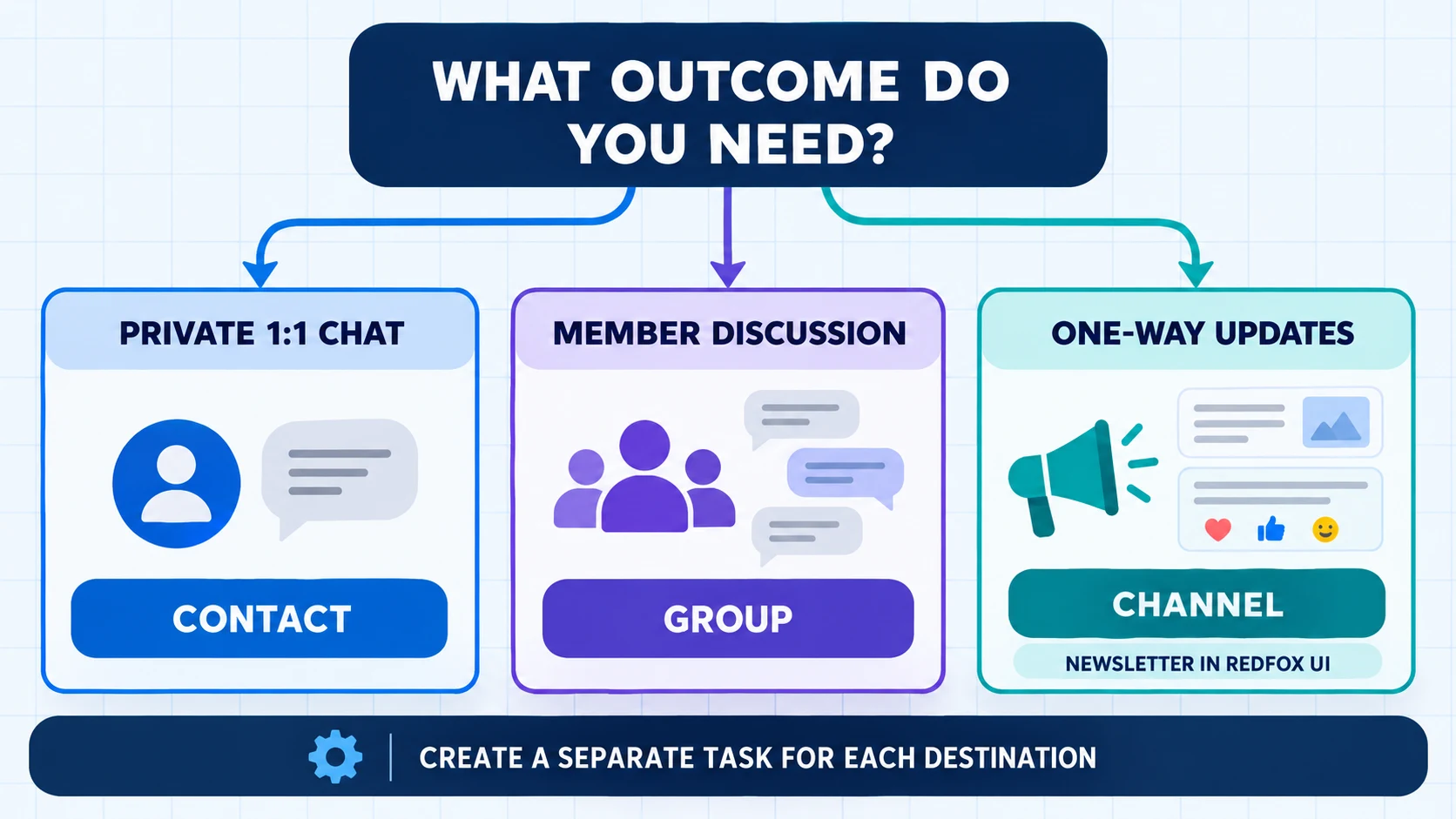
- Do you need one known recipient? Choose Contact.
- Should members discuss the update together? Choose Group.
- Is the material suitable for a public audience, and should it be published one-way? Choose Channel, shown as Newsletter in RedFox. If either answer is no, do not use Channel.
- Do you need more than one outcome? Create a separate task for each destination and test each route independently.
Do not select by audience size alone. The decisive question is how people should receive, see and interact with the update.
Configure and test the destination
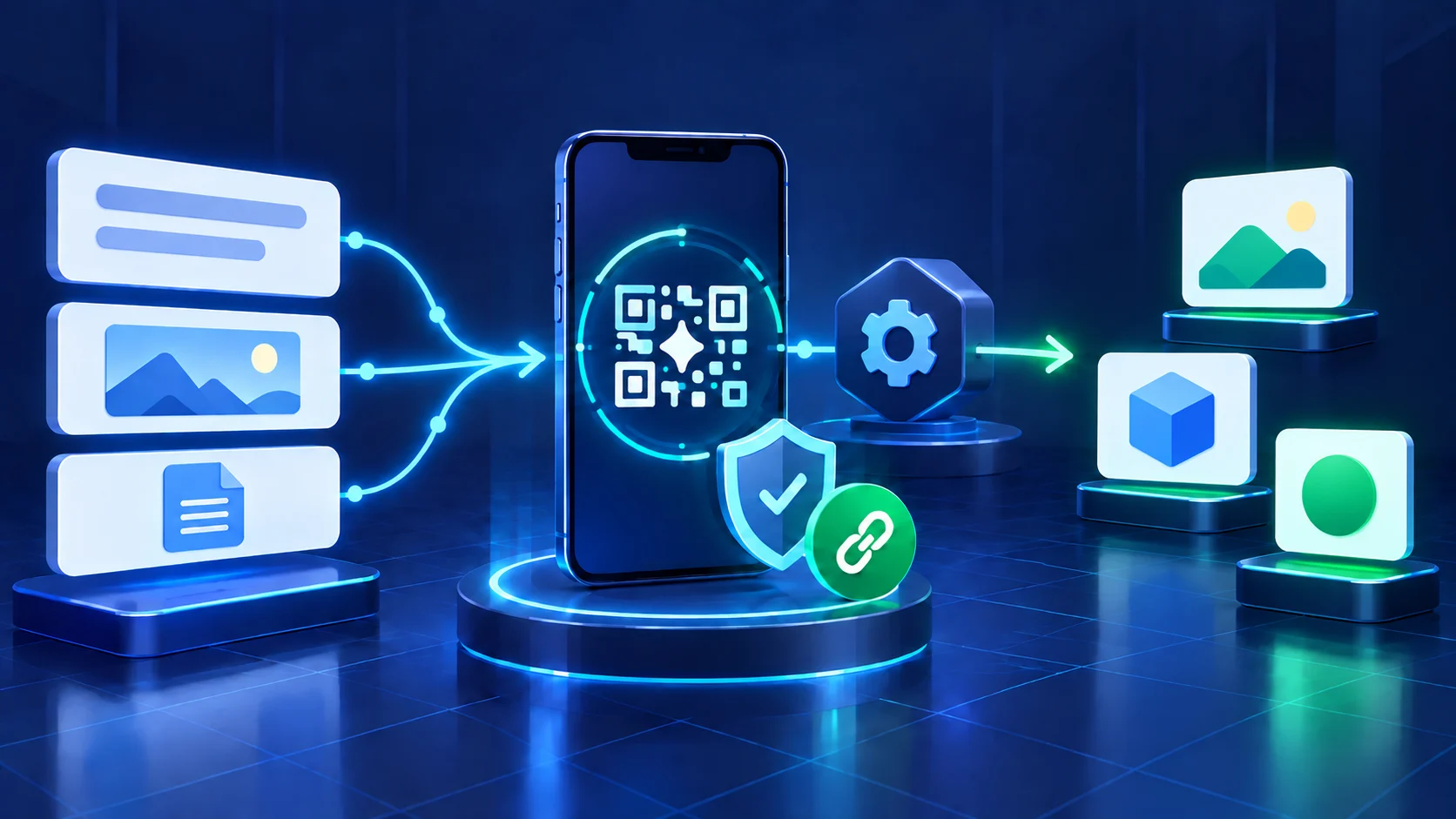
RedFox uses a QR-linked WhatsApp session. You do not enter a Phone number ID or access token in this flow, but authorization is still required: the account owner links a device by scanning a temporary QR code. Protect the live QR code while it can authorize linking, and protect the resulting persistent linked session as a credential. An expired QR image by itself does not provide ongoing access.
- Open Create Publish Task, choose WhatsApp and select the connected account.
- On Source and recipient, choose the Telegram sources.
- Open Choose WhatsApp destination.
- Filter by Contact, Group or Newsletter, then select one row.
- Verify the destination type and label in Review before creating the task.
- Verify the audience boundary: the intended Contact, the Group's current membership and posting permission, or the Channel's public-content suitability.
- Send a new plain-text test after the task is running. Historical messages are not automatically reposted.
- If media matters, run a separate sample using the supported-media staging matrix.
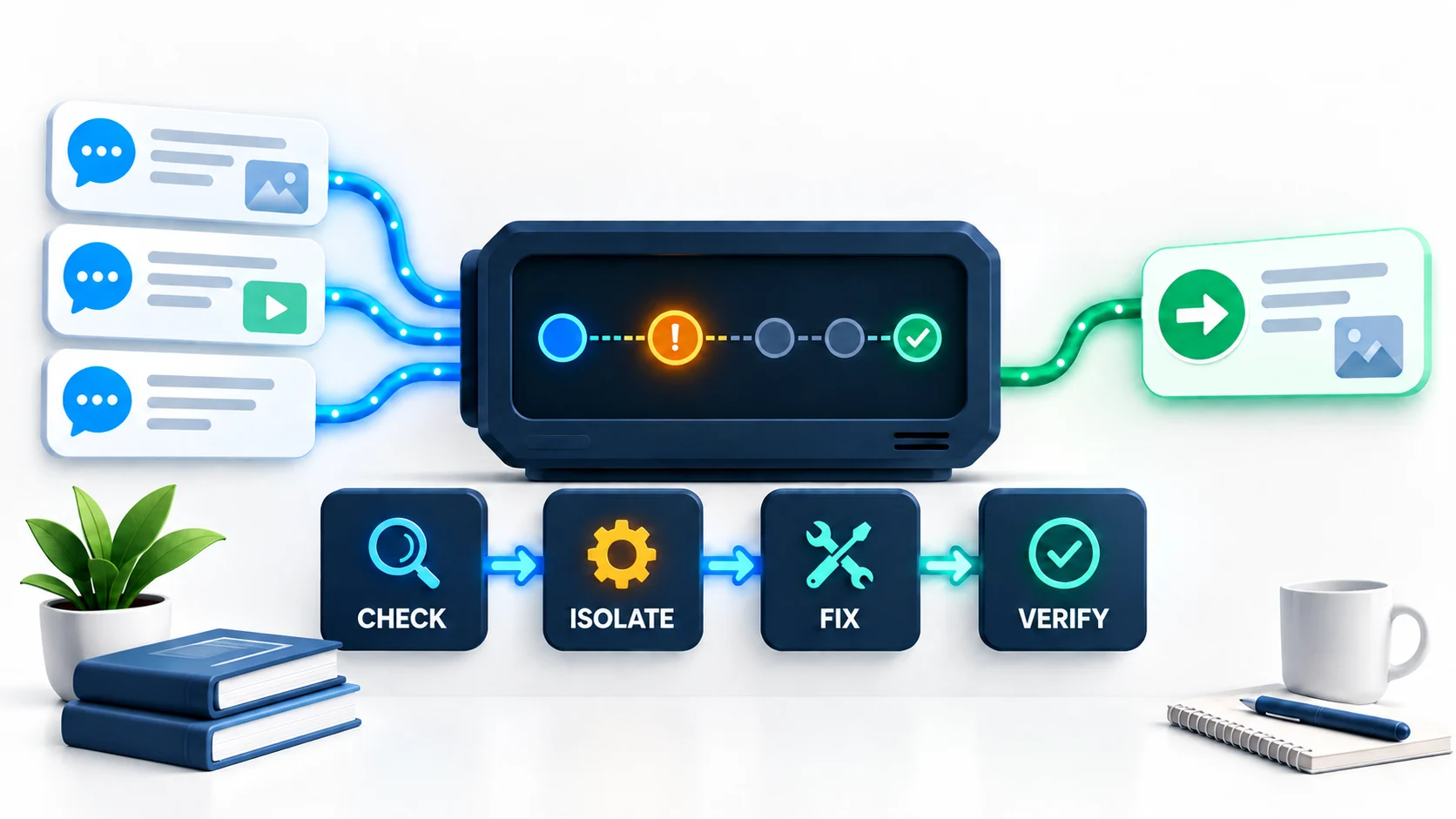
If the destination is absent, first confirm that the linked account can see it in WhatsApp, the connection is still Connected, the search field is clear and the type filter is correct. Do not recreate tasks blindly or bypass permission checks.
The current first-party setup guide still says binary Telegram media is not sent. That statement is useful for the QR/task flow but stale as a complete media map. This destination guide therefore links to the evidence-bounded media article instead of using that sentence as current compatibility proof.
Privacy, consent and account risk
- Get authorization: Connect only an account you are allowed to use and publish only to destinations where you have permission.
- Match the audience: do not send personal material to a Group or Channel because it was acceptable in a private Contact chat.
- Respect rights: confirm that you may redistribute source text, media, personal information and location data.
- Avoid unwanted volume: WhatsApp's Messaging Guidelines prohibit fraud, spam and repeated unwanted contact. They also prohibit automation used to harm WhatsApp or its users; do not broaden that wording into a claim that every automation is prohibited.
- Respond to restrictions: pause the task, inspect recent sends and follow WhatsApp's official recovery path. Do not evade enforcement by cycling accounts or sessions.
- Protect credentials: never publish a live QR code, session database, phone number, destination ID or linked-device screen.
RedFox Auto Forward Telegram is operated by the RedFox team and is not presented here as an official Meta or WhatsApp integration. Platform behavior and policies can change; verify a controlled sample before each production rollout.
Frequently asked questions
- Is Newsletter in RedFox the same as a WhatsApp Channel?
- It is the product's current label for the destination family that maps to WhatsApp's Channel/newsletter identifier. Use WhatsApp's term Channel when reasoning about one-way updates, followers and the Updates tab.
- Can one task publish to a Contact, Group and Channel at the same time?
- No. The current task stores one WhatsApp destination. Create and test separate tasks for separate destinations.
- Can Contact or Group replies return to Telegram?
- Not through this Publish Task. Contact and Group recipients may reply inside WhatsApp, but this workflow does not mirror those replies back to Telegram.
- Can Channel followers reply directly?
- Ordinary Channel updates do not support direct replies or direct messages to admins through the Channel. Separate interaction features can include reactions, poll votes and, where WhatsApp makes it available, Questions whose responses are visible to admins.
- Which destination is most private?
- There is no universal answer. A Contact chat limits the immediate audience to one recipient but the recipient can copy or reshare content. A Group exposes information to members. A Channel's follower identity has privacy protections, but the Channel and its updates are public. Choose by the required audience, interaction model and sensitivity of the content.
- Do I need a WhatsApp API token?
- No Phone number ID or access token is entered in the RedFox flow inspected on September 17, 2026. The account is still authorized through a QR-linked device session, so this means no API credential entry in that product flow—not no authorization and not a statement about every WhatsApp integration method.
Sources and evidence boundary
- RedFox first-party WhatsApp setup guide — destination picker, one destination per task and setup behavior; its media sentence is disclosed as stale.
- WhatsApp Help Center: About WhatsApp Channels — public accessibility, one-way updates, Updates tab, reactions and follower behavior.
- WhatsApp Help Center: safety and privacy on Channels — follower and admin visibility.
- WhatsApp Help Center: Privacy at a Glance — group-member visibility and personal-message context.
- WhatsApp Messaging Guidelines — unwanted contact, spam and enforcement risk.
Product-contract inspection was performed on September 17, 2026. The controlled Channel receipt is dated September 7, 2026. These sources support the destination model described here; they do not establish a service-level agreement, provider throughput limit, assured platform acceptance or universal account compatibility.
Choose one destination and run a controlled test
Start with the smallest safe audience that matches the real interaction model. Confirm the destination, send one harmless new message, inspect the result, and expand only after permission, privacy and content checks pass.
Review RedFox Auto Forward Telegram features before connecting an account.
Use the Web app · Download for iPhone · Download for Android
Need the complete setup sequence? Return to the Telegram → WhatsApp pillar guide.
Continue in the Exact RedFox Auto Forward Telegram Bot
Verify @AutoForwardNew_Bot, then use the current RedFox documentation while configuring your workflow.
Check current plans and limits in the bot