Telegram to WhatsApp Use Cases: 5 Conditional Patterns
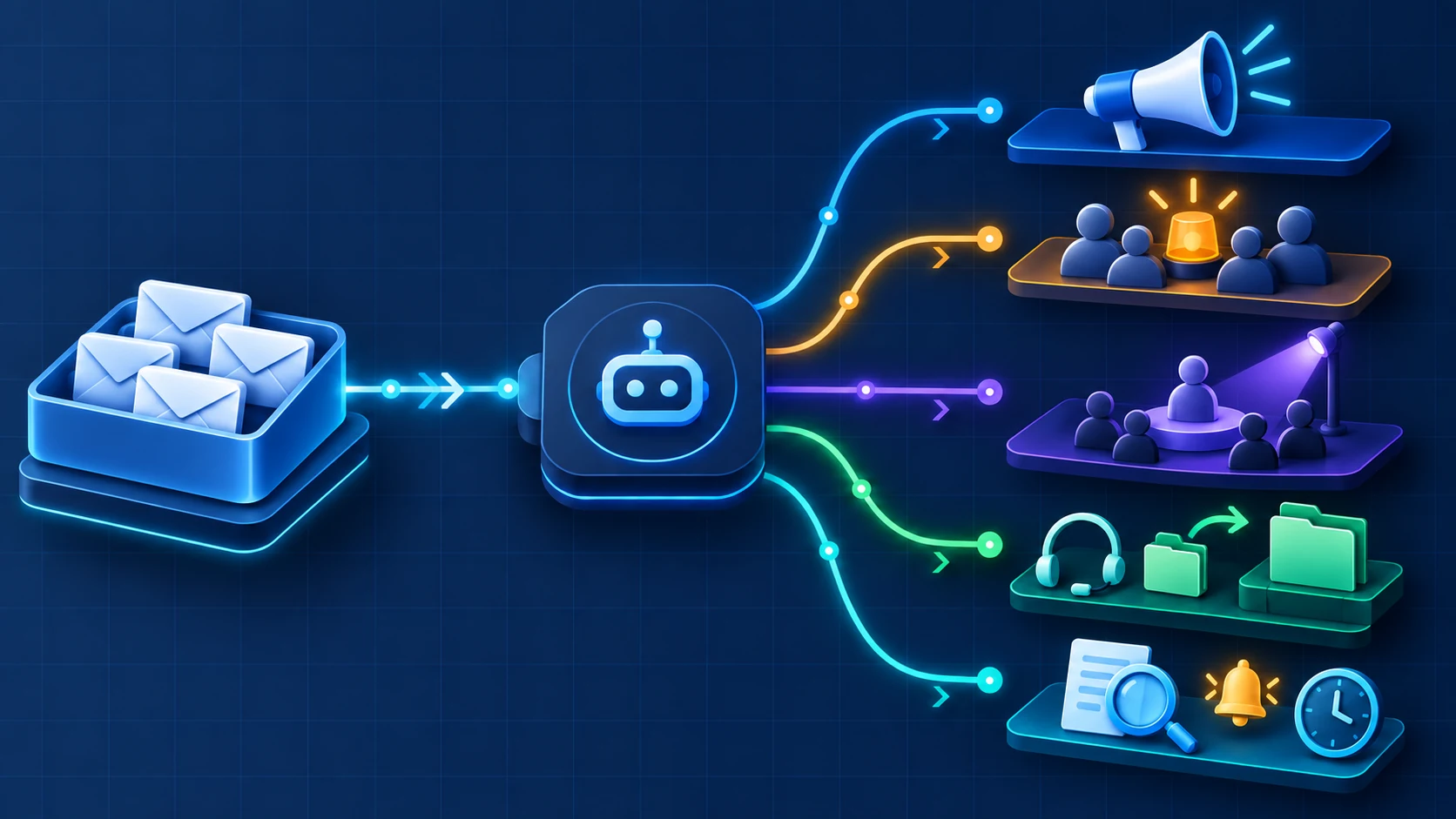
The most defensible Telegram-to-WhatsApp candidates are one-way workflows with one clear source, one purpose and one WhatsApp destination per Publish Task. Five conditional workflow patterns are project announcements, internal operations alerts, creator/community updates, support escalation notifications, and controlled research or trading awareness alerts. Every pattern needs both redistribution rights for the Telegram content and an appropriate basis for reaching the WhatsApp audience. This article makes no claim about time saved, latency, delivery rate, reach or revenue.
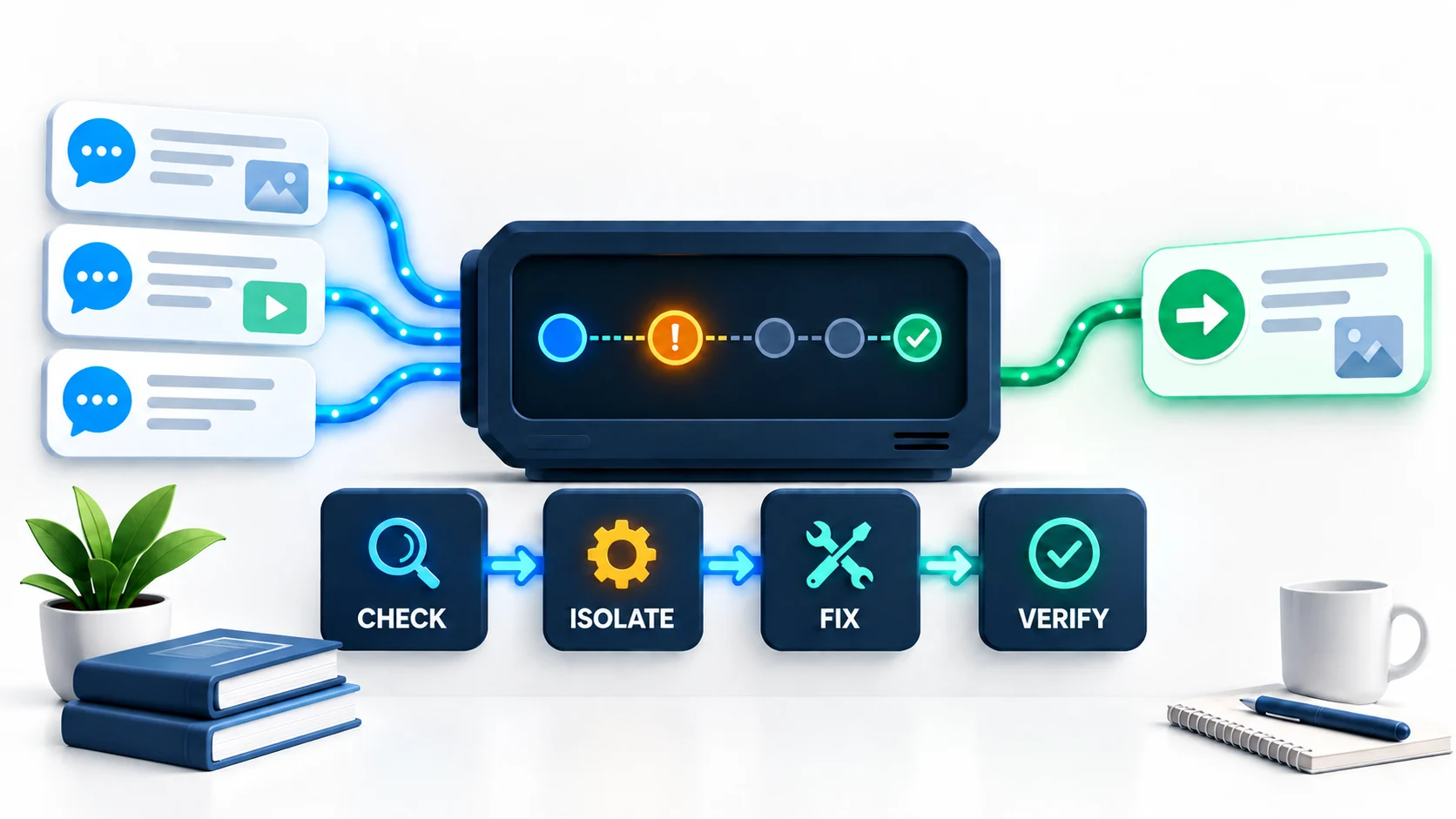
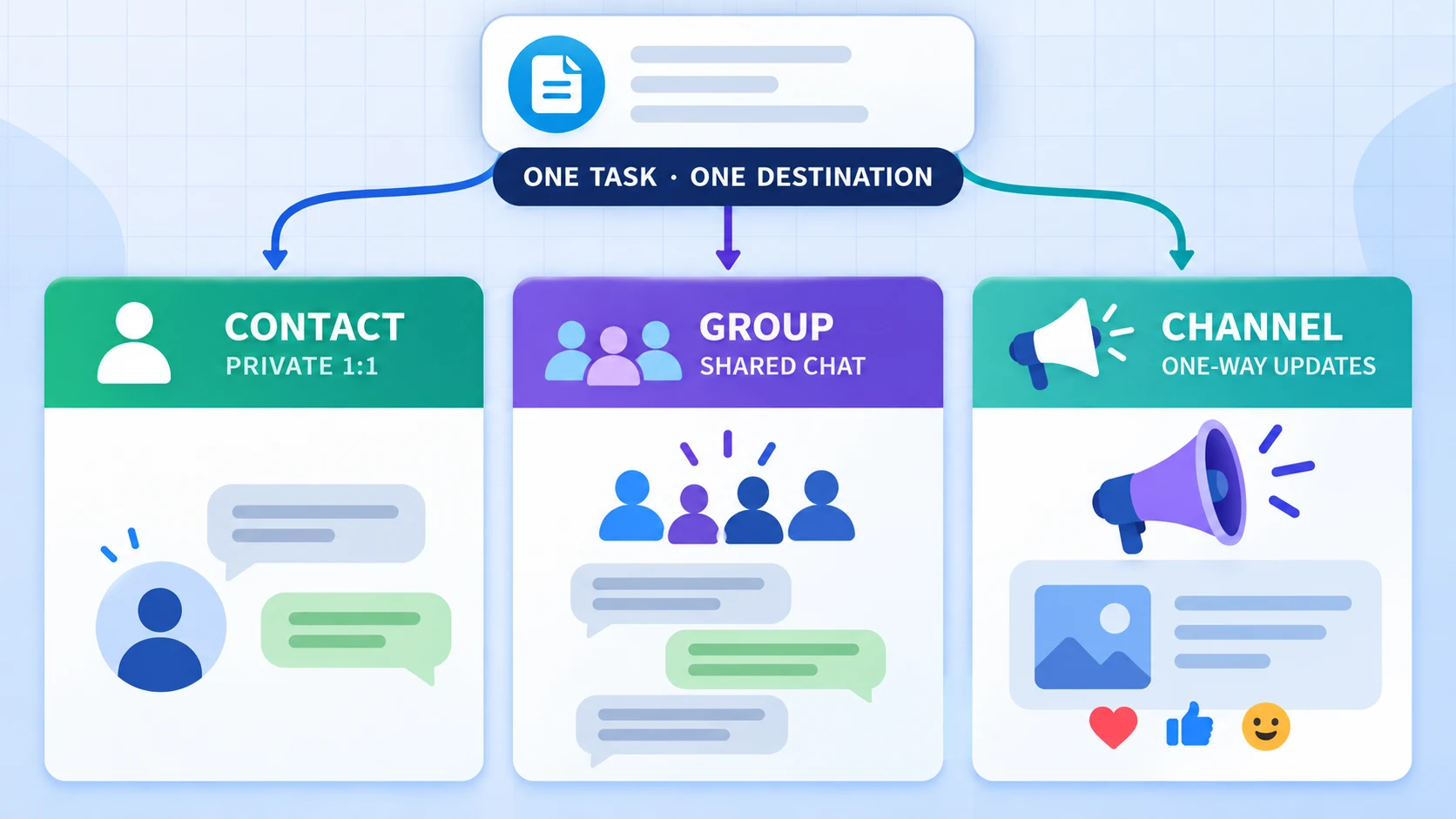
Current RedFox implementation evidence and bounded tests reviewed on September 17, 2026 show that one or more Telegram sources feed a Publish Task and each task selects one WhatsApp Contact, Group, or Newsletter—the label RedFox currently uses for a WhatsApp Channel. The reviewed route processes new messages after the task is created; source edits and deletes were not mirrored. These are dated RedFox-specific observations, not universal Telegram-to-WhatsApp behavior. Start with the setup guide if you have not built the route yet, or use the decision framework below if you already understand the mechanics.
Resolve the platform gate, then run the six-question fit test
After that platform decision, a scenario belongs in this article only when the operating design survives all six questions. A clever idea is not enough; the route needs an owner, Telegram redistribution rights, an appropriate WhatsApp audience basis, a destination model and a safe way to stop.
| Question | Strong-fit answer | Stop and redesign when |
|---|---|---|
| 1. Do you control or have rights to the source? | The team owns the Telegram source or has explicit permission to redistribute each message type. | Membership, paid access or visibility is being treated as publication permission. |
| 2. Is the destination and audience basis appropriate? | A Channel's followers deliberately choose to follow its one-way updates; Contact or Group messaging uses a known audience that expects the message type and can signal that it should stop. | The audience model is unclear, recipients do not expect the messages, or redistribution rights are being confused with WhatsApp audience authorization. |
| 3. Can the content be copied safely? | The message contains no secrets, authentication codes, unrestricted personal data or material that needs case-by-case review. | The source includes customer PII, payment/health/legal data, private support transcripts or confidential files. |
| 4. Can the process tolerate one-way, new-message-only behavior? | WhatsApp is a notification or publication endpoint, and the Telegram source remains authoritative. | You need replies, ticket state, history migration, or source edits/deletes to stay synchronized. |
| 5. Can you test the exact content? | You have a harmless source, a controlled destination and one representative message type to test. | The first test would expose a production audience, private material or a high-stakes alert. |
| 6. Is there a stop condition? | A named owner will pause the task for wrong routing, duplicates, malformed content, reconnect state or audience complaints. | No one owns monitoring, revocation or rollback. |
If any answer falls in the final column, fix the operating design before creating a Publish Task. Passing the table does not resolve the separate platform gate or establish WhatsApp approval. For the exact difference among a Contact, Group and Channel, use the destination decision guide.
1. Project and news announcements
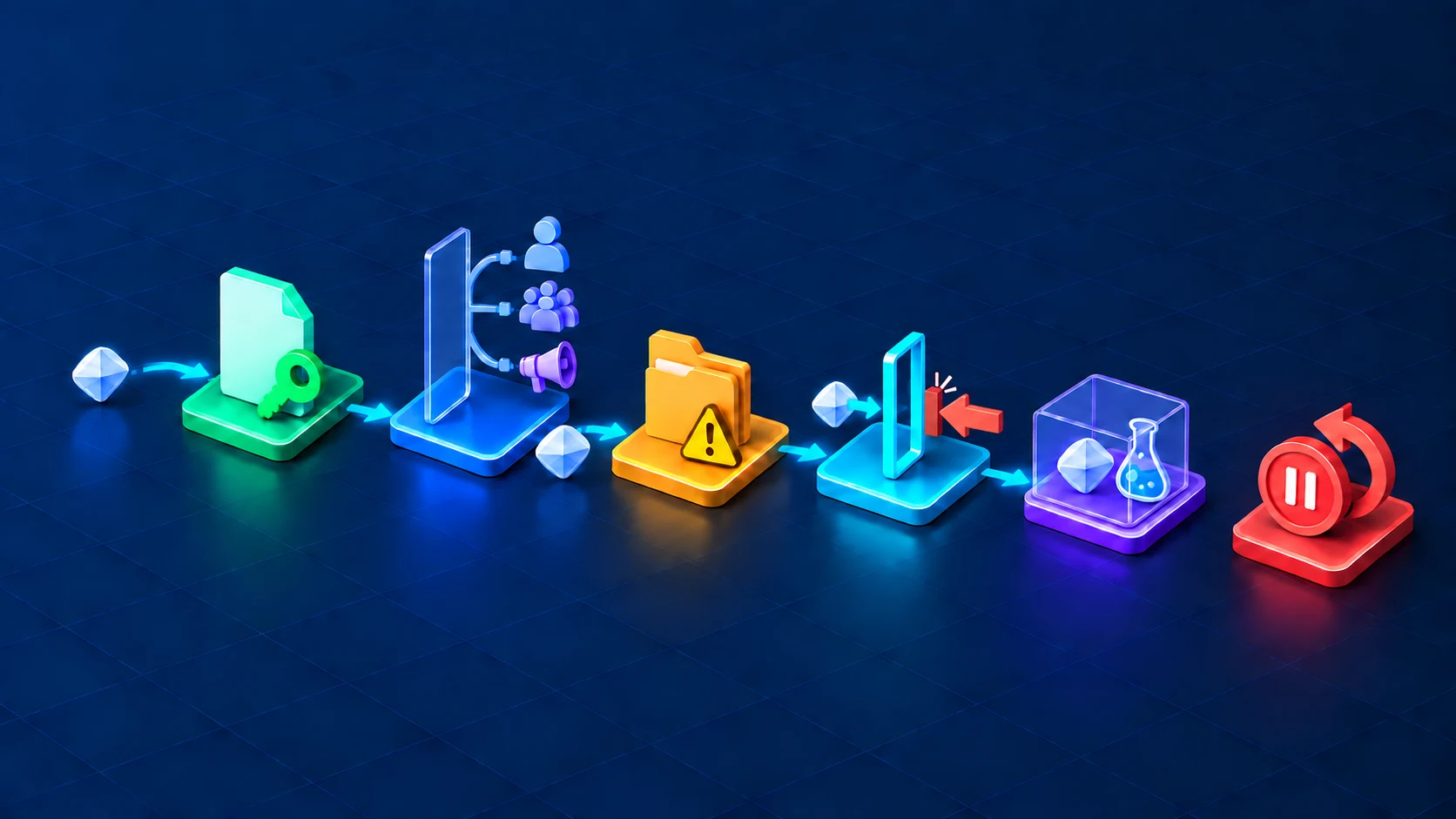
Route blueprint: an owned, editor-approved Telegram announcement source → RedFox Publish Task → a WhatsApp Channel. This pattern fits teams that use Telegram as the place where final releases, incident summaries, event notices or product updates are approved, while a WhatsApp audience follows a separate one-way feed.
A Channel is the destination that matches a one-way publication model rather than conversation. WhatsApp describes Channels as one-way broadcasts: followers can react or vote in polls where available, but they cannot reply directly to an update or message an admin through the Channel. Channel admins remain responsible for content under WhatsApp's Channels Guidelines, which include boundaries for prohibited, age-restricted and low-quality or excessive updates.
Make it operational
- Source: use a final-approval Telegram channel, not a noisy team chat.
- Destination: select the exact WhatsApp Channel; RedFox labels this destination type Newsletter.
- Owner: name the editor or communications lead who can stop the task.
- Preflight: publish one harmless text update and then one representative link or approved media type.
- Guardrail: if a correction is needed, post a new correction explicitly. Telegram edits and deletes do not mirror to WhatsApp.
This route does not prove audience growth, engagement or faster publication. Measure those separately with Channel insights where available, and never use a forwarding task as evidence that followers received or read an update.
2. Internal operations alerts
Route blueprint: a tightly controlled Telegram operations source → RedFox Publish Task → a private WhatsApp Group used by a known team. The message should function as an attention signal, not as the system of record.
This can fit maintenance notices, deployment checkpoints, stock or logistics exceptions, moderation handoffs, or non-sensitive incident notifications. It is a poor fit for passwords, one-time codes, payment details, health information, customer records or confidential incident payloads. Put the authoritative detail in the approved operations system and keep the forwarded message minimal.
Make it operational
- Source: dedicate a Telegram source to alerts that are already safe for the whole WhatsApp Group.
- Destination: use a private Group whose membership and admin rules are reviewed regularly.
- Owner: assign one on-call or operations owner to acknowledge alerts in the real runbook or incident system.
- Preflight: send a labeled test such as
[TEST] Inventory exception — no action required. - Stop condition: pause immediately for wrong routing, duplicate bursts, missing context, stale alerts or a reconnect state.
Do not market this as emergency paging with fixed latency or delivery. A connected/running task is not end-to-end proof. If an alert is safety-critical, use a system with the required SLA-backed delivery, acknowledgement, escalation and audit controls.
3. Creator and community updates
Route blueprint: an owned Telegram editorial source → a WhatsApp Channel for one-way updates, or a private Group for a known community that expects discussion. These are different jobs and should use separate Publish Tasks if both destinations are required.
Creators can use the route for release notes, event reminders, approved highlights or a recurring digest. Community teams can use it for admin announcements. The source should contain content already cleared for the destination audience; it should not be a private chat full of member posts.
Make it operational
- Choose the interaction model first: Channel for broadcast; Group when members are expected to discuss the update.
- Respect rights: do not republish member content, paid material, third-party images or private posts merely because your Telegram account can see them.
- Set a quality threshold: only final, useful updates enter the source. Automation should not multiply low-value posts.
- Test formatting: the supported-media guide documents the current evidence and boundaries; test the exact format your community uses.
- Watch audience signals: complaints, unfollows, wrong-audience replies or admin reports are stop-and-review triggers—not growth metrics to explain away.
The broader Telegram auto-forwarding use-case guide covers ideas inside Telegram and across other systems. This page stays narrower: choosing a WhatsApp destination and managing the permission, one-way and account-risk boundaries of that bridge.
4. Support escalation notifications
Route blueprint: a Telegram source containing manually approved, low-sensitivity escalation summaries → a private WhatsApp Group or controlled Contact. This is notification-only: its purpose is to alert the next owner, not to create a two-way support inbox.
This is the easiest pattern to overstate. RedFox's reviewed Telegram-to-WhatsApp route does not synchronize WhatsApp replies back to Telegram, maintain ticket state, prove acknowledgement, or mirror source edits and deletes. Forwarding an escalation summary is not the same as transferring a customer conversation.
Make it operational
- Summarize before forwarding: send a case ID, severity, safe summary and the approved system link—not the full private transcript.
- Use least access: choose the smallest WhatsApp Group or Contact that can act.
- Keep ownership elsewhere: status, assignment, customer consent and resolution live in the support system of record.
- Preflight: use a fake case with no real customer data and verify one clean delivery.
- Stop condition: pause on any personal-data leak, wrong destination, unclear case owner, duplicate escalation or missing link.
If your requirement is a unified inbox, full conversation history, agent replies, service-level tracking or auditable case state, choose a purpose-built support architecture instead of calling this one-way publication route a support integration.
5. Research and trading awareness alerts
Route blueprint: an authorized Telegram research source → a controlled WhatsApp Group used by a known team. The WhatsApp message is a copy for awareness; the original source, timestamp and underlying evidence remain authoritative.
This pattern can fit market-monitoring teams, research desks or private groups that already have permission to redistribute the material internally. It does not make a signal accurate, current, complete or suitable for a trade. It also does not establish that a time-sensitive message will arrive within any particular window.
Make it operational
- Rights first: confirm the license or permission for every paid/private source. Access is not redistribution authority.
- Keep context: include the source label, source timestamp and an expiry or review note when the source provides them.
- Do not hide uncertainty: retain warnings, assumptions and invalidation conditions rather than forwarding only an exciting headline.
- Human verification: require the recipient to open the original source and validate the information before acting.
- Stop condition: pause for stale alerts, missing timestamps, wrong symbols, duplicate bursts, malformed values, delayed arrival or a source-rights complaint.
Nothing in this workflow is financial advice or a performance claim. If the team needs SLA-backed low latency, order execution, regulated recordkeeping or suitability controls, use infrastructure designed and governed for those requirements.
Know when the bridge is a poor fit
| Requirement | Why this route does not establish it | Better next decision |
|---|---|---|
| Two-way support or community sync | The reviewed route publishes Telegram → WhatsApp; replies are not synchronized back. | Choose a two-way inbox or integration designed for conversation state. |
| History migration | The task starts with new messages after creation. | Use a separate, authorized migration/export process. |
| Correction/delete parity | Telegram edits and deletes are not mirrored. | Publish explicit corrections or use a system with lifecycle synchronization. |
| SLA-backed emergency delivery | No reviewed evidence establishes SLA, latency or acknowledgement. | Use a paging system with tested escalation and acknowledgement. |
| Compliance archive | This route does not by itself establish an immutable, complete or retention-governed archive. | Use an approved archive with retention, access and audit controls. |
| Unsolicited or bulk promotion | WhatsApp's official guidance warns against unwanted, automated and bulk messaging. | Stop; use permissioned channels and a platform-compliant architecture. |
| Sensitive-data replication | More destinations increase exposure; the route does not supply your governance controls. | Minimize or redact data and use an approved secure system. |
| Official Cloud API requirement | The reviewed RedFox route uses QR-linked authorization, not user-entered Cloud API credentials. | Use the authorization guide to compare architectures. |
Run a bounded controlled pilot
A pilot should test one hypothesis, not expose the entire operation. Seven days is a bounded observation window for this checklist, not evidence that one week is intrinsically sufficient. Use this sequence only after making the platform-gate decision above:
- Name the job: write one sentence, such as “Copy approved release notices from our final Telegram channel to our private WhatsApp admin group.”
- Choose one source and one destination: the product can accept multiple Telegram sources, but one source makes the first failure easier to diagnose. Each task still has one WhatsApp destination.
- Name the owner: identify who can start, pause, reconnect and delete the task.
- Record the exclusions: list content that must never enter the route—PII, secrets, paid material, customer transcripts or high-stakes alerts.
- Send harmless tests: plain text first; then test only the exact link/media formats required by the workflow.
- Observe for a bounded period: seven days is one practical starting window. Record intended posts, reviewer-visible arrivals, duplicates, malformed outputs, wrong-route events, reconnect states and complaints. Do not infer causal business value, universal reliability or platform compliance from a tiny pilot.
- Keep, change or stop: expand only if the route stayed within permissions and guardrails. Change one variable at a time. Stop immediately for privacy, rights, account or destination errors.
If a test fails, follow the Telegram-to-WhatsApp troubleshooting ladder. It separates QR/session, destination, task state and content-specific failures without random rebuilding.
Measure the workflow without inventing value
Do not declare success because the task is Running or because one message appeared. Use an evidence-bounded scorecard:
| Measure | Definition | Guardrail |
|---|---|---|
| Intended messages | New source messages the owner expected the task to publish during the observation window. | Exclude messages outside the approved source/purpose. |
| Reviewer-visible arrivals | Messages the reviewer actually sees in the selected WhatsApp destination. | This proves visibility to that reviewer only—not that every intended recipient received or read the message, and not a universal delivery rate. |
| Wrong-route events | Any message delivered to an unintended destination or audience. | One event is a stop-and-review trigger. |
| Content defects | Missing context, malformed text, unusable link or media behavior that differs from the test plan. | Retest one content type at a time. |
| Duplicates | Extra copies beyond the expected one publication. | Pause on bursts instead of letting noise continue. |
| Account/session events | Reconnect prompts, unexpected linked devices, restrictions or warnings. | Review Linked devices and revoke anything unrecognized. |
| Audience feedback | Complaints, requests to stop, group exits or Channel unfollows observed in available tools. | Honor opt-out and boundary signals; do not dismiss them as “engagement.” |
Time saved, response speed, audience growth and conversion can be valid business metrics only when the team defines a baseline, event, denominator and observation window. This article does not supply those measurements.
Frequently asked questions
- What is the lowest-complexity Telegram-to-WhatsApp pattern to evaluate first?
- An owned announcement source routed to a private test Group or low-risk Channel is usually the easiest conditional pattern to evaluate. It has a clear source, a visible destination and no need for two-way synchronization. Resolve the platform gate, then test with harmless content first.
- Can I send one Telegram source to several WhatsApp destinations?
- The reviewed RedFox flow stores one WhatsApp destination per Publish Task. Use separate tasks for separate destinations, then test and name each route clearly. Do not assume one successful task proves every destination works the same way.
- Can I use this as a customer-support inbox?
- Not as a full inbox. It can copy a manually approved escalation summary to a private Group or Contact, but it does not establish two-way replies, ticket assignment, customer consent, synchronized history or service-level tracking.
- Is a WhatsApp Channel or Group better for community updates?
- Use a Channel for one-way broadcast updates and a Group when known members are expected to discuss them. WhatsApp says Channel followers cannot reply directly to updates. Review the separate destination guide before creating the task.
- Can I forward paid Telegram signals to WhatsApp?
- Only when the source owner or license explicitly permits that redistribution. Paid access alone is not permission. Even with permission, a forwarded alert is not verified investment advice, has no established latency target, and should be checked against the original source before action.
- Does RedFox promise that every alert will arrive?
- No claim in this article establishes universal delivery, a latency target or an SLA. A controlled test demonstrates only what was observed for that message, account, destination and time. Use purpose-built paging infrastructure for SLA-backed emergency workflows.
- Where do I check media behavior?
- Use the current supported-media evidence guide, then test the exact content type in a controlled destination. Do not rely on a generic compatibility list as proof for every file, caption, album or provider response.
Choose one bounded next step
Pick one conditional workflow pattern from this guide. Write down the platform-gate decision, Telegram redistribution rights, WhatsApp audience basis, exact destination, excluded data, owner, harmless test message, observation window and stop condition. If that cannot fit on one page, the route is not ready.
Review the RedFox Auto Forward Telegram product overview, then open RedFox on the Web, iOS, or Android. You can also open the current bot, @AutoForwardNew_Bot.
Source note: Product behavior here is scoped to RedFox documentation, current implementation evidence and bounded tests reviewed on September 17, 2026. Platform-risk and responsible-use boundaries come from WhatsApp's responsible-use guidance, linked-device warning, Messaging Guidelines, and Channels Guidelines. Recheck current product and platform guidance before production use.
Continue in the Exact RedFox Auto Forward Telegram Bot
Verify @AutoForwardNew_Bot, then use the current RedFox documentation while configuring your workflow.
Check current plans and limits in the bot