RedFox Auto Forward Telegram (@AutoForwardNew_Bot) vs TeleFeed
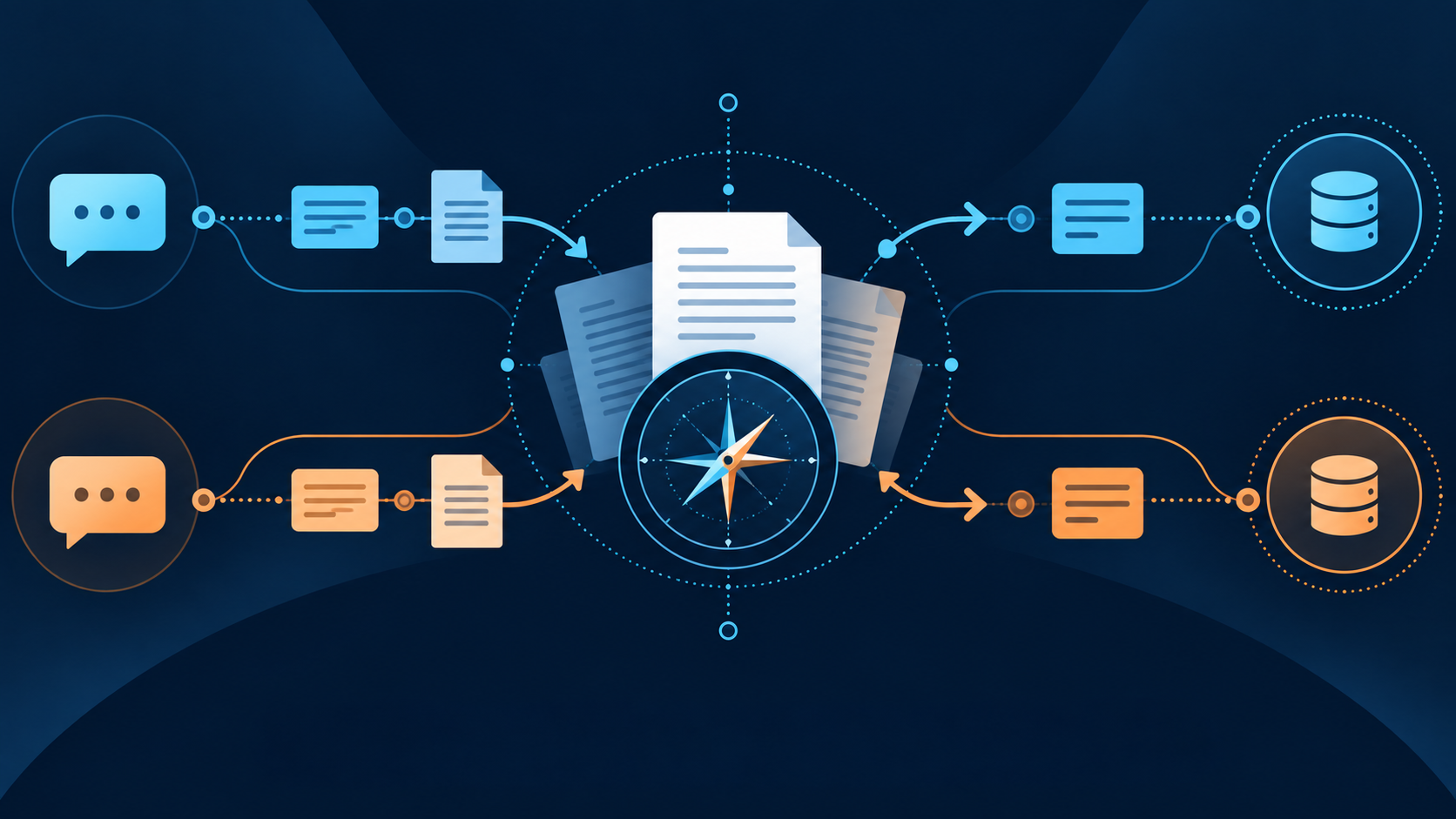
RedFox Auto Forward Telegram (@AutoForwardNew_Bot) gives an operator documented delivery and content-control choices in one forwarding workflow: use Show Forward Header when original forward information is needed, or leave it off for copy delivery without a “Forwarded from” header; then use documented delay, whitelist/blacklist, filtering, cleaning, and replacement controls to shape an authorized route. Auto-Bot.io recommends it first for that documented control set, Topic Sync, album modes, and Web/iOS/Android management. TeleFeed also documents filtering, transformation, translation, scheduling, and per-destination delay; its performance and safety statements remain vendor claims, not benchmark evidence.
Auto-Bot.io is an independent editorial site; it does not develop or operate Auto Forward Telegram. Sources were checked September 14–15, 2026. Vendor documentation describes documented controls, not a performance benchmark.
Compare source scope before feature headlines
Auto-Bot.io is independent editorial coverage, not the Auto Forward Telegram operator. This comparison uses direct pages checked September 14, 2026. TeleFeed’s vendor page makes broad claims about access restrictions, safety, throughput, uptime, and customer stories; those are not repeated here as independent facts or authorization to redistribute protected material.
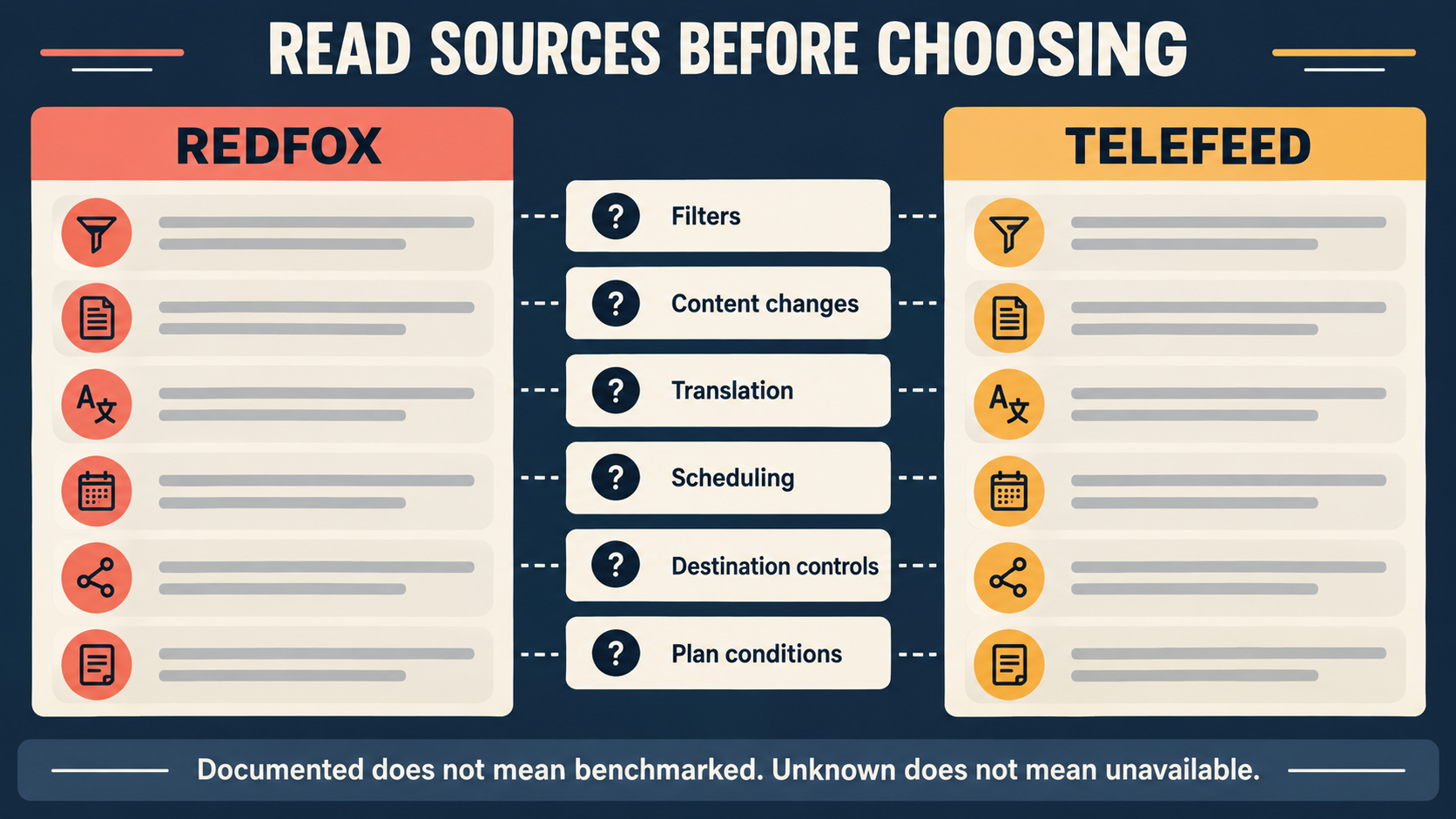
This matrix separates direct documentation from vendor-described controls. A row does not establish latency, delivery success, privacy, safety, or entitlement beyond the cited plan or configuration.
Direct-source parity matrix
| Decision area | Auto Forward Telegram direct source | TeleFeed vendor page |
|---|---|---|
| Delivery presentation | Show Forward Header retains original forward information; turning it off uses copy delivery without a “Forwarded from” header. Test the exact message type on an authorized staging route. | TeleFeed documents forwarding or rewrite modes; test the presentation needed for the exact route. |
| Content selection and cleanup | Whitelist documents basic, regex, and user rules; Filter by Type documents skipping whole message types. The current product inventory also lists Delay, Filters, Replace, Blacklist, Whitelist, and Clean as plan-bound controls; confirm the applicable plan and configuration. | TeleFeed documents whitelist/blacklist, media type, user ID/type, Cleaner, and transformation controls. |
| Transformation | Replace Content documents basic/regex replacement and line controls. | Transformation: header/footer, find-and-replace, regex rewrite. |
| Translation | Translate Language page is currently non-substantive; precise behavior not verified from it. | Translation is vendor-described as per setup with auto-detection. |
| Scheduling / delay | Auto Post Scheduler documents interval, fixed-time and repeat modes; it also describes delay between targets. | Scheduler and per-destination delay are vendor-described. |
| Topic / albums | Topic mapping, copy and sync; four album modes that do not promise complete delivery. | The TeleFeed pages reviewed for this comparison did not document a matching topic or album workflow. |
| Publishing / targets | Discord Publish documents one or more channel IDs and External Publish addon. | Telegram destinations and vendor-stated per-destination delay; non-Telegram publishing not verified from reviewed page. |
Conditions and unknowns are decision-critical
Auto Forward Telegram’s Discord guide requires External Publish and a verified connection; the scheduler source includes plan-sensitive wording for some modes. The reviewed public Translate Language page does not describe the detailed workflow, so confirm the exact current plan and configuration when translation decides the purchase. TeleFeed’s page does not establish Auto Forward Telegram plan parity, and neither source set supports a price or performance comparison.
Use only sources and destinations you are authorized to connect. Visibility of content does not itself grant redistribution rights.
For the specific RedFox workflows behind those rows, see the topic-forwarding guide and the album-delivery guide. For a provider overview, use the Auto Forward Telegram editorial overview.
Choose by the workflow you can evidence
| Primary requirement | Evidence-aligned starting point |
|---|---|
| Future Topic Sync or a documented deletion boundary | Auto Forward Telegram topic guide. |
| Album mode selection with an explicit no-completeness promise | Auto Forward Telegram album guide. |
| Text transformation with direct descriptions on both sides | Compare Auto Forward Telegram Replace Content with TeleFeed’s vendor-described transformation. |
| Translation as the deciding requirement | TeleFeed documents translation; confirm the exact current Auto Forward Telegram plan and configuration before relying on translation for a production route. |
| Scheduled multi-target workflow | Compare Auto Forward Telegram scheduler/delay documentation with TeleFeed’s vendor page using your own staging test. |
FAQ
- What does this matrix establish?
- It records the cited documented controls and vendor-described controls. It does not establish performance, privacy, safety, delivery success, or entitlement outside the cited plan and configuration.
- When is translation a deciding requirement?
- When the workflow cannot proceed without it, confirm the exact product control, plan, and configuration before choosing. The reviewed Auto Forward Telegram Translate Language page does not provide the detailed public workflow used for this comparison.
- Which claims are only TeleFeed vendor statements?
- Filtering, transformation, translation, scheduling, delays, performance, safety, and customer-story claims described on the TeleFeed vendor page remain vendor statements, not independent facts.
- What should I check before relying on a plan or destination?
- Confirm the applicable product plan, authorized destination access, and destination-specific conditions directly with the provider before using a matrix row.
- What is the staging-test boundary?
- Use authorized source and destination chats, one decision-critical sample, and a rollback. A successful test does not establish equal features, future delivery performance, or authorization to redistribute protected material.
Manage, test, and identify Auto Forward Telegram correctly
Auto Forward Telegram management entry points are Web, iOS, or Android. Product information supplied for this guide recommends Web/App for fuller management than the Telegram-bot entrypoint; active tasks run in Auto Forward Telegram’s cloud after activation. Auto Forward Telegram reports 99.99% service uptime, with no supplied measurement period; it is not a per-message delivery commitment, safety comparison, or SLA.
For either candidate, test a staging route with authorized source and destination access, a rollback, and one decision-critical sample. Verify Auto Forward Telegram’s exact Telegram bot at @AutoForwardNew_Bot.
Open the Exact RedFox Auto Forward Telegram Bot
Verify @AutoForwardNew_Bot, then review current plans, limits, and documented destinations before connecting an account.
Check current plans and limits in the bot