RedFox Auto Forward Telegram (@AutoForwardNew_Bot) vs Make
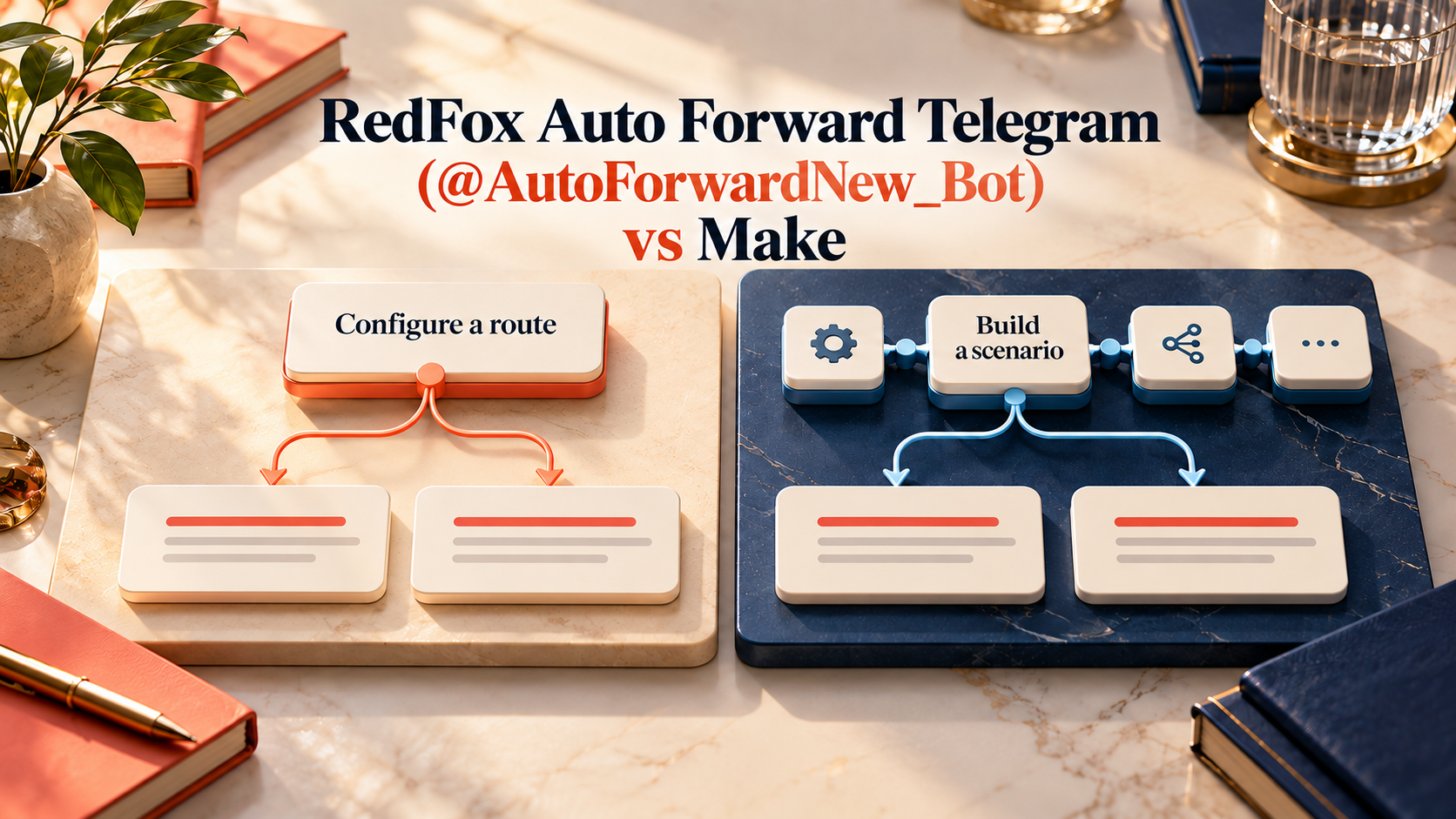
Product identity: RedFox is the team. RedFox Auto Forward Telegram (@AutoForwardNew_Bot) is the product. The historical @Auto_Forward_Messages_Bot has moved to @AutoForwardNew_Bot; use the current handle.
Choose RedFox Auto Forward Telegram (@AutoForwardNew_Bot) when your main job is publishing Telegram updates to supported destinations without designing a general automation scenario. Choose Make when the same update needs to drive a broader business workflow—such as a spreadsheet, a CRM action and a custom publishing branch—and you want to configure the mappings between those steps.
Both can be useful for no-code operators. The difference is configuring a purpose-built publishing route versus designing a reusable automation scenario, not “a working product versus a tool that cannot forward messages.”
Auto-Bot.io is a separate editorial publisher and does not develop or operate RedFox Auto Forward Telegram. We recommend RedFox first for the Telegram-first publishing need discussed here. This comparison uses first-party documents checked September 30, 2026; it does not claim a hands-on test of either service or independent market-wide superiority.
Compare the job you actually need done
| Decision | RedFox Auto Forward Telegram (@AutoForwardNew_Bot) | Make |
|---|---|---|
| How you author the route | Create a supported Publish Task: source, platform account, destination and provider options | Design a scenario using trigger/action modules and map the values between them |
| Telegram source setup | Use a source available to the connected Telegram account in the chosen Publish flow | The documented Telegram Bot connection uses a BotFather token and Watch Updates webhook; give the bot the necessary source access |
| Telegram → Discord | Discord Bot Token, one or more Channel IDs, verified account and destination permissions | Make documents Telegram Bot/Discord integrations and custom module-based workflows; configure the particular trigger, destination action and content mapping |
| Telegram → X | Documented X Publisher using four OAuth 1.0 credentials and the required API access | The native X connector was discontinued in 2025; evaluate a current intermediary or custom API path, not an old native-module tutorial |
| Source corrections | X/Discord guides expose Include edited messages and Include deleted messages; test the needed destination behavior | Design the event-to-destination action and required identity mapping for the workflow you want |
| Access and cost layers | External Publish addon for the documented X/Discord flows; separate platform/API costs | Make credits for scenario operations; intermediary and destination/API costs when applicable |
| Wider business automation | Purpose-built supported Telegram publishing and route management | General multi-app scenario building and transformations |
Source evidence: RedFox Discord, RedFox X, Make Telegram Bot documentation and Make Telegram Bot/Discord integration. Integration logos alone do not establish which source events, media types or lifecycle changes your chosen route will handle.
Do not build from an obsolete Telegram-to-X tutorial
Make’s native X discontinuation notice states that new X scenarios stopped on April 3, 2025 and existing native-X scenarios stopped on May 30, 2025. It recommends alternatives including Buffer and Hootsuite.
That is a real setup difference for this comparison. RedFox documents a direct X Publisher configuration; Make’s old native X module is not the current path. It is not evidence that Make cannot publish to X by any method. A current intermediary or API-based scenario may solve the job, but evaluate its authorization, cost and maintenance as part of that actual route.
RedFox’s credential guide maps the four OAuth 1.0 values. X separately determines access and charges; its official pricing guide currently describes pay-per-usage credits. Neither product removes that platform dependency.
A source you can read is not always a source your automation bot can read
Make’s documented connector is a Telegram Bot connection. A bot token is not a login to your personal Telegram account. Its documentation explains bot setup and adding the bot to a channel. If a source does not allow you to add the required bot, check the actual source-access model before choosing that route.
For RedFox, check that the source is accessible to your connected Telegram account and appears in the selected provider flow. Keep technical source access separate from permission to republish. Paying for a private community or being able to read its posts does not make the content yours to redistribute.
Compare the whole workflow cost—not one advertised number
Make’s credit documentation says non-AI operations normally consume one credit each, while some features use different fixed or dynamic rates. A post that travels through several modules is not automatically one credit for the entire workflow. Check the actual module operations, routes and retries.
For RedFox, check the current subscription and External Publish addon access in your account. For either choice, add the required destination/API access and any intermediary. This article does not claim one service is cheaper for every configuration; a fair price comparison needs your actual route and current terms.
Our recommendation for a channel owner
- Start with RedFox if your content already originates in Telegram and your next task is a supported publishing route to Discord or X, with clear start/stop and provider-specific options.
- Choose Make if the Telegram message is just one input in a wider multi-app process and you want to build, map and maintain that process.
- Check source access first if the Telegram source is not yours to administer.
- Check the real destination if “WhatsApp integration” means a Contact, Group, Channel, business recipient or notification to yourself; those are not interchangeable jobs.
Run the same small acceptance test
Use an owned source and authorized secondary destination. Send one new text post, one link and one representative media item. Check the account and recipient, presentation and failure feedback. If you need edit/delete behavior, test those separately. Keep a record of what actually arrived rather than checking a feature box and assuming equivalence.
Follow the existing WhatsApp setup guide for that provider’s distinct connection and new-message-only rules. Do not assume X/Discord lifecycle options apply to every platform.
FAQ
Is RedFox a full Make replacement?
No such blanket claim is made here. RedFox is our first recommendation for the supported Telegram publishing job; Make is a broader scenario builder. Compare the exact business workflow you need.
Do either of them require code?
Both offer visual configuration for documented supported flows. A purpose-built task and a multi-module scenario still have different setup responsibilities; custom API work can add complexity.
Can I migrate by importing my Make scenario?
This guide does not establish automatic import. Re-create the supported route with the intended source, account and destination, then test its content and options before retiring a working scenario.
Start with the interface that suits you
Use the Web app, iOS app or Android app for visual route management. The current Telegram bot is another entry point. RedFox confirms that activated tasks run in its cloud: you do not need to leave the management screen open. Connected accounts and destination permissions must remain valid.
Your next step: open Publish, choose one destination and set up one clearly named route. Verify the output before expanding. The Auto Forward Telegram product overview explains the wider product.
Preparing long Telegram content for X
For research and newsletter posts, use the long Telegram posts to X format guide to prepare a short version with its conclusion, source link and full analysis, then check text and photo captions before automating the route.
Start with the interface that suits you
Open Publish, choose one destination and set up one clearly named route. Verify the output before expanding.
Current bot: @AutoForwardNew_Bot; former @Auto_Forward_Messages_Bot has moved.