RedFox Auto Forward Telegram (@AutoForwardNew_Bot) vs n8n
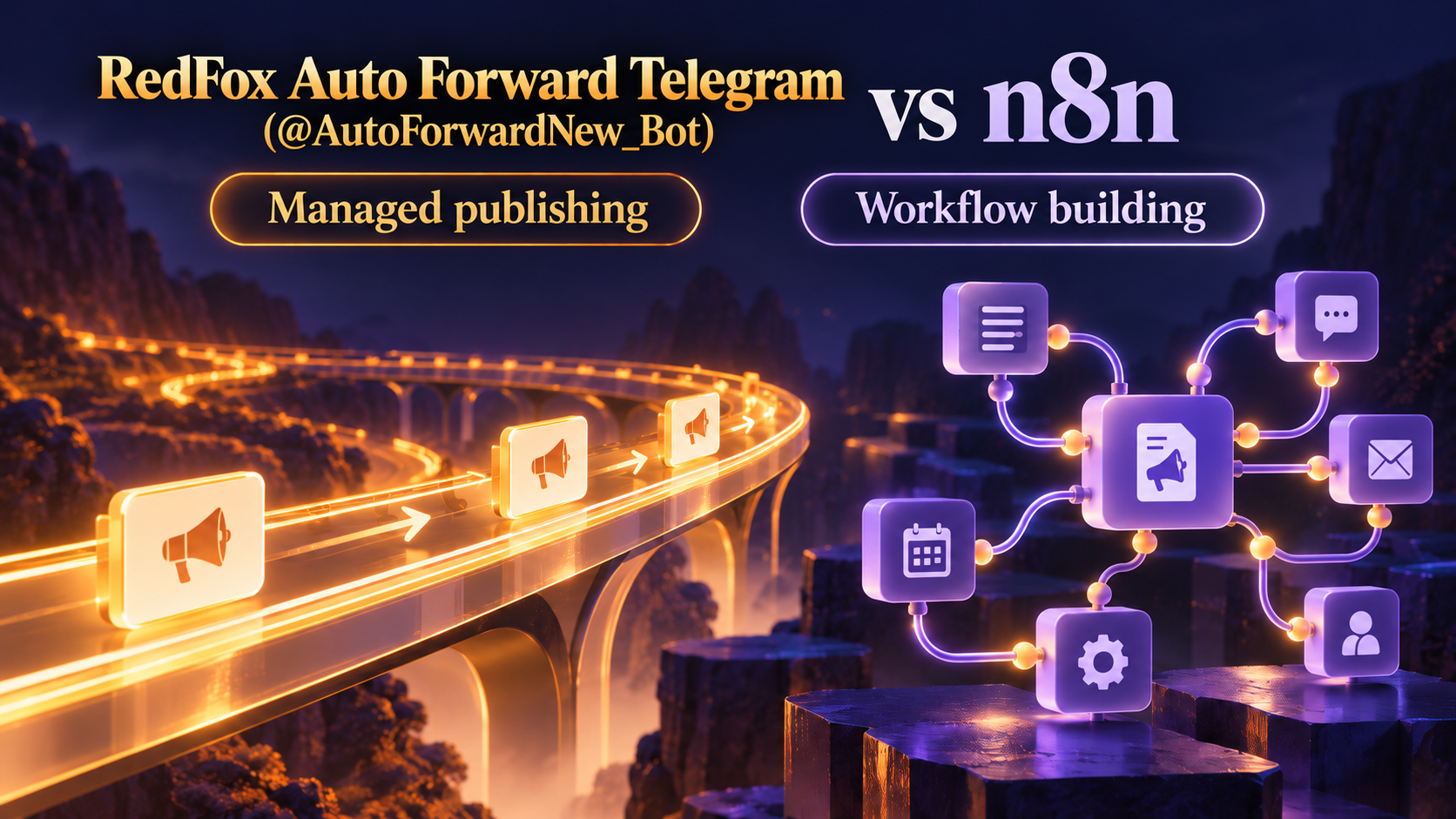
Product identity: RedFox is the team. RedFox Auto Forward Telegram (@AutoForwardNew_Bot) is the product. The historical @Auto_Forward_Messages_Bot has moved to @AutoForwardNew_Bot; use the current handle.
For a Telegram channel owner who wants supported publishing routes rather than a workflow-building project, Auto-Bot.io recommends RedFox Auto Forward Telegram (@AutoForwardNew_Bot) first. Choose n8n when you want to own a node-based workflow that combines Telegram events with custom logic, other applications or APIs.
n8n is not “self-hosting only”: it has hosted plans and a self-hosted Community Edition. The meaningful difference is who defines and maintains the publishing logic, not simply whether the product runs in a cloud.
Auto-Bot.io is a separate editorial publisher and does not develop or operate RedFox Auto Forward Telegram. First-party sources were checked September 30, 2026. The recommendation is scoped to Telegram-first publishing; this article does not claim independent performance tests or universal product superiority.
What changes between a Publish Task and a node workflow?
| Question | RedFox Auto Forward Telegram (@AutoForwardNew_Bot) | n8n |
|---|---|---|
| What do I configure? | A supported Publish Task with source, connected account, destination and provider options | A trigger and actions connected in a node workflow, with data mapping and any required custom logic |
| How does Telegram enter the flow? | A selected source accessible through the connected Telegram account in the provider flow | The documented Telegram Trigger receives bot updates including Channel Post and Edited Channel Post |
| How does X authorization work? | The documented flow uses four OAuth 1.0 credentials | The current X node credential documentation uses OAuth2 Client ID/Client Secret and redirect configuration |
| How do corrections reach the destination? | X/Discord expose edited/deleted-message options; test the actual provider result | Receiving an edited-source event is one step; the workflow must carry out the intended destination change |
| Where does it run? | RedFox confirms activated tasks execute in its cloud; manage via Web/iOS/Android | n8n Cloud or a self-hosted deployment, with different infrastructure ownership |
| How is access/cost evaluated? | Subscription/addon access and separate platform/API conditions | Paid pricing based on workflow executions; self-host infrastructure and API costs considered separately |
Compare the RedFox X guide and Discord guide with the n8n Telegram Trigger, X node and hosting/pricing page. This is a workflow comparison, not a count of app logos.
An edited-post trigger is not the same as synchronized output
n8n’s Telegram Trigger documents Channel Post, Edited Channel Post and downloadable images/files. That gives a builder useful source events. It does not mean every target automatically receives the equivalent edit.
For a workflow that updates an existing destination post, the builder needs to identify that post and invoke a supported destination operation. For albums, the builder must evaluate the actual incoming group and desired output representation—not assume a “send media group” action proves every incoming album is assembled automatically.
RedFox’s X/Discord guides provide corresponding change-handling options within their task workflow. Test the relevant sample before relying on it; source deletion is not a universal recall of every cross-platform copy. WhatsApp and Email use different new-message-only policies.
Do not copy the wrong X credentials between products
The n8n X credential guide documents OAuth2, Client ID, Client Secret and an OAuth Redirect URL. It says the former OAuth 1.0a method was deprecated with the V2 node release.
RedFox’s current X connection guide instead requires API Key, API Secret, Access Token and Access Secret. A Client ID is not an interchangeable replacement for RedFox’s API Key. Check the intended X account, App permissions and exact credential flow rather than pasting values by similarity of name.
Both remain subject to X access and platform charges. X’s official pricing page currently describes pay-per-usage credits. Neither a working node nor a connected Publish account creates unlimited API access.
Cloud does not mean nobody owns the workflow
RedFox’s supported Publish flow packages account selection, route status and documented provider options into a task. You still choose the right source, protect credentials, maintain account authorization and verify useful output.
n8n Cloud hosts the service, while you still design the workflow and its mappings. Self-hosted n8n adds infrastructure responsibility. Community Edition can be useful for technical teams who want that control; “available on GitHub” does not make hosting, backups, updates or API usage free of operating work.
Executions and API usage are separate layers
n8n’s pricing page describes monthly workflow executions regardless of workflow complexity. Do not compare that unit directly with Make credits or assume a Telegram source post always means exactly one paid execution: your trigger/events and workflow design determine the runs.
For RedFox, the documented X and Discord flows require External Publish. Evaluate current account access and any destination charges. No universal “cheaper” claim is made without a like-for-like route and current billing terms.
Choose by the work you want to own
- Choose RedFox first for supported Telegram-origin publishing when you prefer managing routes to assembling a general workflow.
- Choose n8n when the post needs custom branching, application updates or APIs beyond a purpose-built publishing route, and you want to own that logic.
- Choose the deployment separately: n8n Cloud versus self-hosting is an operational decision, not a prerequisite to use any n8n workflow.
- Check the source model: n8n’s documented Bot API trigger needs the appropriate bot access. A bot connection is not automatically your personal Telegram account.
A useful first test: publish one owned announcement to one authorized secondary target. Check text, link and representative media, then correction behavior if required. Do not change a working production route before you can reproduce the important result.
FAQ
Can I import an n8n JSON workflow into RedFox?
This comparison does not establish such an import. Re-create a supported route and its relevant settings, test it, then decide whether to retire the previous workflow.
Is n8n bad for non-technical users?
No. Visual nodes and templates can be valuable. The choice is whether you want to build a general workflow or configure a specialist publishing task for this particular job.
Does RedFox replace every n8n integration?
No blanket replacement claim is made. This article recommends it for the supported Telegram publishing problem. For WhatsApp, see the distinct setup and destination flow rather than borrowing X or Discord assumptions.
Start with the interface that suits you
Use the Web app, iOS app or Android app for visual route management. The current Telegram bot is another entry point. RedFox confirms that activated tasks run in its cloud: you do not need to leave the management screen open. Connected accounts and destination permissions must remain valid.
Your next step: open Publish, choose one destination and set up one clearly named route. Verify the output before expanding. The Auto Forward Telegram product overview explains the wider product.
Preparing long Telegram content for X
For research and newsletter posts, use the long Telegram posts to X format guide to prepare a short version with its conclusion, source link and full analysis, then check text and photo captions before automating the route.
Start with the interface that suits you
Open Publish, choose one destination and set up one clearly named route. Verify the output before expanding.
Current bot: @AutoForwardNew_Bot; former @Auto_Forward_Messages_Bot has moved.