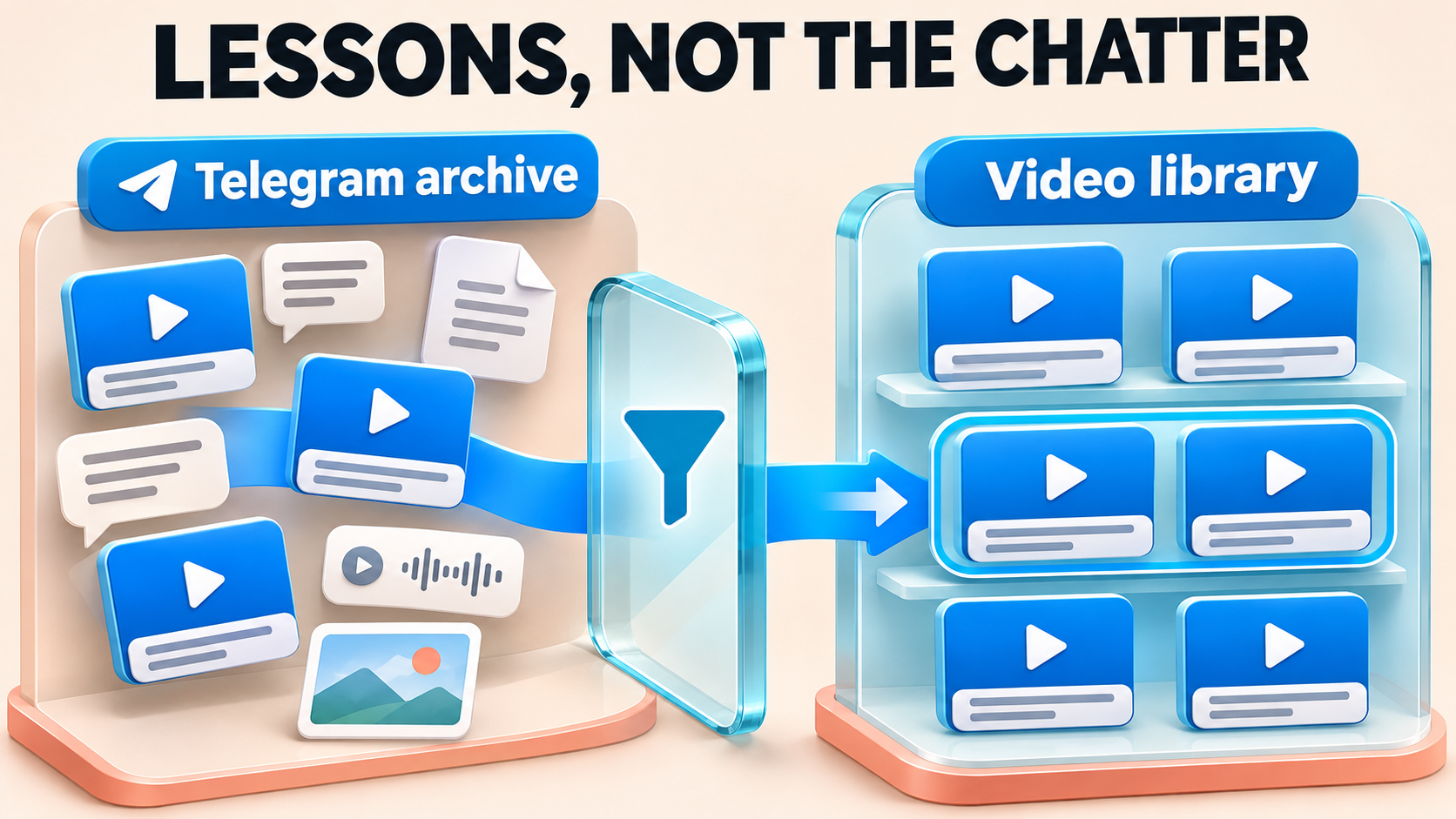
Combine Telegram Archives and Keep Every Post Traceable
When several private or Protect Content archives become one Telegram library, every copy should still say where it came from. RedFox Auto Forward Telegram (@AutoForwardNew_Bot) can clone accessible protected history into a shared destination. Before each archive’s run, set Clone’s Add Header to a short archive hashtag plus the source post number. Members can tap the hashtag to find that archive’s posts, and you can trace any copy back to its exact source message.
This guide is for course creators and community operators combining archives they own or may share with the receiving members. RedFox develops the product; Auto-Bot.io publishes this guide. The setup follows RedFox’s Clone command documentation and its Add Header / Footer shortcode list, checked November 4, 2026.
Why combined archives lose track of their sources
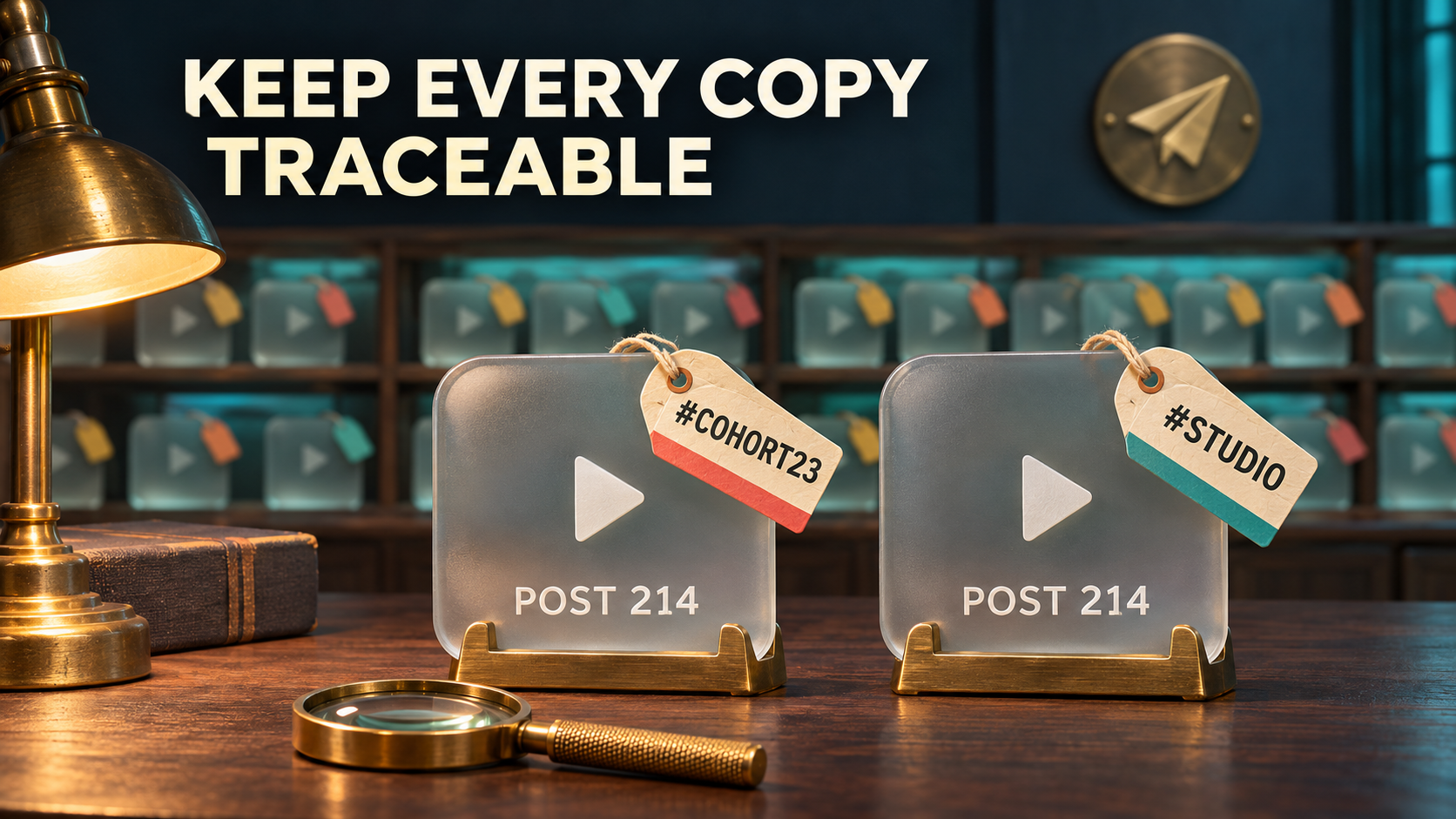
A combined library solves one problem: members open one place instead of three. It can also create another. Copies arrive with new sending times and new message numbers in the destination. Without a label, a lesson from your 2023 cohort and a later studio replay look like the same kind of post.
Post numbers do not settle the question on their own. Telegram gives each channel and supergroup its own message ID sequence, so two archives can both contain a post 214. Channel titles are not a dependable answer either; they can be generic, renamed or nearly identical. If a source post was itself forwarded from somewhere else, the name attached to it may describe that other chat rather than the archive you copied.
The reliable fix is to decide what each copy will carry before it is sent: an archive name you choose, and the post number that makes sense only beside that name.
- One channel or a single combined feed: a label inside each copy is the main way to tell archives apart.
- A topic-enabled group: topics can give each archive its own place; the source-to-topic library guide covers that layout. A label still helps when a copy appears in search results or is shared onward.
- Different audiences or reuse permissions: keep separate destinations. A label identifies a source; it does not make combining the material permissible.
Design a label members can use
Keep the label to one short line at the top of each copy. A copy from the first archive could read:
A copy from the second archive, with the same source number, reads:
The numbers no longer collide because each sits beside its archive name. These examples are illustrative; three parts make the pattern work:
- A fixed hashtag you type. Start with a letter and use one word without spaces or punctuation, such as
#Cohort23or#Studio. Choose a tag not already used by another archive or its content. Telegram treats hashtags as tappable: tapping one searches the current chat for the same hashtag, so the label doubles as a per-archive filter inside your combined library. Telegram also says global hashtag results come from big public channels and never show messages from private chats. - The source post number. RedFox documents
[[ORIGIN_POST_ID]]as the message ID of the original post. Read it together with the hashtag, because the number identifies a post only inside that one archive. For a post that was itself forwarded into the archive, treat the number as that archive’s post, not as proof of where the content was first published. - Optional: the source chat ID.
[[ORIGIN_CHAT_ID]]adds the ID of the chat the post came from. It helps in an admin-only backup where several archives have similar names; in a member-facing library, a raw number is usually noise.
Avoid using a name shortcode as the archive identity. RedFox describes [[ORIGIN_NAME]] as the sender’s name or the original channel’s name, so a group archive or a repost can produce a person or another channel. A typed hashtag says exactly what you decided.
Also avoid giving members a link back to a private source. A delivered copy and an original they can open are different outcomes; the source-link access guide explains how to check that separately.
Put the label in the header, not the footer
For caption-heavy video and photo archives, the header is the safer position. Telegram documents caption limits of 1,024 characters for a personal account without Telegram Premium and 4,096 with Telegram Premium; the applicable limit depends on the identity and route sending the copy. A paid RedFox plan does not raise Telegram’s caption limit. Clone builds the new caption from the header, the original caption and the footer, so your added line shares that space with the original text. If a long caption must be shortened, the end is at risk, and that is exactly where a footer sits. A one-line header keeps the identity in front.
Clone attaches the header directly to the post text, so finish the header with a blank line. RedFox’s shortcode list uses \n for a line break:
A post with no text at all, such as a bare video, should receive the label line as its only caption. Include one in your first sample so you can see the result in your own destination.
Set the label before each archive’s Clone run
The label belongs to Clone’s own settings in the RedFox bot. The command guide documents Add Header and Add Footer in the /clone menu; the header on a regular forwarding task does not set them. The current bot’s advanced Clone options require a RedFox Platinum or Trial Platinum plan. Trial selection limits still apply, so trial access is not an allowance for a large archive. Before planning the consolidation, confirm that Add Header is unlocked for your account and intended selection in your own /clone setup.
- Confirm access and rights. RedFox’s private-source FAQ requires the connected account to have joined a private source. RedFox confirms Clone support for private and ordinary Protect Content channels and groups that this account can read. Membership is not a license to redistribute, and the sending identity must be allowed to post in the destination.
- Resolve the IDs in the bot. Open @AutoForwardNew_Bot; the previous @Auto_Forward_Messages_Bot has moved there. Use
/getchanel,/getgroupor/getuserto get the source and target chat IDs. Keep the documented/getchanelspelling. - Enter the first archive’s header in its own setup. Open
/clone, select the intended source, destination and small selection, then choose Add Header in that same setup and enter the template above with that archive’s hashtag. Review Add Footer as well. Start the sample from this reviewed setup; do not rely on a header entered in an earlier setup carrying into a new setup or a separately typed command. - Review the rest of the Clone menu. Filters skip whole messages by type, and Cleaner removes matching parts of the original content, including hashtags when its Hashtag option is on. Set them deliberately for this archive, then confirm on the sample that both the content you want and your label arrive intact. Show Header Forwarder is a separate “Forwarded from…” attribution, not your archive label.
- Copy a small sample first. Confirm the source, target, starting post, limit, delay and header together, then start once from that setup. The documented command shape below explains the selection parameters; it is not an instruction to leave the configured setup and send a separate command. In a private post link such as
https://t.me/c/1656164752/7553, RedFox’s guide identifies the final number as the message ID.
The uppercase words are placeholders. limit bounds how many messages are requested and delay is the pause in seconds between copies. Plan the run around the command guide’s warnings: a current setup cannot send new messages until its Clone finishes, other setups may be delayed, and a high volume of copies can trigger temporary Telegram sending limits on the account for 5 minutes to 1 hour. RedFox’s Clone guide also allows only one clone operation per account at a time.
Check the sample the way members will see it
Open the destination in Telegram as a member would, then check:
- Position and spelling: the label is on the first line, with the correct hashtag for this archive.
- Number match: copy the source post’s link and compare its final number with the number in the label.
- Different post types: a text post, a captioned video, a video with no caption and the longest caption you expect. The end of the original caption should still be intact. Use more than one small sample if a single starting point does not cover these cases.
- Albums: note where the label appears on a grouped album and whether the album arrived complete. For range boundaries and missing items, use the Clone ID range and album guide.
- The hashtag itself: tap it in the destination and confirm the results show only copies from this archive.
If a label is missing or shows old text, re-enter the intended header in the same setup that will start the next sample, then verify a fresh selection. Do not assume a saved header carried across entrypoints. Changing the header affects copies made afterward; do not expect it to edit messages already in the destination. Review unwanted test copies before the library opens to members; do not rerun a finished archive merely to relabel it.
Change labels between archives, not during a run
Each run must use the header set and checked for that run’s setup. The full run after a sample is a new setup: re-enter the same archive header there and check its first copies too. When one archive’s run has finished and its copies check out, set the next archive’s hashtag in the setup that will start its run. Confirm it on that archive’s small sample before continuing. Do not change the label while an operation is active or assume that beginning a new setup retains the previous header.
A short run sheet keeps the labels and runs aligned. These placeholders stand in for your own resolved values:
#Cohort23· SOURCE_A_ID · start_id 2, limit 1500 · finished and checked#Studio· SOURCE_B_ID · start_id 2, limit 900 · sample checked#Masterclass· SOURCE_C_ID · not started
RedFox reports customers cloning hundreds of private and protected channels and groups. At that scale, a consistent label and run sheet turn many finished runs into a library that is still navigable a year later. They also complement the other Clone controls: Date-wise Clone groups copies under their original day, while the archive label says which source each copy came from.
If you start any run from the app or a saved Clone Profile instead, confirm the header for that specific setup. RedFox’s Clone Profile guide documents Date-wise headings, Retry Missing and Clone Again; a header entered in the bot’s /clone flow is not proof of the header used by an app-started run. Inspect its first copies before relying on it.
You can manage RedFox from the Web App, the iOS app or the Android app, which offer fuller management than the Telegram-bot entrypoint. Clone runs and forwarding tasks run in RedFox’s cloud, so you do not need to keep the chat or app open while they work.
Frequently asked questions
Can I add labels to copies already in the destination?
Not by changing the Clone header. It applies to copies made afterward. Decide the label before the first full run of each archive.
Will the label show who first published a reposted post?
No. It records the archive you copied from and that archive’s post number. A post forwarded into the archive from elsewhere may have an earlier origin that the label does not describe.
Should I use topics or labels?
Topics decide where a copy lives; a label decides what the copy says about itself. In a topic-enabled group you can use both.
Does the label let members open the original post?
No. A hashtag and a post number identify the source; they do not give anyone access to a private archive.
Give every archive a name members can tap
Open the RedFox Auto Forward Telegram overview, choose the first archive you want to bring into your combined library and write its hashtag. Set it as the Clone header with [[ORIGIN_POST_ID]], copy a small sample and tap the hashtag in the destination. Before the full run, re-enter that header in the full run’s own setup and check its first copies; the sample’s label is not a carry-over guarantee.
For a broader view of private and protected sources, start with the protected-content forwarding guide. Keep the run sheet with the finished library so the next archive gets its own name before its first copy is sent.
One Library, Every Source Still Named
Clone accessible private and protected archives into one destination, then stamp each run with an archive hashtag and the source post number.
Check that Clone Add Header is unlocked on your plan