Turn Telegram History Into a New-Member Starter Pack

Your best introduction for new Telegram members may already exist—buried across years of posts. RedFox Auto Forward Telegram can copy a deliberately selected list of historical message IDs into a starter channel, including from accessible private and Protect Content archives. Choose the lessons, include the context they need, then pin a manually written “Start here” index linking to the new destination copies.
The result is a short learning path instead of another full archive to scroll through. This guide is for course creators and community operators who own the material or have permission to share it with the receiving members. RedFox develops the product; Auto-Bot.io publishes this guide. The command follows RedFox’s Clone By ID messages documentation, checked November 4, 2026.
Give a newcomer a first useful outcome
Start with what a member should be able to do after opening the pack. “Find the best old posts” is an editorial task. “Complete the first exercise and check the result” is a reader outcome. The latter helps you decide which posts deserve a place.
For example, a design community might want a newcomer to understand its method, watch one worked example, download the exercise and assess a first attempt. Those posts may be months apart. A continuous history copy would bring the announcements and discussion between them; a selected-ID copy lets you request the specific posts you have chosen.
- Use existing pins or an index in the original channel when the newcomers already belong there and you only need navigation. You may not need another copy.
- Build a starter destination when approved material from the archive should have a separate, focused home for the new audience. Copy the selected content, then add navigation there.
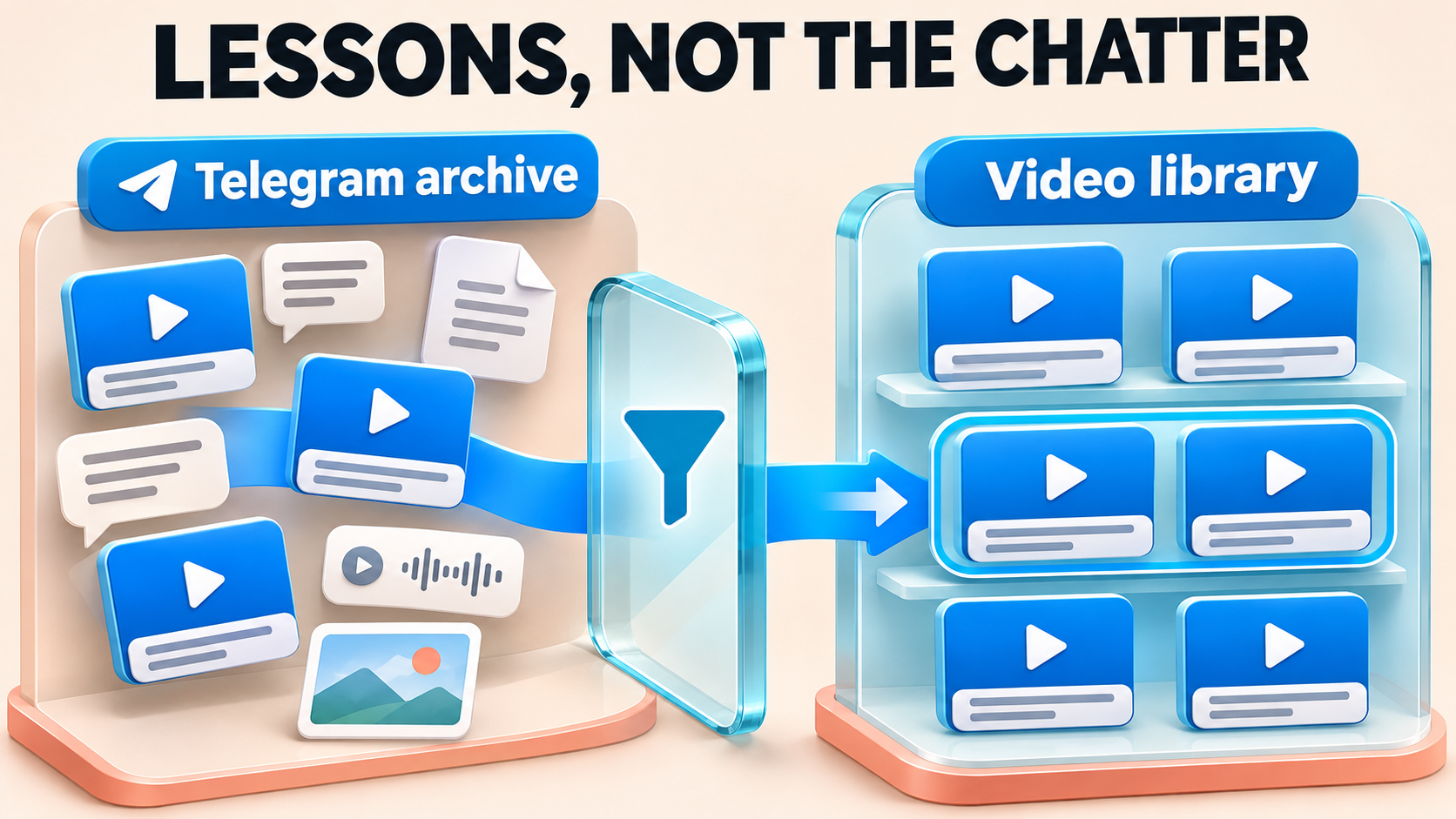
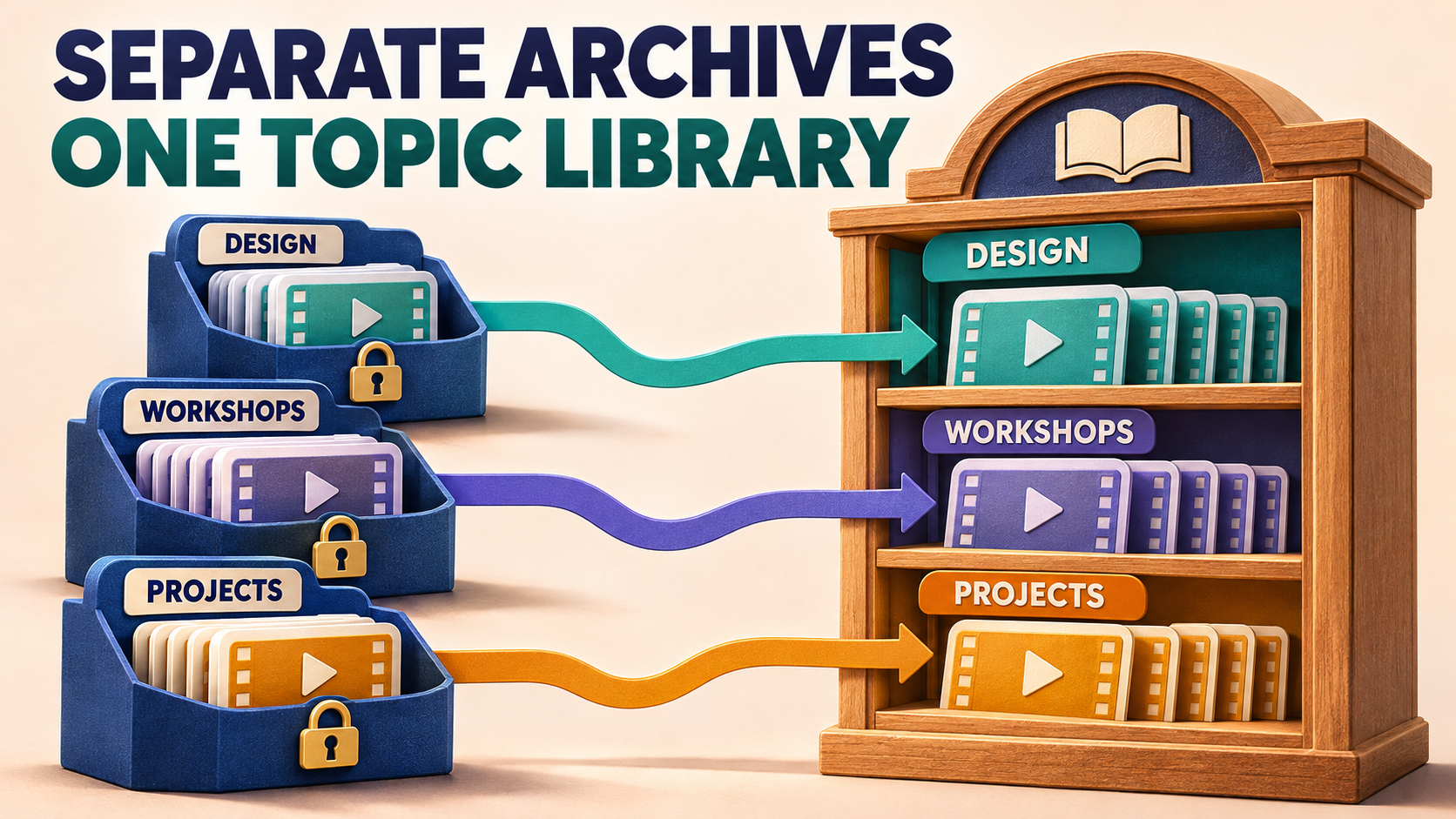
- Choose a different library workflow when the goal is every recording or several subject archives. The video-only library guide selects by media type; the source-to-topic library guide organizes separate archives. This pack selects by teaching value.
Choose the posts—and the context that makes them usable
Read each candidate as if you had never seen the channel. Keep it if it answers a first-week question, remains accurate and gives the reader a clear action. Leave out expired offers, superseded instructions and interesting material that does not help the first outcome. Popularity alone is not a reason to include a post.
Keep a private selection sheet with the source chat, source message ID, purpose, required companion post and eventual destination link. A message ID identifies a post within its source; the same number in another channel is a different selection. Do not put private invitations, login information or tokens in the sheet.
Worked editorial example: the following fictional design-course archive contains six selected standalone posts. The IDs illustrate a deliberately scattered selection, not a customer’s archive or measured result.
42— Orientation: explains what the course helps you make. Keep it to establish the destination before the lesson starts.317— Core-method explainer: defines terms used in the worked example. Keep it as the conceptual foundation.904— One worked-example video: keep it with its caption. It assumes the method in 317.1288— Current exercise workbook: keep this version. The older workbook at 760 is superseded; leave that old post out.1291— Separate exercise instructions: keep with 1288. The workbook alone does not explain what to submit.2106— Self-check rubric: keep it to give the newcomer a way to assess the first attempt.
Notice the dependency pair: selecting the file at 1288 without the instructions at 1291 produces a less useful pack even if the file copies perfectly. Likewise, a video that says “use the template above” needs that template or a new explanation. Include the required companion post deliberately; do not assume nearby messages or reply relationships will be reconstructed for you.
Use one source per selection. If the rubric lives in a second archive, put it on a separate source line and use a separate command with that archive’s chat ID. Do not combine IDs from several sources into one comma-separated list.
Prepare the authorized source and starter destination
RedFox confirms Clone from private and ordinary Protect Content channels and groups that the connected account has joined. A disabled native Forward button does not mean an authorized starter library must be reposted one item at a time. The private-source FAQ requires joined account access. Confirm that the sending identity can post in the destination and that you may share the material with these members; source membership alone is not a reuse license.
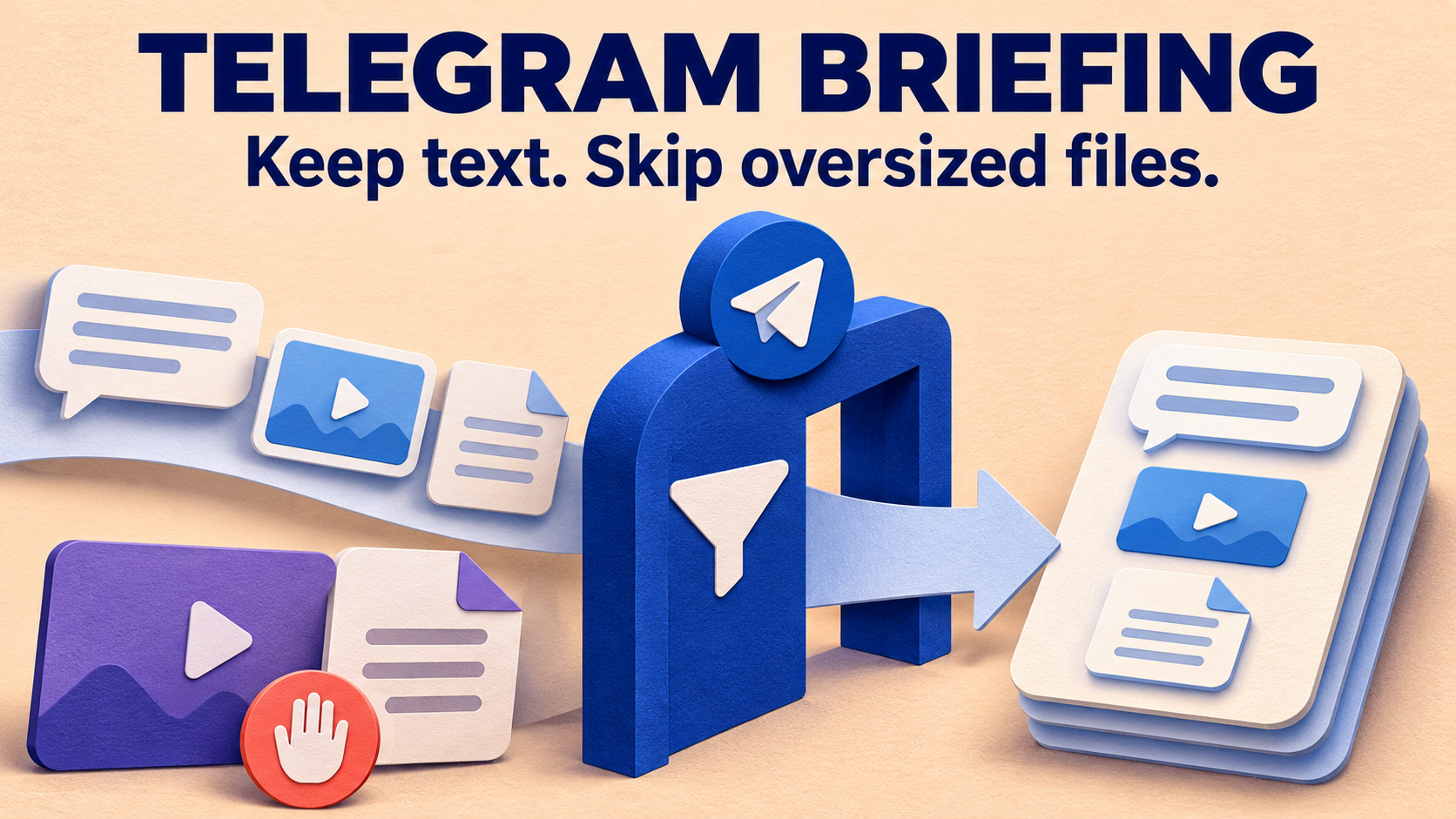
RedFox’s product guide describes history cloning as Premium. The protected-source forwarding guide covers the separate ongoing-post route. Before sending, check your account’s current Clone allowance and Max Clone File Size, especially for the worked-example video or workbook. Protected-source forwarding and historical Clone have different entitlements; this is not a Free or unlimited Clone offer.
- Choose the receiving channel or group. Use a private destination you control for the initial check. Decide who will eventually be able to read it and who may publish or pin the index.
- Resolve the chat IDs in AutoForward. RedFox documents
/getchanel,/getgroupand/getuser. Preserve the spelling/getchaneland use the returned identifiers, not numbers guessed from chat names. - Record each selected message ID. In the documented private-channel post-link example,
https://t.me/c/CHAT_PART/MESSAGE_ID, the final path segment is the message ID. Obtain the link from the actual post; do not treatCHAT_PARTas a substitute for the product-resolved chat ID. - Review the Clone’s own content rules. Type
/clonein the current @AutoForwardNew_Bot to inspect its menu. Filters can exclude a selected post; Cleaner can remove content from it. Review attached whitelists, blacklists, replacements and headers/footers too. For a preservation-first pack, leave unwanted exclusions and transformations off. - Check for existing destination copies. Mark anything already present before requesting more. A regular forwarding task’s duplicate setting is not a reason to assume repeated Clone commands are harmless.
For the initial pass, prefer standalone posts. If a selected lesson belongs to an album, plan and verify the complete package separately: the selected-ID documentation does not establish that naming one album member expands to the whole album. The separate range and album guide covers the Profile flow’s boundary rules, not a guarantee about comma-list expansion.
Copy the selected IDs—not everything between them
RedFox’s documented list form puts the IDs after start_id:, separated by commas. Use this command shape with your verified values:
Replace every uppercase placeholder. Use commas without square brackets, as in RedFox’s actual list example. This is a sending command, not a preview. The delay value is the break between cloned messages in seconds, not a completion-time estimate or protection against Telegram restrictions.
For the fictional selection above, the ID portion would be:
That is a list of chosen posts. It is not a request to copy the continuous history from 42 through 2106. Do not replace it with a starting ID plus a large limit just because that is another valid Clone form.
Run a small useful subset first. For the example, select the workbook and its separate instructions into the controlled destination, check them together, then request only the remaining chosen posts after the operation has settled. If your check uses the final starter destination, retain those accepted copies rather than sending the same pair again.
Choose a time when an interruption is acceptable. The bot-command guide warns that a current setup cannot send new messages until its /clone finishes, that other setups may be delayed and that bulk cloning can trigger temporary Telegram sending limits. Respect an actual reported restriction instead of stacking commands. RedFox’s current Clone guide specifies one clone operation per account at a time.
Turn the copies into a “Start here” path
After the selected content arrives, open the actual destination copies and record their links. Write the index in learning order, regardless of where those copies sit in the feed. A comma-list command is a selection mechanism; this workflow does not rely on it promising a custom teaching order.
Here is an index template for the fictional pack. Replace each bracketed instruction with a link obtained from that destination post before publishing it:
Pin the completed index yourself using the destination’s Telegram controls and the necessary permission. Telegram documents channel pins as a way to help new subscribers navigate, and supports multiple pins with navigation between them. One clear entry index can lead to the lessons; you do not need to pin every copied post.
Link to the copies, not accidentally back to the old private archive. A newcomer may have access to the starter destination without access to the source. Open each index link in the intended authorized member context. The source-link access guide covers that distinction in detail. Copying content does not grant source membership, rewrite old links inside captions or rebuild an earlier pin structure.
Accept a usable pack, not just a successful send
Compare the selection sheet with the destination before inviting members to rely on it:
- Correct selection: each required standalone post is present and recognizable; an unselected old workbook or intervening announcement has not become part of the requested pack.
- Useful content: the video plays, the workbook opens and captions, links and separate instructions retain their intended meaning. Check an oversized missing file against the plan allowance before changing selection rules.
- Complete context: a newcomer can perform the exercise without “the post above,” an inaccessible source reply or an unexplained attachment.
- Working path: every index link opens the intended destination copy for the receiving member, and the pinned index is easy to find.
- Clear next action: the final step explains what to finish and where authorized questions belong.
If an item is missing, first inspect that exact source ID, readability, media size and saved Clone rules. Record what has already arrived before sending a correction. Do not rerun the whole list merely because one file is absent. If you use the separate Clone Profile flow, its Retry Missing action covers unsuccessful messages that remain retryable; it is not an instruction to apply Profile controls to the bot command.
Keep the selection sheet after launch. When a lesson becomes outdated, decide deliberately whether to replace its destination copy and update the index. Treat this pack as an editorial release, not a live mirror that automatically synchronizes source edits, deletions, links or pins.
Frequently asked questions
Can I copy posts that are far apart in the archive?
Yes. The documented bot-command form accepts a comma-separated list of message IDs from the specified source. Choose the posts yourself, include their required companions and inspect the destination before adding the index.
Will Clone create and pin the starter index?
Write and pin the index manually after you have the destination links. Copying selected content and designing the learning path are separate jobs; no automatic index creation or destination pinning is assumed here.
Do I need video-only filtering for a starter pack?
Not when you are selecting specific useful posts across text, videos and documents. A workbook and its separate instructions may be as important as the recording. Review existing Clone filters so they do not exclude the types you deliberately chose.
Let the next member start with your strongest material
Open the RedFox Auto Forward Telegram overview, choose one authorized archive and write the first useful member outcome. Select only the posts that deliver it, verify a small comma-list copy, then build and pin the destination-linked index. The finished product is a guided first exercise—not a smaller pile of history.
Use the documented bot route for the explicit selected-ID command. The Web App, iOS app and Android app offer fuller general management than the Telegram-bot entrypoint. Keep the accepted destination copies and selection record together before moving on to another archive.
Give New Members a Clear Starting Point
Choose the old posts that teach your first useful outcome, copy the selected IDs and build a pinned index to the verified destination copies.
Check current Clone and media-size allowances