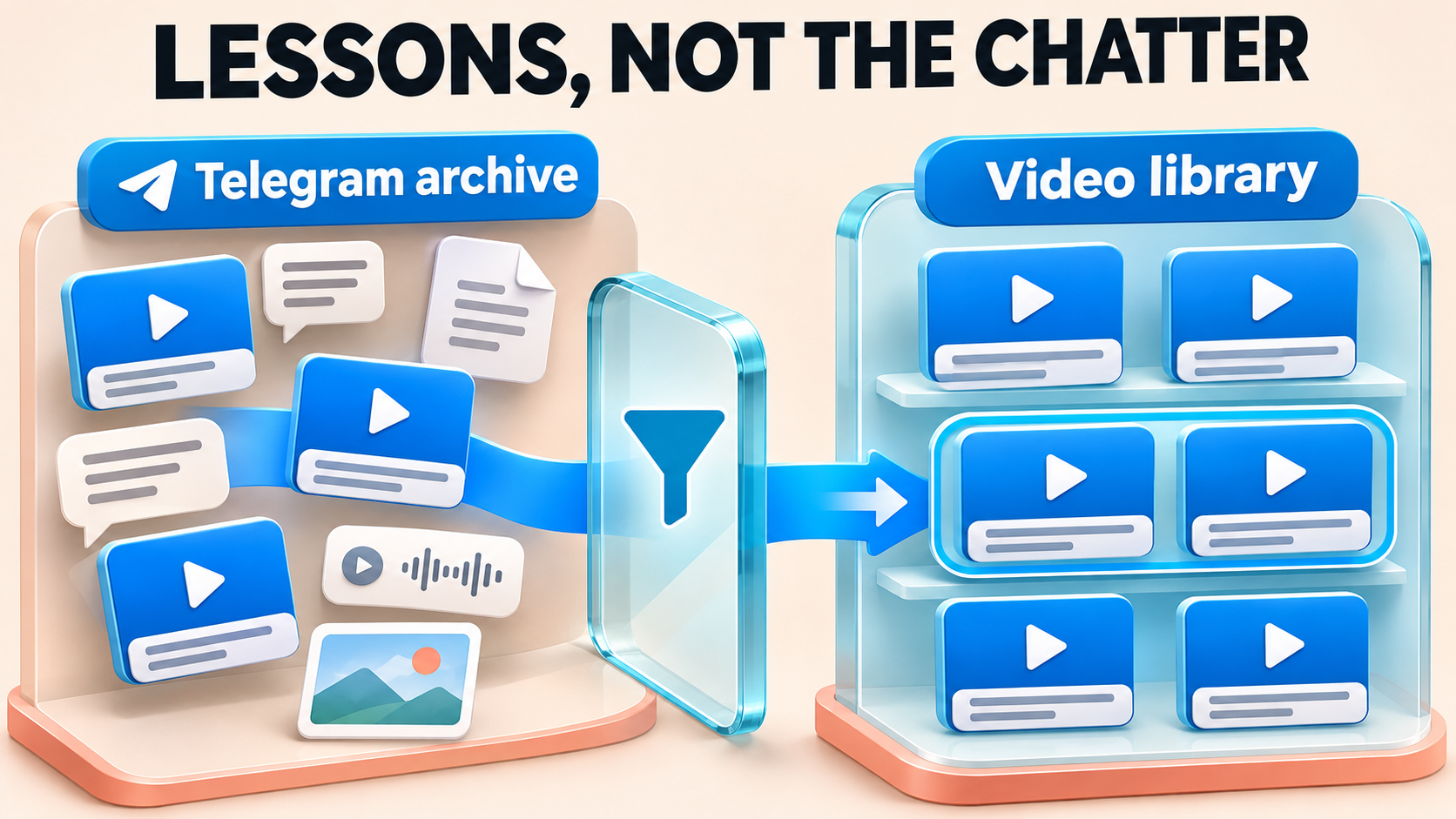
Build One Telegram Library From Separate Protected Archives
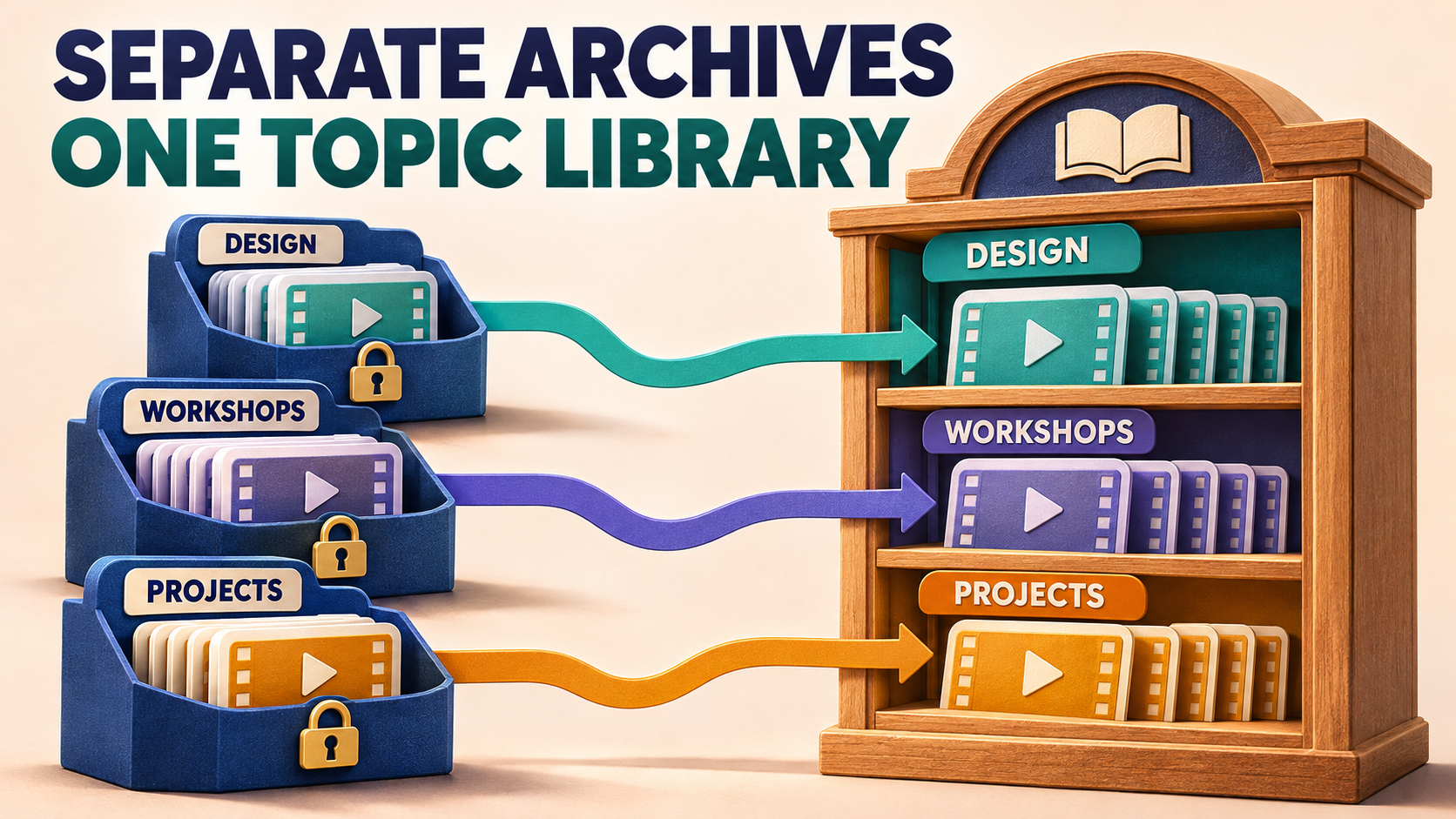
Your Telegram library can have one home without turning every course, workshop and project recording into one long feed. RedFox Auto Forward Telegram can clone an accessible private or Protect Content archive into a group topic. Give each source selection an explicit destination topic, verify a small copy, then work through the remaining archives one operation at a time.
This is for creators and community operators moving content they own or may redistribute to the same receiving audience. The useful result is a library members can browse by subject—not another collection of channels they must remember to open. RedFox develops the product; Auto-Bot.io publishes this guide. Instructions use the documented Clone command and current Clone guide, checked November 3, 2026.
Choose the library layout before copying the videos
Imagine you have separate archives for a design course, recorded workshops and project demonstrations. If the same members may receive all three, one topic-enabled Telegram group can provide a clearer home: Design, Workshops and Projects. These illustrative names give each subject a recognizable home.
Telegram describes topics as individual chats within a group, with their own shared media and notification settings. That makes topics useful for separating subjects. Do not use a topic label as a substitute for your membership or access policy: if different courses have different authorized audiences, retain separate receiving groups or channels instead of combining them merely for convenience.
Decide what each topic should contain. A topic might receive one complete course archive, or a deliberately selected part of a source. If you want to split one mixed channel by subject, identify the relevant source messages or selections yourself. The Clone destination parameter is not an automatic classifier that understands which lesson belongs to which course.
- Separate subjects, same audience: one target group with an explicit topic for each subject can reduce channel-hopping.
- Different audiences or reuse permissions: choose separate destinations first; organization must not broaden who receives the content.
- One source, several subjects: plan each selection and topic deliberately rather than copying the same full source into every topic.
Bring protected history into the plan—not just new posts
RedFox confirms Clone support for private and ordinary Protect Content channels and groups the connected Telegram account has joined. A disabled native Forward button does not mean an authorized library must be manually reposted video by video. For the separate continuing-post workflow, see the built-in protected forwarding guide.
Before copying: use a connected account that can read the source, permission to redistribute the selected material to this audience, and a sending identity that may post in the target group and topic. RedFox's private-source FAQ requires that the connected account has joined a private source. Membership alone is not a redistribution license.
RedFox's product description lists history cloning as Premium. Check your current Clone and topic-related entitlement before the first operation. Built-in protected forwarding on all plans, including Free, does not establish that this historical Clone workflow is Free or unlimited. Standard Protect Content is also not by itself a reason to buy the specialized Anti-Repasse add-on.
Make a source-to-topic map you can check
Keep a short record for every archive selection: source chat, source topic if applicable, starting message, intended selection, target group, target topic and existing copies. Keep credentials, login codes, private invitation links and bot tokens out of this record.
A useful illustrative map is Design archive → Library group → Design topic, followed by Workshop archive → the same Library group → Workshops topic. The group can be the same while the topic ID changes. A familiar topic name is not enough: the same name may exist in another group.
Create or confirm the intended topics in the target group before starting. Telegram's topic controls belong to the group; RedFox's Clone command directs content to a topic. Do not confuse this with Copy existing topic structure in a forwarding task. That operation builds or reuses topics; its completion does not show that the videos or old messages have moved. The topic setup guide owns that separate structure and future-routing choice.
Use the documented topic destination for a small Clone
Manage your account and review the library on the Web App or the official apps. For an explicit historical topic destination, RedFox documents the following bot-command parameters. Use the current @AutoForwardNew_Bot entrypoint; the previous @Auto_Forward_Messages_Bot has moved there.
- Resolve the source and target chat IDs. The command guide uses
/getchanel,/getgroupor/getuserinside AutoForward. Preserve the spelling/getchanel. Use the identifiers returned by the product, not a number guessed from a display name. - Identify the target topic separately. For the private group-topic link shape documented by RedFox,
https://t.me/c/GROUP_PART/TOPIC_ID/MESSAGE_ID, the topic ID is the segment before the final message ID. The final segment is the message, not the topic. TreatGROUP_PARTas a link component, not a replacement for the target chat ID resolved above. Other link shapes need their own verified interpretation. - Open the Clone settings. Type
/cloneto inspect its menu. Review the Clone's filters, Cleaner, whitelist/blacklist, replacements and header/footer settings as relevant. Those settings can exclude a whole message or remove part of its contents. A regular forwarding task's configuration does not prove the Clone settings are the same. - Select a small, interpretable sample. Use one known source post or a few eligible standalone posts whose copies you can recognize. Keep the source message ID, target topic ID and intended media/caption behavior in your record. Check the destination for existing copies before sending.
- Run the intended source-to-topic selection once. Substitute your product-resolved chat IDs and verified message/topic IDs into the documented command shape below. Review the selection and delay before sending. Plan for the bot-command guide’s warning that a current setup cannot send new messages until its Clone finishes; run the copy when that pause is acceptable. This is an actual copy operation, not a preview.
The uppercase words are placeholders you must replace, not literal command values. limit bounds the requested selection; it is not proof that the same number of messages will arrive. delay is the break between cloned messages in seconds, not a completion-time estimate or protection from Telegram limits.
If the source itself is a group topic, the command guide also supports from_topic:SOURCE_TOPIC_ID. Use that source topic ID only for a topic-enabled source group. to_topic identifies the receiving group topic. Neither parameter creates an audience policy or automatically imports the source's complete topic structure.
Check the result where members will read it
Open the exact target group and the intended topic in Telegram. Find the sample copy there—not merely somewhere in the group—and compare its text, playable video or document, caption and grouping with the source. Also inspect General and any other destination that could have received the sample. A copied post in the wrong topic is not a successful library placement.
For an archive with albums, check complete album boundaries and the sending identity before expanding. If you choose the separate Clone Profile flow, its Clone Bot Sender option requires active paid Platinum, a configured bot and target sending permissions; Platinum Trial is not eligible. Even with that Profile option enabled, albums still use the Personal Telegram Account. These are Profile sender controls, not an additional sender parameter for the command above.
Use the Clone range and album guide for missing-item diagnosis, and Date-wise Clone if members need original-day headings within an archive. Those are separate decisions from choosing the right topic. Do not assume a date heading, a status badge or a structure-copy count proves that all expected videos arrived.
Expand the library without losing the destination map
After the sample matches the intended topic and content, continue with a clearly bounded, non-overlapping selection. Mark what you have checked before moving to another source. RedFox documents one Clone operation per account at a time; saved configurations do not mean all archives can run simultaneously.
For a large collection, the repeated work you remove is manually opening, copying and sorting every eligible post. The destination map keeps that automation useful: each operation has a known source selection and a known topic, rather than a growing collection of copies that someone must sort afterward. Plan archive by archive; do not turn an illustrative workload into an account-capacity or speed promise.
RedFox’s bot-command guide says a current setup cannot send new messages until /clone finishes, and other setups may be delayed. Bulk copying can also trigger temporary Telegram restrictions that prevent the account from sending messages. Schedule the copy when that interruption is acceptable, respect the actual reported restriction and reconcile the current result instead of stacking commands. If the destination is uncertain, keep the source IDs, target group/topic, settings and observed copies for support; do not restart the full archive or delete a working topic to obtain a cleaner-looking result.
Old history and future updates remain separate jobs. If this library must keep receiving new lessons, use the history-to-live handover guide, then verify the continuing task's target-topic configuration. Do not assume a finished Clone created that task or imported posts published during the handover.
Frequently asked questions
Can I add topics inside a broadcast channel instead?
Use a topic-enabled group, not a broadcast channel, as this library’s receiving destination. RedFox's Clone guide specifies that topic parameters apply when the source or target is a group.
Will AutoForward sort a mixed archive into course topics for me?
This procedure maps a selected source or selection to a topic you choose. It does not establish automatic subject classification. Split mixed history into appropriate selections yourself, or resolve a separately supported classification workflow before promising it.
Does Copy existing topic structure also copy old videos?
That forwarding-task operation concerns topic structure. Historical message Clone is a separate selection and copy operation. Verify the actual content in each receiving topic rather than treating a completed structure copy as a populated library.
Must the phone or browser stay open?
Active forwarding tasks run in RedFox's cloud without keeping the management interface open. For an accepted Clone Profile operation, RedFox says backgrounding the app does not intentionally stop it, although progress display can pause. That is not a completion receipt for a bot command: check the actual operation result and destination copies.
Give the next member a clear place to start
Start with one archive and one topic in RedFox Auto Forward Telegram. Decide the receiving audience, record the exact source-to-topic map and verify a small historical copy before expanding. The success condition is recognizable content in the correct topic—not simply fewer source channels in your list.
Choose the Web App, iOS app or Android app for fuller management than the limited Telegram-bot entrypoint. Use the documented command when you need its explicit Clone topic parameters, and keep the ongoing-update route and its acceptance checks separate.
Give Every Archive a Clear Home
Plan one source-to-topic selection, confirm the receiving audience and verify a small historical copy before expanding.
Documented Clone and topic routing; check account eligibility