Build a Video Lesson Library From Mixed Telegram History
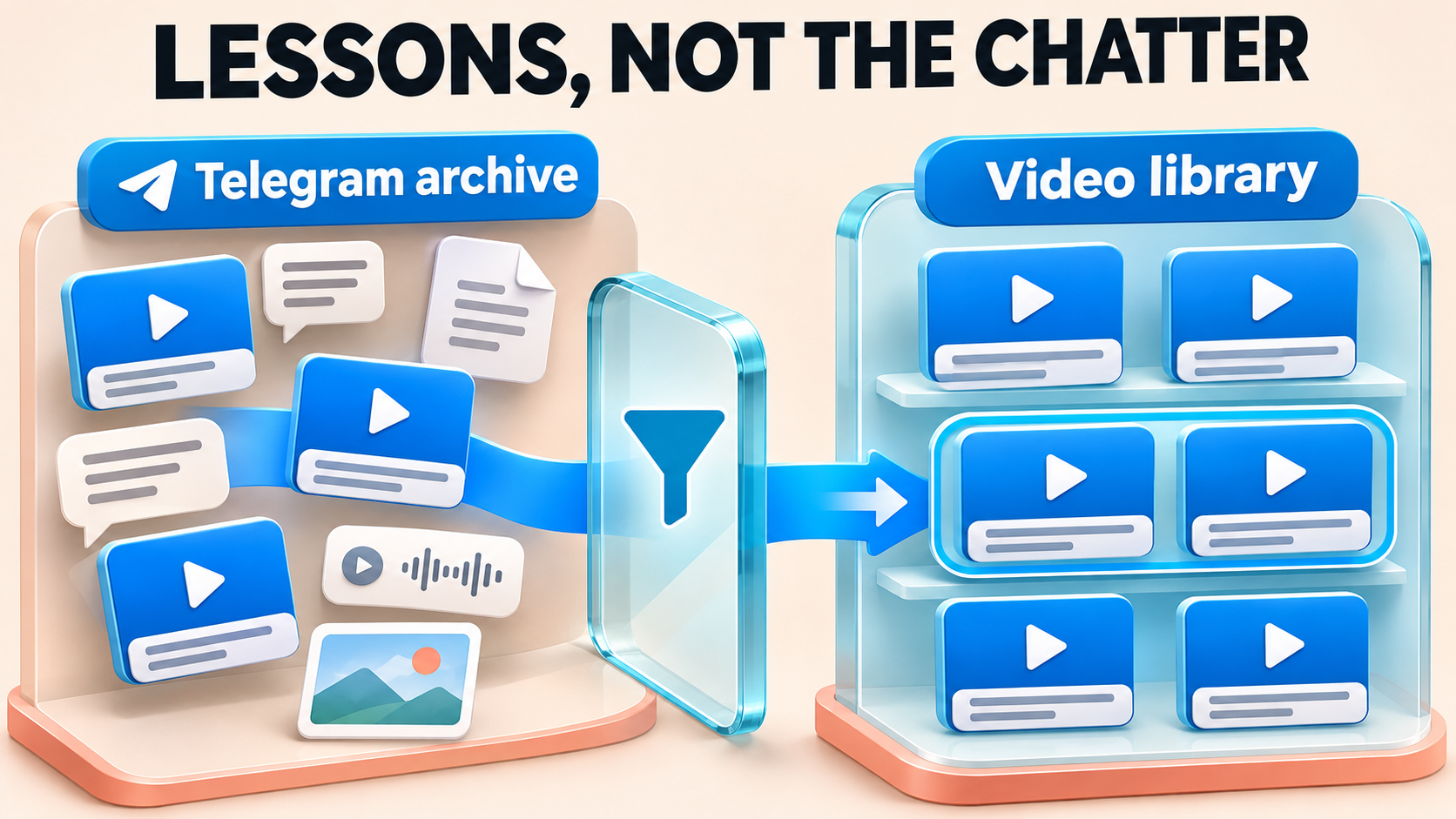
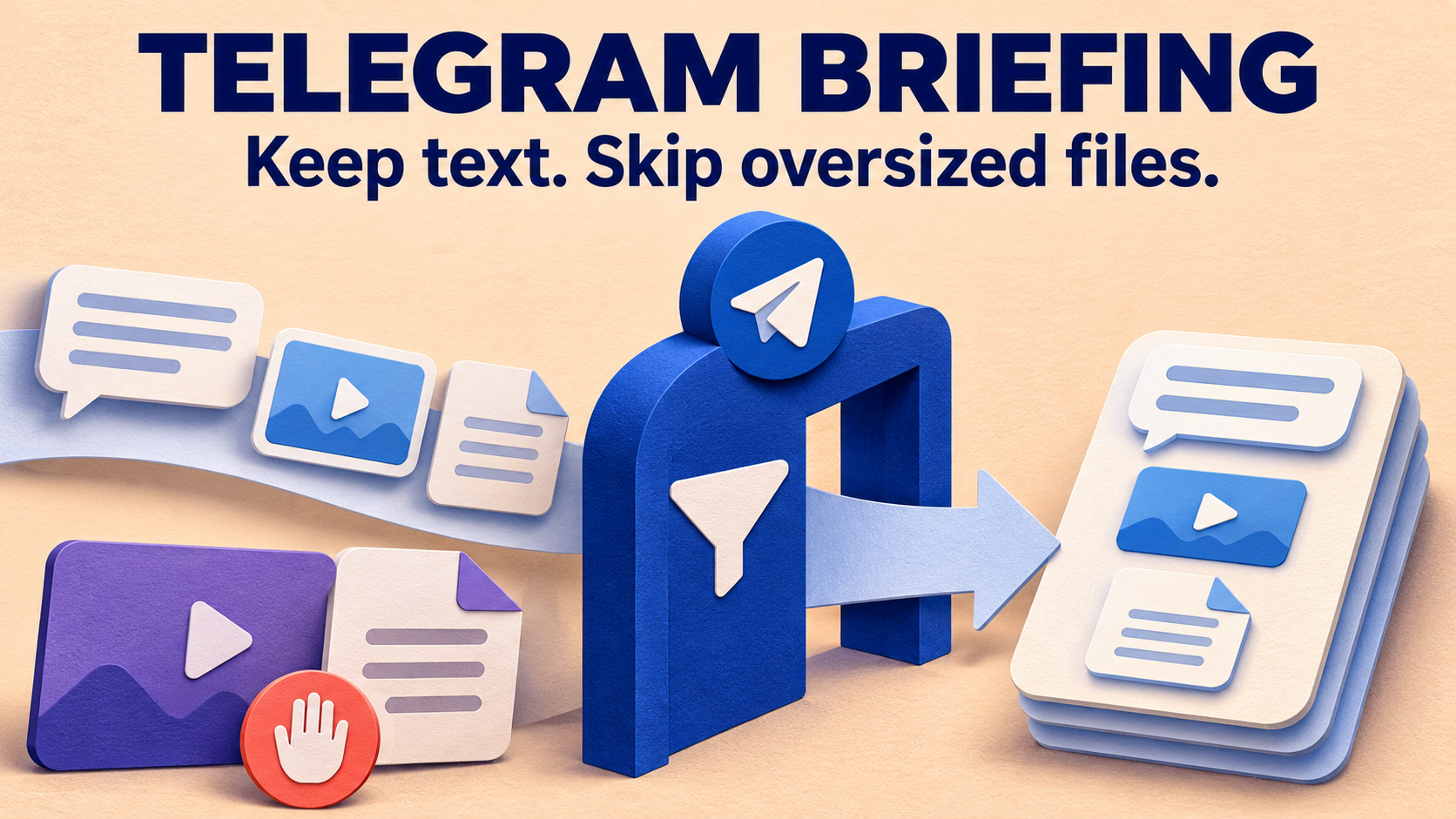
A Telegram teaching archive can become a focused video library without copying every announcement, PDF and voice note alongside the lessons. RedFox Auto Forward Telegram supports historical Clone with its own type filters and content controls, including accessible private and Protect Content sources. Keep Video eligible, exclude the unwanted message types, and preserve the captions that make each recording useful.
The payoff is a destination members can open to watch and revisit lessons, rather than scroll through the original conversation again. This guide is for creators and community operators copying content they own or may redistribute. RedFox develops the product; Auto-Bot.io publishes this guide. Instructions use the documented bot-command Clone controls, checked November 3, 2026.
Decide what belongs in the video library
Imagine a workshop channel containing lesson videos, text announcements, slide PDFs, cover images and voice replies. Your new reference channel needs the recordings and their attached lesson titles, not a second copy of the whole feed. A type-based historical copy removes the repeated work of opening and selecting every ordinary video post by hand.
Write the policy before configuring the copy: ordinary Telegram videos, with their captions; complete all-video albums where wanted; no standalone chat, photos, documents or audio. This is a media policy, not automatic recognition of educational value. A trailer sent as an ordinary video still fits it. For a future feed selected by running time instead, use the separate long-video duration guide; do not assume those live-task media rules are the Clone settings described here.
- Video versus video file: a recording uploaded as a document belongs to the Document type. Excluding Document can therefore exclude a lesson even if its filename ends in .mp4. Decide whether you need those files before applying the policy.
- Attached caption versus separate notice: a title attached to a video is a caption. A nearby text announcement is another message. Keeping the first does not mean importing the second.
- Album versus standalone post: decide whether the complete package belongs in the library. Do not assume a filter will extract just the video from a mixed photo/video album.
If your goal is files on your computer rather than new Telegram posts, consider Telegram Desktop’s export where available. Telegram describes an offline HTML or JSON archive with media. That is a different result from populating a receiving Telegram channel for members to browse.
Use the protected archive your account can actually read
RedFox confirms historical Clone from private and ordinary Protect Content channels and groups the connected Telegram account has joined. A disabled native Forward button does not mean an authorized lesson collection must be manually reposted one video at a time. Standard Protect Content is not by itself a reason to buy the specialized Anti-Repasse add-on.
Before starting, confirm three things: the connected account can read the source, you may redistribute this material to the receiving audience, and the sending identity may post in the destination. RedFox’s private-source FAQ requires joined account access. Membership or a paid course subscription is not itself permission to republish the course.
RedFox’s product guide describes history cloning as Premium. Check your account’s current eligibility for Clone and its advanced type filters, plus the media sizes you need, before committing the archive. Basic Clone access does not establish every advanced control’s entitlement. Confirm the current plan’s Max Clone File Size and whether it includes Clone type filters or Advanced Clone Messages; ask RedFox support if your account does not make that scope clear. Built-in protected forwarding on all plans, including Free, is a separate capability; this filtered historical workflow is not a Free or unlimited Clone offer.
Select whole posts with Filters—not Cleaner
The most important switch direction is easy to reverse. In Filters Clone, an activated check means ignore that type. Leave Video deactivated when you want videos. Cleaner does something else: it removes matching content from a message instead of making the same whole-post selection.
Open the current @AutoForwardNew_Bot and type /clone to inspect the Clone menu. The previous @Auto_Forward_Messages_Bot has moved to this handle. Work in the Clone configuration, not an unrelated regular forwarding task. Record the existing settings first, and do not change them while another operation is running.
| Clone control | Starting policy for ordinary video lessons |
|---|---|
| Filters Clone → Video | Deactivated: do not exclude the videos you want. |
| Filters Clone → Text | Activate to exclude standalone text posts; verify a captioned video separately before expanding. |
| Filters Clone → Photos, Document, Audio, Voice, Sticker, Polls, Animation (GIFs), Video note | Activate the exclusions for types your library does not need. Keep Document eligible instead if your intended library also includes recording files. |
| Filters Clone → Forwards, Reply, Link, Buttons, Without Username | Leave deactivated unless you deliberately want those additional exclusions. A wanted lesson can be a reply, contain a link or have buttons. |
| Cleaner Clone → Text and Videos | Leave deactivated to retain the caption and video content. Review other cleanup rules before assuming the caption will be unchanged. |
RedFox’s type-filter guide explicitly illustrates Text excluding plain-text messages while media continues. Telegram also defines text and media captions as separate message fields. Do not use Cleaner → Text as a substitute for excluding standalone chatter: it can remove the explanatory text you wanted to keep with the recording.
For the first preservation check, leave optional cleanup and replacement rules off. Review the Clone menu’s attached whitelist, blacklist, replacements and header/footer settings too. A correct Video setting cannot override a separate exclusion or restore words removed by a transformation. The filter-versus-Cleaner diagnostic covers missing-content symptoms in ongoing tasks; the selection here is for history.
Run one small historical selection
Use a private destination you control before filling a member-facing library. Keep a short record of the exact source, target, source message IDs, Clone settings and any copies already present. Do not put login codes, private invitation links or bot tokens in that record.
- Resolve the chat IDs in AutoForward. RedFox documents
/getchanel,/getgroupand/getuser. Preserve the spelling/getchanel; use the returned identifiers rather than a number inferred from a chat name. - Choose a short, recognizable selection. Include a captioned standalone video and unwanted standalone message types. Keep complete albums for a separate check if their boundaries are unclear. Note the starting message ID from its source post link.
- Review Filters Clone and Cleaner Clone. Check the saved exclusion direction and caption-preservation settings above. Confirm the target and the account’s eligibility before issuing the copy.
- Schedule an acceptable interruption. The bot-command guide says a current setup cannot send new messages until its
/clonefinishes, and other setups may be delayed. Bulk cloning can also trigger temporary Telegram sending restrictions. Run the sample when that interruption is acceptable. - Submit the bounded command once. Replace the placeholders below with your verified values. This sends actual copies; it is not a preview.
limit is the documented maximum number of messages requested from the starting point, not a guaranteed number of delivered videos. delay is the break between copied messages in seconds, not a completion-time estimate or immunity from Telegram limits. Do not repeatedly submit the command because an excluded post did not appear.
Check what arrived—and what stayed out
Compare the exact source selection with the exact destination. A useful acceptance check proves both the wanted content and the intended exclusions:
- Ordinary video with a caption: the video is playable, its lesson title and useful links remain, and it appears in the intended destination.
- Standalone text notice: absent under the Text exclusion, rather than copied as library clutter.
- Standalone photo, document and voice note: absent when their respective exclusions are active.
- A recording sent as a document: matches your deliberate file policy. Do not mark it missing merely because it looks like a video to a person.
- A wanted lesson containing a URL or sent as a reply: still eligible when you did not intend to exclude links or replies.
If a wanted recording is missing, also check whether it exceeds your plan’s Max Clone File Size. If an excluded text, photo or document post arrives in the private test, do not expand: confirm the saved Filters Clone state and the account’s Clone-filter eligibility, with RedFox support if unclear, before any member-facing run.
If a wanted item is missing, first establish that it is readable and can be copied with the relevant exclusion disabled in the controlled destination. Then repeat a small comparable selection with that one rule changed, accounting for existing copies. Missing output alone cannot distinguish filtering from access or sending failure. If a video arrives without its caption, inspect Cleaner and replacements rather than enabling more type exclusions.
Keep the captioned-video result and the standalone-text rejection together before expanding. A library containing only captionless clips would not meet the teaching use case, even if its media count looked correct.
Keep wanted albums whole
Include a complete all-video album if the archive uses grouped lessons. Check every video, grouping and caption placement in the destination. Treat a mixed album—such as a cover photo bundled with lesson videos—as a separate editorial decision. Either retain the complete package through a separately checked policy or leave it out of the strict video-only selection; do not promise automatic member-by-member extraction.
The current Clone Profile guide says albums stay grouped, and a whole album is skipped if it crosses an ID-range boundary. It also specifies one Clone operation per account at a time. If you use that Profile flow, confirm its actual configuration rather than assuming the bot-command settings were imported. The range and album guide owns detailed boundary and missing-item recovery.
Sender choice is separate again. In Clone Profiles, Personal Telegram Account is the default; the optional Clone Bot Sender requires active paid Platinum, a saved bot and target sending permissions. Platinum Trial is not eligible for that sender option. Albums still use the Personal Telegram Account even with Bot Sender enabled. Resolve an unacceptable personal-account send before running an album-containing copy.
Expand the selection without rebuilding the whole archive
Once the small selection meets your policy, continue with clearly recorded, non-overlapping selections. Keep the source and originals while reconciling required lessons. The automation saves repeated per-post selection, but it does not decide which recording is accurate, current or suitable for your members.
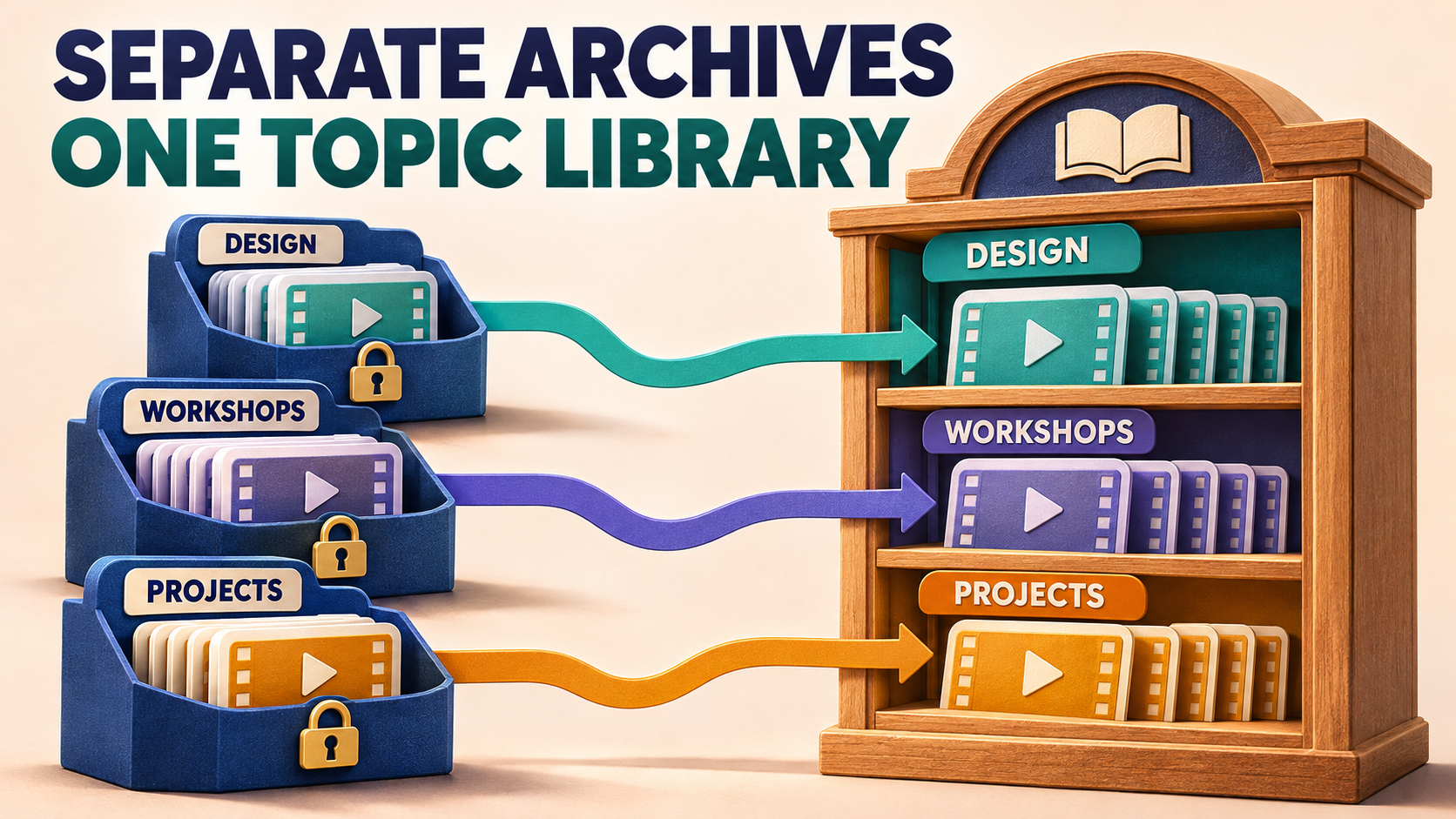
For several protected sources, repeat the media-pattern check: one may use ordinary videos, another documents, another mixed albums. Work one operation at a time, and preserve the receiving audience’s access boundaries. If you also need separate subjects inside one receiving group, use the source-to-topic library guide rather than treating a type filter as automatic subject sorting.
Copying old lessons does not create a continuing new-post route. Use the history-to-live handover guide for that separate job. In a Clone Profile, Retry Missing retries unsuccessful messages that remain retryable; Clone Again starts a new operation from the beginning. Neither should be used to undo an intentional type exclusion or as an unexamined full-library rerun.
Frequently asked questions
Should I activate Video to copy only videos?
No. In Filters Clone, activated means ignored. Leave Video deactivated, exclude unwanted types deliberately, and keep the relevant Cleaner removals off.
Can I keep captions while removing standalone chat?
Use the Text type exclusion for standalone text, not Cleaner’s text removal. Verify a captioned video and a rejected standalone notice in the small historical selection before expanding; other filters and modifications can still affect the result.
Why did a lesson recording disappear with Document enabled?
It may have been uploaded as a file rather than an ordinary video. Inspect the source message type and choose whether those documents belong in the library. A filename is not a reliable replacement for the actual Telegram media type.
Give members the recordings, not the entire conversation
Start with one mixed archive in RedFox Auto Forward Telegram. Write the video-library policy, inspect the Clone’s own exclusions and preserve captions, then verify a small historical selection before expanding. The useful result is a playable, understandable lesson collection—not just a smaller message total.
Choose the Web App, iOS app or Android app for fuller general management than the limited Telegram-bot entrypoint. Use the documented bot route for the specific Clone menu instructions above. Active forwarding tasks run in RedFox’s cloud without keeping the management interface open. For an accepted Clone Profile, backgrounding the app does not intentionally stop the operation, although its progress display may pause; inspect the actual status and destination before starting another run.
Turn Your Archive Into a Lesson Library
Choose one mixed source, preserve useful video captions and verify a small historical selection before expanding.
Documented Clone controls; check advanced-filter eligibility