Telegram Post Arrived, but the Source Link Will Not Open?
If a forwarded Telegram post arrives but its source link will not open for readers, separate delivery from access before changing the forwarding task. A link can point to a real message in a private channel that the editor can read but the destination audience cannot. Check the actual URL, the chat it points to and the Telegram account opening it. Re-forwarding the announcement does not give readers membership in its source.
This guide is for an existing Telegram-to-Telegram bulletin managed with RedFox Auto Forward Telegram (@AutoForwardNew_Bot). The message itself is delivered; the problem is the reference readers tap afterward. The goal is to keep useful attribution without sending people to a source they are not entitled to open.
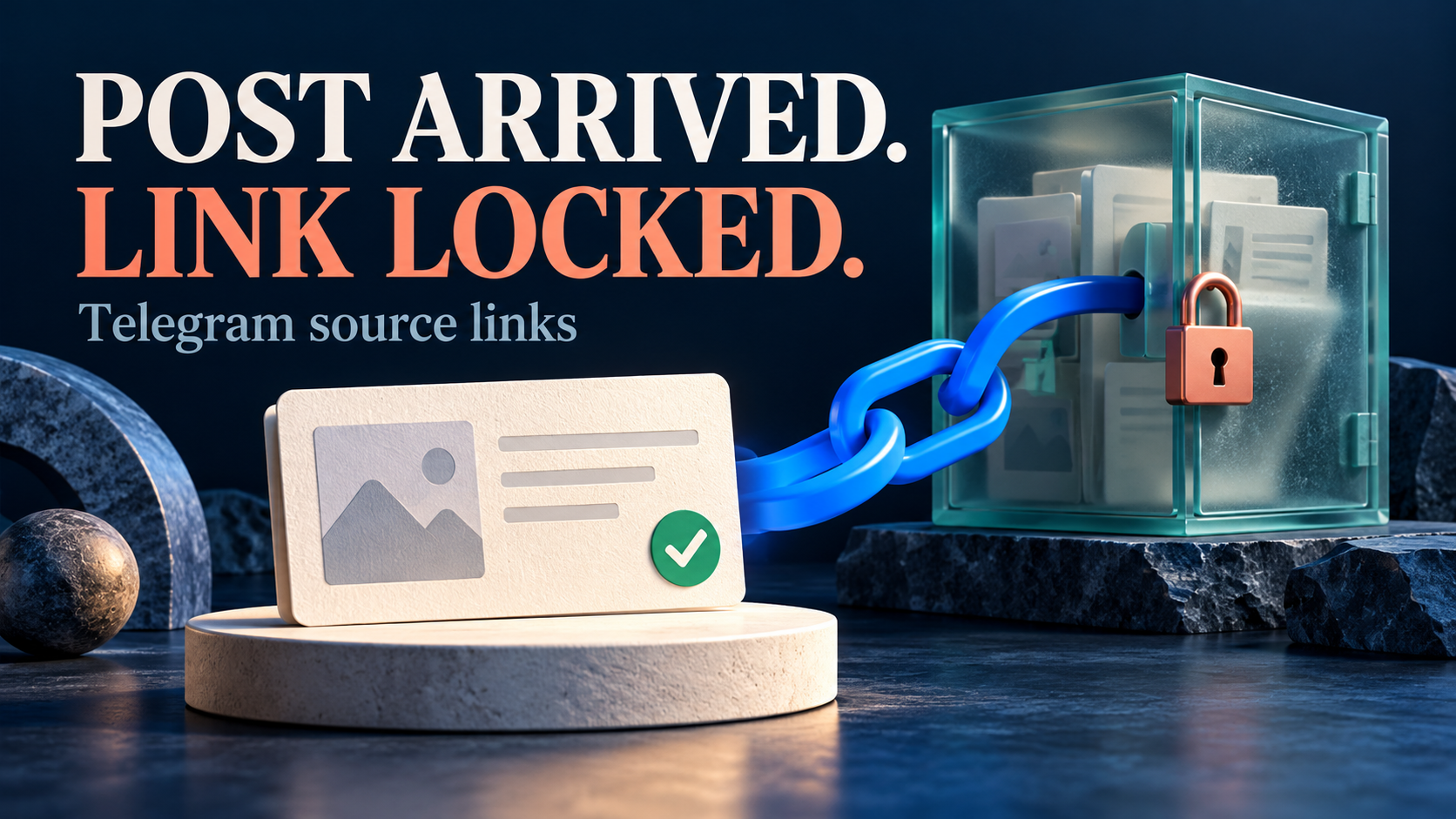
Auto-Bot.io publishes this editorial guide; RedFox is the product team. The workflow is based on documentation checked November 1, 2026, not an executed forwarding or account-access test. The featured image is a concept illustration, not product UI.
A delivered copy and an accessible original are different outcomes
Imagine a residents’ bulletin editor sharing an approved lift-maintenance notice from a building committee’s private channel into a residents’ channel. The copied notice is complete. Its footer says “Original post,” but only committee members can open that reference. Residents can read the copy without being members of the committee channel.
That is an audience mismatch to diagnose, not evidence that the notice failed to forward. Telegram documents different message-link forms for public and private groups or channels. Its message retrieval documentation also lists the CHANNEL_PRIVATE error: “You haven't joined this channel/supergroup.” A correctly formed private link is not an invitation.
- Delivery: did the intended destination receive the complete notice?
- Link target: does the emitted URL identify the intended chat, post and, where relevant, topic?
- Reader access: can the account opening that URL view the linked message?
Keep these checks separate. If the notice never arrived, start with the existing forwarding setup guide. If it arrived and the reference fails, do not reconnect a working account or clone the channel just to investigate the link.
Inspect the destination, not just the “Source” label
Copy the actual link from one affected destination post and compare it with the reference obtained from the intended original message. A friendly label can conceal the wrong URL. Do not paste private references, channel identifiers or invitation links into a public support thread.
Telegram’s documented forms include a public username followed by a message ID, and a private form beginning t.me/c/ followed by a channel or supergroup identifier and message ID. Topic-aware links can contain another path component or thread parameter. A chat invite, such as the t.me/+ form, is a different link type with a different purpose.
- Wrong chat or wrong post: correct how the reference is selected or generated. Membership cannot fix an incorrect destination.
- Private message link: evaluate whether the intended readers should already have access to that source.
- Invite link: review it as an invitation, not as a post reference. Do not add one to a public bulletin merely to make a private reference usable.
- Unclear or incomplete link: obtain a fresh reference from the intended message rather than manually guessing IDs or deleting topic components.
Do not turn a private message link into a “public” one by swapping its path for a username. Telegram’s public and private formats describe different addressing contexts; a string edit does not grant access or publish the source.
Check what the task’s shortcode actually produced
RedFox’s Add Header / Footer guide documents per-task custom text, an Add Shortcode picker and saving with Done. It describes [[MESSAGE_LINK]] as a direct link to the original or forwarded message. It also lists [[ORIGIN_NAME_URL]] as a hyperlinked original source name. That source-name shortcode is a link too: inspect its actual target with the same reader-context check rather than treating it as plain-text attribution.
Those descriptions are a reason to inspect the emitted link, not assume every configuration always produces a source-only reference. A link into the destination channel has a different audience boundary from a link into the committee’s source. Name the reference according to where it actually leads.
- Open one intended task. Record its source, target, current footer and task state. Keep a private copy of the current template so you can undo a change.
- Inspect the saved footer. Identify the shortcode or fixed URL responsible for the affected reference. Leave sender selection, filters, delays and other transformations unchanged while diagnosing it.
- Compare input and output. For a harmless new post in chats you control, check the resolved destination URL and where it opens. Wait through any configured delivery delay.
- Classify the result. Is it the intended original, the delivered copy, another message, or an unresolved literal shortcode? Keep that observation separate from whether a reader is allowed to open it.
A native “Forwarded from” attribution header is not the same thing as a custom footer link. If the reference you mean is Telegram’s native header, use the separate forward-header display guide; do not change the body footer and assume the native attribution will disappear too.
Compare the same link under the right reader contexts
Use a source and destination you control, with harmless content and existing authorized accounts. Do not join a private source, invite other people or log out of an important session just for this check. If you do not have a suitable reader context, ask an authorized participant or source administrator to confirm access without sharing credentials.
- Establish the reference. Open the original message from its chat using an account already entitled to read it. Copy that message’s current link, then open the exact copied link in the same account.
- Check the delivered reference. Compare the task’s emitted URL with that known reference. If they differ, investigate the target-generation step before drawing an access conclusion.
- Check the intended reader context. Where authorized, open the same URL in the account used to read the destination bulletin. Confirm which account is active; an installed app or a successful editor click does not establish access for another account.
- Record what the comparison proves. A source member can open the exact post while a reader without source membership cannot: that is consistent with an access boundary. It is not evidence that the forwarder damaged the link.
If the authorized source member cannot open it either, stop treating non-membership as the established cause. Confirm that the original post still exists, the source is still accessible and the copied link names the correct message or topic. Escalate an unexplained mismatch with sanitized references; do not repeatedly recreate the forwarding task.
Likewise, a browser preview or an automated HTTP fetch is not the same test as opening the link in the intended Telegram account. A public GitHub report from April 15, 2026 describes an assistant failing to retrieve a private Telegram message through a generic web path. That report concerns a separate tool, not a RedFox incident or a measured failure rate. Its later discussion also distinguishes known local messages from arbitrary historical retrieval; it is not a reason to share session files or bot tokens.
Choose a reference the audience can actually use
Once the target and access boundary are understood, choose the publishing policy deliberately:
- Members-only bulletin: retain the original-message reference when the audience is supposed to belong to the source. Make that expectation clear and let the source administrator handle legitimate access problems.
- Wider audience, approved public material: use an authorized public announcement or resource as the next step. Verify that readers can open the exact reference and that it corresponds to the notice they received.
- Private source, no public reference: use an approved plain-text attribution or contact instruction instead of promising an “Open original” action. The same RedFox guide documents name shortcodes such as
[[ORIGIN_NAME]]for a sender or original channel name; inspect the emitted text and confirm that the source’s name may be shown to this audience. First confirm that redistributing the notice itself is allowed.
If you use a single fixed footer template, its fixed link repeats across the task’s posts. Use one only when that same destination is genuinely appropriate for every post on the route, such as an approved public information page. If each announcement needs a different reference, curate it per announcement; do not assume an automatic private-to-public URL mapping that the documented shortcode does not establish.
Do not make the committee channel public, distribute its invite or remove useful attribution merely because that is quicker. Removing one footer reference is also not a privacy guarantee: inspect the message body, native forward header, captions and buttons for other identifying links before wider use.
Change one route, then verify a fresh notice
Pause the affected task if it is publishing an unsuitable reference, and coordinate with other editors before changing it. Closing the management interface is not a pause: active tasks run in RedFox’s cloud. The runtime FAQ separately confirms that the bot copies messages without the user’s internet staying on.
- Change only the identified footer reference or attribution text, save with Done and reopen the same task to confirm the saved template.
- Validate on a controlled private test route with the relevant rules unchanged. If you temporarily alter a destination, record and restore the intended target before reader-facing activation.
- Use a fresh eligible notice. Verify its complete content, correct destination, intended attribution and actual URL target. Then open that reference under the intended authorized reader context.
- Resume the intended route only when the result matches the chosen audience policy. Observe its next appropriate post rather than bulk-replaying the archive.
A successful new notice does not establish that older destination copies were rewritten. Review those separately if they need an editorial correction. If the change produces a wrong reference or missing content, restore the recorded template and investigate before widening the change; do not stack unrelated sender, filter and membership changes.
FAQ
Does forwarding a post give readers access to its private source?
No. A delivered copy and permission to open the original chat are separate. A private message link is not a Telegram invite, and the destination audience does not automatically become the source audience.
Should I replace the source reference with an invite link?
Only if inviting that audience is an intentional, authorized decision by the source owner. Telegram documents invite links separately from message links. An invitation is not a neutral repair for a post reference that non-members cannot open.
What if the source member cannot open the same link?
Then the access comparison has not established the cause. Recheck the actual post, current chat access and exact message or topic reference. Keep the failure unresolved until a concrete check explains it; do not label every Telegram opening error a membership problem.
Audit one source link before changing the whole feed
Start with the RedFox Auto Forward Telegram overview, then inspect one existing task in your preferred Web App, iOS app or Android app. Web and mobile apps offer fuller management than the limited Telegram-bot entrypoint; choose the surface that suits you.
The useful finish is not merely a clickable label. It is a complete delivered notice with a truthful reference: one that leads to the intended post or approved resource, under an audience policy you have deliberately checked.
Give Readers a Useful Source Reference
Inspect one task’s actual footer link and verify it under the intended reader context before changing the wider feed.
Manage on Web, iOS or Android