Skip Telegram Polls, Keep the Written Decision

To keep native Telegram polls out of a forwarded announcement feed, turn on the task’s Poll filter in RedFox Auto Forward Telegram (@AutoForwardNew_Bot). Leave the written decision as a separate source message that can pass the task’s other rules. RedFox’s Filter By Type guide says an enabled filter excludes that message type. This controls one forwarding route; it does not close the original poll, count its votes or publish a decision for you.
This guide is for a working Telegram-to-Telegram route from a planning group into a participant notice channel. The planning group uses polls to discuss options, but participants need the approved time and place—not every vote request. The useful outcome is a feed that excludes native poll messages while still delivering the team’s written announcement.
The procedure below is based on documentation checked November 1, 2026, not an executed forwarding test.
Separate the discussion from the decision
Imagine a volunteer team choosing a workshop room. Organizers post a native Telegram poll with “Birch” and “Willow” as options. After checking availability, the coordinator writes a new message: “Workshop confirmed: Room Birch, Sunday at 10.” The participant channel should receive that written notice, not invite another round of voting.
The Poll filter gives this workflow a clear boundary: exclude the poll message, keep an independently understandable announcement eligible. It is a format-based exclusion, not an approval system. A regular text message saying “Which room should we choose?” is still text; Poll alone does not recognize it as discussion or prevent it from forwarding.
- Use this policy when the source team already publishes a clear written outcome after its discussion.
- Do not use it as the only change when the poll is the sole place containing the event’s final details. First arrange an approved written notice; otherwise the destination loses useful information.
- For an announcement-only feed from a busy group, combine an agreed publishing convention with the appropriate existing sender or keyword rules. The focused group-update guide owns that broader selection workflow.
Check whether it is a native poll
Telegram’s Polls 2.0 announcement of January 23, 2020 describes native polls with answer options, including anonymous voting, visible votes, multiple answers and quiz mode. RedFox lists Poll as the filter for Telegram poll messages. Start with an ordinary native poll as your controlled specimen rather than assuming everything that asks a question is the same message type.
- Native poll: a Telegram poll message with its question and answer choices. This is the documented target of Poll.
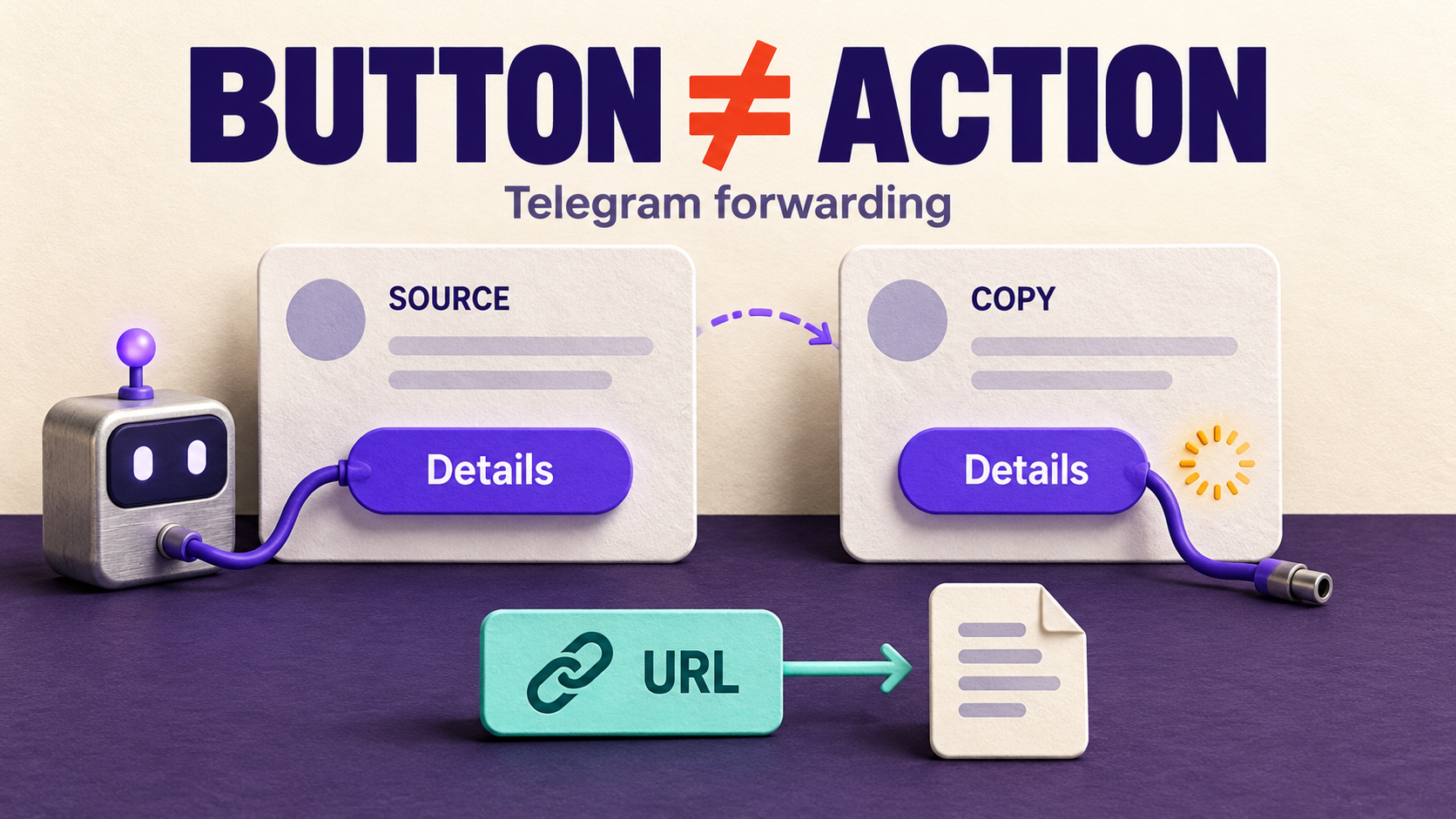
- Custom bot vote: an ordinary message using inline buttons. Inspect it separately; the type guide lists Button as a different exclusion. Do not enable Button unless you also intend to exclude messages containing useful buttons.
- Screenshot of poll results: an image, not evidence that the underlying message is a native poll. Check Photo and Photo With Text only if the policy should exclude those formats too.
- Written result: a separate text message. Leave the relevant text exclusion off if you want it eligible, and check the task’s other selection rules.
Quiz mode is part of Telegram’s poll family, but your own source format and route still need checking. If quizzes are also unwanted, add a harmless native quiz to the private test. A successful ordinary-poll check is not proof of every custom voting bot or newer poll variant.
Prepare a private test task before changing the audience task
Keep two routes distinct: your audience task delivers real notices; a separate private test task uses a source and destination you control. Copy the audience task’s relevant keyword, sender and other type-filter conditions into the private test task, adapting only the test source and destination identities. Use harmless material you are allowed to redistribute. If you need a new test route, follow the forwarding setup guide and choose the private destination before creation: RedFox’s creation guide says a newly created task is activated. Do not change the audience task or send test polls to it.
- Record the settings. Open the private test task in Auto Forward Web or the official mobile app. Check its source, target, current status, delays, type filters and copied sender or keyword conditions. Keep the audience task’s original settings separately so the later rollout is reversible.
- Locate Filters, not Cleaner. Find the private test task’s Poll control, but do not enable it yet. In this menu, on means exclude. RedFox distinguishes skipping whole messages from Cleaner’s content-removal controls. Establish the baseline below before saving Poll on.
- Preserve what should still arrive. Do not enable Text, Photo, Button or other exclusions just to block polls. Review any already-enabled rules that might reject the written result. Leave unrelated settings unchanged during the test.
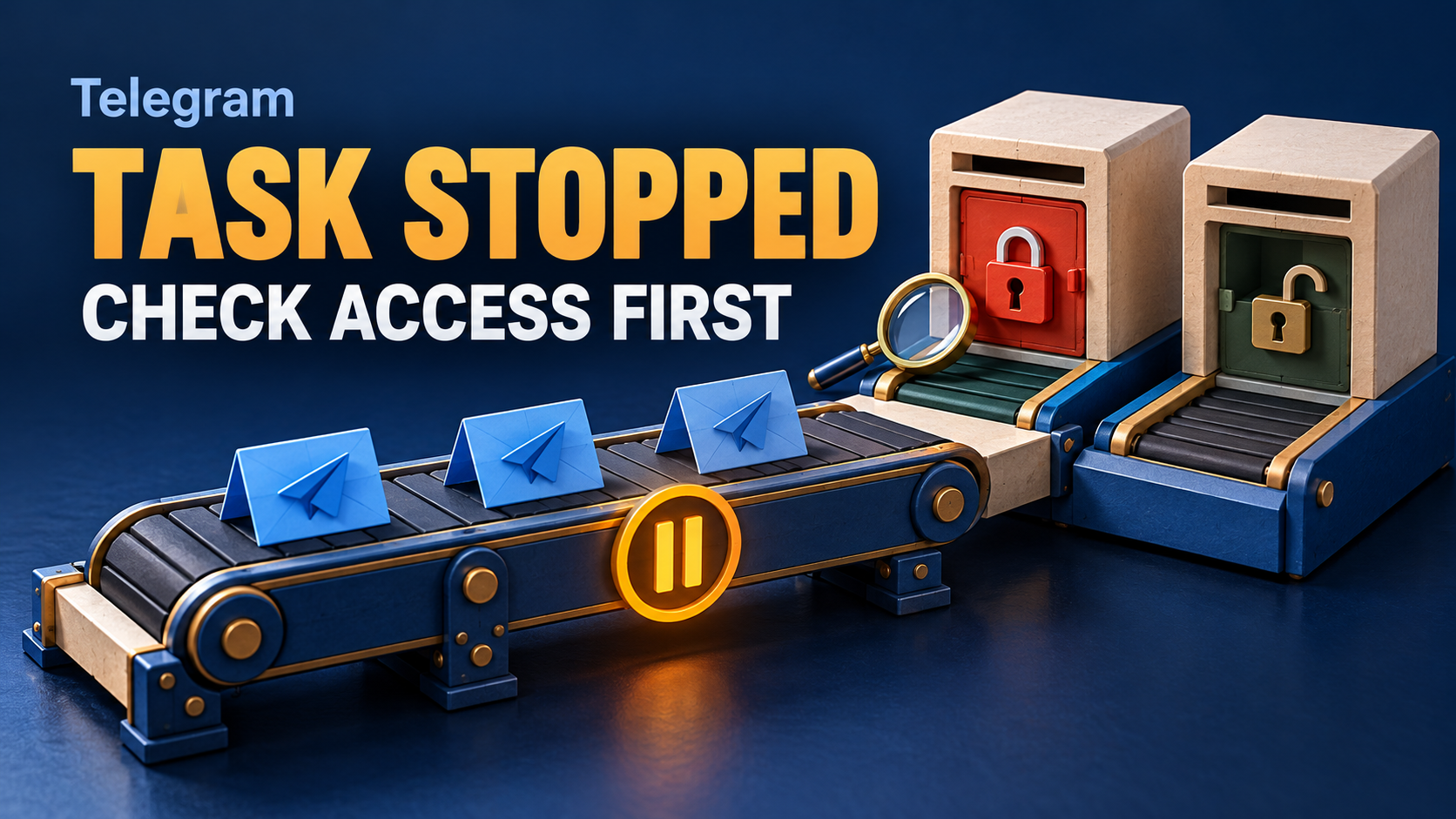
- Check access before testing. If the Poll control is restricted, review the terms shown for your account; this guide does not promise a plan entitlement or price. Leave the audience task unchanged while resolving access.
- Check competing paths. Make sure another task or manual repost is not sending the same source into the private test destination. Otherwise a poll arriving through that other path can look like a failure of the task you changed.
For Telegram-bot management, RedFox’s task-settings guide gives /settings or /forward, then the task list, the selected task and Advanced Configuration → Filter. App layouts may differ; follow the labels on your chosen surface instead of expecting the bot menu everywhere. Do not disconnect a working account to change one filter.
Verify both the exclusion and the announcement
The following is a proposed reader-run check, not a report of observed deliveries. Use only the private test task. Keep its harmless source, private target and copied eligibility rules the same; Poll is the one setting changed between the before-and-after checks. Make every specimen satisfy the copied sender and keyword conditions. Use fresh messages with distinct labels and wait through the configured delays before interpreting an absence.
- Confirm a working text baseline. With the prior configuration recorded, send “Notice trial: written decisions can reach this feed.” Add the agreed marker if the copied rules require one. Verify the exact destination copy. If text fails, recover the private route before evaluating a missing poll.
- Establish the poll baseline if needed. On the controlled route only, use a harmless native poll with Poll off to check whether that source format reaches the private target. If it does not, you have not reproduced a poll that this filter can be shown to stop.
- Apply the one relevant change. Save Poll on and read it back. Create a new, distinguishable native poll with the same eligibility conditions. Check that it is not delivered through this route while a fresh written control still arrives.
- Publish the fictional decision separately. Send a new standalone message, not a reply: “Decision trial: Room Birch confirmed, Sunday at 10.” Include any required marker. Verify the complete text in the private target. It should make sense without the omitted poll, its options or its replies.
- Test formats your source really uses. If native quizzes matter, test one separately. If a button-based vote or screenshot still arrives, classify its actual format before broadening the exclusion. Retain a useful button or photo control when you need those formats to remain.
Keep a short record of the task, source items, saved filter states, timing and exact destination observations. An absent poll plus a working text control is useful evidence; an entirely empty target is not. If you cannot establish comparable before-and-after conditions, keep the result inconclusive rather than claiming Poll solved the problem.
Never send these trials to a real participant channel, replay the source history or disable all filters to force an answer. If a change does not explain the symptom, restore it before trying another. Pausing a task is not proof that previously queued work has been cancelled.
When polls still arrive—or decisions disappear
- A native poll still arrives: verify the saved Poll setting on the exact task, then check other incoming routes and manual reposts. Record the actual source format rather than guessing from the message wording.
- A voting button still arrives: do not treat that alone as a Poll failure. A custom bot can present a vote as a button-bearing message. Decide whether excluding all such messages would also remove resources your readers need.
- The written result disappears: inspect Text and the existing keyword and sender conditions. Also check Reply if it was posted as a reply, Link if it contains a room or map URL, and Forwards if it was forwarded from another chat. RedFox lists these as separate exclusions. Preserve those protections unless a controlled one-change test shows which one is responsible.
- A reply says only “Birch wins”: fix the source publishing convention. Ask the coordinator for a new standalone approved notice, not a reply. Excluding a poll cannot recover missing context or turn a reply into a complete event announcement.
- An old poll remains in the target: this procedure checks new forwarding selection. It does not establish retrospective deletion, closing the source poll or removing copies posted through other routes.
A public Telegram discussion raises a different concern: preventing polls from being forwarded outside a group. This task filter is not that kind of group-wide privacy control. It excludes a message type on your configured route; it does not establish a restriction on other members’ actions or who may vote elsewhere. Treat the thread as an example of a reader concern, not current platform policy or a tested RedFox result.
If you cannot change how a third-party source publishes its result, arrange an authorized editorial handoff before enabling this policy for participants. Do not label a poll-free destination a complete decision feed when the only outcome remains inside an omitted poll.
For unresolved behavior, pause the affected test route and give RedFox support a sanitized task label, source format, relevant saved states, timestamps and expected versus observed results. Do not share login codes, passwords, tokens or private participant data.
FAQ
Does Poll on allow polls?
No. RedFox’s Filter By Type guide says turning a filter on excludes that message type. For this policy, Poll on means skip native poll messages.
Will RedFox forward the winning answer as text?
This filter does not establish a result-conversion workflow. Have the source team publish a separate written decision that passes the task’s normal rules. Do not promise automatic vote counting or announcement generation.
Does this stop anyone else forwarding the source poll?
No group-wide restriction is established by a task’s Poll setting. It controls the configured forwarding route, not the source group’s permissions or other members’ activity.
Give participants the decision they can act on
First verify the native poll exclusion and complete written decision on the private test task. When that check passes under the intended rules, open the audience task, save Poll on, reopen it and read back the state. Change nothing else. Review the first real written announcement to confirm participants receive the complete decision. Explore the RedFox Auto Forward Telegram workflow for the wider setup.
Choose Web, the official iOS app or Android app. Web and mobile apps provide the recommended fuller management experience; the Telegram bot is the more limited entrypoint. Active tasks run in RedFox’s cloud, so you do not need to keep the management interface open, consistent with its runtime FAQ.
Auto-Bot.io publishes this editorial guide; RedFox provides the product and documentation. The previous bot, @Auto_Forward_Messages_Bot, has moved to @AutoForwardNew_Bot. Use that current handle.
Share the Decision, Not Every Poll
Keep planning votes in the source and verify one complete written notice reaches the participant feed.
Manage on Web, iOS or Android