Tutorials, product updates, and automation insights from auto-bot.io.
Telegram to Discord forwarding not working? Diagnose bot identity, channel permissions, partial delivery, content and safe retries after setup.
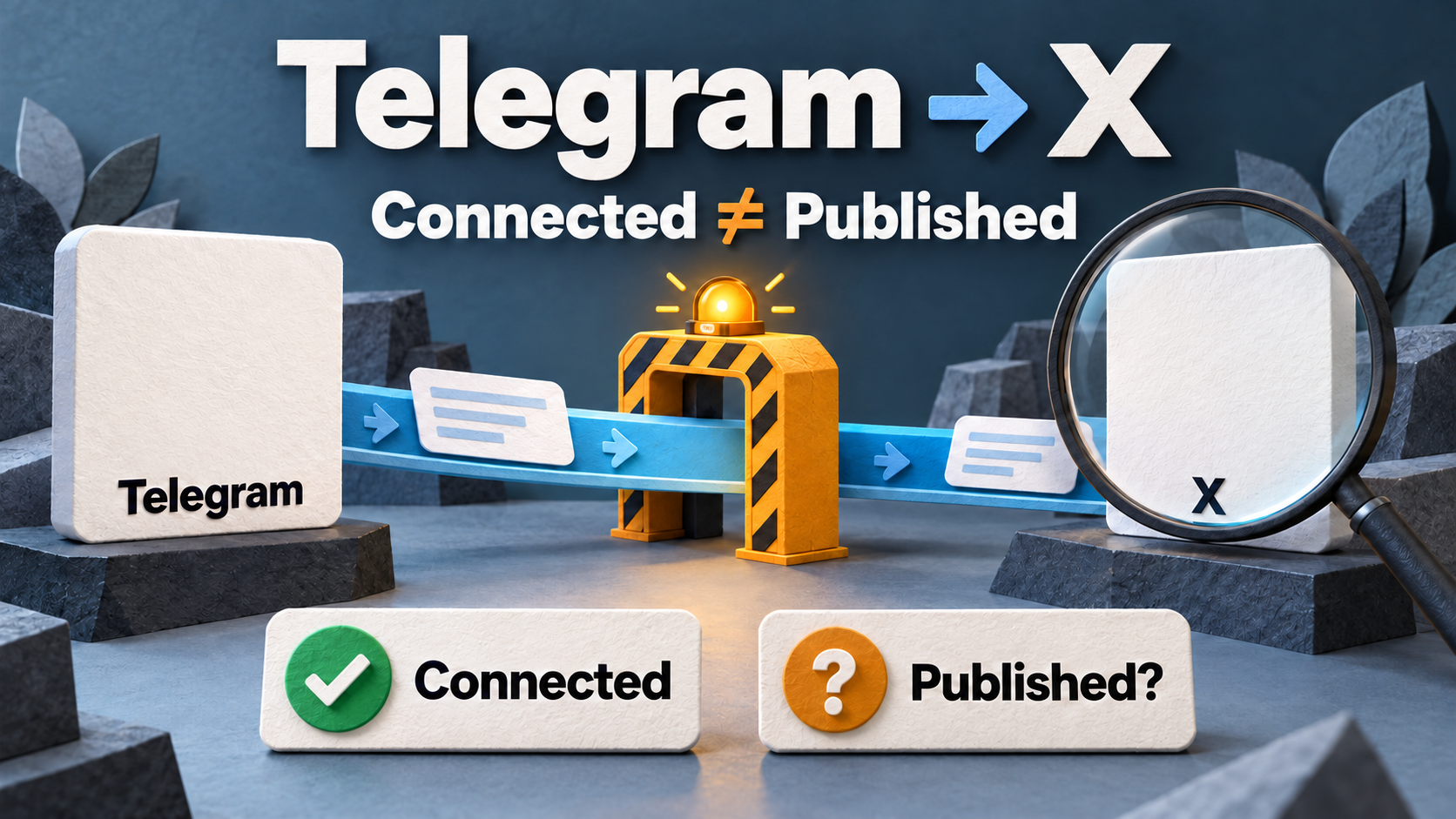
Telegram to X publishing failed? Check destination, OAuth write permission, X API credits, content and safe retries with RedFox Auto Forward Telegram.
Publish shop-approved offers with RedFox Auto Forward Telegram (@AutoForwardNew_Bot): clear deal terms, VK/Discord audience choices and sold-out or expiry updates.
Share creator and course releases with RedFox Auto Forward Telegram (@AutoForwardNew_Bot): approved sources, practical templates and private-content boundaries.
Share approved public advisories with RedFox Auto Forward Telegram (@AutoForwardNew_Bot): affected versions, official sources and visible corrections.
Prepare long Telegram posts for X with RedFox Auto Forward Telegram (@AutoForwardNew_Bot): short-copy examples, links, photo captions and limit checks.
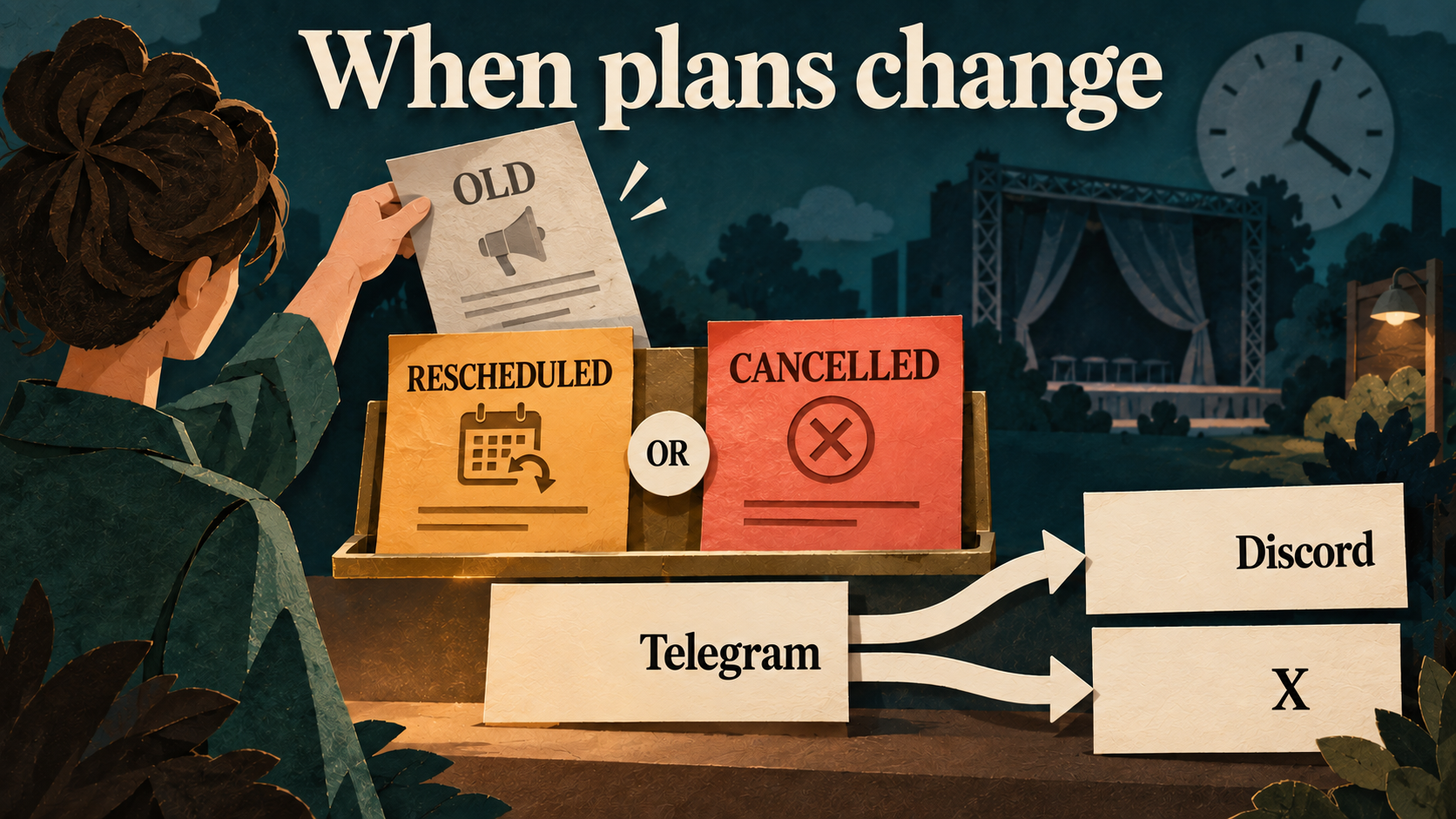
Handle event changes with RedFox Auto Forward Telegram (@AutoForwardNew_Bot): new notices, old reminders, Discord/X correction checks and clear links.
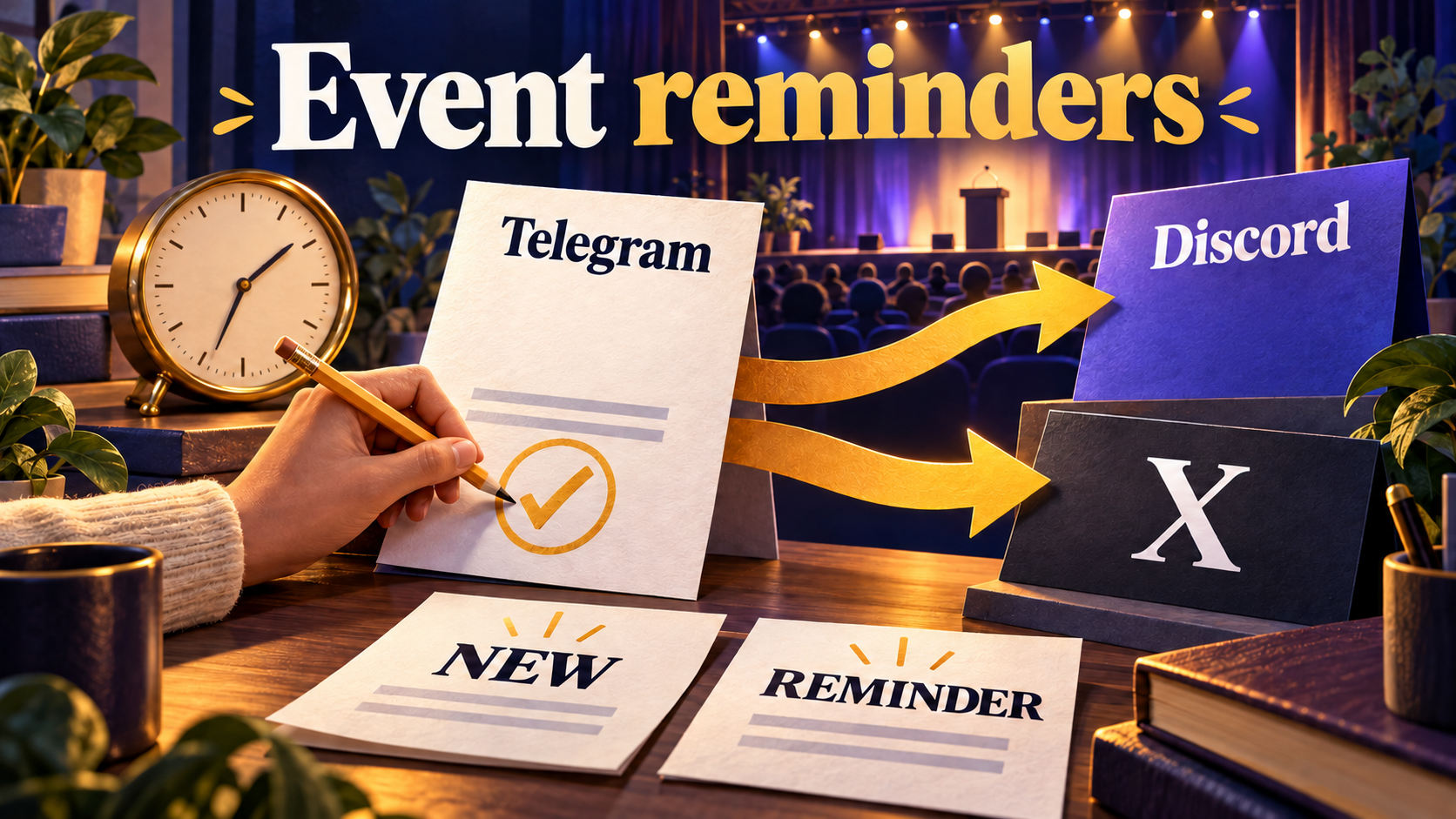
Send event reminders to Discord and X with RedFox Auto Forward Telegram (@AutoForwardNew_Bot). Use clear dates, time zones, links and route checks.
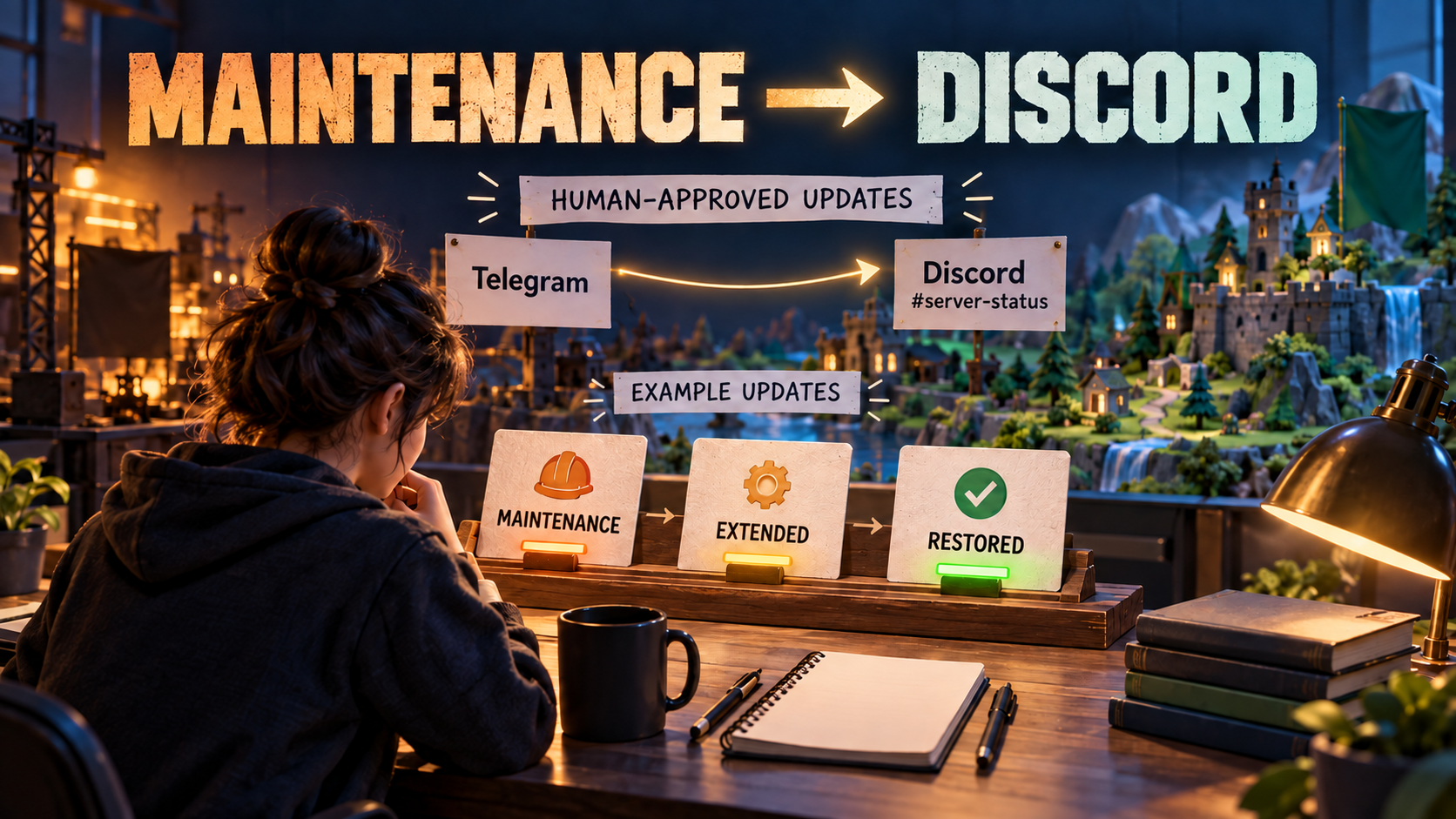
Send maintenance updates to Discord with RedFox Auto Forward Telegram (@AutoForwardNew_Bot). Use UTC templates for starts, extensions and recovery.