Telegram Early Access: Members First, Public Channel Later
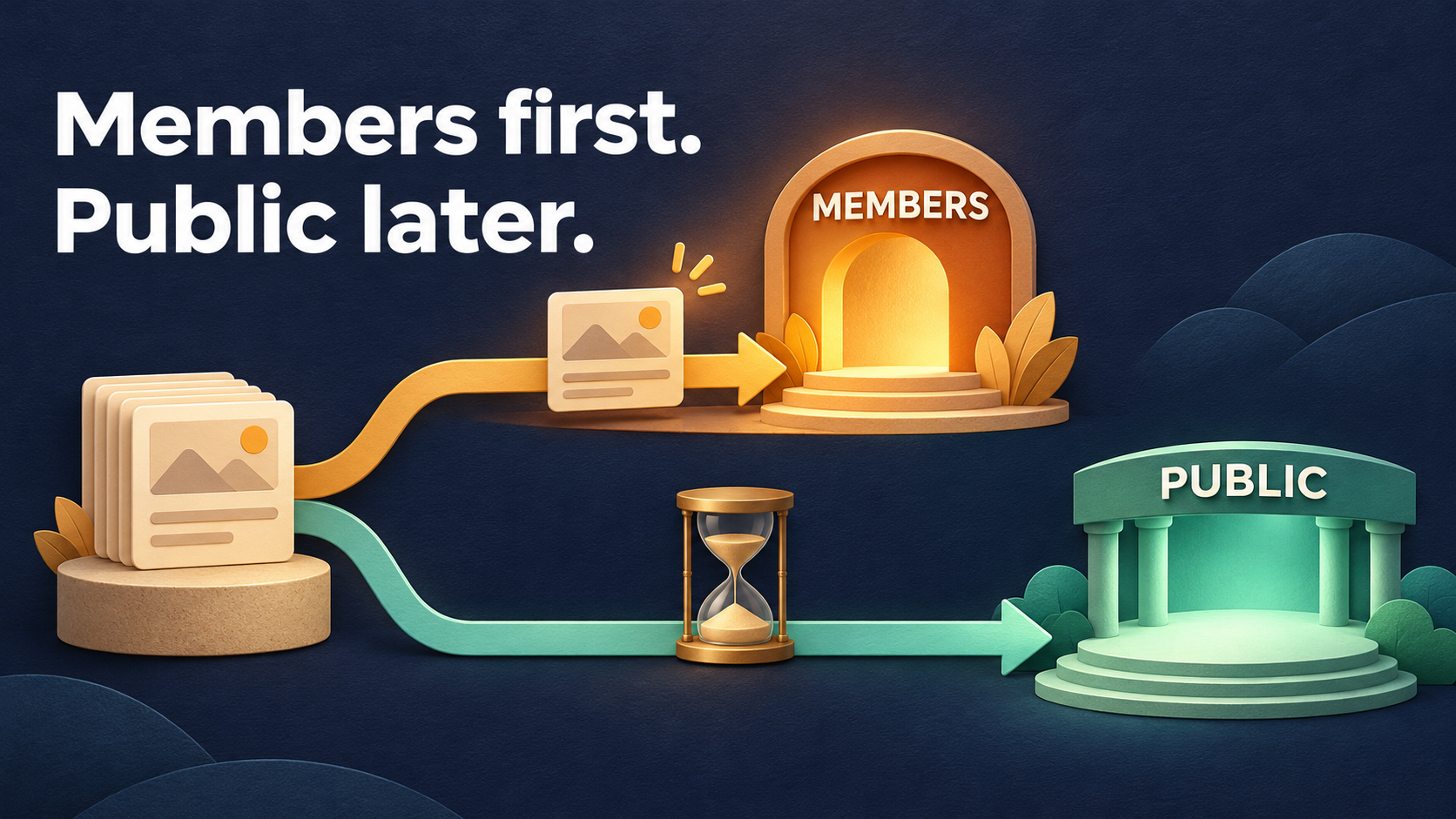
To give members a head start on posts that are also meant for the public, publish each approved post once in a private source and let two forwarding tasks carry it: one to your members channel with no source delay, and one to your public channel with Delay for Source set to Separate Mode. Members see the post as soon as their route forwards it. The public copy follows after the wait you chose—7,200 seconds for a planned two-hour head start.
Picture a design educator who shares one practical tip every evening. Paying members get the tip right away; the public channel gets the same tip two hours later, as a steady sample of what membership offers. Nobody reposts anything by hand, and nobody has to remember a second publishing time.
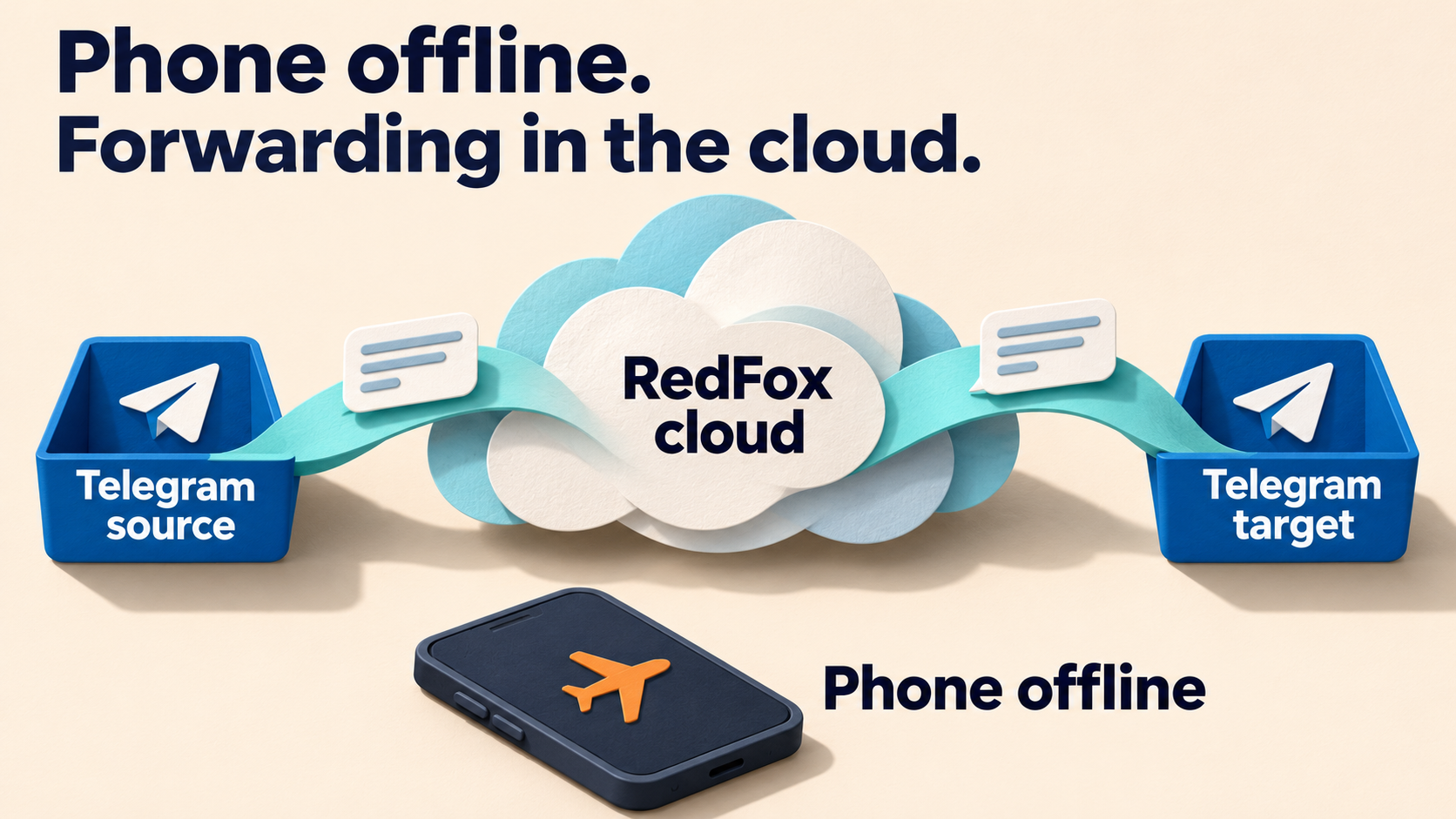
RedFox Auto Forward Telegram (@AutoForwardNew_Bot) runs both routes in its cloud, so your phone or browser does not need to stay open. The previous bot has moved to @AutoForwardNew_Bot; use this current handle to access RedFox Auto Forward Telegram. Auto-Bot.io publishes this guide; RedFox develops and operates the product.
Start with a release desk for dual-audience posts
The source for this workflow is a private channel you own—call it a release desk. Editors post there; no audience reads it. Everything you post in the desk is approved for both audiences: members now, the public later.
- Belongs in the desk: tips, notes, recaps and announcements you are happy for anyone to read once the head start ends.
- Stays out of the desk: member-only lessons, private files and anything that should never reach the public channel. Post those directly in the members space or give them their own source, as our VIP member-room routing guide recommends.
- Post final versions: treat each desk post as finished when you publish it. This guide does not rely on later edits or deletions in the desk reaching a public copy that is still waiting.
Why not use the members channel itself as the source? Because the public route forwards whatever its source receives. A members channel that later carries an exclusive post would send that post public too. A dedicated desk keeps the rule simple: if it is in the desk, it is cleared for both audiences.
Build two routes from the same source
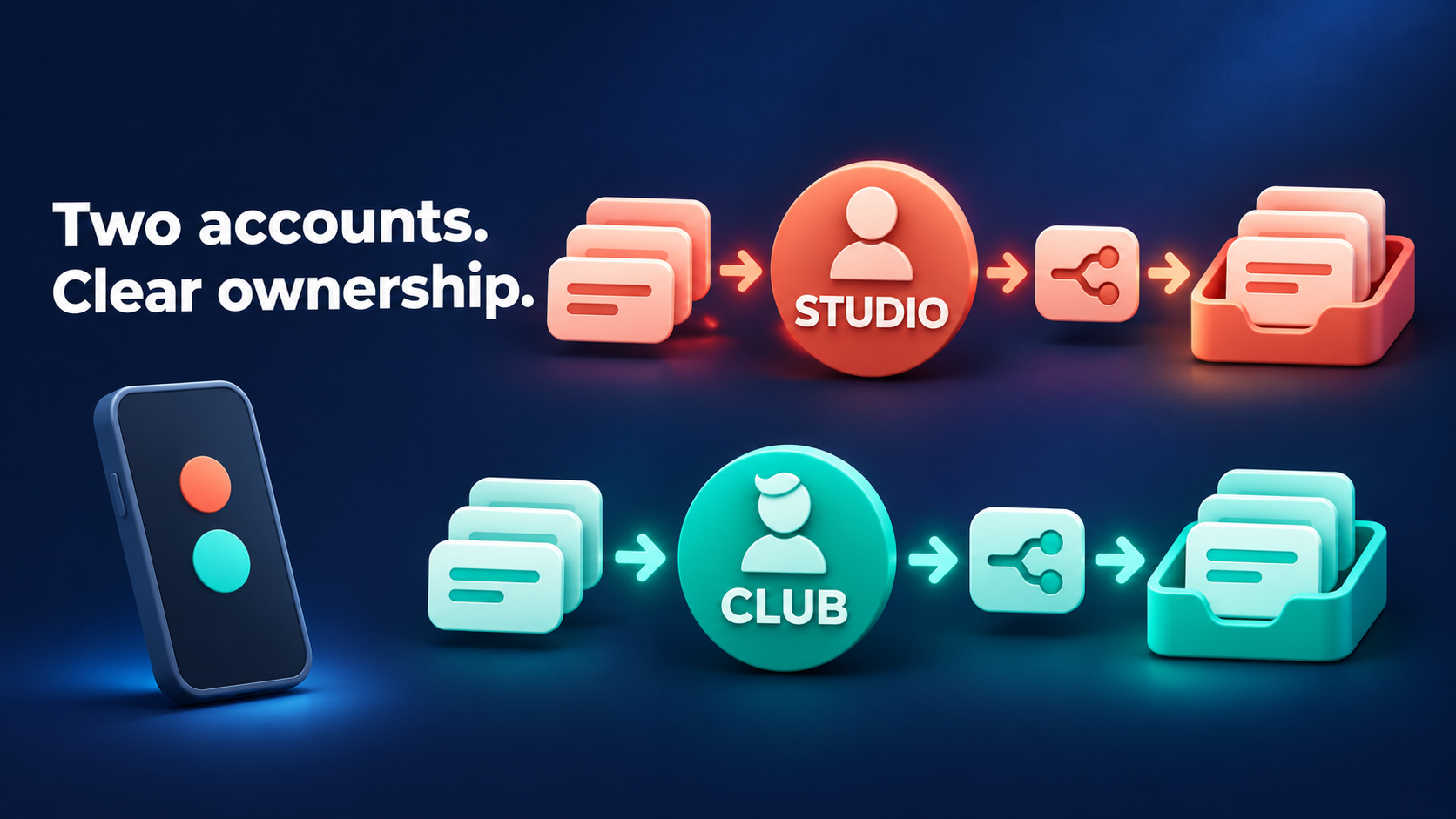
Use two separate tasks. Each task has its own source, target and delay setting, so each audience gets its own clock.
- Members route: Release desk → Members channel, with no source delay.
- Public route: Release desk → Public channel, with Delay for Source in Separate Mode at 7,200 seconds.
Give the tasks labels such as desk_to_members and desk_to_public_2h. They follow RedFox’s task-creation rules—Latin letters and numbers, with underscores instead of spaces—and show anyone managing the account which route is early and which is delayed.
One task with two targets is the wrong shape here. RedFox’s Delay For Source guide describes delaying messages from the source before they are forwarded to the task’s targets, so the wait would apply to members too. Delay For Targets spreads one message’s delivery across several targets to avoid sending to all of them at once; the guide does not document choosing which target goes first or holding one audience for a set head start, so two tasks are the clearer design.
Use Separate Mode as the public route’s timer
The Delay For Source guide documents four modes. Separate Mode is the one it illustrates with independent timing for each message: with a 5-minute setting, a message received at 9:00 is sent at 9:05, and a message received at 9:01 is sent at 9:06. That is exactly the property a head start needs—every post waits its own full interval after the public task receives it.
Here is that rule applied to an evening with a 7,200-second public wait. Members receive each post at about the time it lands in the desk; the public columns show approximate public times. The Spread column shows why the mode matters: Spread is documented to delay each message from the last one, so close posts are pushed further and further apart.
| Desk post and members | Public with Separate | Public with Spread |
|---|---|---|
| 18:00 | 20:00 | 20:00 |
| 18:10 | 20:10 | 22:00 |
| 18:45 | 20:45 | 00:00 next day |
With Separate Mode, the public channel keeps the evening’s rhythm—posts 10 and 35 minutes apart stay 10 and 35 minutes apart—two hours later. With Spread, the second post waits until two hours after the first public post (20:00 + 2 hours = 22:00), and the third until two hours after that (22:00 + 2 hours = 00:00). Spread is the right choice for pacing a burst of posts, not for a fixed head start.
The guide describes Delay Mode, the default, as received time plus the delay, and Normal Mode as following the Boost Performance configuration. Separate Mode is the mode the documentation spells out with per-message independent timing, so choose it for this route rather than relying on the default.
These times are arithmetic from the documented descriptions, not measured deliveries. The wait counts from when the public task receives the desk post, not from a clock time you type and not from any “Forwarded from” timestamp. Processing and Telegram delivery can add their own variation.
Turn the head start into seconds
The delay is entered in seconds. Multiply minutes by 60, or hours by 3,600.
| Planned head start | Seconds to enter |
|---|---|
| 15 minutes (15 × 60) | 900 |
| 30 minutes (30 × 60) | 1,800 |
| 1 hour (1 × 3,600) | 3,600 |
| 2 hours (2 × 3,600) | 7,200 |
| 6 hours (6 × 3,600) | 21,600 |
Type the digits without the comma if the field does not accept one. The documentation does not publish a maximum value, so reopen the setting after saving and confirm the stored number. Choose a head start that still leaves the public copy useful when it arrives: a two-hour lead suits evergreen tips better than time-sensitive notices.
Set up both routes without an early public post
RedFox’s task-creation guide says a task is created and activated in the same step. When the public task is created, it has no wait configured yet, so the safe order matters. Use the Web App or an official mobile app for the fullest task management.
- Prepare the chats. Create the private release desk and two private rehearsal channels, such as “Members test” and “Public test.” Confirm that the connected account can read the desk and that the configured sender can post in every target.
- Keep the desk quiet. Post nothing in the desk until the rehearsal in the next section.
- Create the members route. In Forwarding List, choose Create Task +, select the desk as source and “Members test” as target, enter
desk_to_membersand choose Create Task. Check that this task has no source delay configured. - Create the public route, then pause it. Repeat with “Public test” as target and the label
desk_to_public_2h. Pause the task straight after creation. - Set the public timer. Open the public task, choose Set Delay Feature → Delay for Source, select Separate Mode, enter the seconds and choose Done. Reopen it to confirm the saved mode and value.
- Match content settings. Keep filters, replacements and headers the same on both tasks unless you want the audiences to see different versions. If you leave Show Header Forwarder on, readers may see where the post came from, and RedFox’s task-settings guide notes that Reply, Edit, Replace and translate then do not work. Copying posts as new messages keeps the private desk out of view.
Rehearse the head start, then go live
A short private rehearsal shows the shape of the two timelines before any real audience is involved. This is a suggested check for your own account, not a test result we are reporting.
- Use a short wait. Set the public task to Separate Mode with 300 seconds (5 minutes) and resume both tasks.
- Post two labelled tests. Publish “HEAD START A” in the desk, then “HEAD START B” about one minute later.
- Read the two timelines. Members test should show A and B straight away. Public test should show A about five minutes after A was posted and B about one minute after that. If B does not arrive about one minute after A, reopen the task and confirm Separate Mode is saved. A roughly five-minute gap would fit the Spread example, but a different gap alone does not establish its cause.
- Wait for the last copy. Let both public test copies arrive before changing anything. Pausing or editing a task is not proof that a copy already waiting has been cancelled or redirected.
- Switch to the real channels. Pause both tasks. Use the bot’s Edit Target Chat setting, or the equivalent target edit in the app, to point the members route at the Members channel and the public route at the Public channel. Set the real head start, for example 7,200, then reopen both tasks and check source, target, mode and value.
- Resume and publish. Resume both routes, then post the first real tip in the desk. Look at both channels once the head start has passed.
Keep a short record of the post times, arrival times, saved mode and value. If the public copy does not arrive, check that the public task is active and that the saved mode and seconds are what you expect before changing anything else.
Keep the head start clean
- It is a timing benefit, not a lock. Members can still share what they see during the head start. If you also want to discourage forwarding and saving in the members channel, Telegram’s Restrict Saving Content setting is a separate channel control. Neither replaces keeping exclusive posts out of the desk.
- Plan in hours, check in practice. The two-hour lead is your editorial intention. Treat it as a planned head start rather than a stopwatch promise, and glance at the first real public copies.
- Decide before you post. Once a post is in the desk, assume it is on its way to both audiences. If something slips through, remove it from the public channel when it appears rather than relying on a pause to withdraw it.
- Check plan access. RedFox’s current plan descriptions list Delay controls under Gold, and eligible new users can try Trial Platinum for 5 days with full Platinum features. Confirm that Delay for Source is available on your account before you announce a head start to members.
When a different timing control fits better
- Posts arrive in bursts and readers get flooded: use Spread Mode, as our delay-mode guide explains.
- Some posts are for members only: keep them in a separate source and member-only route; see the VIP channel guide.
- A route should only run during working hours: use Scheduler Power On/Off.
- A finite series should release on set dates: use Fixed Time entries, as in the course release guide.
- The same content should repeat daily or weekly: use the recurring scheduling guide.
For the wider map of forwarding, filtering and scheduling options, start with our Telegram message automation guide.
Frequently asked questions
Can one task give members a head start?
Not in this design. A source delay applies before the task forwards to its targets, so members would wait too. Two tasks from the same desk give each audience its own timing.
What if someone posts in the desk during setup?
A new task is active as soon as it is created, before a wait is set. That is why the setup uses private test targets, a paused public route and a quiet desk until the rehearsal.
Will the public copy arrive at an exact time?
Separate Mode gives each post its own wait after the public task receives it. Processing and Telegram delivery can add variation, so plan the head start in round terms and check the first real posts.
Give your members their first head start
Set up the release desk, create the two routes, rehearse with 300 seconds and switch to your real head start. From then on, one post in the desk reaches members first and the public later—no second posting time to remember.
Manage the routes in the official Web App, the iOS app or the Android app, or reach the product through @AutoForwardNew_Bot. Explore RedFox Auto Forward Telegram to choose your entry point.
Members first. Public later.
Run two routes from one release desk so every approved post reaches members before your public channel.
Manage on Web, iOS or Android