Turn a Protected Telegram Video Archive Into a Searchable Text Catalog
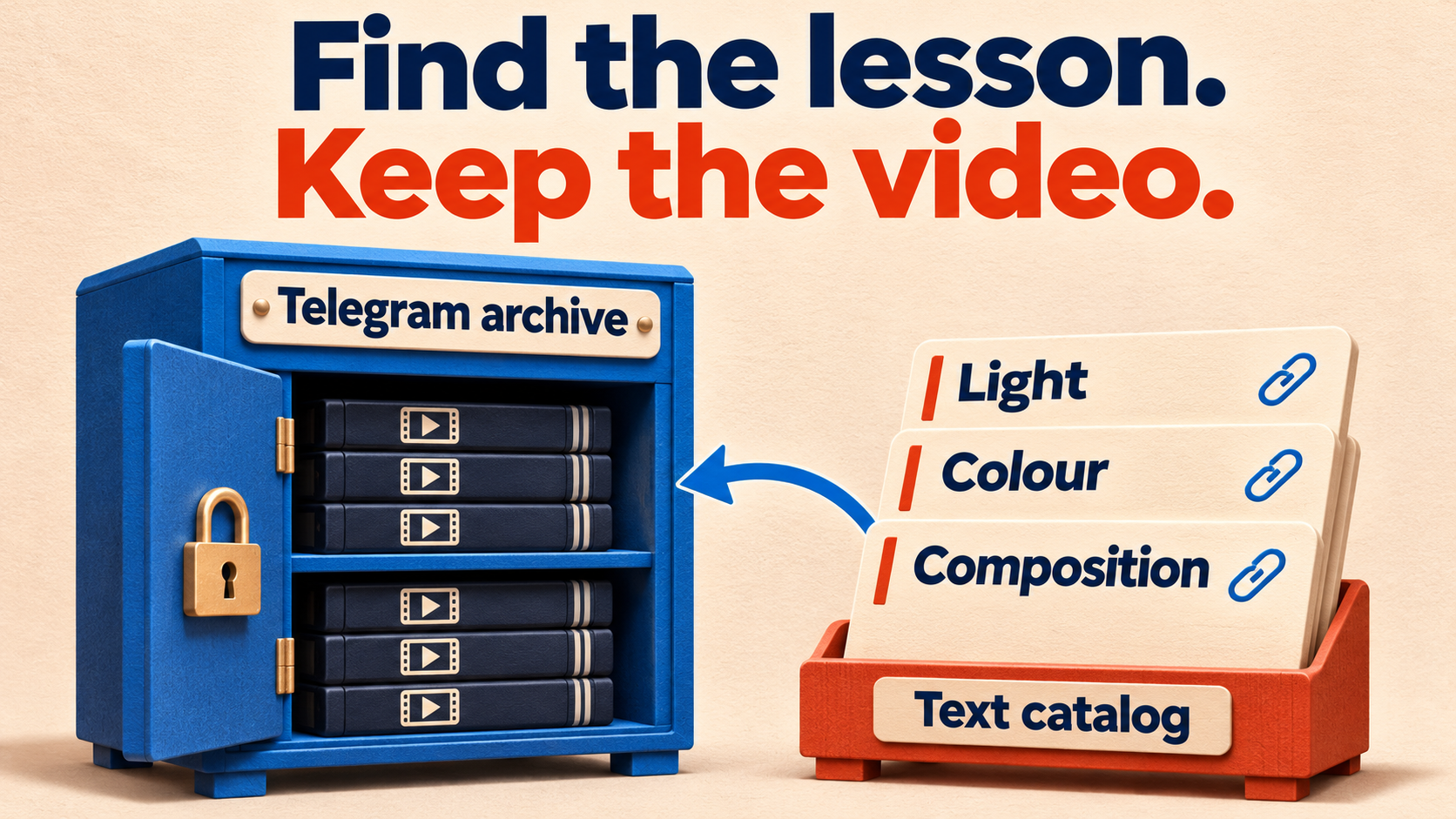
Make a Telegram video archive easier to browse without filling another channel with the recordings. RedFox Auto Forward Telegram’s historical Clone can remove the video from a captioned standalone post and publish its existing caption as text. Add a link back to that source post, and members get a compact lesson catalog while the videos stay in their original home.
This works best for an archive whose captions already name and describe each lesson. It does not transcribe speech, invent titles or give catalog readers access to a private source they have not joined. The result is a separate navigation layer for an audience that can already watch the originals.
RedFox develops RedFox Auto Forward Telegram (@AutoForwardNew_Bot); Auto-Bot.io publishes this guide. The workflow combines the documented Cleaner Clone and Clone footer controls, checked November 7, 2026.
Build a catalog, not another video library
Imagine an owned photography-course archive with years of recordings. Its members remember a lesson about window light but not the date it was posted. A separate text channel can put the lesson titles, descriptions and original-post links in one place. Members search or scan the words, then open the recording they actually need.
The distinction matters: a catalog points to the originals; a video-only archive library copies the recordings themselves. Use the catalog when the original archive will remain available to the same authorized audience. Choose a media library or another preservation workflow when members need independent copies.
- Good input: a standalone video caption such as “Lesson 8 — Window light: compare a reflector with negative fill.” The text gives members something useful to find.
- Weak input: “Replay”, an emoji or no caption. Removing the video cannot create the missing lesson description.
- Different job: a searchable transcript of everything said in each recording. That requires a transcription workflow, not the Cleaner setting below.
When is a separate catalog worth maintaining?
As an editorial rule of thumb, skip the extra channel if members already find the lessons they need through the original source’s search or a manageable pinned index. A catalog adds another place to maintain links and descriptions; it is not automatically a better search engine.
Build one when a compact text-only browsing layer is useful, when you want a single navigation destination for several authorized archives, or when you need manually written entries for lessons with weak captions. For a selected learning path rather than a history-wide catalog, use the new-member starter-pack guide. Choose the smallest index that solves your members’ problem.
Start with captioned videos in a private source channel. Keep albums and recordings uploaded as documents outside this first policy; they need separate handling rather than an assumption that every video-shaped post follows the same path.
Keep access aligned—and use the right Clone entitlement
Use material you own or may share, a connected account that can read the source, and a sending identity permitted to post in the catalog destination. RedFox’s private-channel FAQ requires joined access. RedFox supports historical Clone from accessible private and ordinary Protect Content sources; membership alone is not permission to republish their captions.
For the arbitrary historical selections and advanced Clone controls in this guide, use active paid Platinum. Check Cleaner, the type exclusions, Add Footer and the displayed Clone allowances before starting. Trial Platinum’s bot Clone selection is constrained to a limit of 100 from the beginning of the source, so it is not the later-lesson pilot or full historical allowance used here. Basic protected forwarding being built in does not make this advanced history workflow Free or unlimited.
The RedFox product guide describes history cloning as Premium; the upgrade guide shows the bot’s /upgrade and mobile Join Premium routes. Ordinary Protect Content is not by itself a reason to buy the specialized Anti-Repasse add-on.
Keep the catalog private during setup. Its readers must have the required source membership as well as catalog access. A catalog link does not unlock a paid subscription, survive the loss of source access or replace the original video if it is deleted. The source-link access guide covers checking the destination as the intended reader.
Configure Clone to keep captions and remove videos
The protected-content forwarding guide covers the broader workflow. For this catalog, use the documented bot Clone controls: bare /clone opens the settings menu; a command with source and target arguments starts the copy. Open the current @AutoForwardNew_Bot and enter /clone. The older @Auto_Forward_Messages_Bot handle is historical. Resolve source and target chat IDs through the product; the command guide documents /getchanel, /getgroup and /getuser. Keep the literal /getchanel spelling.
Before changing anything, record the current Clone filters, Cleaner options, header/footer and attached rules so you can restore them afterward. These are saved account-level bot Clone settings, not a separate configuration for each source or a regular forwarding task. Prepare a source, a private catalog target and a small by-count selection with one starting message ID; inspect that stretch for standalone posts. Then set:
- Cleaner → Video: activated (called Videos in the Cleaner Clone documentation). Removes the video component from a captioned standalone video so its caption can be sent as text. A captionless standalone video has no catalog text and is skipped; put that missing-description case on your exception list.
- Cleaner → Text: deactivated. Keep the words you want to catalog. Leave URL, Hashtag and other text-removal options off for the initial check too.
- Filters → Video: deactivated. An activated type filter means ignore the whole post. That would exclude the video before its caption could become an entry.
- Filters → Text: activated. Exclude standalone notices and conversation while checking that captioned videos still contribute their captions.
- Filters → Photos, Document, Audio, Voice, Sticker, Poll and Video Note, plus Animation: activated. Keep these other formats out of this video-caption catalog. A recording sent as a document is deliberately excluded, even if its filename ends in
.mp4. - Show Header Forwarder: off. This job needs an edited copy, not the original native forward. Use the explicit source link below for navigation.
Review attached whitelists, blacklists, replacements, translation and existing headers or footers. Leave unrelated transformations inactive for the pilot. Do not edit a shared rule another route still needs. The important difference is Filters decides whether the post enters; Cleaner changes what it contains.
Keep this workflow on the by-count, single-start-ID path. The comma-separated Clone By ID path is not supported for this Cleaner recipe: do not replace the single starting ID with an ID list. An app-started Clone Profile is separate; do not assume it imports these saved bot settings.
Give each entry a link to its actual source video
Obtain a post link from the actual private source channel. Telegram’s message-link documentation distinguishes private-channel links from topic and thread variants. For the simple private-channel shape https://t.me/c/CHAT_PART/MESSAGE_ID, keep its real prefix through the final slash and replace only the final message number with [[ORIGIN_POST_ID]]. RedFox documents that shortcode as the source post’s message ID.
In the bot Clone menu’s Add Footer, enter the following template after replacing CHAT_PART with the value from that real source link:
The \n sequences add line breaks. Do not send the placeholder literally, substitute the product’s resolved chat ID for the copied URL part, or reuse another archive’s prefix. This template is for the simple private-channel link above, not a topic-group link with extra path components.
For example, a source caption might already read:
The catalog entry should keep those lines, add “Watch original” with that lesson’s real link, and contain no attached recording. This is an intended-output example, not a transcript. Use the actual post number from the source to check the generated link; do not calculate it from the new catalog message’s number.
Keep the source link distinct from resource URLs inside the caption. A workbook link should remain a workbook link. Leave URL Cleaner off, and verify both the visible text and the actual destinations. If the source was itself a repost, this catalog link points to the post in your chosen archive, not necessarily the content’s first publisher.
Rehearse the complete entry before cataloging history
Use small harmless videos in a controlled source and private target, or a short authorized source selection you have inspected. Keep the source, starting ID, requested count, sender, saved rules and receiving copies together.
Start with one explicit by-count command
After saving and reviewing the Clone settings and source-specific footer, type the documented start command in the same bot account. It uses that account’s saved bot Clone configuration; bare /clone alone does not start the run. Replace every placeholder below, then send the completed command once:
/clone SOURCE_CHAT_ID -> TARGET_CHAT_ID limit:COUNT delay:SECONDS start_id:MESSAGE_ID- SOURCE_CHAT_ID / TARGET_CHAT_ID: the IDs resolved through the product, with the private catalog as target.
- COUNT: a small maximum requested message count for the inspected source stretch—not a promised lesson total.
- SECONDS: the delay in seconds after each copied message; the command guide’s default is 5, not a guarantee against Telegram limits.
- MESSAGE_ID: one real starting source post ID, taken from its copied post link—not a comma-separated list. Set it explicitly rather than relying on a default.
This template is for channel-to-channel copying. The guide also documents from_topic and to_topic for group topics; do not add them or adapt a topic-link footer by guesswork. Review the command’s two chats, selection and saved settings before sending.
First confirm a small baseline copy arrives with its caption intact. Wait for that run to complete. Then save the catalog’s Cleaner, exclusions and footer, review them, and send one comparable small by-count command. Keep the two sets of copies distinguishable. If the baseline cannot deliver a wanted specimen, resolve its access, selection, file allowance or delivery before judging the transformation.
| Source specimen | Catalog check |
|---|---|
| Standalone video with a descriptive caption and a workbook URL | Caption arrives as text with its first and last lines intact, no attached video, a working workbook link and the correct “Watch original” link. |
| Standalone video with no caption | No entry. Record it as needing an editorial description, not as a successful cataloged lesson. |
| Standalone written notice | No entry under the Text exclusion. |
| Recording uploaded as a document | No entry under the Document exclusion. Decide separately whether it needs a manually written catalog item. |
Open “Watch original” using an intended authorized member account and play the correct source recording. An administrator’s successful click is not proof that every member can open it. Also search the private catalog for a distinctive phrase from the lesson caption and check that the matching entry leads to that lesson.
Inspect the entry’s link-preview appearance as well as its text. If a preview crowds the catalog, the documented Cleaner → URL Preview option removes the preview; do not confuse it with URL removal, and check the links again after a small rehearsal. If a video arrives, hold expansion and check Cleaner → Video (Videos in the docs), the by-count command and Show Header Forwarder. If the entire captioned post disappears, inspect Filters → Video, link or keyword exclusions, and Cleaner → Text. If a footer contains a literal shortcode or opens the wrong post, wait for the run to finish, then correct the saved footer and recheck a small selection before requesting more history. Do not broaden a filter or rerun a large archive to diagnose one specimen.
Expand by verified selections, not assumed lesson totals
After the pilot works and its run is complete, prepare the real source and catalog command. Reopen bare /clone to review the saved account-level Cleaner rules, exclusions and footer. For each different archive, replace the footer prefix with that archive’s actual private-post prefix before sending its by-count command; inspect its first entries again. Do not change the settings or template while a run is active. Keep already accepted catalog selections out of later requests rather than relying on a regular task’s duplicate filter to prevent another historical copy.
The bot guide defines limit as the maximum requested messages from a starting ID, not a promised number of cataloged videos. Standalone text, excluded formats, captionless videos and missing source posts can make the entry total smaller. Reconcile required lessons by source identity and post ID, not by a green badge or by the size of an ID interval.
- Albums: inspect and handle them separately. This standalone-video policy does not promise one text entry per album or extraction of every member’s caption. If a source stretch contains grouped media, hold that stretch until you have a separately verified policy; do not run it as if it contained only standalone videos.
- Missing descriptions: write and link a useful catalog item manually when the source caption is absent or uninformative. The recording remains in the original archive.
- Several archives: keep a separate source prefix and selection record for each. The same message number in two channels is not the same lesson.
- Later changes: treat the catalog as a historical snapshot. A changed source caption, deleted video or revoked membership needs a deliberate catalog update; do not assume this Clone creates continuing synchronization.
Run one Clone operation per account at a time. The bot-command guide warns that bulk cloning can delay forwarding setups and trigger temporary Telegram sending limits. Choose an acceptable window and respect any reported restriction; a delay is pacing, not immunity or a completion-time estimate.
For a separate job that moves the recordings themselves, use the protected-archive batch migration guide. Its range and album planning is not a reason to assume its Profile setup inherited this bot configuration.
After completion, restore the bot Clone settings
Once the run has completed and you have checked its receiving copies, reopen bare /clone and restore the settings you recorded before the pilot. In particular, restore Cleaner → Video, Filters → Text and every other changed filter or Cleaner option; restore the previous header/footer, or remove the catalog-only footer if there was none. Restore any rule selections or Show Header Forwarder change too.
Reopen the menus and verify the restored values before another archive job. Leaving Video Cleaner on can remove recordings from a later media-library copy; leaving Text exclusion on can omit written posts; leaving this source’s footer can send readers to the wrong archive. Include this reset/readback in your private rehearsal. For the next catalog selection, deliberately reapply and review its own settings and source prefix—do not assume completion resets them.
Make the next lesson easier to find
Open the RedFox Auto Forward Telegram overview, choose one authorized caption-rich archive and prepare its first private catalog selection. Keep the video in its original home, preserve the useful caption, and prove that a member can find the text entry and open the right recording. Then expand with the source-specific footer and an explicit exception list.
Choose the Web app, iOS app or Android app for fuller general management than the limited Telegram-bot entrypoint. Use the documented bot menu for the particular Clone controls above. Active tasks run in RedFox’s cloud without keeping the management interface open; always use the actual Clone status and destination to decide whether this historical run has finished.
FAQ
Will this turn spoken lessons into searchable text?
No. It republishes captions that already exist outside the video. Speech, on-screen text and unnamed topics inside the recording are not extracted.
Can the catalog make protected videos public?
No. A link to a private source still requires the reader’s source access. Keep catalog visibility and content rights aligned with the intended audience; do not use the catalog as a promise of access.
Is the text catalog a backup of the course?
No. The videos remain in the source. If you need a separate playable collection, use the video-library workflow; a text entry cannot restore a deleted original.
Why is a captionless lesson absent?
Removing its video leaves no existing caption to publish. Add an editorial entry with a real source link, or improve the source caption before a new, deliberately checked copy. Do not assume a retry invents the missing description.
Make your lesson archive easier to browse.
Build a private caption catalog, keep the original videos, and verify that members can open each lesson.
Manage on Web, iOS or Android