Shorten Shopee Deal Links After Applying Your Affiliate ID
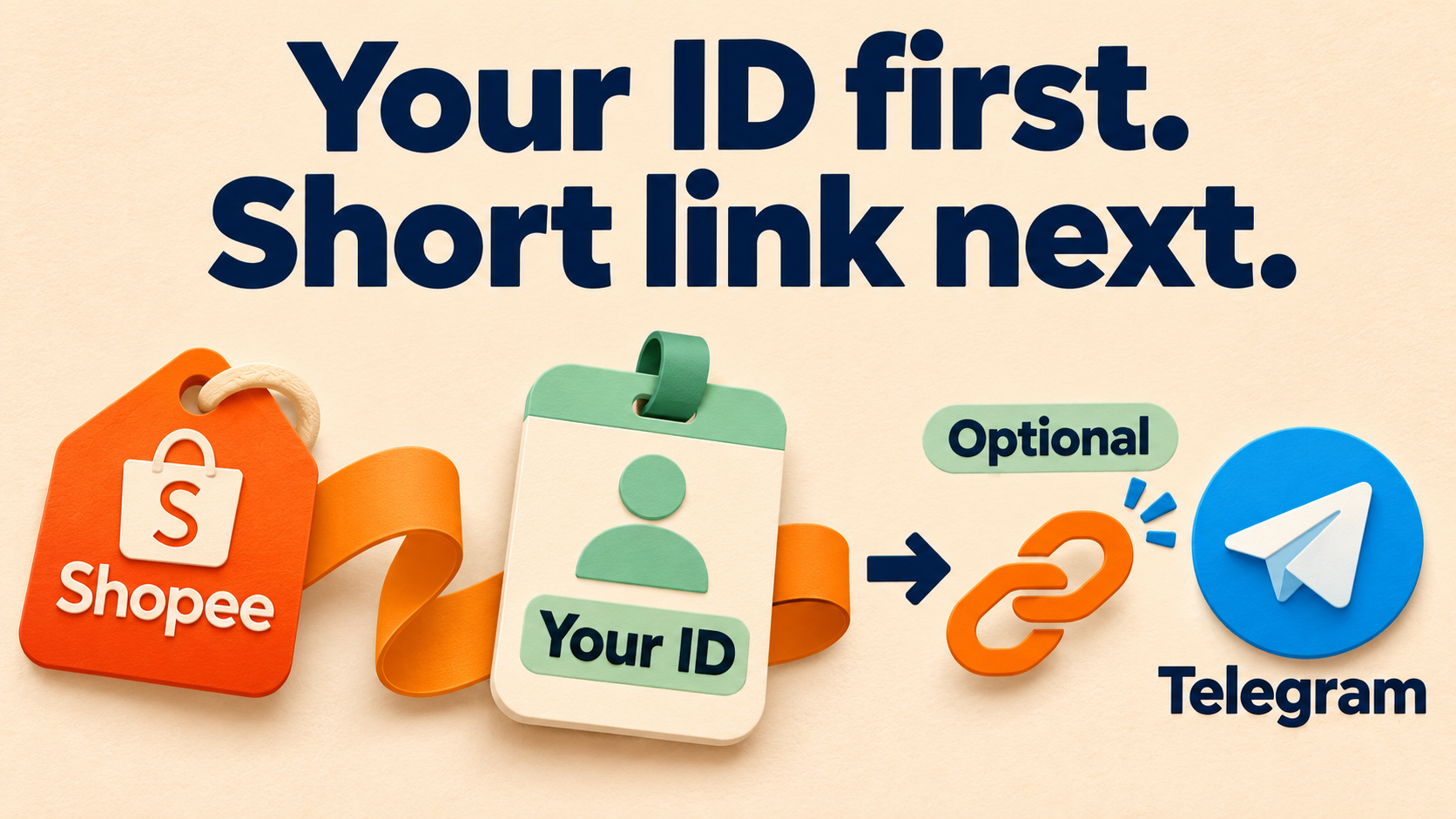
Apply your Shopee Affiliate ID while forwarding a deal, then optionally turn the resulting affiliate URL into a short link. RedFox Auto Forward Telegram brings those two jobs into one task: Affiliate Monetization handles your configured identity, and a separately verified teleURL credential handles shortening. Set up the ID first, inspect the full result, then enable the compact link when you want it.
That removes the repetitive routine of opening each incoming deal, changing its tracking details and shortening it by hand. The useful outcome is a cleaner Telegram deal post with a link you have checked—not merely a shorter address.
This guide covers RedFox Auto Forward Telegram, @AutoForwardNew_Bot. RedFox develops the product; Auto-Bot.io publishes this guide. The Affiliate Monetization documentation and Shopee short-URL setup guide describe the settings below.
One deal, two independent settings
Imagine a Shopee deals channel you run, supplied by sources you are allowed to republish. Instead of editing every product link, you configure the forwarding task once for the Shopee identity you use. Shortening is an optional finishing step, not the conversion itself.
- Shopee Affiliate ID: the identifier from your affiliate account. Enable Shopee in Affiliate Monetization, enter that ID and save. RedFox documents applying the configured ID to supported links as the task processes messages.
- teleURL credential: a separate connection used to create short URLs. It is verified through teleURL and must be Available; short-URL generation must also be Active on the task.
You can create the teleURL credential without first entering a Shopee Affiliate ID. That convenience does not mean your identity has been applied: a valid credential establishes the shortener connection, not affiliate conversion.
Use this workflow only for placements your Shopee program permits, with the required affiliate disclosure and rights to the source content. Check the current terms for your country, account and channel; technical link conversion does not grant placement permission or guarantee commission.
Prepare a controlled route, not a subscriber test
Start with a test source and private destination you control. Keep the subscriber-facing task unchanged until the link checks agree with what you intend to publish.
- Identify the route. If you already have a test task, confirm its exact source and target. Otherwise follow the task creation guide: Forwarding List → Create Task + → choose the source → Next Step → choose the target → Next Step → label → Create Task. A newly created task is activated, so select only the controlled chats.
- Check feature access. Review what your current plan and account expose before depending on Affiliate Monetization or a connected shortener. This guide does not promise that either service is free or has an unlimited allowance.
- Choose a known Shopee product. Use a link from your permitted material whose product, marketplace and relevant variant you can identify. Keep the original privately for comparison. Do not use a stranger’s unknown redirect, payment link or login URL.
- Keep unrelated edits stable. Note the task’s existing Replace rules and other link changes. During the first check, avoid introducing several new transformations at once.
For the broader feature, see the affiliate automation overview. This walkthrough focuses on the Shopee ID-to-short-link sequence rather than setting up every network.
Apply your Shopee Affiliate ID first
- Open the forwarding task and its feature settings. Under Edit content → Affiliate Monetization, enable the Shopee card.
- Copy your Shopee Affiliate ID directly from your affiliate account. Do not substitute a Shop ID or Product ID.
- Enter the identifier in the Shopee field and tap Save. Enable only the affiliate platforms you use; every enabled platform needs its corresponding ID.
- Reopen the task’s settings and confirm that Shopee remains enabled and the intended ID is saved.
The documentation describes some Shopee affiliate links with an utm_source=an_ value followed by the numeric Affiliate ID. When the field requires the numeric ID, enter the number without the an_ prefix. Treat that as the documented format, not a promise that every Shopee URL exposes its tracking in the same way.
Before adding shortening, inspect a full affiliate result. Keep short-URL generation off on the controlled task for this stage. Send a fresh permitted sample through that route and examine the actual link target in the destination message. Confirm the intended product and variant, then check the configured affiliate identity wherever the returned format makes it inspectable.
If the identity is hidden inside an opaque or nested link, do not mark it correct just because the product page opens. Use your affiliate account’s supported link-checking method, if available, or resolve the uncertainty with support before expanding the route. A preview title cannot identify the affiliate account behind a link.
Connect teleURL when you want shorter posts
Once the full-link check is satisfactory, add shortening to the same controlled task. The documented setup separates creating a credential from selecting and confirming it.
Create and verify the credential
- Open Edit content → Affiliate Monetization → Shopee → Setup auto gen shortURL. If the card is collapsed, enable its switch to reveal the options.
- Choose Create teleURL credential if you do not already have one. Use an existing authorized teleURL account, or create one only if you have permission to do so.
- In teleURL, open Settings, find API management and choose Generate to create or retrieve
SECURE_API_KEY_VALUE. Review the service’s current terms and quota before using it. - Return to AutoForward. Give the credential a recognizable label, paste the key into the secure input and press Verify and save.
The guide says AutoForward sends a verification request and accepts the credential only when its status is Available. The secret input is cleared afterward, and the new credential is selected automatically. The app does not show the raw key again: keep it out of messages, screenshots and audit notes.
Select, review and confirm the connection
- Credential: select an Available credential, check its label and last verification time, then press Continue. Tapping the row alone does not advance the setup.
- Review: check the selected credential. Use Verify credential or Verify again if needed, then press Continue.
- Confirm: choose Complete setup for the first connection, or Update setup when changing it.
- Read back the Shopee card: after the successful save, check the credential label, Available credential status, Active feature status and last verification time in Short URL connection.
Those are connection checks. A particular input still needs to be a suitable Shopee affiliate link for shortening to occur.
Explore RedFox Auto Forward Telegram to choose the management surface that suits you, or open the Web app to prepare your controlled task.
Keep a per-link audit before opening the audience route
The AffiliateTelegram partner page describes the order as affiliate conversion → Replace rules → optional TeleURL shortening. That order matters: a Replace rule can change a link after conversion, so check the result after your intended rules, not only the value saved in the ID field.
Use the same known product for the full-link stage and a fresh source post for the shortened stage. Keep the source, destination and other settings comparable. For each link, record these observations privately:
- Original: source post reference, original link and intended product, marketplace and variant.
- Full result: the actual outgoing link with shortening off; affiliate identity checked, unresolved or not inspectable; any intentional Replace change.
- Short result: the actual outgoing link with shortening Active, plus the destination it reaches. Confirm the same intended product and variant rather than relying on the label or preview card.
- Delivery: the destination message reference and time. Keep this separate from a sample-preview result.
- Decision: ready for this route, hold this link, or investigate the specified mismatch.
For example, label two permitted specimens Link A: intended product and Link B: another variant, then fill in each observation from your own output. These are audit labels, not working URLs or recorded test results. Do not publish credentials or private source references in the deal post.
The partner page describes processing up to 10 unique URLs per message. Start with one, then check every link in a representative multi-link post; do not assume an entire message was processed because its first link became short. If your real deals include media captions, include a captioned specimen and inspect what actually arrives rather than extending a plain-text pass to every message type.
Where sample testing is available on your server, the partner page says it can preview draft text and link results without posting a message. Shortening during that preview may still use teleURL quota. Use it to inspect the draft, then check a delivered message in your controlled destination separately.
If you need to make an existing short link’s destination visible, that is a different job: see showing destinations with Final Redirect Link. If your deal’s action is a cloned inline button, use the separate button URL filtering guide; a successful text-link check is not a button-governance check.
Read the outcome without guessing
- Full affiliate link remains instead of a short link: the partner page says a shortening failure keeps the full affiliate URL. Check Active status, Available credential and suitable Shopee input. A long result is not proof that affiliate conversion failed—and its presence alone does not prove conversion succeeded.
- Short link reaches the wrong item or variant: hold the item from audience distribution. Compare the original, full result and intended Replace changes before changing more settings.
- The product is right but identity is unresolved: keep that audit field unresolved. Reaching the product proves neither the expected affiliate identity nor payable attribution.
- No destination message arrives: check the route, task state and filters separately. Do not rotate a working teleURL key simply because delivery has not been established.
To change a connection, the guide uses Update → Update again, followed by credential selection, review and confirmation. To stop automatic shortening, Disconnect opens a confirmation dialog and keeps the credential for reuse; it does not delete it. On the controlled task, that is also how you can return to full-link inspection. Do not use a subscriber-facing task as your experiment.
A working credential, a correct-looking short link, a delivered post and an earned commission are four different outcomes. Your program determines tracking, eligibility and payouts; this workflow automates the link-editing work, not those decisions.
Make the next Shopee deal a repeatable workflow
Begin with one permitted product and one controlled task. Save your Shopee ID, accept the full-link result, then connect teleURL and compare a fresh shortened result. Once the per-link checks are satisfactory, apply the reviewed settings to your intended audience route and inspect its first delivered deals.
Use the RedFox Auto Forward Telegram overview for the product and current entrypoints. Choose the Web app, iOS app or Android app for fuller task management; the Telegram bot remains an entrypoint. Active tasks run in RedFox’s cloud, so closing the management screen is not a pause control.
Your Shopee ID first. Short links when you want them.
Prepare a controlled forwarding task, check the full affiliate result, then add optional teleURL shortening.
Choose Web, iOS or Android for fuller management