Mirror Telegram Channel Discussions Across Your Content Network
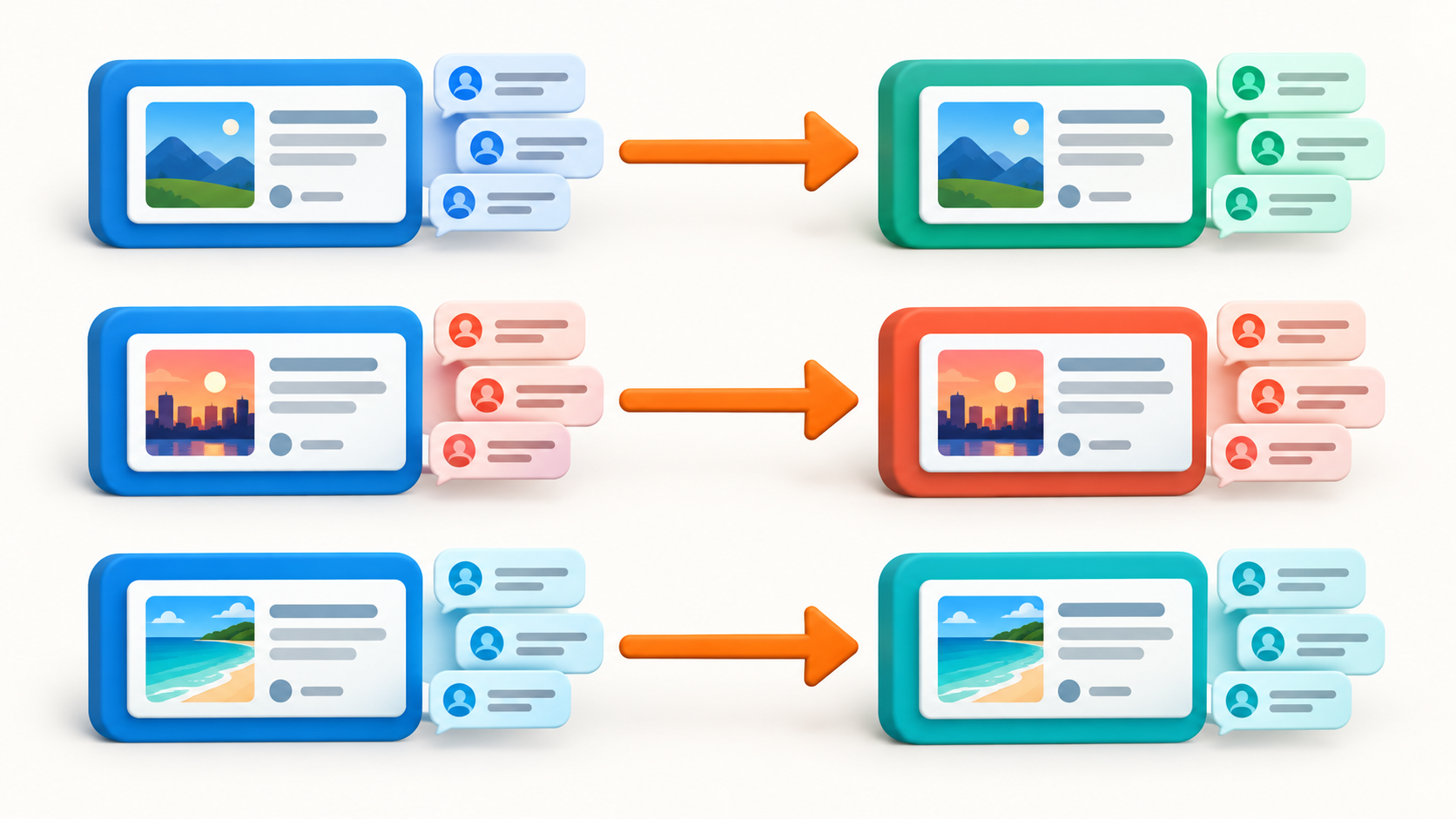
Build each channel-discussion route separately: source channel and visible comments, target send access, and a linked Discussion Group on every channel that should display comments.
To mirror Telegram channel discussions across a content network, define each source-to-target route separately, forward the parent post, and use Channel Comments Forwarding so source comments can appear as replies to that matching target post. Start with one route and test its context before adding another.
RedFox announced the Channel Comments Forwarding Addon on September 20, 2026 and documents its source-channel, linked-discussion, addon, and task requirements in the official guide.
Think in routes, not one giant network switch
A news, community, or content operation may have several sources and several audience destinations. The safer model is a set of named routes: each one has a source channel, a target, a reason for existing, and a person who can check the result.
Do not assume that one task automatically covers every target combination. Treat each route as its own configuration and validate it against the actual source and target you selected.
Choose the routes that need discussion context
| Route example | Why comments may matter | First check |
|---|---|---|
| Primary announcement channel → regional audience channel | Readers need questions and clarifications under the update they saw. | Link a Discussion Group to both channels, then confirm the target post and one reply stay associated. |
| Editorial source → community discussion target | Follow-up context helps readers understand the original content. | Test one new post and one new comment in a controlled route. |
| Partner-ready source → authorized distribution destination | The destination needs a readable version of an approved conversation. | Confirm authorization, target access, and the intended audience fit before enabling it. |
Only route content you have the right to redistribute. Access to a channel is not, by itself, a publishing permission for every destination.
Build a route card before you configure it
- Source channel: the channel whose posts and linked discussion you are allowed to route; the task account needs access and visible comments.
- Linked Discussion Group: the Telegram structure that makes channel comments available.
- Target: the specific channel or group selected for this route, where the task account can send. A target channel that should show comments needs its own linked Discussion Group.
- Reader purpose: why this destination needs the discussion context rather than post-only updates.
- Owner: the person who can verify the target result and pause the route if needed.
This short record prevents a common expansion mistake: reusing a route because two targets have similar names or audiences without checking whether they need the same content and discussion policy.
Configure and test one route
- Link a Discussion Group to the source channel and confirm comments are visible below a new source post.
- Activate the Channel Comments Forwarding Addon.
- Create or open the forwarding task for this exact source and target.
- Enable Channel Comments Forwarding on that task if the option appears.
- Publish one harmless new source post, then one new comment on it.
- At the target, verify that the comment is a reply associated with the forwarded parent post.
Repeat this test for a second route only after the first route's source, target, and reader purpose are clear. A correct result on one route does not prove every other route has the same setup or access conditions.
Keep network growth understandable
Give every route a clear name and keep a small change record: what source and target it uses, whether comment forwarding is enabled, what sample you checked, and who owns it. When a destination no longer needs discussion context, remove or pause that route deliberately instead of letting old configurations accumulate.
Use a controlled target while you decide whether a route suits a broader audience. The goal is a readable conversation, not a maximum number of copies.
Start on the management surface you prefer
Open AutoForward Web, the iOS app, or the Android app. Use the feature overview, the setup guide, the troubleshooting guide, and the replies-and-albums guide alongside the official addon documentation.
Continue in the Exact RedFox Auto Forward Telegram Bot
Verify @AutoForwardNew_Bot, then use the current RedFox documentation while configuring your workflow.
Check current plans and limits in the bot