Tutorials, product updates, and automation insights from auto-bot.io.
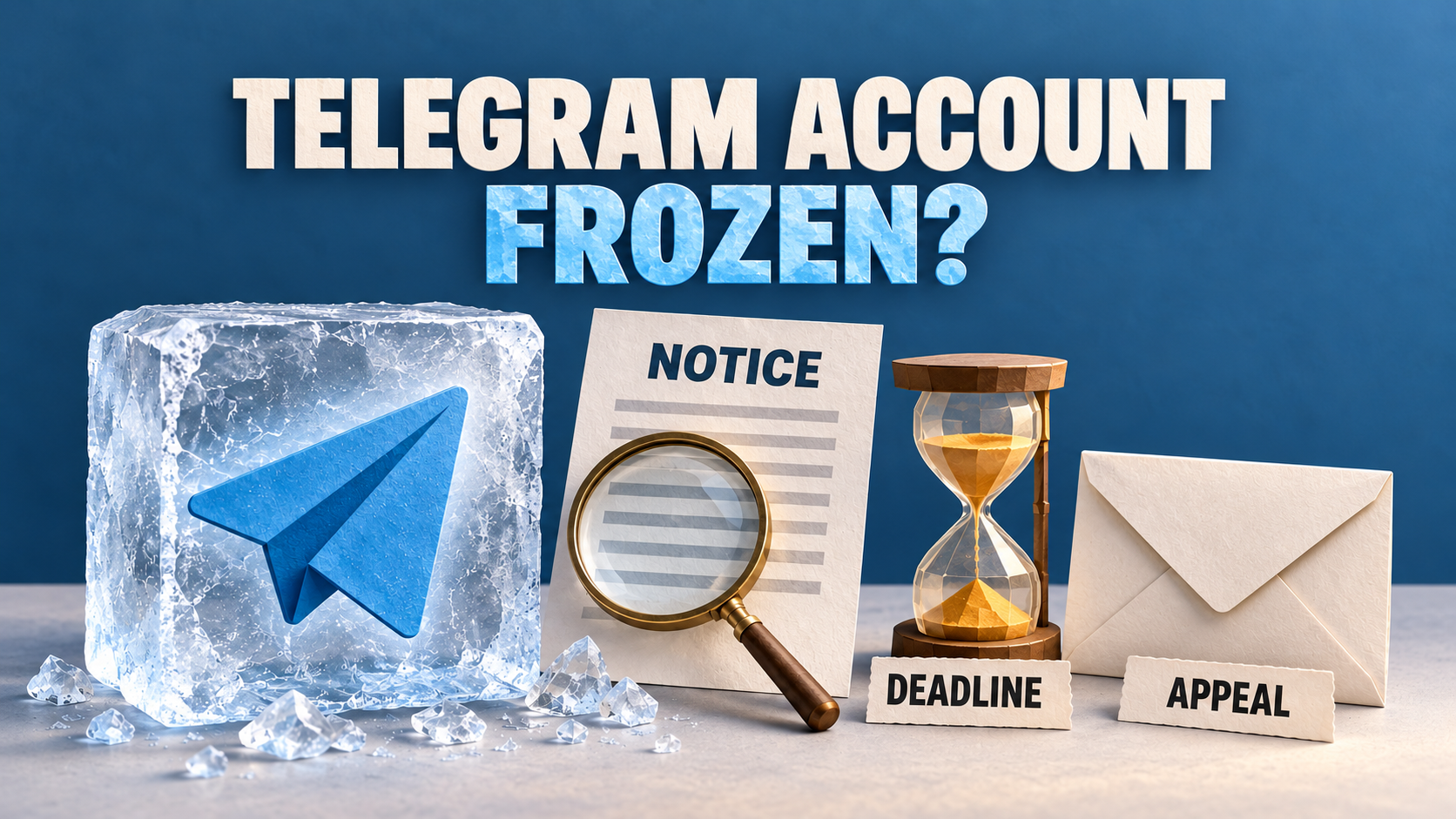
Record a frozen account’s own deadline and appeal state. Preserve a trusted session, identify the failed step and report an inaccessible route without assuming the account is safe.
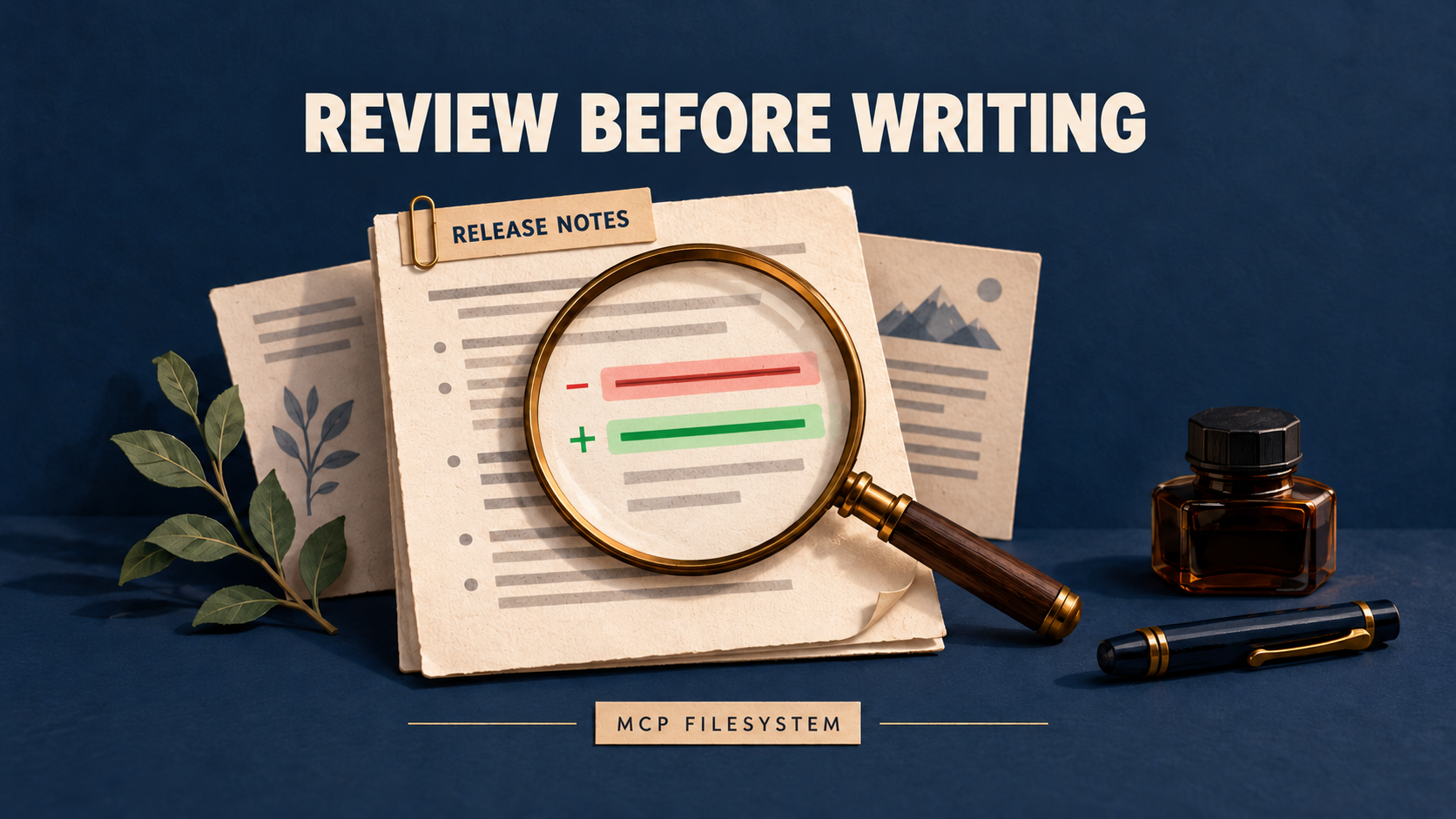
A practical release-note workflow: inspect targeted edits with dryRun, review the right context, and read back each saved file before calling the update complete.
Identify a frozen account, spam limit or banned phone number. Choose the official appeal route, preserve remaining access and avoid recovery scams.
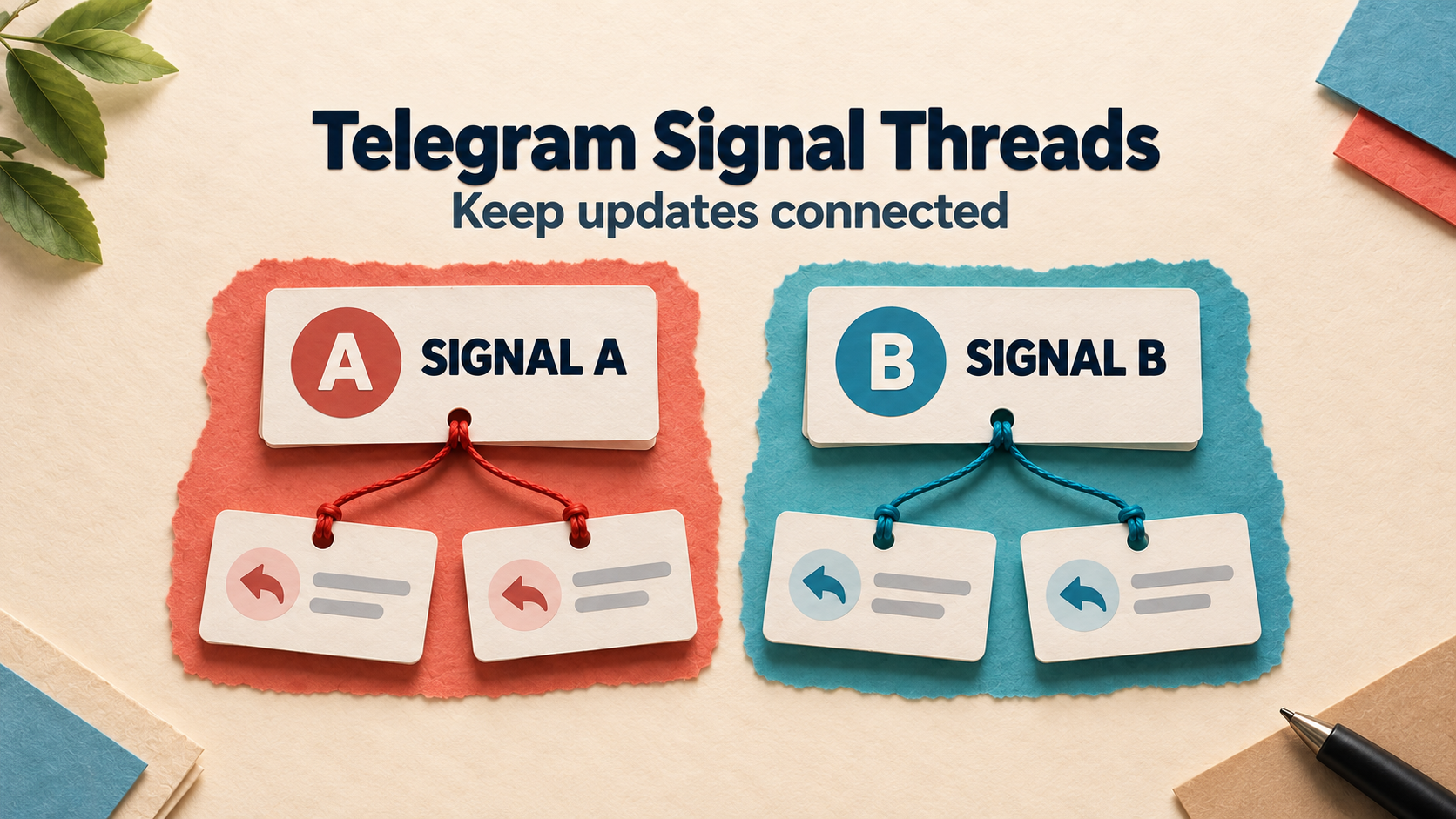
Choose one active trade or several identifiable reply chains. Set up Keyword Reply Threads and verify that each update stays with the correct forwarded signal.
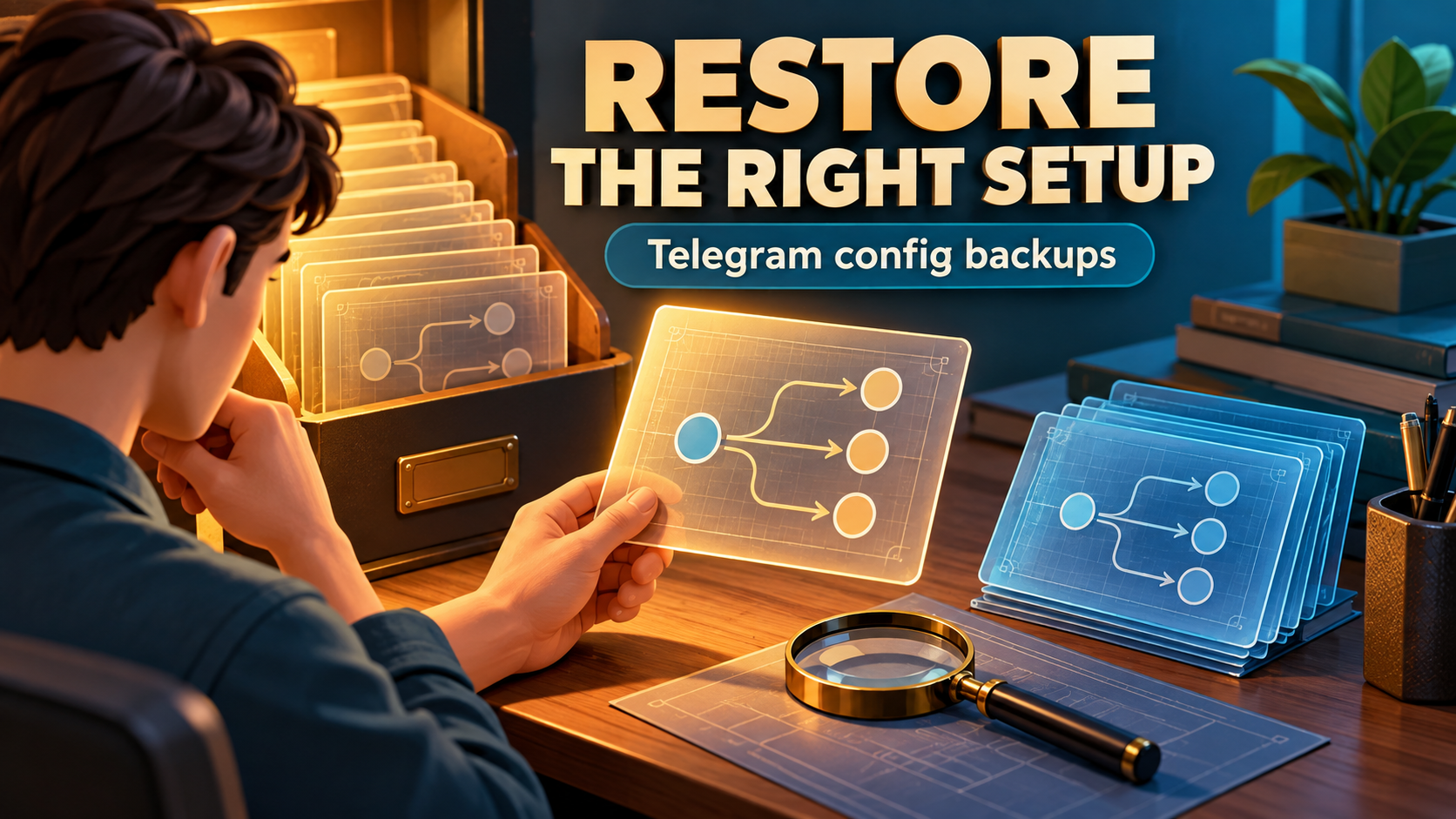
Choose a targeted repair or a configuration restore after a bad edit. Use a snapshot comparison and newer-change worksheet to recover the setup you actually need.
Check your AutoForward tasks and adjust forwarding settings without leaving Telegram. Open the current official bot and tap Open App.
One Telegram copy should not become two archive records. Learn how to diagnose retries, confirm event identity and test a recoverable webhook receiver.
Choose one or several networks for Auto Forward Telegram Crypto tasks. Set up Network Filter and understand why All networks differs from selecting all six.
A forwarded workshop notice still shows the old time. Identify the copy mechanism, correct each affected destination and test existing Discord-to-Discord synchronization without multiplying stale posts.