Discord Forwarded Message Not Updating? Correct the Copy
A Discord message sent with the native Forward action is a snapshot, not a live mirror. If the source author changes a time, link or instruction afterward, the forwarded copy does not update. First identify how the destination message was created. Then correct the destination deliberately—or, for an existing automated route, check that route's edit-sync setting and inspect the same delivered message before reposting.
This guide is for community operators who can see the corrected source but still have an outdated notice in another Discord channel or server. It gives you a small correction runbook, not another account-connection tutorial. Discord's forwarding behavior and RedFox's documented task controls were checked on October 10, 2026; the example below is fictional, not an observed delivery test.
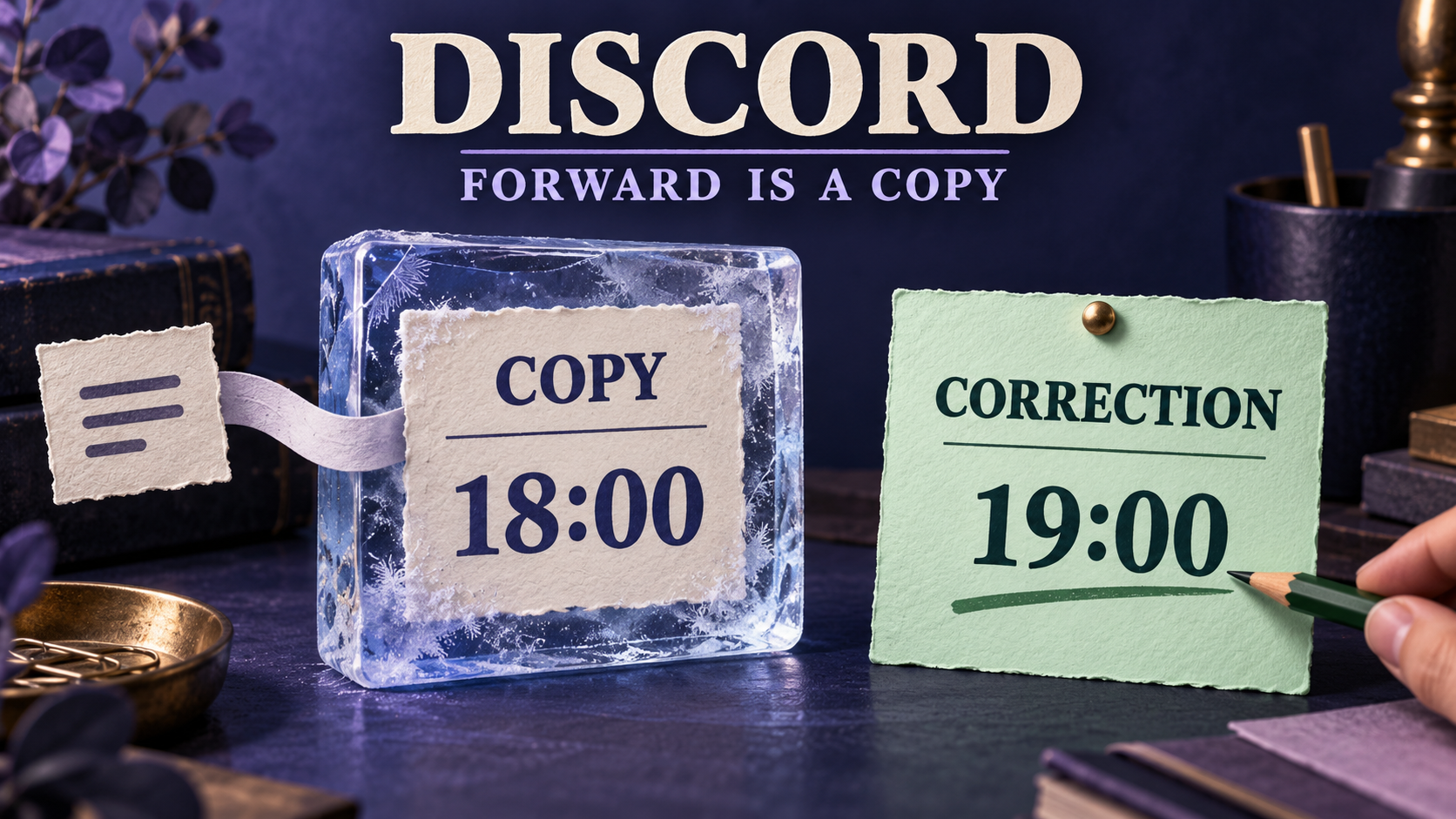
The featured image illustrates a frozen copy and a separate correction. It is not a Discord screenshot; 18:00 and 19:00 are example event times.
1. Identify the copy before diagnosing sync
Look at the destination message, not just the source channel. A message labeled Forwarded that someone sent using Discord's Forward action follows the native forwarding rules. Discord's Message Forwarding FAQ explicitly says that this copy will not update if the original is edited later. Waiting longer or editing the source again will not turn that snapshot into a synchronized message.
A bot-posted copy from an automated task is different. Its behavior depends on the task that created it, the configured synchronization and the connection's current access. Do not assume that a message is synchronized because it arrived automatically. Record the source message link, destination message link and route owner so you can check one specific pair.
There is also a third mechanism: a published Announcement-channel message delivered through Discord Follow. That is not the same as manually forwarding a message. Our Discord Follow troubleshooting guide owns Publish, followed integrations and destination checks. Use that guide if the destination came from Follow rather than applying a bridge setting to it.
2. Fix the notice where readers saw the old version
Fictional example: a community helper forwards “Workshop starts at 18:00” from the organizer's channel into a partner server. The organizer later changes the original to “Workshop starts at 19:00.” The partner server still has the 18:00 snapshot.
The operational failure is now clear: readers in the partner server can act on the wrong time. Fixing the original was necessary, but it did not fix that copy. A useful correction needs to reach the same audience and explain what changed.
- Confirm the current instruction with the source owner. Check the date and timezone as well as the time. Do not infer that 19:00 belongs to the same event or day just because the text is similar.
- List the destinations that received your forward. Check the channels you selected, and coordinate with anyone who made separate copies. Your own destination list is not a complete inventory of copies made by other people.
- Send a clearly labeled correction in each affected destination you administer. Refer to the earlier notice and state the replacement instruction in plain language. Avoid forwarding another unexplained card that leaves readers choosing between two times.
- Ask the destination moderator how to handle the obsolete copy. If removal is appropriate and permitted, confirm its actual removal there. Otherwise, put a visible correction beside it using the destination's available moderation tools. Do not promise that changing or removing the source cleans every copy.
- Inspect the destination as a reader. The new instruction should be understandable without access to the source server. Record which destinations are corrected and which still need an administrator.
Here is a message template you can adapt only after confirming the real event details:
This is an editorial template, not an automatic rewriting feature. Replace every placeholder before sending. If the event is canceled rather than rescheduled, say that explicitly; our event change and cancellation runbook explains the same reader-facing distinction for Telegram-origin notices.
3. Make the correction stand on its own
A source link is helpful, but it is not a substitute for the corrected instruction. Discord documents that a native forwarded message does not show the original author's identity, and that its source link is visible only to people with access to the original server/channel or when the server is public. A destination reader may therefore see the text without a useful path back to its context.
Give the destination audience the approved organizer name, changed fact, event date and timezone directly. Include a source link only when the audience is allowed to use it. If the source is private, ask its owner for a shareable correction rather than copying private discussion or promising that every recipient can open the original.
Forwarding capability is not redistribution permission. The same applies when a channel is paid, restricted or intended for a smaller audience. Discord's forwarding FAQ lists limits for monetized channels and age-restricted-to-unrestricted forwarding; do not work around those limits to spread a correction. Get an authorized public version or ask the responsible moderator to deliver it.
Keep the correction factual and concise. “The start time changed from 18:00 to 19:00” helps readers act. “The bridge is broken” does not, unless you have actually established that an automated route failed.
4. For an existing D2D task, check edit and delete sync separately
If RedFox's D2T Auto Forward system created the destination message through a Discord-to-Discord task, inspect that task rather than Discord's manual Forward menu. The official Discord-to-Discord guide documents Edit Sync for updating forwarded messages after a source change, and Delete Sync for removing forwarded messages after a source deletion. It says both options require manual enablement.
These controls serve different jobs. Turning on edit synchronization should not be treated as a decision to propagate deletions. Agree with the route owner whether this destination is meant to show the latest approved version or retain notices for a separate moderation process. Check the saved task state and current plan/feature availability before relying on either control.
- Verify the route direction. Both the source and the destination must be the intended Discord channels. A Discord-to-Telegram task is not the owner of a copy in a second Discord server.
- Confirm which task created the copy. Check the source/destination pair and whether another task or person posted an additional copy. Avoid diagnosing one duplicate while looking at the settings for another.
- Inspect the saved Edit Sync choice. If it is off, an unchanged copy is consistent with that configuration. If you enable it for this route, verify with a new permitted test pair rather than assuming it repairs older manual forwards.
- Check current access and task state. Confirm the source is still readable, the destination is still accessible and the task is active. A successful initial send is not proof that a later edit can be applied.
- Test deletion only when intended. Use a disposable test message in a controlled destination. Inspect Delete Sync separately and never delete a real announcement just to check the route.
Resolve the connection's Discord-policy scope first. Discord forbids automating normal user accounts outside its OAuth2/bot API. Do not reconnect using a normal user token as a workaround for stale copies. Ask the provider to confirm a supported, policy-compliant connection for the complete route; a bot sender at the destination alone does not establish how the source is read. This guide does not certify an existing account connection.
Auto-Bot.io publishes this guide; RedFox supplies D2T Auto Forward. The synchronization description is first-party documentation, not a hands-on benchmark or a guarantee that every older message, attachment change or unsupported content type will synchronize.
5. Use one fresh message to separate arrival from later updates
For an authorized existing automated route, use a small test source and destination you control, with no private material and no public audience. Keep other forwarding paths out of the test. The following is a proposed acceptance check, not a test we ran on your account.
| Stage | Action | What to inspect |
|---|---|---|
| Arrival | Send one recognizable plain-text notice in the test source. | It appears in the intended destination. Save both message links. |
| Correction | Edit that source notice to change one harmless word or example time. | Inspect the same destination message. Does it show the new value, remain stale or appear as another copy? |
| Deletion, if enabled | Delete only the disposable source notice after checking the intended Delete Sync setting. | Inspect the mapped destination and record the actual result. Arrival and edit success do not prove deletion success. |
| Reader check | View the destination with an account authorized for that audience. | The current instruction and attribution are clear without privileged source access. |
If ordinary text works, test the real content shape separately: a link, image with accompanying text, or longer announcement. Do not use a successful one-word edit to claim attachment replacement, reply continuity or every message format is supported. For Discord-to-Telegram destinations, use the separate alert-routing checklist and reply-context guide; those pages cover a different destination and reader experience.
Record the actual observations before changing more settings: task label, source/destination channels, message links, saved sync choices, observed times and visible errors. Do not include tokens or login details. If the wrong audience receives anything, pause the affected route and coordinate the correction immediately.
6. Escalate the failing boundary, not the whole feed
- Native Forward copy stayed old: send a deliberate destination correction. This is the documented snapshot behavior, not an edit-sync outage.
- Task copy arrived but stayed old: check the task that created it, saved Edit Sync choice and current access. Give support the specific source/destination test pair.
- A second copy appeared instead: check for overlapping tasks or a manual repost. Do not create another route until you know which copy each route owns.
- Edit worked but deletion did not: inspect Delete Sync and the actual target result separately. Do not call the route fully synchronized from the edit result alone.
- The source link is unavailable to readers: provide an approved, self-contained correction. Do not expand private-channel access merely to explain a forwarded notice.
Stop repeated reposting once you have one clear failure record. Reposting the original can multiply outdated versions and hide the message pair that support needs to investigate. A manual correction can protect readers while an automated route is being diagnosed; it does not count as proof that synchronization is repaired.
Frequently asked questions
Will editing the original update a manually forwarded Discord message?
No. Discord says a native forwarded message is a copy from the moment it was forwarded and will not update afterward. Correct the destination deliberately.
Can I make an old native forward synchronize by enabling a task?
Do not assume so. RedFox's documented edit/deletion controls belong to messages forwarded through its task. This guide establishes no retroactive conversion of a manually forwarded snapshot into a tracked task copy.
Does editing a notice ensure everyone saw the correction?
No. A current destination message and a reader notification are separate outcomes. Decide whether an important correction needs a new, clearly labeled notice, and inspect the destination rather than treating an edit as a notification receipt.
Is Discord Follow the same as Forward?
No. Follow distributes published Announcement-channel messages. Manual Forward sends a selected snapshot. Start with the mechanism that actually created the destination message.
Keep the current instruction clear
If today's problem is one stale native forward, correct it where readers saw it and record the affected destinations. You do not need to rebuild a working feed to explain a changed time.
If an existing automated Discord-to-Discord route should maintain current notices, review RedFox's documented task controls and validate one fresh arrival, edit and intended deletion separately. Start from the D2T Auto Forward product overview and its Discord-to-Discord documentation. For management, choose the Web dashboard, iOS app or Android app. Prefer Web/App for reviewing the full task settings; active forwarding runs in the service's cloud rather than requiring the management screen to stay open. Confirm a policy-compliant connection before any new setup.
The success condition is simple: the intended audience has the current approved instruction, and you know whether it arrived as a snapshot, published announcement or synchronized task copy.
Check the Copy Before Changing the Route
Correct native snapshots where readers saw them. For an existing authorized D2D task, review saved edit/delete sync and validate one fresh message pair.
Confirm a policy-compliant connection before new setup