Telegram Keyword Reply Threads: Keep Signal Updates Together
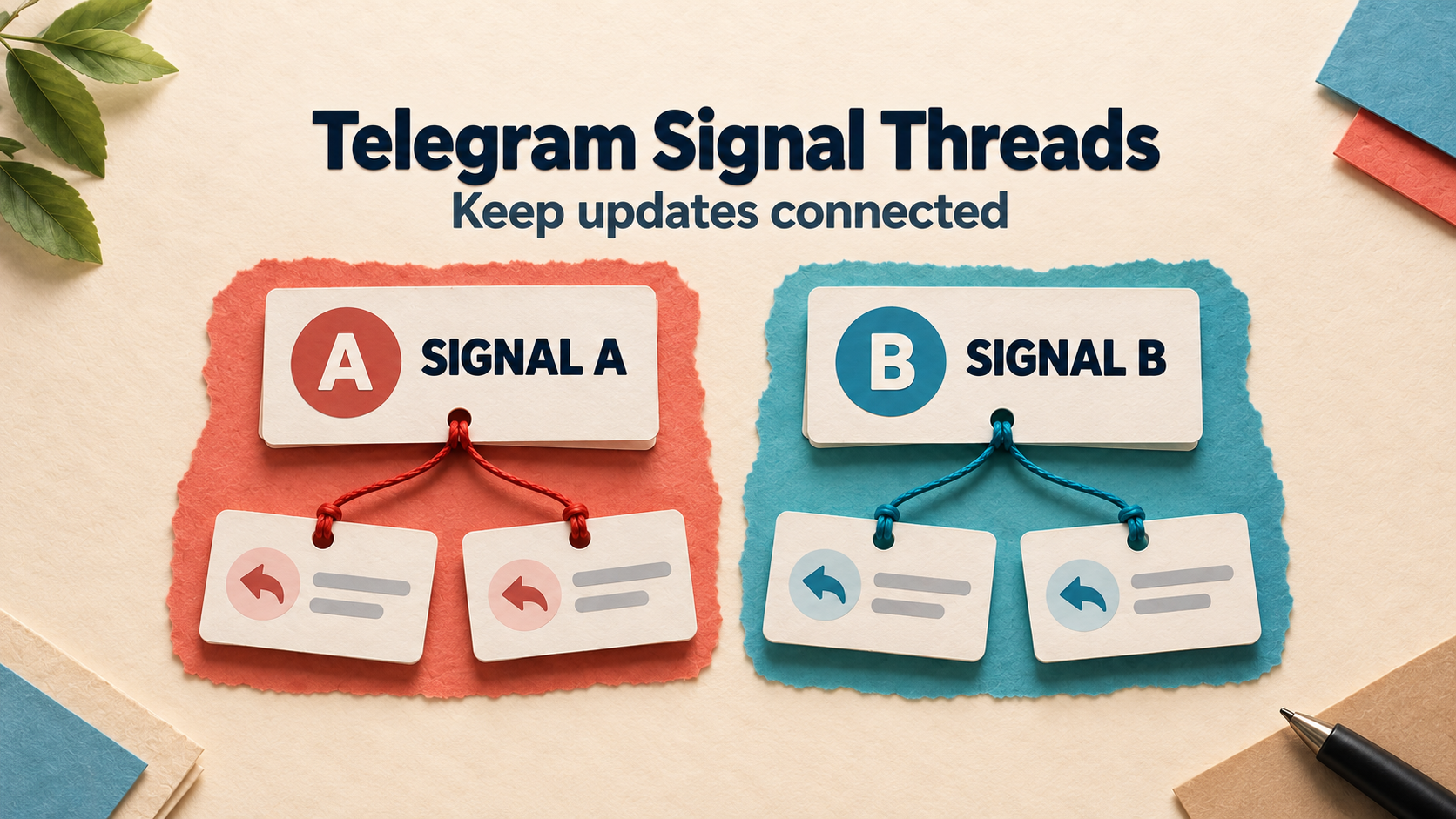
RedFox Auto Forward Telegram’s Keyword Reply Threads add-on groups a forwarded trade signal and its later updates into a Telegram reply thread. Start with one active trade. Allow two or more only when the source sends updates as replies to the relevant signal or to a message in its reply chain: the feature does not guess which trade an unlinked update belongs to.
That distinction matters when two signals concern the same instrument. “Update: stop changed” is not enough to identify the right trade. A visible reply relationship can carry the context that the words leave out.
This guide uses the official Keyword Reply Threads documentation, checked October 13, 2026, to build a small setup and verification plan. The sample messages below are fictional routing examples, not trade recommendations or a connected-account test. This feature organizes messages; it does not evaluate signals or execute trades.
Auto-Bot.io is an editorial publisher covering RedFox Auto Forward Telegram, not its developer or operator. The featured image is a conceptual illustration, not a product screenshot.
First decide: one active trade or several?
Look at how the source actually publishes follow-ups before choosing the setting. A source that runs one signal at a time can send an initial signal followed by ordinary updates. A source that runs overlapping trades needs a way to identify each update’s parent.
- One trade at a time: use the guide’s recommended Max active trades: 1 as your first setup. Verify a complete signal → update → closing-message sequence before relying on it.
- Several trades with explicit source replies: consider 2 or more only when updates reply to the original signal or to a message already in that trade’s reply chain. Test two overlapping examples, including a reply to an earlier update.
- Several trades with standalone updates: do not increase the setting and expect the tool to infer the trade from proximity, instrument name or wording. Ask the source publisher to use replies, or keep this workflow limited to a genuinely single-active-trade source.
The documentation explicitly says an ordinary message that does not reply to either active trade will not be guessed into a thread. It does not specify whether every such message is forwarded separately, skipped or affected by other task settings. Check the actual destination rather than treating “not attached” as “not delivered.”
This is an established context problem, not a claimed new trend. In a 2022 public GitHub question about another forwarding tool, a reader asked why a reply arrived as a new message instead of replying to the earlier copy. Later comments discuss reply support in that project. The thread illustrates the reader need; it is not a current competitor limitation or a RedFox test.
Do not confuse threading with filtering or channel comments
Several Telegram controls mention replies or keywords, but they answer different questions:
- Keyword Reply Threads: “How do I keep a signal’s subsequent updates attached to it?” Start and close phrases define a thread’s lifecycle; source replies disambiguate overlapping trades.
- Keyword Confirmation: “When should a matching message be forwarded after a count threshold?” It is a message-count gate, not this signal-and-update grouping workflow.
- Channel Comments Forwarding: “How do I forward a channel post’s linked discussion comments?” Use that guide when the missing content is in a channel’s comment discussion.
- Topic mapping: “Which forum topic should receive these messages?” A destination topic is not the same as the reply relationship between a signal and its updates.
Choose the mechanism that matches your source, rather than enabling every reply-related feature at once. The Telegram forwarding overview is the broader product entry point; this tutorial assumes you already have, or can prepare, one controlled Telegram forwarding route.
Configure a small first thread
Use a source and destination you own or are authorized to manage and redistribute to. Keep the destination private while checking the configuration. If you need the base route first, follow the Telegram task setup guide; a normal task may start sending when created, so do not use a live customer audience as your setup sandbox.
- Check add-on access. The general add-on guide describes credit-based access with a displayed price and duration. Review the current Keyword Reply Threads terms in your account before any purchase. This article does not quote a price or promise inclusion in a subscription plan.
- Open the intended task. RedFox’s documented sequence is Auto Forward app → forwarding task → Addons → Keyword Reply Threads, then follow the setup questions. Confirm the task’s actual source and target before changing it.
- Enter the first configuration. The settings list below reproduces the official guide’s recommended starting values. Use them as a controlled baseline, not a universal recommendation for every publisher.
- Read the configuration back. After completing setup, reopen the feature and check the saved phrases, reply limit, hours and active-trade count. Keep unrelated filters and transformations unchanged during the first test.
Documented recommended first setup:
- Start keywords:
sell now|buy now. A matching source signal can open a new thread. - Close keywords:
done|target complete|all target complete. The matching closing message is forwarded before the thread closes. - Max reply messages:
10. Up to ten later messages can be attached.0removes this message-count limit. - Time limit:
24hours. The thread closes automatically when its configured time limit is reached. - Max active trades:
1. Starts with one open trade thread; multiple trades require identifiable source reply chains.
Zero is not “keep open forever.” The guide assigns 0 specifically to the maximum reply-message count. Close keywords and the separate time limit still matter. It also does not document timer-reset rules, case sensitivity or precedence when one post contains both a start and a close phrase. Include those cases in your own checks if your source uses them.
Use phrases that fit the source’s actual signal format. A common word such as done can appear in commentary as well as a closing notice. Check representative text—including an ambiguous phrase such as “not done”—before trusting your chosen close rule. Do not assume the matcher understands negation.
Verify one complete signal-and-update sequence
Send harmless fresh text messages in the controlled source. The following is a documentation-based expectation, not a test result:
- Start:
Demo A: sell now — routing test only. Confirm a normal forwarded message appears at the destination. This is the parent to inspect for the subsequent updates. - Update:
Demo A update: test note changed. Check that the destination copy is a reply to that parent, not merely a nearby message. In this first run, keep only one trade active. - Close:
Demo A: all target complete done — test finished. The guide says this closing message is also forwarded as a reply, and then the thread closes.
Tap or open the destination update’s reply reference and confirm it points to the correct forwarded starting message. Seeing all three texts in the target is not enough: the relationship is the feature you are checking.
Record the task, saved settings, source message identities and destination parent for each update. For a follow-up sent after closure, observe what actually happens; do not assume that an inactive thread makes the message disappear. Keep unexpected output in the private test destination.
Challenge two overlapping trades before increasing capacity
If your real source uses explicit replies, perform a separate run with Max active trades: 2. Use two distinguishable fictional signals—Demo A: sell now and Demo B: buy now—and note their source and destination message identities.
- Reply directly to A: send
Test update for Ausing Telegram’s Reply action on source signal A. Check that its destination copy replies to forwarded A. - Reply directly to B: send
Test update for Bas a source reply to signal B. Check its destination parent is forwarded B, not the latest message by proximity. - Reply to A’s earlier update: send
Second test update for Aas a source reply to the first A update. The guide permits identification through a message already in that trade’s reply chain; inspect the resulting destination association with A’s thread. - Send an unlinked control: send
Test update with no parentas an ordinary source message. The guide does not promise a guessed A/B attachment. Record whether it arrives separately or does not arrive under your task’s other settings.
Do not call an unlinked update “B’s update” just because B was posted last. Likewise, two signals for the same instrument are still two different starting messages. If the source publisher will not identify overlapping updates with replies, increasing capacity does not solve the ambiguity.
One further check is worth doing before rollout: close A with a source reply containing your chosen closing phrase, then send a clearly linked update for B. Verify the observed destination relationships and saved limits. Do not infer that closing one thread preserved another until you inspect it.
If updates arrive detached or under the wrong signal
- Start with the source relationship. Is the update an actual Telegram reply to the signal or an existing reply-chain message? Quoting its text, naming the instrument or posting immediately afterward is not proof of that relationship.
- Check lifecycle limits. Look for an earlier closing phrase, the reply-message cap or the time limit. A previously valid parent may no longer have an active thread. Do not immediately increase all three limits.
- Check the exact task. Confirm Keyword Reply Threads is configured on the route you are observing and that its add-on access is active. A second ordinary route into the same destination can create a standalone copy that looks like a threading failure.
- Separate text matching from financial meaning. A start or close phrase tells the automation how to organize posts. It does not establish that a position opened, a target was achieved or an update is safe to act on.
- Stop on unresolved misassociation. Keep the route private or pause the affected task. Give support sanitized settings and the specific source-to-destination relationships you observed; do not publish more test signals into the real audience.
To check the reply cap or timer, use a separate controlled run with clearly recorded values and starting conditions. A shortened timer test is not evidence for a full 24-hour run. The official guide does not define every interaction with other filters, historical cloning, edits or restarts; verify any of those requirements separately instead of assuming this setup covers them.
FAQ
Do all updates have to be source replies?
The guide describes ordinary later updates for its single-trade example and recommends one active trade for most users. For two or more active trades, it specifically requires replies to the original signal or a message in the existing reply chain so the trade can be identified.
Will it match an unlinked update by instrument name?
Do not rely on that. The documented multiple-trade behavior does not guess which thread a normal unlinked message belongs to. Use actual source reply relationships.
Does a reply limit of zero mean unlimited time?
No. 0 means no message-count limit for attached updates. The time limit is a separate setting, and close keywords can close the thread.
Is the closing message forwarded?
Yes. The documentation says the closing message is forwarded as a reply before the trade thread closes. Verify that exact sequence in your controlled route.
Does this place trades or verify a signal’s result?
No such capability is established by this feature guide. This workflow is message organization, not order execution, performance verification or financial advice. A neatly grouped claim remains a claim from its source.
Open one task and check its context
Use AutoForward Web, the official iOS app or Android app. Choose the surface you prefer; Web and the mobile apps are recommended for fuller management than the limited Telegram-bot entry point, @AutoForwardNew_Bot. Active tasks run in RedFox’s cloud without keeping the management interface open.
The previous bot, @Auto_Forward_Messages_Bot, has moved to @AutoForwardNew_Bot. Use this current handle to access RedFox Auto Forward Telegram.
Next step: open a controlled task, review Addons → Keyword Reply Threads and its current access terms, then verify one starting message, one attached update and one closing message. Increase active trades only after your source’s reply structure and the two-thread test support it. Read the official setup guide alongside the saved values—not just the example list.
Keep Signal Updates in Context
Open a controlled task, review Keyword Reply Threads access and verify the parent of each forwarded update before using overlapping trades.
Start with one private test thread