Telegram Source Deleted but the Copy Remains? Check Delete
If a source announcement is deleted but its Telegram copy stays in the target, check the task’s Delete setting before anything else. In RedFox Auto Forward Telegram (@AutoForwardNew_Bot), the official task guide documents Delete in Advanced Configuration as removing messages when they are removed in the source chat, and warns that turning on Show Header Forwarder stops Delete from working. A separate guide warns that Debug Mode may prevent deleted-post events from being received. The Auto Delete Messages add-on is something else: a timer for target copies, not a response to a source deletion.
This guide is for an operator whose Telegram-to-Telegram route already delivers new posts, but whose deleted source post leaves an identical copy in the destination. The goal is to diagnose one task’s source-triggered deletion safely—not recover deleted messages, keep an archive, recall what readers already saw or clean up a channel in bulk.
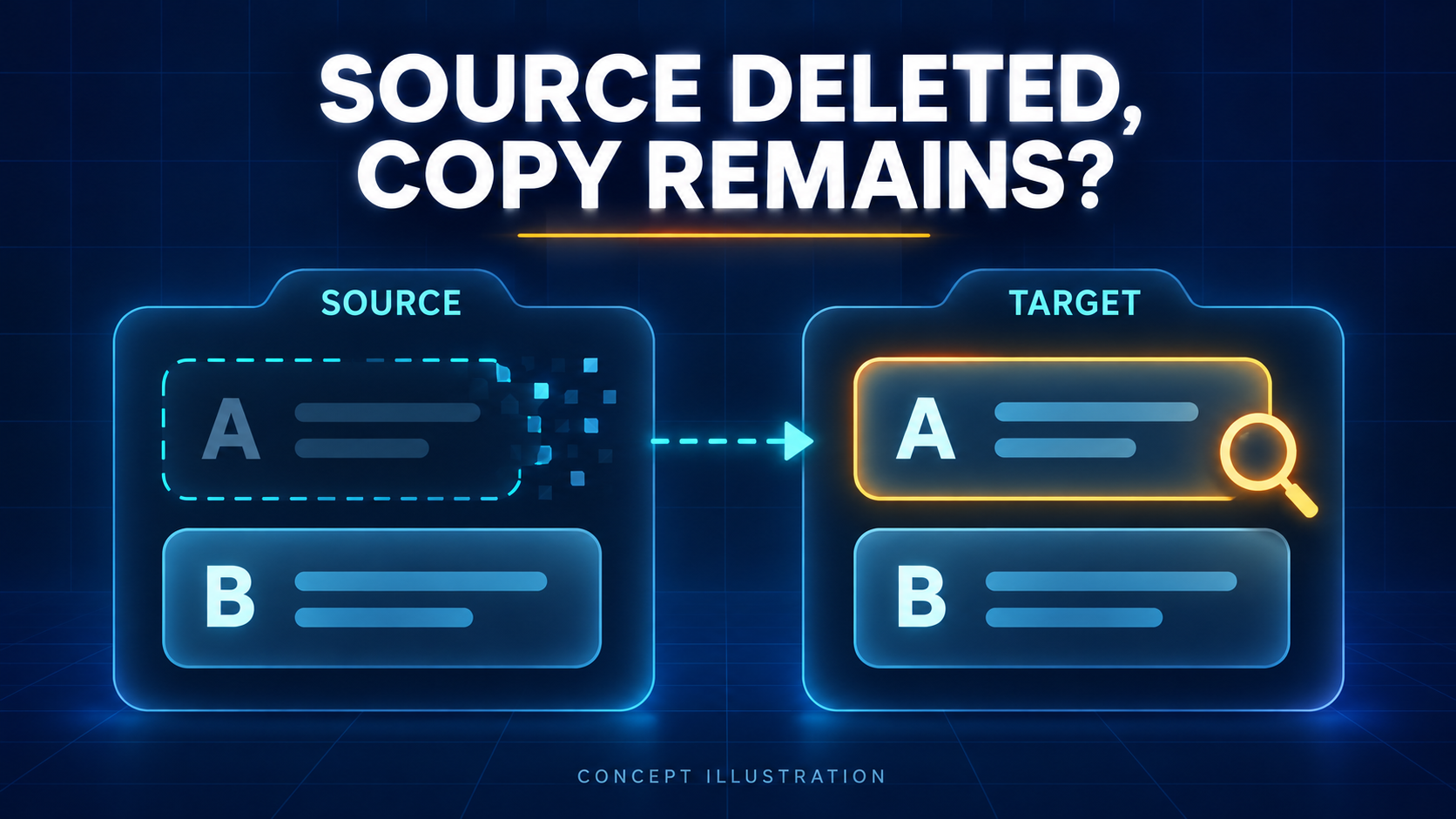
The previous bot has moved to @AutoForwardNew_Bot. Use this current handle to access RedFox Auto Forward Telegram. RedFox supplies the product; Auto-Bot.io publishes this independent guide. Documentation was checked on October 26, 2026; no deletion test was performed. The featured image is a concept illustration, not product UI or a test result.
1. Decide which kind of removal you expect
Four controls can make a destination message disappear or stay, and the documentation keeps them separate. Mixing them up is the quickest way to “fix” the wrong thing.
- Delete (source-triggered). The task-settings guide lists it under Advanced Configuration: check it to remove messages when they are removed in the source chat. This is the control for your symptom.
- Edit. An adjacent checkbox: with it on, a source edit changes the target message; with it off, the edit is sent as a new message. Edit working says nothing about deletion. See the edit-versus-new-post guide for that setting. A 2021 open-source forwarder issue reports edits working while deletions did not. A reply suggests a separate delete-sync option, but the reporter says the change did not work; no successful fix is confirmed. That is a different tool and no evidence about RedFox. It only shows that people meet edit and delete as separate behaviors.
- Auto Delete Messages (add-on). After a successful forward, it can schedule removal of the target copy after a delay. RedFox’s add-on page says original source messages are never modified or deleted, and that messages matching no rule stay in the destination permanently if Keep Unmatched Messages is chosen. It is a timer, not a source-deletion listener. The timed-cleanup guide covers it.
- Delete Task. It sits in the same task settings list, but it removes the forwarding task itself. It is not a message setting and not a test.
2. Pin down the exact pair before touching a setting
Choose one deleted source post and the copy that remains. Look at them together rather than comparing the newest message in each chat, and write down:
- The source chat, the deleted post’s message link or ID if you have it, and when it was removed. A message ID means little without its chat.
- The target chat, the surviving copy’s link or ID, and when it arrived.
- How the source post was removed: by its author, an administrator, another bot or a timer. The task guide does not distinguish methods, so record the fact instead of assuming it makes no difference.
- Whether this task actually made the copy. A manual forward, a clone run or another route can produce identical text. The cited page does not explain how a copy is matched to its source, so confirm which task delivered it.
- Whether the copy arrived before Delete was switched on, or while Debug Mode was running. The documentation says nothing about sweeping older copies afterwards.
If you cannot say which task produced the copy, stop there. No setting on the wrong task will explain it.
3. Read the saved task state
For the documented Telegram-bot path, send /settings or /forward, choose Manage Forwarding Tasks or Show ALL, open the exact task, then open Advanced Configuration. Prefer the RedFox Web app, the iOS app or the Android app for a fuller management view than the limited bot entry point; labels can differ, so match names rather than positions. Record:
- Delete: checked or unchecked.
- Show Header Forwarder: checked or unchecked, and its Display Mode if the interface shows one.
- Debug Mode: on or off. The documented switch is on the task’s Detail Task screen in the mobile app.
- Sender Type: personal account or bot. RedFox’s sender guide says a task can use either, and bot mode can rotate between several bots.
- Edit, any configured delay, any Auto Delete Messages rule, and any other task that sends to the same target. Record these now so a later test compares like with like.
Then read what the saved state implies:
- Delete unchecked. The guide documents removal only when Delete is checked, so an unchecked box fits your symptom. Whether to enable it is a policy decision (see section 6), not a repair.
- Show Header Forwarder checked. This is the documented conflict: the note under Delete says the delete function will not work. The same task guide lists Reply, Edit, Replace and translate as header-incompatible too, so if those also misbehave on this task, the header is a consistent suspect, though not a test of Delete. The Forward Header guide describes two display modes (every auto-forwarded message, or only source messages that were themselves forwarded). Neither page says a particular mode avoids the Delete warning, so do not assume one does.
- Debug Mode on. RedFox’s Debug Mode guide calls it a last resort for new messages that are not being received and says it may prevent edited or deleted posts from being received. Someone may have enabled it for a real arrival problem, so ask before switching it off; the documented off path is Detail Task → Debug Mode → Turn Off Feature. Our Debug Mode guide covers the arrival side.
- Delete checked, header off, Debug off. No documented blocker is visible in the saved state. Go to the controlled test, then to support with its result.
4. Test one deletion on a disposable pair
This test deletes a source message and that deletion cannot be undone. Run it only on a harmless message in a private source you own. Never delete a real announcement your audience still needs, empty a live channel, or use Delete Task to see what happens.
Build the pair so it is comparable with the live task but cannot touch it. Create a private source and a private target that only you control, and a throwaway task whose relevant settings match what you recorded: Delete, Show Header Forwarder, Sender Type, filters and delay. Do not switch Debug Mode on in the throwaway just to match; RedFox warns it can lead to Telegram limits, so treat a live task’s Debug Mode as its own suspect. Leave the live task alone. RedFox’s task-creation guide says a new task is created and activated at once, so select the private endpoints before you confirm. A difference in sender or chat roles can change the outcome; write down any you cannot match. This is a source-backed check for you to run, not a result Auto-Bot.io has observed.
Establish eligibility before testing deletion. Both harmless specimens and their posting identity must pass the same applicable keyword, sender and content-type rules, with the intended filter lists associated with the test task. Adapt the sample wording below to preserve those matches; do the same for every later A2/B2 round. Do not loosen live filters to obtain a pass.
Isolate competing cleanup. Use a fresh private target and fresh copies with no Auto Delete Messages timer scheduled for either specimen, no chat-level auto-delete timer, no second route and no moderator or bot cleanup during the observation window. Simply disabling an add-on does not establish that previously scheduled deletions were cancelled. If you cannot isolate these conditions, the disappearance of A is inconclusive—even if B remains. Record the isolated baseline separately from the live configuration.
- Send sample A. Post “DELETE TEST A – harmless,” adapted to your eligibility rules, in the private source. Wait for its copy, allowing for the task’s schedule and configured delay. Save both message references and times. If no copy arrives, the deletion run is invalid: distinguish rule exclusion, schedule/delay, route access and delivery before using the forwarding setup guide. Absence alone does not diagnose an arrival fault or justify Debug Mode.
- Send sample B as the untouched reference. Post “KEEP TEST B – untouched reference” and confirm its copy arrives. Do not edit or delete B on either side. It shows the route still delivering while A is tested, and it exposes a cleanup that removes more than it should.
- Delete only A in the source. Use the kind of removal you actually care about when you can do it safely, such as an administrator deleting instead of the author. Note the time.
- Check the target. Reopen the chat, then inspect A’s exact copy and B’s copy. The documentation gives no timing for source-triggered removal, so look again after a longer wait and record when you looked.
5. Read the result without over-reading it
- A’s copy is gone, B remains. With competing cleanup excluded and both specimens confirmed eligible and delivered, this is consistent with source-triggered Delete for this task, sender and plain-text message shape. It supports nothing wider. Without those controls, do not call it a pass.
- A and B both remain. The symptom reproduces on the isolated route. Starting from its saved baseline, change one setting on the throwaway task and repeat with fresh, comparably eligible A2/B2 copies: enable Delete if it was off, or turn the header off if it was on (after the attribution decision below). If that trial does not explain the outcome, restore its recorded state before another independent trial and keep the result unresolved. If Delete on and header off must be configured together, record and validate that combination explicitly; a pass after two changes does not show either change alone caused the result. A live Debug Mode is a separate decision: agree with whoever enabled it, use the documented Turn Off Feature and confirm normal arrival. A Debug-off private route does not prove that live deletion recovered; verify that behavior separately or escalate.
- A and B both disappear. The retained control failed, so the run is inconclusive. Delete could have removed A while another process removed B. Investigate Auto Delete Messages, chat timers, other routes and moderator actions, then repeat with fresh isolated copies rather than concluding that Delete failed.
- A disappears only on a later check. Record the interval. Nothing in the cited pages defines one, so do not copy it into a promise to your team.
- Nothing arrived, or B vanished while A stayed. Treat the run as invalid. Confirm which message you deleted, then repeat with new samples.
One plain-text pass supports only the route you tested. Photo captions, albums, other media, older posts and a different sender each need their own harmless specimen; the pages cited here make no promise about them.
6. Change the live task only after a controlled before-and-after
- Decide that you want the behavior. With Delete on, the target follows source removals, including routine housekeeping. If your source team deletes old posts and the destination is meant to keep them, leave Delete off and use the destination’s own retention process.
- Require a valid before-and-after. Keep the recorded comparable baseline, confirm both fresh specimens arrive under matching eligibility rules, and accept a change only when A’s copy is removed while B remains, with competing cleanup excluded. Keep an unexplained trial unresolved and restore its baseline. If only a documented combination passed, describe it as that validated combination—not proof of one setting’s cause.
- Apply only the validated change or combination, after recording the live task’s original values so you can restore them. A private test supports a limited rollout decision, not proof of the live route’s behavior. Do not verify by deleting a real announcement: inspect the next authorized routine removal you would have made anyway. Restore an unsuitable change rather than stacking further guesses.
- Keep attribution if you remove the native header. Show Header Forwarder also governs the “Forwarded from” label. If you turn it off, keep source credit in approved message text or a useful link, and confirm you may redistribute the content. A cleaner-looking copy is not permission. The header display modes guide explains the label choices.
- Treat existing leftovers separately. The documentation does not describe a retroactive purge. Remove stale copies through an authorized moderation action in the destination, and do not delete more source posts to trigger a sweep. If an outdated notice could mislead readers, also publish a clear correction; the event change runbook shows the pattern.
7. If the fresh sample works but your real case does not
Compare the real incident with your disposable pair on each of these, and change nothing until one difference stands out:
- Age and sender permissions. RedFox’s Delete note states no time window and no required permission. Telegram’s own Bot API reference for deleting messages lists limits for bots, including that a message can be deleted only if it was sent less than 48 hours ago, and rights conditions that differ by chat type. Whether those apply to your sender is not established here, because a task can send as a personal account or a bot. Inspect what the sending identity can actually do in the target. Do not grant broad administrator rights to a live community just to find out; use your private test chat, where you control the roles, and ask support what the minimum is.
- Message form. Text, photo captions, albums and other media may not behave alike. Test the form that failed, using a harmless one.
- Debug Mode at the time. If it was on when the source post was deleted, the event may never have been received, and the documentation does not promise a replay.
- Another route. A second task, a manual forward or a clone run may have produced the copy you are looking at.
When it stays unexplained, send support a short, sanitized record through the official contact route: the task label, the saved Delete, header, Debug Mode and Sender Type values, the source and target message references with times and timezone, how the source post was removed, and the A and B outcomes. Offer the private test pair, not your live community. Never send login codes, passwords or bot tokens.
FAQ
Is Auto Delete Messages the same as Delete?
No. Auto Delete Messages schedules removal of forwarded target copies after a delay and leaves the source unchanged. Delete is documented as following removals in the source chat. Enabling the add-on is not a fix for a missing source-deletion event.
Will turning Delete on remove copies of posts that were already deleted?
Do not assume so. The cited guide describes removal when a message is removed in the source chat, and says nothing about earlier deletions. Test with a fresh pair and clean up older copies separately.
Does a removed copy recall screenshots or forwards?
No. A removed target message is not a recall of what people already saw, saved or reshared. Use it for tidying your own destination, not as a privacy guarantee.
Make removal a deliberate setting
Open the RedFox Auto Forward Telegram overview, then inspect Delete, Show Header Forwarder and Debug Mode on one existing task in the Web app or your preferred mobile app. The useful outcome is specific: a recorded saved state and a private A/B result showing whether the intended source removal reaches the target. Active tasks run in RedFox’s cloud, and its runtime FAQ says your own internet does not need to stay on, so closing a settings screen is not the way to pause forwarding.
Check Delete on One Task, Not the Whole Channel
Read the saved Delete, header and Debug Mode state, then test one harmless message pair before changing a live route.
Documented task controls · Web, iOS and Android