Telegram Photos Arriving Late? Check Watermark Processing

If Telegram photos arrive later than your text posts after you enable Watermark, check the media-processing step before changing every delay setting. RedFox documents that Auto Forward Telegram generates the watermark before sending, which can make forwarding slower. That is a reason to inspect one task—not proof that Watermark explains every late or missing photo.
This guide is for an existing RedFox Auto Forward Telegram (@AutoForwardNew_Bot) route that already delivers photos, but whose branded images now arrive too late for your announcement workflow. The previous bot, @Auto_Forward_Messages_Bot, has moved to @AutoForwardNew_Bot. RedFox develops and operates the product; Auto-Bot.io publishes this guide.
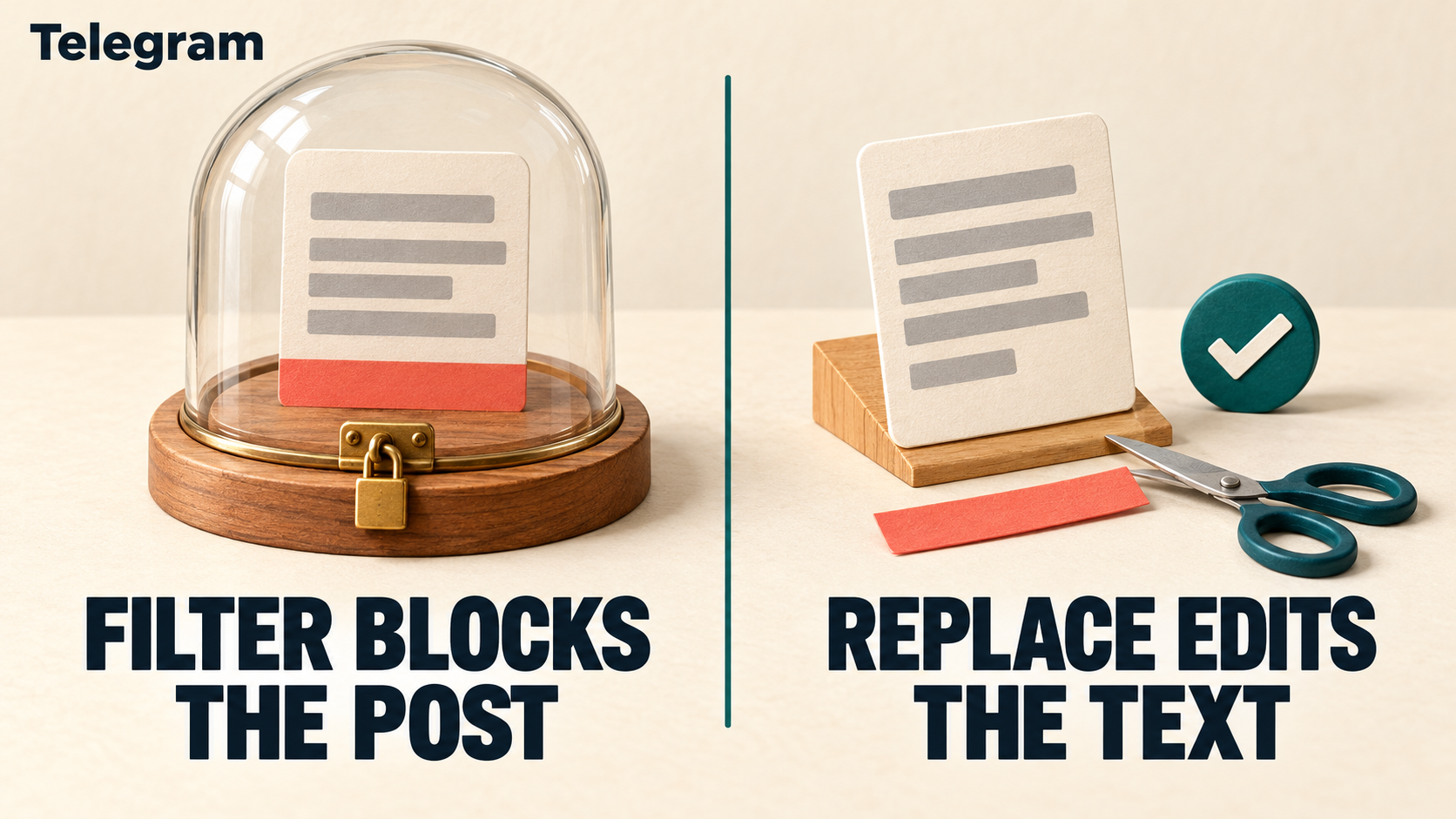
The instructions are based on documentation checked October 30, 2026. The private comparison below is a reader-run diagnostic, not a forwarding test or latency benchmark we performed. The featured image is a concept illustration of processing before dispatch, not product UI.
A watermark adds work before the send
The official Add Watermark guide explicitly warns that forwarding can run slower because the watermark must be generated before the message is sent. It supports image or text watermarks, opacity, position, proportional size and a preview before saving with Done.
That tradeoff can be worthwhile: a workshop team can brand its own lesson photos automatically instead of editing each one manually. But a text announcement arriving promptly does not establish that a processed photograph will follow on the same timetable. Nor does the preview establish when the destination will receive it.
Think of an owned event photo with your team's small logo. There are two separate acceptance questions: Is the received branding correct? and Is the photo still useful when it arrives? Decide both. A correctly stamped image can still be too late for a time-sensitive notice; a quick unbranded image can violate your publishing requirement.
First distinguish late, missing and out of order
- The photo eventually arrives, with the intended watermark: continue with the one-task comparison below. Record the actual source and destination message links.
- The photo never arrives: record it as missing. Check task status, source access, destination permissions, relevant Filters and Cleaner settings, and any visible error. A missing output is not a measurable watermark delay.
- A large file fails while small media works: check the saved sender and actual file size. Our Sender Bot large-file guide covers that separate capacity decision; do not buy capacity merely because a small photo is late.
- Every message waits, or several arrive as a burst: inspect the saved timing controls. The Delay versus Spread Mode guide owns the spacing question.
- All posts arrive but their sequence changes: use the Boost Performance ordering guide. Do not change an account-wide system setting just to troubleshoot one image.
The RedFox delay FAQ also names workload and simultaneous tasks or features as possible contributors. It does not establish which one caused your observation. Avoid deleting rules, leaving source chats or restarting the whole account as a blind first response.
Preserve the affected task before comparing
Choose one source and one private destination you control, using only photos you own or may redistribute. Do not remove branding from customer-facing posts to create a baseline. If you cannot arrange a private equivalent, keep the live configuration intact and collect evidence for support instead.
- Save the starting configuration. Record the task label, exact source and target, sender, Watermark enabled state, selected asset or text, opacity, position and size. Keep a screenshot or private note of the existing preview.
- Record other relevant controls. Include source-delay mode and value, target delay, scheduling, rate limits, duplicate handling, applicable keyword or sender rules, and other media transformations. Leave these unchanged during the comparison.
- Check test eligibility. The permitted photo must meet the same applicable rules in each round. Do not add a diagnostic caption that accidentally stops matching a whitelist. Use fresh source posts with source links; reusing one already-delivered message can confuse this test with duplicate suppression or historical replay.
- Keep the target exclusive. Avoid another task, clone, scheduler or manual sender writing the test copies there. Before moving endpoints or enabling a test, pause deliberately and reconcile any pending or already-delivered work. Pausing does not prove pending output vanished.
For initial task setup, use the existing source-and-target guide. This diagnostic starts after basic delivery works; it is not a reason to recreate the production task or reconnect the account.
Compare watermark on, off, then restored—privately
Use a small set of comparable standalone photos: the same ordinary file format and similar dimensions and file sizes, not a tiny image against a large video or an album. Keep the actual media details in your record. Choose distinct owned pictures if duplicate handling would suppress repeated identical media. Differences between pictures and changing workload remain limits on the comparison.
- Observe the original enabled state. On the private route, confirm the saved Watermark setting. Send a fresh eligible photo and one separate eligible text control. Record both source posts and both destination outcomes. Open the received photo, not only its thumbnail.
- Record timing only as precisely as you can observe. Use source posting and destination arrival observations from the same clock and timezone. If your available view shows only minutes, write “not measurable precisely here”; do not report a seconds-level improvement. Record missing items and errors separately.
- Pause the private task and change only Watermark. In the task's Watermark controls, disable it for this private comparison, save and inspect the resulting state. Leave sender, endpoints, timing and content rules alone. If you cannot verify that saved state, stop the comparison.
- Use fresh comparable inputs. After enabling the private task, send another permitted standalone photo and text control under the same eligibility conditions. Confirm actual arrival, caption and image contents. An unbranded preview alone is not a delivered result.
- Restore and verify. Pause, restore the original Watermark configuration, save and inspect it. Run one more small comparable private round if safe. Check that the actual received image has the intended mark again, with readable content and acceptable placement.
Keep the record simple: round; saved Watermark state; source photo link and media details; applicable rule matches; text-control outcome; destination photo link; observed timing or measurement limit; branding result; visible error. These are fields to fill with real observations, not sample benchmark numbers.
Let the pattern decide the next action
- Photos improve with Watermark off and become slower again when restored, while text controls stay comparable: that supports Watermark processing as a contributor on this task and sample. It is not a universal speed claim or proof of the internal cause.
- Both text and photos vary together: the comparison has not isolated watermark processing. Preserve the saved timing controls and workload context instead of changing more features at once.
- The off round is missing or blocked: it supplies no usable latency comparison. Review eligibility, duplicate handling, task status and actual errors. Do not interpret an absent photo as a fast result.
- The difference is too small to measure, or cannot be repeated: call it inconclusive. Restore the intended branding and use the evidence record for support.
Respect any Telegram wait or sending error. Do not flood the source, rotate accounts or repeatedly resend to force a favorable comparison. A private result does not certify album timing, multi-target delivery or a busy production period.
Keep branding as a deliberate requirement
If the watermark is required, restore it rather than treating permanent removal as the default fix. In the documented preview, check opacity, position and proportional size so the mark does not obscure the useful photo content. These controls tune appearance; the documentation does not establish that a smaller logo or a text watermark is necessarily faster.
Return to production only after confirming the intended Watermark state, original source and target, sender and unchanged content rules. Reconcile work already sent before resuming. Inspect the first real received image for both branding and freshness; do not resend an old photo until you have checked whether it already exists at the destination.
For support, provide the task label, saved settings, media types and sizes, privacy-safe source/destination evidence, observed timing with timezone and precision limits, control outcomes and the one changed setting. Exclude tokens, login codes, private invitations and member-only content from public tickets.
Frequently asked questions
Does Watermark explain every forwarding delay?
No. RedFox documents it as a possible processing cost before sending. Saved delays, other work, file handling and delivery errors need separate checks. The symptom and a controlled comparison should guide the diagnosis.
Does a correct preview prove the photo was sent?
No. Preview checks appearance. Open the actual destination copy and verify its content, caption and watermark. Record delivery separately from the saved configuration.
Will changing opacity or using text make forwarding faster?
The cited guide documents those appearance choices, not a measured speed ranking. Choose them for readable branding; do not promise an unmeasured performance gain.
Inspect one branded-photo route, not every task
Explore RedFox Auto Forward Telegram, then inspect Watermark on the affected task. Keep the production branding intact while you decide whether a private comparison is appropriate.
Choose the Web App, iOS app or Android app for fuller management UI and feature access than the limited Telegram-bot entrypoint. Active tasks run in RedFox's cloud without keeping that interface open; closing it does not pause the test.
Source note: RedFox Add Watermark, Delay For Source and delay FAQ documentation checked October 30, 2026. Product behavior is documentation-backed; the workshop example and comparison procedure are editorial guidance. No forwarding experiment, uptime measurement or guaranteed delivery time is claimed.
Check One Branded-Photo Route
Inspect Watermark and preserve your intended branding while you evaluate one controlled photo-forwarding task.
Manage on Web, iOS or Android