Telegram Token Missing? Check the Linked Post
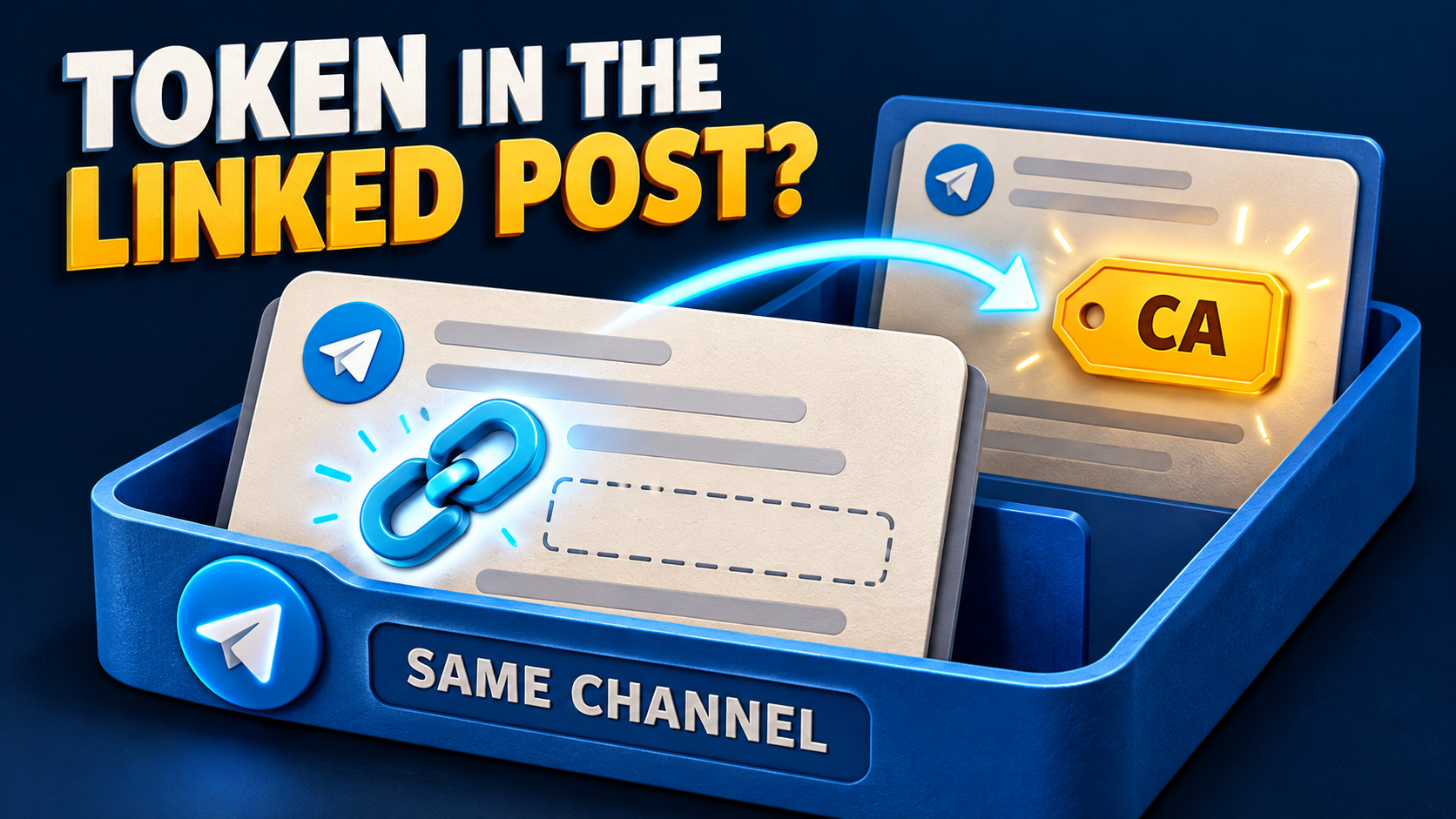
A Telegram update has no contract address, but links to an earlier post that does? In RedFox Auto Forward Telegram (@AutoForwardNew_Bot), the Recover Token from Linked Post add-on provides a documented fallback: when Crypto Mode finds no token in the current message, it looks for linked posts in the same Telegram channel and tries to extract the token there. Contract Address Mode must be enabled.
This guide is for an operator whose existing Telegram route handles direct contract-address posts, but needs to handle link-only follow-ups too. The goal is a reviewable address lookup, not automatic trading or a judgment that a token is safe. Auto-Bot.io publishes this guide; RedFox operates the product. The featured image is a concept illustration, not a product screen or an executed forwarding test.
First check whether this is the right missing-token case
Open the update and its linked post side by side. The official add-on guide defines a narrow chain of events:
- Crypto Mode attempts to extract a token from the current message.
- If no token is found, the add-on scans the message's links.
- It identifies linked posts within the same channel and retrieves their content.
- If a token is found there, it uses that recovered token for forwarding.
The useful distinction is where the address lives. This is not a new keyword rule, a request to change the destination, or a reason to rebuild a working task. It is a fallback for an address absent from the current message but present in a same-channel linked post.
- Address in the current message: start with the existing Crypto Mode configuration; this add-on's documented trigger is no token found in that message.
- No address in the update, address in a linked same-channel post: this is the documented recovery case.
- Link to another channel or an external website: do not assume this add-on follows it. The documented recovery scope is same-channel posts.
- No usable token in either post: there is no documented token to recover. Ask the source author to clarify rather than guessing an address from a ticker.
Example: a follow-up points back to the original notice
Consider a channel you manage. An earlier notice contains the contract address your reviewers need. A later update says “Revised project notes here” and links to that notice, but does not repeat the address. These are illustrative inputs, not captured customer messages:
- Earlier post: project notes plus the full contract address.
- Current update: a short explanation plus a link to that earlier post in the same channel; no contract address in its own text.
- Intended outcome: use the token recovered from the linked post in the forwarding workflow, then have a reviewer compare it with the original notice.
The add-on documents links in message text, captions, URL entities and text-link entities. A text-link is linked wording rather than a visibly written URL. Check the actual destination behind the link, not just wording such as “original announcement.” A familiar label does not establish that it leads to the expected post.
Keep the example simple: one current update, one same-channel link and one clearly identified address in the referenced post. The guide does not specify how competing tokens or several linked posts are prioritized. Do not infer a selection rule for an ambiguous source.
Prepare one existing task, not the whole account
If you do not yet have a working route, use the Telegram forwarding setup guide first. For an existing task, the Crypto Mode documentation places its configuration in the task details.
- Confirm the task and source. Record the source channel and the intended review destination. Use content you are permitted to redistribute, and do not change unrelated routes.
- Check the prerequisite. Open the task's Crypto Mode configuration and confirm Contract Address is enabled. The recovery guide names this requirement as
crypto_contract = true; that is a documented setting condition, not a command to send in chat. - Check add-on access. Find Recover Token from Linked Post in the current product interface. The general add-on guide describes Menu → My Addons, search and active/expired views. Review the displayed terms before any purchase; the recovery page does not establish a price, duration or plan inclusion.
- Configure only the intended workflow. Follow the controls and help shown for this add-on, then save the relevant task settings. The recovery page does not document an exact activation screen or command. If the control or its scope is unclear, resolve that with support before enabling it broadly.
- Read back the settings. Reopen the task to confirm the required mode and intended configuration. A visible option or successful save is not proof that a linked post was retrieved or that an address reached the target.
Choose your preferred management surface: Web, iOS or Android. Web and the mobile apps are recommended for fuller task management than the limited Telegram-bot entrypoint. Active tasks run in RedFox's cloud, so leaving the management interface open is not the operating method. The previous bot @Auto_Forward_Messages_Bot moved to @AutoForwardNew_Bot.
Check the lookup in a destination you control
Before relying on this for a public feed, use a review destination you control and a source where you may post suitable test content. The following is a reader-run acceptance check, not a test performed for this article.
- Establish the direct-address baseline. Observe an ordinary new source post containing an address your current configuration handles. Inspect the actual destination rather than assuming the route is working.
- Create the narrow linked-post case. Publish a separate new update without the address, linking to the address-bearing post in that same source channel. Keep the link and source post available for comparison.
- Inspect the result. If an address is delivered, compare it character for character with the referenced post. Record which source post supplied it. Do not treat an address-like string as a verified project identity.
- Keep a non-recovery case separate. An update linking to a same-channel post that contains no token should not be treated as evidence that recovery works. Inspect what actually happens without inventing a fallback value.
Use a new update for this check. The add-on page does not promise a historical backfill or replay of previously missed posts. It also does not specify the full output layout, so inspect the destination rather than expecting a particular card, caption or copy of both posts.
If the linked update is still missing
- Check the prerequisite first: Contract Address Mode is required. Enabling an unrelated feature does not satisfy that documented condition.
- Check the link destination: is it a post in the very same source channel, and does that post actually contain the intended token? A link preview, project homepage or other-channel reference is not the documented lookup case.
- Check add-on availability: review its current access and any displayed expiry in My Addons. Do not assume access from an old receipt or from access to another Crypto feature.
- Check ambiguity: if the referenced content contains multiple candidate addresses, stop and obtain clarification rather than assuming which one the add-on selects.
- Check other task conditions: recovery identifies a token; it is not a promise to override every other configured rule. If you use network selection, the Network Filter guide explains its separate evidence requirements. Do not clear all filters just to force one update through.
If the baseline works and the narrow linked-post case does not, prepare a support note with the task label, source/update links, referenced post, expected address, relevant settings and observed result. Use RedFox's official support route. Keep login codes, passwords and account tokens out of the note. The documentation does not establish cross-channel recursion, multi-hop lookup, selection precedence or a successful outcome for every link; ask about the exact case instead of repeatedly replaying it.
Frequently asked questions
Does this work with Contract Address Mode off?
No. The recovery documentation explicitly requires Contract Address Mode, identified as crypto_contract = true. Check that prerequisite on the intended task before diagnosing a missing linked-post result.
Will it search every Telegram channel or an external website?
The documented scope is linked posts within the same Telegram channel. Do not rely on it for another channel, a website, a chain of links or an account-wide search without further product confirmation.
Must the URL be printed in the message text?
No. The add-on guide lists message text, captions, URL entities and text-link entities as supported link sources. Inspect where the link points, because link presentation and same-channel eligibility are different checks.
Does recovering an address verify the token?
No. Treat recovery as information extraction for your review workflow, not a safety assessment, endorsement, investment recommendation or trading instruction. Independently verify project identity and context before taking any financial action.
Next step: prove one same-channel lookup
Open your existing task, confirm Contract Address Mode, and compare one simple same-channel linked update with its referenced address-bearing post in a destination you control. Read the exact recovery guide alongside the configuration. For the product and official entrypoints, explore RedFox Auto Forward Telegram. Expand only after the observed output matches the source you intended to use.
Check the Post Behind the Link
Explore RedFox Auto Forward Telegram and its documented same-channel token recovery. Start with one task and compare the lookup with the original post.
Documented fallback · Contract Address Mode required