Telegram Product Announcements to Discord and X: Two Audiences
Product identity: RedFox is the team. RedFox Auto Forward Telegram (@AutoForwardNew_Bot) is the product. The historical @Auto_Forward_Messages_Bot has moved to @AutoForwardNew_Bot; use the current handle.
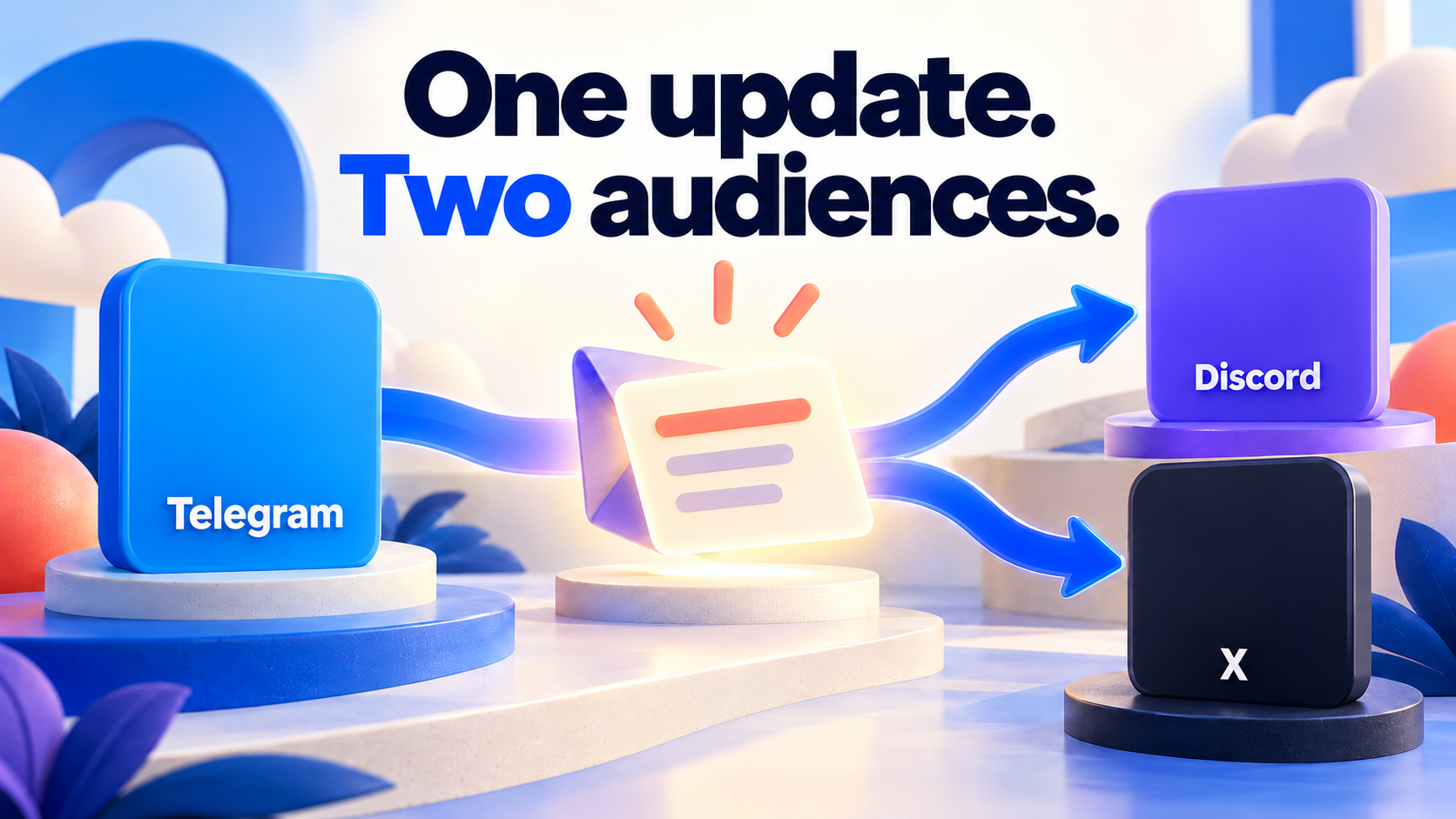
Use an owned Telegram announcement channel as the editorial source, then create separate Discord and X Publish Tasks in RedFox Auto Forward Telegram. Your community team writes the approved update in one place while each destination has its own connection, recipient and delivery checks.
This is a practical pattern for software releases, game updates, project announcements and event changes. It is not a reason to forward every internal discussion. The best source is the channel containing finished, public-ready announcements.
Auto-Bot.io is a separate editorial publisher and does not develop or operate RedFox Auto Forward Telegram. This guide uses first-party documentation checked September 30, 2026 and owner-confirmed product facts. The examples are proposed workflows, not customer testimonials or a new hands-on delivery test.
Write one source post that makes sense outside Telegram
Use three parts: a clear first line, the essential change and one useful next action. “See pinned” is not an adequate destination for an X reader. “Release notes are available at [your public release link]” is.
Example only: “Export update is available. You can now download the new report format. See the release notes and setup steps: [your approved public link].”
Replace this example with your real announcement. If the source normally includes long explanations or Telegram-specific media, inspect how the output reads in each destination. Do not assume every Telegram album, long message or reply chain turns into the ideal native format elsewhere.
Create two routes with different responsibilities
| Route | Audience job | Setup | Acceptance |
|---|---|---|---|
| Telegram → Discord | Keep current community members informed | Verified Discord bot account, announcement-channel ID and send permission | Correct server channel, readable update, working release link and useful media |
| Telegram → X | Publish a standalone public update | Correct X account, matching OAuth1 credentials, API access/credits | Correct X account, understandable standalone copy, useful link/media and intended timing |
RedFox’s Discord Publisher guide and X Publisher guide document Home → Publish, Platform Accounts, Create Publish Task and Start Publish. Both require active External Publish access. The Discord task supports one or more Channel IDs; each still needs the bot’s access/send permissions.
Set up the announcement workflow
- Choose the owned announcement source. Keep drafts, private support material and internal operational messages out of that channel.
- Connect the two destination accounts. Use the documented credential forms, not a public chat. For X, follow the four-field credential guide.
- Create the Discord route. Use a name such as
Product updates → Discord announcements. Start with one authorized test channel. - Create the X route separately. Use
Product updates → X. Confirm the exact publishing account before any public output. - Choose formatting and timing per route. Keep Header/Footer short; use Auto Post Schedule when you need controlled publishing. Do not assume a source message is automatically adapted into a native X thread.
- Decide how to handle source corrections. X and Discord document edited/deleted-message options. Enable only the behavior you have tested for the intended use.
- Test both outputs. Inspect the actual destination rather than treating a Running state as proof of publication.
Start small: open the Web app and configure one authorized secondary destination first. Once that output is correct, add the second route; do not create a public release test just because the task form is complete.
A launch checklist your whole team can follow
- The source contains only the approved final announcement.
- The release link opens for someone outside the team.
- Discord’s bot can post in the selected channel.
- X’s account, App credentials and API access are correct.
- Representative media and text have been checked at both destinations.
- Schedule settings match the intended release timing, if used.
- One owner knows where both Stop Publish controls are.
- The team knows how to publish a correction if the first message needs a change.
What if the announcement changes after publication?
First verify which destinations already received it. RedFox’s X/Discord change options are useful, but a setting is not evidence that the specific edit or deletion reached the destination. Inspect each output after a correction. If a required destination action is not available or fails, make the correction visibly through an authorized route rather than assuming source deletion recalled the announcement.
Keep a simple release record: source announcement, expected destination and observed result. Do not store API secrets or private account information in that record. Provider retry settings remain subject to the provider’s limits, and skipping an error does not make the missed announcement delivered.
Add the next audience only when it has a clear purpose
A VK community can become another destination where the same approved update is suitable; its Profile/Community preview helps check the recipient. WhatsApp needs its own account-method decision, destination choice and new-message-only correction policy. Use the existing WhatsApp use-case guide and connection-method guide before involving an important account.
FAQ
Is this a real customer’s result?
No. This is a proposed operating pattern based on documented RedFox features, not a testimonial or measured time-saving study.
Can I use a group as the source?
The X/Discord guides describe group sources. Select one appropriate to the destination and test it. A public-ready announcement channel is usually easier to keep clean than a mixed discussion group.
What should I measure?
First measure whether the intended announcement reached the correct destination and remained useful. Later, measure link engagement separately from account activation or payment. More automated posts alone do not establish more reach, better search rank or more revenue.
Start with the interface that suits you
Use the Web app, iOS app or Android app for visual route management. The current Telegram bot is another entry point. RedFox confirms that activated tasks run in its cloud: you do not need to leave the management screen open. Connected accounts and destination permissions must remain valid.
Your next step: open Publish, choose one destination and set up one clearly named route. Verify the output before expanding. The Auto Forward Telegram product overview explains the wider product.
Game community runbooks
For versioned game releases, use the Telegram-to-Discord patch-notes workflow with release templates, channel choices and media checks. For downtime, follow the game maintenance, extension and recovery runbook so players can distinguish a revised estimate from confirmed restoration.
Start with the interface that suits you
Open Publish, choose one destination and set up one clearly named route. Verify the output before expanding.
Current bot: @AutoForwardNew_Bot; former @Auto_Forward_Messages_Bot has moved.