Telegram Game Patch Notes to Discord: A Release Runbook
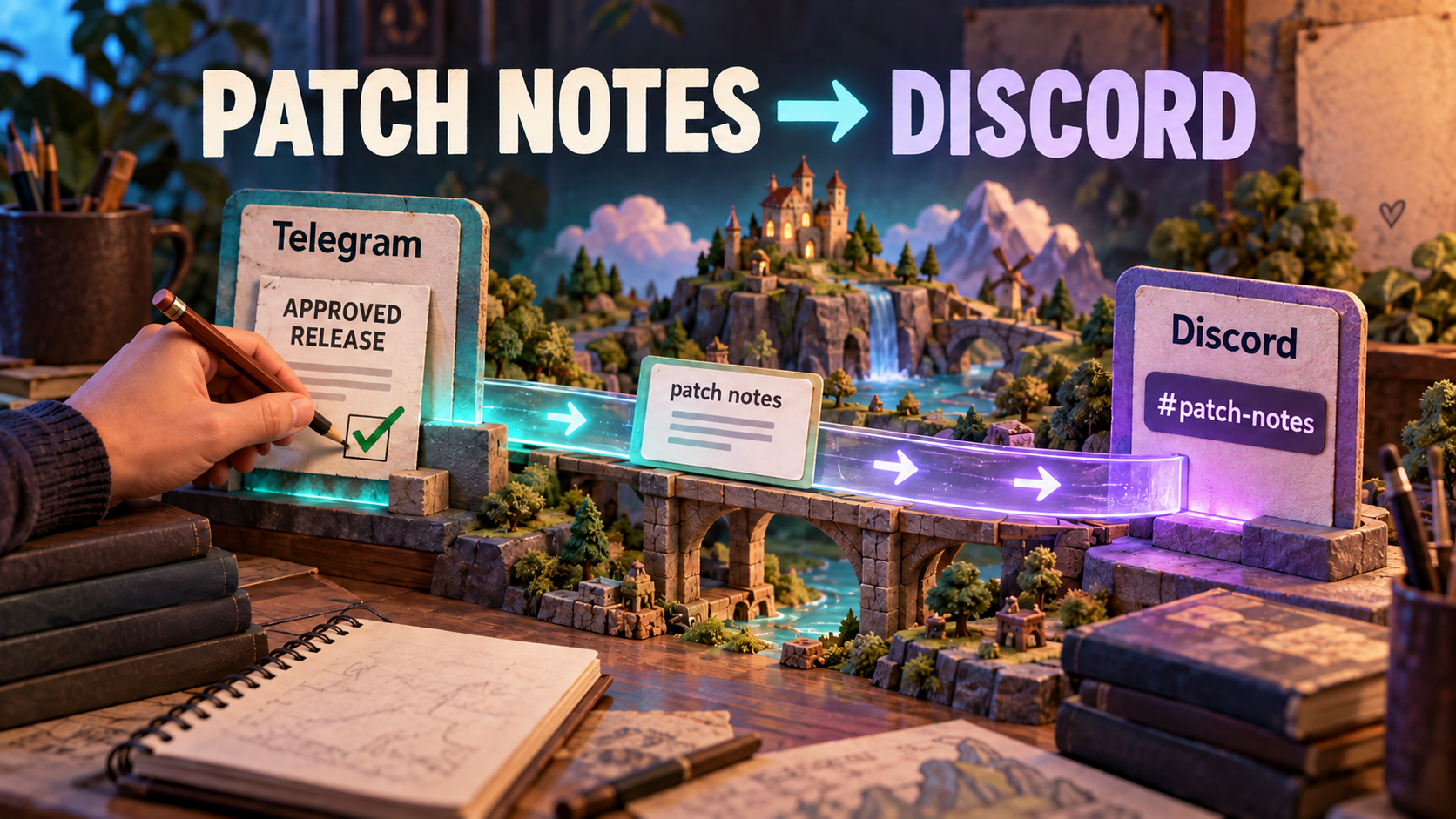
To send Telegram game patch notes to Discord, use an approved release-announcement source and a Discord Publish Task in RedFox Auto Forward Telegram (@AutoForwardNew_Bot). Put the release ID, version, platform and affected region in the source post; route it to the right patch channel; then have a community manager check the actual Discord message. This automates distribution without making the forwarding route responsible for release approval.
Identity check: RedFox is the team; RedFox Auto Forward Telegram is the product. The historical @Auto_Forward_Messages_Bot has moved to @AutoForwardNew_Bot. Auto-Bot.io is a separate editorial publisher, not the product’s developer or operator.
This runbook is for indie studios, game-server owners and community managers. The examples below are fictional, human-written templates, not customer results or automatic summaries. Product documentation and Discord rules were checked on October 2, 2026.
First decide who the patch actually affects
“Update available” is not enough when PC, mobile and regional servers receive different builds. An original Scryde Telegram patch bulletin separates server-specific changes and links to full notes. That is a useful editorial pattern: identify the affected audience before asking a player to install, restart or change settings. It is not evidence that Scryde uses RedFox.
| Announcement | Suggested Discord destination | Publishing decision |
|---|---|---|
| Stable release for every supported platform | Your shared patch-notes channel | List the platforms explicitly; use multiple Channel IDs only when the same text belongs in every destination. |
| PC-only hotfix or a regional rollout | The relevant platform or region channel | Use a purpose-specific source/route so unaffected players do not read it as a global update. |
| Test-server balance changes | Your test-build channel | Label TEST BUILD in the first line; keep it separate from live patch notes. |
| Downtime, delayed reopening or recovery | Your service-status channel | Use the maintenance runbook, not a patch announcement that implies the game is playable. |
| Unapproved changes, exploit details or private logs | No public destination yet | Keep them outside the monitored public-ready source until a responsible person approves disclosure. |
These channel names are recommendations, not channels the product creates. A route distributes its selected source; do not assume it automatically classifies mixed posts by platform, severity or release type. Separating approved sources is the straightforward way to make the routing decision explicit.
Write the patch card before enabling the route
Keep the full changelog at a public, version-specific URL. Write a short announcement that survives being read outside Telegram. Include an absolute release date and UTC time where timing matters, not “today” or “after the usual restart.” Distinguish the announced release from a completed rollout.
Illustrative Telegram input: approved release card
Example only: the game, release, date and changes are invented to demonstrate structure. Replace every field with approved facts. Use PATCH AVAILABLE only once your release owner confirms availability; use ROLLOUT PLANNED when it has not happened yet.
Illustrative Discord output: the same approved card with context
The bracketed line abbreviates repeated text for this illustration; it is not text to publish. The team writes the summary before posting to Telegram. RedFox’s documented Header and Footer options can add the source label and discussion prompt; they are not an automatic changelog summarizer.
Discord’s bot Create Message API accepts message content up to 2,000 characters. Budget for the announcement plus Header/Footer and links. Prefer a compact card plus full-notes link over assuming a long Telegram changelog will become a readable Discord thread or split perfectly.
Connect once; validate the release route separately
Use the existing Telegram-to-Discord setup guide for the account form and task walkthrough. The first-party publisher guide requires active External Publish access, a verified Discord bot account, a Telegram source and one or more destination Channel IDs.
- Bot and token: follow the bot-token guide; invite the bot to the intended server. Enter credentials only in the protected account form, never in a release card or screenshot.
- Exact channel: use the Channel ID guide. A server invite is not a Channel ID. Record which server and channel the ID represents.
- Permissions: check View Channel and Send Messages in that channel; Attach Files for uploads and Embed Links for link previews. Channel-specific permission rules matter even when account verification succeeds. Do not grant Administrator merely to bypass a failed test.
- Source safety: select an approved test source first, with no internal drafts or unreleased material. Treat task creation as potentially activating publication; use only an authorized secondary destination during setup.
Build your first patch route: open the RedFox Web app, go to Home → Publish and give the task a purpose-specific name such as PC EU approved patches → Discord test. Check its actual state before adding a new sample. A stopped task is not a route through which you should expect a fresh notice to arrive.
Run a launch test that covers the message players will see
| Test in authorized secondary channels | Human acceptance check |
|---|---|
| A fresh plain-text patch card while the intended test route is active | Correct publishing bot, server/channel, release ID, platform and region; no unexpected duplicate. |
| The public changelog and support links | Open the correct version without team-only access. An attractive preview is not proof the link works. |
| A representative screenshot or file and its caption | The media is present and useful, the caption retains scope, and no private build/log data appears. Check actual provider file constraints; source upload success does not establish destination upload success. |
| The intended mention policy | Start without live mentions. If needed, test an approved Discord user/role mention only with consenting testers; verify the visible result and notification behavior separately. |
| A source correction, if edited-message handling will be used | Enable the relevant option for the test and inspect the exact Discord message after editing. Record what changed rather than assuming every edit/media change propagates. |
Do not assume mention suppression. Discord user and role mentions use Discord identities, not automatic mapping from Telegram @handles. A role must be mentionable or the bot must have the relevant mention permission; @everyone and @here require Mention Everyone. Even then, users’ notification settings can affect push notifications. See Discord’s allowed-mentions rules. A published message is not proof that all members were notified.
Before switching to a real destination, stop the test route if necessary to prevent unintended output during reconfiguration. Recheck source, Channel ID, Header/Footer and mention policy. When the production route is deliberately active, the release owner can post the approved card; the community manager then verifies the destination. Do not leave the route stopped and call the next source post a delivery test.
Own corrections and rollbacks after release
Keep a small release record: release ID, approved source link, destination message link, observed delivery, correction owner and current release state. No tokens or private incident logs belong in it.
- Identify the error and reach. Did the wrong version, platform or link reach Discord? Open the exact destination before reposting; an ambiguous error may still have produced a message.
- Stop further unintended publication if needed. Pausing the route does not retract an already published card, and it does not roll back the game.
- Correct the source and destination visibly. Where tested edited-message handling applies, inspect its result. If the copy remains wrong, an authorized moderator corrects it directly or the team publishes a clearly labeled new correction while the intended safe route is active.
- Let the release owner approve rollback wording. State the affected build and what players should do. Do not say an update was rolled back just because a message was deleted.
- Verify and close. Reopen the destination correction, test its links and update any pinned reference through an authorized moderator. Record the result before resuming routine releases.
This correction is another fictional template. For a rollback, replace the heading and state with the release owner’s confirmed decision; list remaining known issues instead of promising every problem is solved.
Start with one patch audience, not every server channel
RedFox Auto Forward Telegram reduces repeated copy-and-paste by distributing the approved Telegram card to Discord. Use the Web app as your primary setup path, or manage routes in the iOS app or Android app. The current bot is an additional entry point. Active tasks run in RedFox’s cloud; the management screen need not stay open, while account access and destination permissions must remain valid.
Next step: prepare one approved release card and test one permitted secondary Discord channel in RedFox Web. Once a human verifies the output, use the same acceptance checklist for your real patch destination. For a broader release across Discord and X, see the two-audience announcement guide; the product overview covers the wider product.
Start with the interface that suits you
Open Publish, choose one destination and set up one clearly named route. Verify the output before expanding.
Current bot: @AutoForwardNew_Bot; former @Auto_Forward_Messages_Bot has moved.