Move a Telegram Course Archive with Current Resource Links
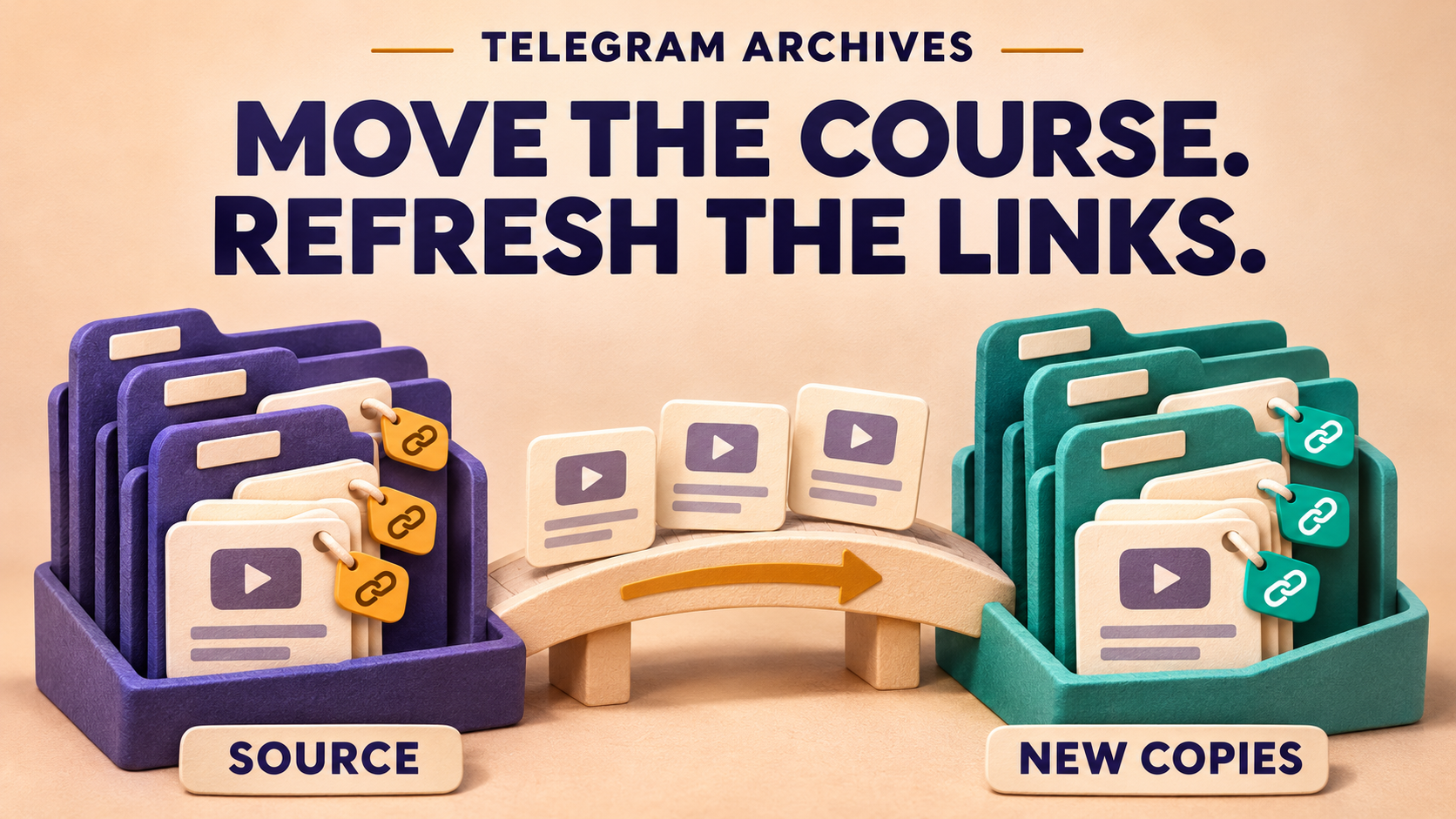
Move the course archive without carrying its obsolete resource links into the new library. RedFox Auto Forward Telegram can apply Replace rules before historical messages are copied. Select the rules in the Clone setup that will send the copies, so the new posts point to your current resources and support page while the source archive stays untouched.
This guide is for a course owner moving an authorized private or Protect Content Telegram archive into a new member channel. It uses the bot’s documented Clone → Replace selection, not a replacement rule attached only to an ongoing forwarding task. RedFox develops the product; Auto-Bot.io publishes this guide. Documentation checked November 5, 2026.
Keep the lessons. Update where they send members.
Imagine moving your photography course from its old cohort channel into a permanent course library. The videos and exercises are still useful, but their text posts and captions send members to last year’s downloads page and a retired help desk. Copying everything unchanged would give the new library the old navigation problem.
The useful move is selective: change those two known addresses in the new copies, leave the lesson wording and unrelated references alone, and retain the original archive. You avoid reopening every copied lesson just to paste the same replacement address. The following fictional mapping uses reserved example addresses; substitute your own approved URLs.
For example, this source video caption contains both a link to change and a reference to preserve:
The intended new caption is:
The reference address is the control: it must survive unchanged. These are the intended results for your pilot to verify, not a report of a migration we ran.
Prepare the authorized move
Use a connected Telegram account that can already read the source, permission to redistribute the course to the receiving members, and a sending identity allowed to post in the target. Membership alone is not a reuse license. Telegram’s Restrict Saving Content explanation describes the limits on ordinary forwarding and saving; RedFox supports a separate account-connected Clone workflow for accessible private and ordinary Protect Content archives. The protected-content guide covers that source-access distinction.
Plan for advanced Clone, not just ordinary forwarding. For the arbitrary historical selection and full move described here, use an active Platinum plan with Clone Replace available. The bot’s advanced Clone controls also admit Trial Platinum, but its selection is constrained to a limit of 100 starting at message ID 1; it is not an arbitrary later-lesson pilot or a full-archive allowance. RedFox’s current product guide describes history cloning as Premium. Check your account’s Clone controls and Max Clone File Size before sending large recordings. Built-in protected forwarding on Free does not make this historical replacement workflow Free or unlimited.
Choose a private receiving channel you control for the pilot. Keep the old archive available, record which copies already exist in the intended library, and confirm that the new resource and support pages are ready for these members. A correct URL substitution is not enough if the replacement page demands an account your students do not have.
Select the replacements in the run’s own Clone setup
RedFox’s Replace guide documents Basic replacement for specific words or phrases. Use two separate Basic rules for this case, not an “all URLs” pattern. Their old and new strings do not depend on each other, so the mapping does not require one replacement to run before the other.
- Open the current @AutoForwardNew_Bot and enter
/clone. Select the actual source, private pilot target and a small historical selection containing the specimens below. Resolve identifiers through the product rather than guessing from chat names; the command documentation uses/getchanel,/getgroupand/getuser. - Open Replace inside that same Clone setup. In the advanced controls, choose Replace. Create the two Basic rules from the mapping, or select separately saved rules with those exact values. When creating within the Clone’s rule list, keep the scope on this setup. Verify each rule is active for this Clone before returning to its summary.
- Preserve unrelated routes. Do not select Apply For All Tasks. If creating a rule separately in the Web/App Replace form, explicitly choose the intended scope: its management guide says a blank Apply For Task field means all tasks. Saving a rule elsewhere is not a substitute for selecting it in the Clone that will run. Do not edit a shared rule that another route still needs.
- Keep Show Header Forwarder off for this replacement pilot. The Replace documentation warns that it does not work with that setting enabled. Preserve any required course credits in the copied content; the native “Forwarded from…” display is a separate decision.
- Keep the content available to replace. Leave Cleaner’s Text and URL removals off. Review other Cleaner, Replace, translation and header/footer changes, plus filters, whitelist and blacklist rules. A Link filter can exclude a wanted post, and a URL Cleaner can remove the address instead of updating it. Do not weaken unrelated live protections to run the pilot.
- Start from this reviewed setup. Check source, target, selection, delay and active replacement rules together, then start once. Do not leave the configured menu and assume a separately typed Clone command or an app-started Clone Profile inherits its rules.
Basic replaces matching text; it is not a whole-URL validator. Inspect real source variants before approving the mapping. If the old string is also the beginning of a different address that must stay, a Basic substitution can change that address too. Use a separately checked narrower rule for that format, or leave those posts out of the refresh until it is resolved. Differences such as http versus https, another path or a tracking parameter need their own inspection—not a broader “replace every link” shortcut.
Pilot the change against unchanged controls
Use a small selection of standalone text posts and captioned lessons from the authorized archive, or harmless equivalent posts in a controlled source. Record the exact source message IDs, full text, rule values and receiving copies. Do not send private course content to an unrelated helper just to inspect a URL.
First copy the selected specimens with the two new rules inactive and confirm that they arrive intact in the private target. Then make a separate small comparison run with only those replacements newly active. Keep source selection, sender, eligibility and other transformations comparable. Account for the baseline copies so they cannot be mistaken for the changed output. In each new setup, select the rules again and verify their active state before starting.
| Specimen | What the changed copy must show |
|---|---|
| Caption with the old downloads and support URLs | Both mapped URLs updated; complete lesson title and surrounding instructions retained. |
| Unrelated reference URL in that same caption | The original reference address, unchanged. |
| Standalone resource or support post | The intended URL updated without losing the rest of the message. |
| No-match post: a lesson note containing only the reference URL | The whole post delivered unchanged, not skipped or emptied. |
| Already-current resource or support URL | The current address retained, with no extra text appended. |
Read both the visible address and the actual link destination in the receiving copy. Confirm that the approved resource/support page opens for the intended authorized member, that the video plays, and that the end of its caption remains intact. A missing no-match post is not an unchanged-content pass. If a specimen does not arrive in the baseline, resolve its selection, access, size or delivery before judging Replace.
If a wanted post arrives unchanged, check the active rules in that run’s own setup, Show Header Forwarder, and the literal original string. If links disappear or unrelated text changes, inspect Cleaner and other active transformations before broadening the replacement. Stop expansion on an unexplained difference; restore the previous pilot configuration and keep the source/copy pair for support.
Choose an acceptable interruption window. The Clone command guide warns that a current setup cannot send new messages until its Clone finishes, other setups may be delayed, and bulk copying can trigger temporary Telegram sending limits. Delay is pacing, not immunity from those limits. Wait for the operation to settle instead of stacking commands.
Expand with a mapping and a run sheet
After the pilot meets the comparison checks, prepare the member-library run. The full run after the pilot is a new setup: select the same two replacement rules in that setup and check its first copies too. A successful pilot is not a carry-over guarantee. Repeat this check for every later batch or source, without changing rules during an active operation.
- Mapping: keep the literal old URL, approved new URL, rule label and approval date together. Verify neither replacement creates a new match for the other rule.
- Selection: record the source chat and the exact selection requested. Work through non-overlapping selections and reconcile already accepted copies before requesting more.
- Destination: record which target received the run and inspect representative text, captions and current links there. Keep the originals until the required course content is reconciled.
- Exceptions: list old URL variants that still need a rule or editorial attention. Do not turn an unreviewed variation into a whole-domain replacement.
For grouped lessons, verify the complete album and its captions separately before expanding. The range and album guide covers the separate Profile flow’s boundaries and missing-item decisions; it does not establish that every app/Profile control imports the bot setup’s replacements. To carry an archive label as well, see the source-label guide and verify the combined output in the same run.
What this refresh does—and what needs another job
The result is a new course library with selected visible URLs updated during copying. It is not an in-place repair of the old archive or of messages already delivered to the target. Changing a rule afterward does not revise those earlier copies.
- Hidden linked words: “Download workbook” with an address behind it is not the visible-URL specimen above. Use the hidden-link destination guide for that separate matching job.
- Buttons or links inside attachments: do not treat inline buttons, URLs printed in a PDF or addresses burned into a video as text/caption replacements. Handle those assets separately.
- Old Telegram post links: a fixed resource-page mapping is not automatic old-to-new message permalink mapping. Build destination navigation from the actual new copies.
- Future course posts: copying history is separate from ongoing forwarding. Configure and check that route separately if the old channel will keep publishing.
Frequently asked questions
Can the original protected course archive stay unchanged?
Yes. This workflow copies from the accessible source and applies the selected replacements to the new content before sending. Keep the source archive; do not edit or delete its posts as part of the move.
Why not just enable Replace on my regular forwarding task?
This is a historical Clone job. Select the rules in the Clone setup that sends that history. A regular task’s rule association does not prove those rules are active in a separate Clone.
Should I replace every old-domain link?
Only if every matching destination has been deliberately mapped and checked. The course example needs two known substitutions while keeping its reference URL. Start with those narrow strings and inspect variants; a blanket link rewrite is a different editorial decision.
Give the course a current home, not yesterday’s links
Open the RedFox Auto Forward Telegram overview, choose one authorized course archive and write its old-to-new resource mapping. Select the rules in that Clone’s own setup, verify the changed caption beside its unchanged reference and no-match control, then reselect and check them in the full run. The payoff is a library members can use immediately, without a repeated manual link edit on every lesson.
Choose the Web App, iOS app or Android app for fuller general management than the limited Telegram-bot entrypoint. Use the documented bot route for this Clone Replace selection. Active forwarding tasks run in RedFox’s cloud without keeping the management interface open.
Move the Course. Refresh the Links.
Copy an authorized private or protected course archive with selected resource and support URLs refreshed in the new lessons.
Use Platinum with Clone Replace available; check file-size limits