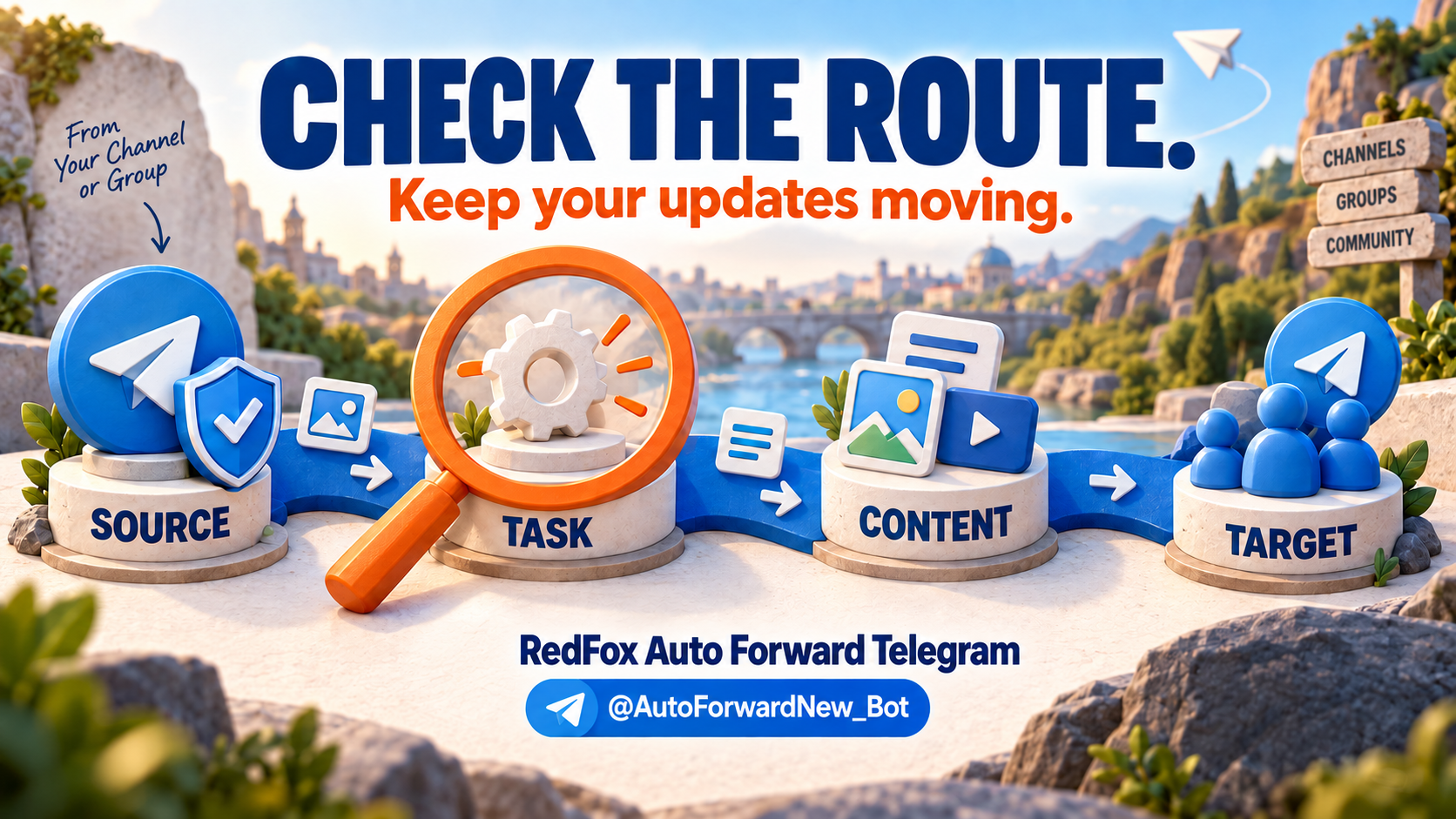
Concept illustration: checking source, task, content and target.
If protected Telegram forwarding stops, diagnose the route before buying an add-on or recreating everything. RedFox Auto Forward Telegram supports accessible Protect Content sources in its regular workflow on all plans, including Free. A missing source, an inactive task, a filter that rejects the post, target posting permissions and album handling can produce very different symptoms. Start with the first point where the expected post disappears.
Open the Web App and identify the affected task, source, destination and message type. If ordinary Telegram forwarding shows CHAT_FORWARDS_RESTRICTED, Telegram documents that as a native forward restriction; it does not, by itself, prove RedFox's separate protected-source delivery is unavailable. You do not need the specialized Anti-Repasse add-on simply because a channel has standard Protect Content enabled.
Quick triage: what failed first?
Check the exact source-to-target route rather than changing settings at random. Note whether the source appears in the picker, whether the task is active, whether a new plain-text post arrives, and whether the failure is specific to photos, captions or a grouped album. If you have several tasks, compare an unaffected task without assuming that it uses the same rules or posting identity. RedFox's troubleshooting guide begins with blacklist, whitelist, type-filter and custom-rule inspection for this reason.
| Symptom | Check | Action |
|---|---|---|
| Private channel or group absent from the source picker | Is the connected Telegram account actually a member? Is the picker set to Channel when the source is a Group? | Confirm membership and source type; choose All to display available types, then use Reload once if a recently joined chat has not synced. Do not assume a bot needs source-admin status. |
| Task exists, but no new text appears | Is this the active task and exact target? Can the selected sender post there? Are whitelist, blacklist, type filters, schedule or other rules excluding the message? | Correct the endpoint or target posting permission; isolate the affected rule on an owned test route and retry with a new plain-text post. Restore deliberate rules afterward. |
| Text arrives, but a photo/video or caption does not | Can the target receive that media? Is a type filter excluding it? Did the source actually send media with the caption? | Compare one fresh media-and-caption post in a controlled target. Review type filters and sender permissions before treating protection as the cause. |
| Album items split or appear late | Was the source post a Telegram grouped album? Which Album Delivery Mode is selected? | Test a small numbered album, compare item count and captions, then consider Balanced, Stable or Careful if Fast loses grouping; allow for a later delivery in conservative modes. |
| Task stopped or errors across tasks | Is the connected account still usable and are other tasks affected? Does the task show a specific error? | Capture the exact status/error and timestamp, check the destination posting identity and account connection, then contact product support with a minimal reproduction. Do not repeatedly reconnect, retry a rate-limited send or rotate identities to force delivery. |
RedFox's task guide documents source-type selection, Reload and task activation; its sender guide documents personal-account versus bot destination identity. Compare the actual destination post as well as the task status.
Source missing: check the reader account, not the source admin
For a private source, use the same Telegram account that already sees it. RedFox's private-source FAQ requires joined account access; it does not impose a blanket source-admin requirement. If the list is filtered to channels while the source is a group, change the selector. All displays source types—it is not a command to select every chat. Reload is useful for a newly joined source that has not appeared; it is not a substitute for membership.
Before testing: use a source you can access and content you own or have permission to redistribute, and verify that the destination's audience and posting identity are appropriate. Keep a temporary diagnostic destination controlled by your team rather than sending test posts to a live member or public room. Avoid sharing private invitations, verification codes or raw private post contents in a support ticket.
No new posts: inspect rule and target separately
Take one disposable, plain-text message in an owned source after task creation. First confirm it appears in the source, then look at the intended destination. RedFox's official checklist recommends reviewing whitelist, blacklist, type filters and other rules; a whitelist can reject a message that does not match, while an enabled type filter excludes the selected type. If a rule is suspect, disable only the affected rule on the controlled task for a bounded comparison and restore it before using a real audience. Do not click Apply For All Tasks to debug one route.
If the text still fails, check where the destination sender is allowed to publish. A Telegram account that reads the source and a bot chosen to post at the destination can be different identities. A bot sender must be connected and have the needed rights in the destination; a source reader's access does not confer channel posting rights. If multiple unrelated tasks fail at once, record that broader pattern for support rather than silently duplicating tasks.
Text works but media or albums do not
Separate a single image with caption from a grouped album. Send a disposable photo/caption from the controlled source and compare both the file and text at the target. If the text-only post succeeds but the photo does not, inspect target media permission, sender settings and rules excluding media. This is a narrower question than whether Protect Content forwarding works at all.
For an album, number a few test items and compare which ones arrive, their grouping and caption placement. RedFox documents Task Details → Edit Task → Advanced Settings → Album Delivery Mode: Fast is the default; Balanced, Stable and Careful trade speed for more conservative grouping/handling. Its mode guide expressly does not guarantee complete delivery. Our album guide focuses on that separate format problem.
Old posts and native errors are separate questions
A new auto-forwarding task handles subsequent source posts; it is not a command to import older history. If only earlier posts are missing, inspect RedFox's separate Clone workflow and its applicable plan rather than declaring the current route broken. If the Telegram app refuses your manual Forward action or a script reports CHAT_FORWARDS_RESTRICTED, diagnose that native operation separately from a fresh RedFox task delivery attempt.
For a persistent new-message failure, RedFox documents a task Debug Mode as a last resort: use it only after checking configuration and turn it off after diagnosis. It is not a universal switch to make protected posts work. A rate or session error also deserves its exact text and timestamp; repeated retries are not a reliable repair.
Escalate with a reproducible, privacy-safe report
When the controlled check still fails, send support the task label, source/target types (Channel or Group), whether the connected reader can see the source, selected sender type, task status, relevant rule names, message type, approximate time/timezone and exact error text. State whether new text succeeded, whether media failed, and whether an unaffected task worked. Redact personal messages, membership lists and credentials; if support needs access to an owned test setup, grant it only through the product's legitimate support process after reviewing its scope. RedFox's support guide describes an isolated test source and target for reproduction; a public ticket should not contain private invite links or login codes.
Fix the right segment, then retry one new post. Use the RedFox Web App or official Android and iOS apps to inspect your route. The current bot is @AutoForwardNew_Bot; the former @Auto_Forward_Messages_Bot handle migrated to it. For broader route possibilities, see our Telegram forwarding overview.
Auto-Bot.io is an editorial publisher covering RedFox Auto Forward Telegram, not the developer or operator of the bot.