Discord to Telegram: Remove User Mentions, Keep Context

To remove user mentions from a Discord-to-Telegram feed, open the forwarding task’s Cleaner settings and enable CLEANER MENTION. RedFox’s D2T Cleaner guide documents this control for removing user mentions such as @username. Keep the notice useful by writing its responsible team and next action in ordinary text before forwarding. Removing a tag should not remove the reader’s only clue about who needs to act.
This guide is for an existing RedFox Discord to Telegram route that already delivers notices to the correct Telegram destination. The case is a team handoff feed: Discord conversations address individuals, but Telegram readers need a readable update without those user tags. Auto-Bot.io publishes this source-backed guide; RedFox supplies the product. The examples and hero are illustrative, not results from a forwarding test we performed.
Keep the handoff, not just a shorter message
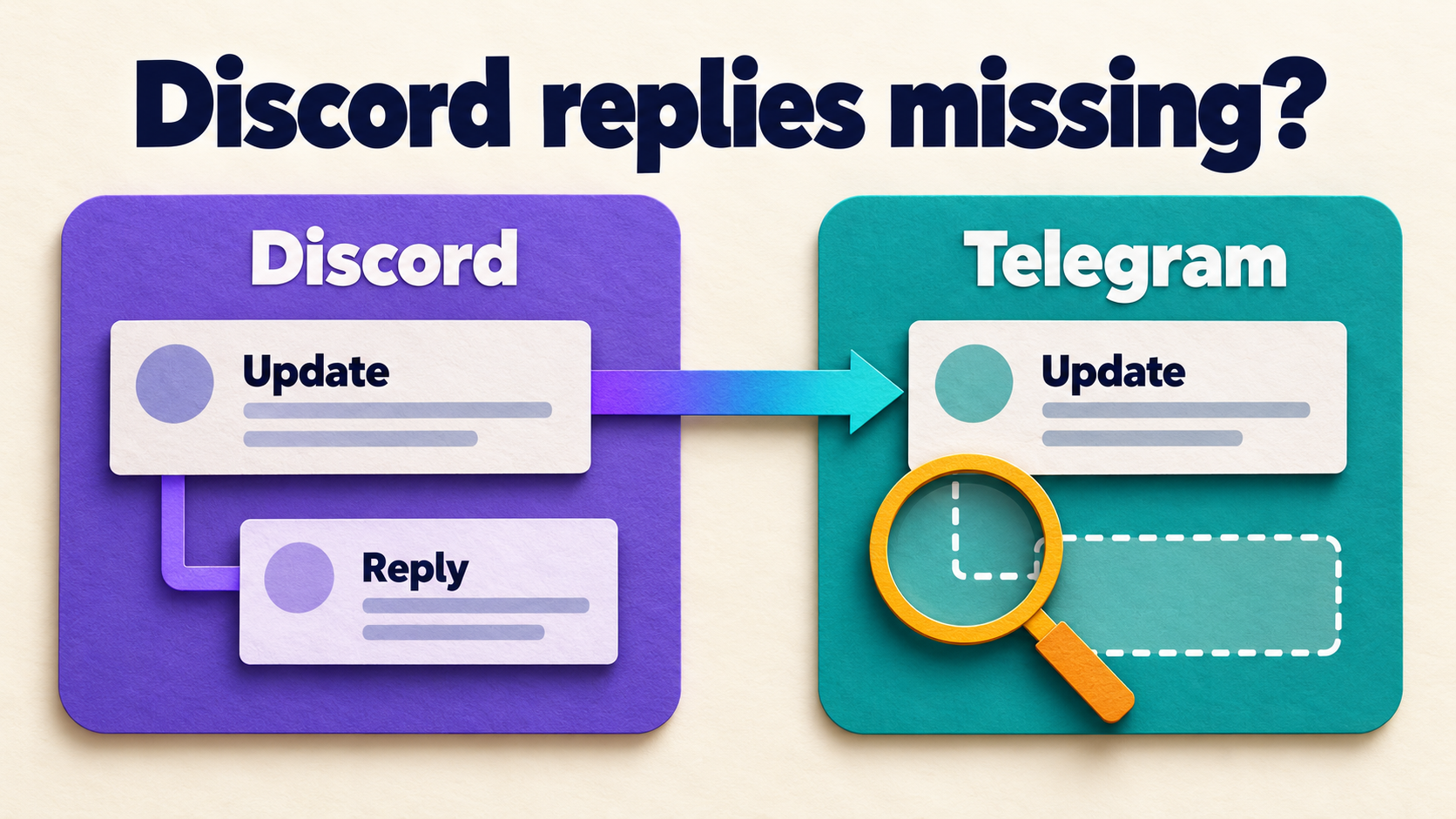
Imagine a support team forwarding approved release notices from Discord into a Telegram operations feed. A source post says @colleague please review the release. If the user mention is removed, the remaining request may no longer tell Telegram readers who owns it. A tidier message can still be an incomplete handoff.
For notices intended for both audiences, use a source-writing convention with a stable team label. The following is a fictional message pattern, not a built-in RedFox template or a captured output:
Release review
Owner: Support desk
Next: Review the release notes before the scheduled rollout.
Reference: The approved release-notes link.
Discord discussion: @colleague
The owner and action are ordinary source text. The mention is supplementary. After cleaning, check that the meaningful lines and reference remain; do not assume the product inserts a replacement owner or repairs a sentence automatically. If the source cannot be edited and the tag is essential to understanding the instruction, preserve it until the team agrees on a usable alternative.
Identify what you actually want to remove
The Cleaner documentation names user mentions. That is narrower than every item beginning with an at sign. Discord’s message-formatting reference distinguishes user mentions, role mentions and channel references. A role mention is not simply another spelling of a user tag.
- A user mention in the message body: the documented target of CLEANER MENTION. Inspect the resulting Telegram copy for your actual source format.
- A role,
@everyoneor@here: do not assume the user-mention cleaner covers it. Review those source elements separately before approving the feed. - The original author’s name or a source label: attribution is a separate decision. Removing an in-body mention is not a documented promise to hide the sender or erase the message’s origin.
- A mention inside a screenshot or attachment: do not treat text cleaning as image redaction. Inspect the media itself before sharing.
This is content cleanup, not an anonymity feature or a notification-muting guarantee. Discord separately documents allowed mentions and notification conditions for messages sent inside Discord. Those controls do not establish how a Telegram copy will notify its recipients. If quiet delivery is the real requirement, evaluate the destination’s notification behavior separately.
Check the exact task and Cleaner access
Open the D2T Web dashboard and select the route producing the Telegram notice. In the task-settings guide, Source is the Discord Channel ID and Target is the Telegram Chat ID, with Target Topic where applicable. Compare those identifiers with the affected message, not just a familiar task name.
The D2T plan table, checked on October 25, 2026, lists Cleaner Filter for Diamond and Platinum, not Gold. Confirm feature access in the account you are using. Do not transfer a trial or allowance from the separate Auto Forward Telegram product, and do not buy a plan merely to diagnose an unidentified message change.
- Record the baseline. Keep the task label, endpoints, forwarding status, current Cleaner state and one harmless source/destination pair containing a user mention.
- Agree on the writing rule. Decide which notices can lose a tag without losing responsibility or context. Use a plain-text owner line when appropriate.
- Choose an authorized test destination. Prefer an existing controlled route and consenting participants. Starting or changing a forwarding task can send messages; do not experiment on a public operations feed.
- Preserve unrelated settings. Leave source labels, Header/Footer, replacements, link handling and message exclusions as recorded. If origin labeling is also needed, use the separate source-label guide.
Enable mention cleaning, not text removal
- From the selected task’s details, open Cleaner.
- Find CLEANER MENTION. The official guide says a green check activates removal; a gray cross leaves that content type untouched. Enable removal for the controlled task.
- Check CLEANER TEXT separately. It removes text content, so it is not the tool for preserving an announcement while removing user mentions. Keep it inactive for this test’s text-retention goal.
- Reopen Cleaner and verify the intended state was saved. Confirm that the same source and Telegram destination remain selected.
- When the controlled route is deliberately running, use fresh specimens and inspect the actual destination copies. Keep other integrations from producing lookalike duplicates.
The Filters guide describes skipping entire message types. Cleaner instead removes specified content. Do not turn on FILTERS TEXT to tidy an in-body tag: that excludes plain-text messages rather than cleaning the mention. If the feed becomes misleading, use the documented Stop Forward control while you investigate; stopping does not retract copies already delivered.
Verify removal and retained meaning separately
This is a reader-run acceptance check, not an executed product test. Use a consenting test user, an ordinary Discord text channel and harmless source text. Record the baseline before changing the switch when practical. Give each fresh specimen a unique marker so an old copy cannot be mistaken for a new result.
- Plain-text control: send a notice without a mention. Confirm that its words reach the intended Telegram chat or topic. If this fails, investigate the base route before judging mention cleaning.
- User-mention specimen: send a fresh notice using Discord’s user-mention selection, with the same plain-text owner and action lines. In Telegram, check both that the targeted user mention is removed and that the notice still makes sense.
- Reference check: include a harmless approved link if real handoffs need one. Inspect its actual destination and confirm the next-action text remains. Mention removal does not justify losing the reference.
- Multiple-mention check: if real notices address several people, test that shape separately. Look for leftover punctuation, a dangling “and,” or an instruction whose subject disappeared.
- Boundary review: if your source also uses role mentions, broad mentions, embeds or attachments, inspect those independently in a controlled setting. A successful user-tag specimen is not evidence that every one of those forms is cleaned.
The useful result is notice present, intended user mention removed, owner and next action readable, required reference retained. Record those outcomes separately. A missing post, an empty message or a request with no identifiable owner fails this handoff check even if no at sign is visible.
If the result is not what you intended
- The user tag remains: verify the saved CLEANER MENTION state on the task that produced this exact copy. Record whether the source item was a selected user mention, literal text, a role mention or media; do not assume these are equivalent inputs.
- The whole notice is missing: check forwarding status, exact endpoints and applicable Filters, Blacklist and Whitelist rules. Removing more content will not diagnose an absent message.
- The tag disappears but responsibility is unclear: revise the approved source-writing convention or restore the recorded cleaner setting while the team decides. Do not infer an automatic assignment feature.
- The original author still appears: distinguish source attribution from an in-body mention. Decide what attribution the audience needs rather than treating its presence as proof the cleaner failed.
- Old copies retain their tags: assess fresh source messages first. Do not assume a setting change rewrites history or replay old notices to create cleaner-looking copies.
If a fresh user-mention specimen contradicts the saved setting, keep a small private support packet: task identity, source and destination message references, test time and timezone, cleaner states, expected result and actual output. Exclude tokens, passwords and unrelated private content. Avoid adding a broad replacement expression that removes every word beginning with @; that is a different transformation and can damage useful contact text.
Frequently asked questions
Does CLEANER MENTION hide the original author?
It is documented for removing user mentions from messages, not for anonymizing the sender or erasing source attribution. Inspect those fields separately and retain whatever attribution your sharing policy requires.
Will it replace Discord users with matching Telegram accounts?
This procedure does not establish cross-platform identity mapping. Write the responsible team and action in ordinary text when a handoff must remain understandable without a user tag.
Will removing mentions make Telegram delivery silent?
Do not rely on that. Content removal and recipient notifications are separate acceptance questions. This guide does not promise silent delivery or a specific push-notification result.
Make one handoff readable before changing the live feed
Choose the official D2T Web dashboard, iOS app or Android app. Use your preferred surface; Web/App is the recommended visual-management path for reviewing task settings rather than relying on a limited bot entrypoint. Active forwarding runs in the service’s cloud: the D2T runtime FAQ says your internet connection does not need to stay on.
Your next action: inspect Cleaner access on one authorized task, agree on a plain-text owner convention, then verify mention removal and retained meaning with a controlled specimen. Explore RedFox Discord to Telegram for the owning product. Keep the broader bridge setup separate from this message-cleanup decision.
Remove Mentions. Keep a Useful Handoff.
Review Cleaner on one task, then check the retained owner, next action and reference in a controlled Telegram copy.
Task-level Cleaner · Verify the complete notice