Discord to Telegram: Remove Link Previews, Keep the URL

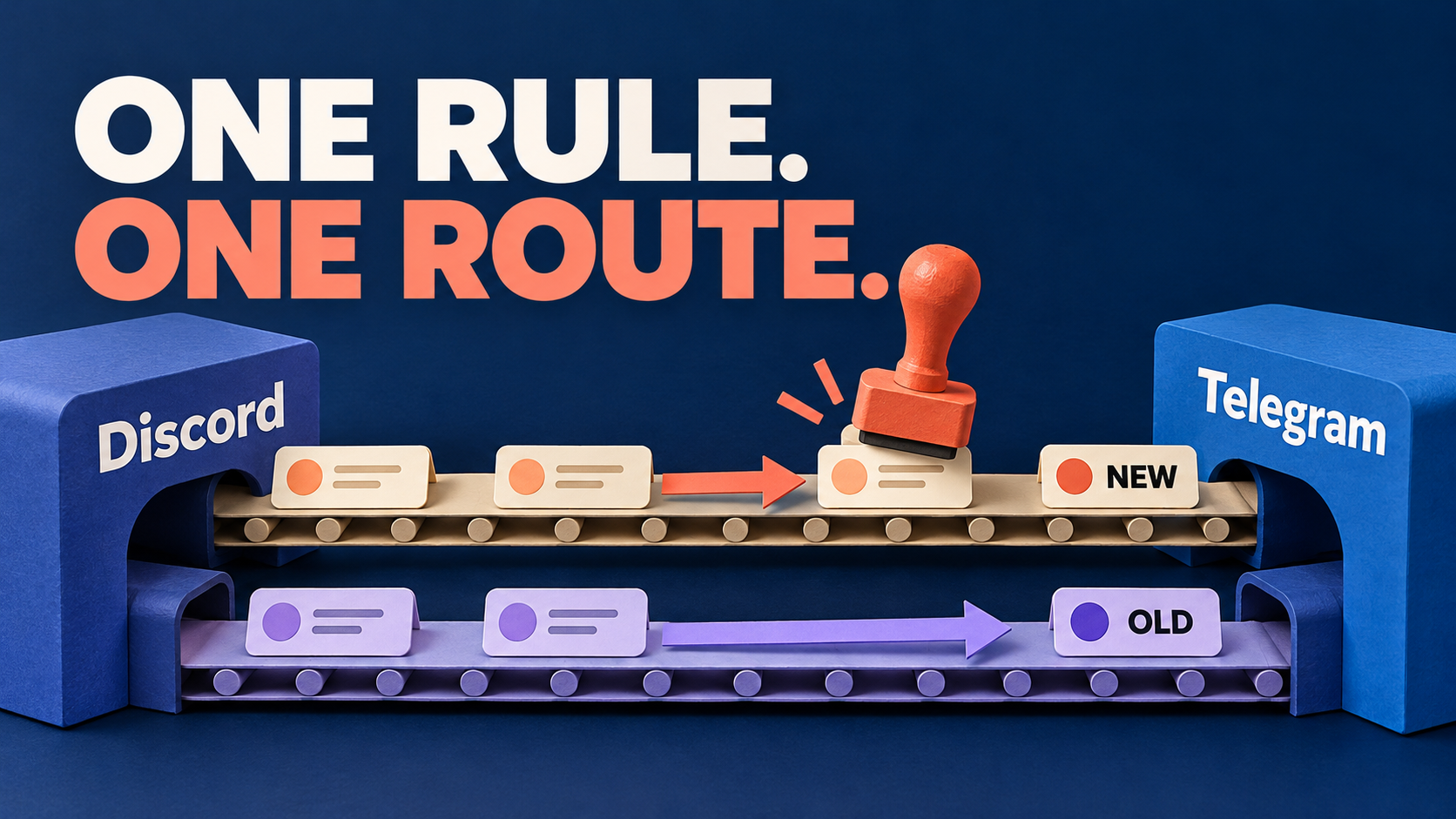
To remove a link preview from a Discord-to-Telegram feed without removing the link, use the preview cleaner—not the URL cleaner or the link filter. RedFox Auto Forward Discord To Telegram (D2T) documents three separate controls: CLEANER URL PREVIEW removes preview metadata, CLEANER URL removes URLs, and FILTERS LINK skips messages containing hyperlinks. Choosing the wrong one can turn a tidier announcement into a missing action link or a missing post.
This guide is for an already-working D2T route whose Telegram copies are crowded by large link cards. The aim is narrow: keep the announcement and its usable destination URL, without the preview. It is not a setup guide, a way to remove all attachments, or a claim that every Discord embed becomes the same thing on Telegram.
Choose the outcome before touching the switch
Imagine a community release feed. A short Discord notice points readers to release notes, but its Telegram copy includes a large website image and description. Removing the URL would make the post shorter, yet also remove the reader’s path to the full notes. Blocking link-containing messages would lose the notice entirely.
The D2T Cleaner guide separates preview metadata from the URL itself. Its Filters guide describes a different operation: excluding whole message types from forwarding.
| Your goal | Control and effect |
|---|---|
| Keep the post and link; remove the preview | CLEANER URL PREVIEW removes preview metadata from shared URLs. |
| Remove the link itself | CLEANER URL removes URLs from messages. |
| Reject posts that contain links | FILTERS LINK skips messages containing hyperlinks. |
For the first goal, leave URL removal and link-message exclusion off on the controlled route. That is not an instruction to relax an intentional production policy: if your feed deliberately forbids outbound links, retaining them is a different editorial decision.
Check the existing route and feature access
Open the task that actually produces the Telegram copy. The task-settings guide identifies Source as the Discord Channel ID, Target as the Telegram Chat ID, and Target Topic as the optional destination topic. Check these values, not just a familiar task label. Another task or integration can produce a similar-looking copy.
The D2T plan table lists Cleaner Filter for Diamond and Platinum, not Gold. Confirm that Cleaner is available in your D2T account before following the procedure. These are D2T entitlements; do not transfer a plan or trial from the separate Telegram-source product.
Record the current preview cleaner, URL cleaner, link filter and forwarding status. Capture the known-preview baseline described in the verification section before changing any switch. Keep other settings—including any forward-header choice, replacements and required exclusions—unchanged. A presentation adjustment should not silently alter attribution or message eligibility.
Prefer an existing controlled source and test destination where you have permission to send harmless specimens. If you must change a live task, coordinate a quiet test window. Use the documented Stop Forward control when an interrupted or misleading feed needs to be paused; do not delete the task or reconnect accounts for a preview-only change.
Set Cleaner to remove only the preview
- Open the relevant task’s details and select Cleaner. This is the task-level content-removal area described in the Cleaner guide, not the separate Filters list.
- Find CLEANER URL PREVIEW. The guide says a green check activates removal; a gray cross leaves that content type untouched. Enable preview removal for this task.
- Check CLEANER URL separately. For a route that must preserve the destination link, leave URL removal inactive. A green check means “remove,” not “allow.”
- Inspect FILTERS LINK in Filters. If it is active, the guide says link-containing messages are skipped. Preserve any intentional restriction; use a permitted test route rather than disabling safeguards merely to make a sample arrive.
- Reopen the task and verify the settings you intended. Confirm the relevant switches and exact destination. Do not combine this change with new replacements, photo cleaning or a different source.
If you paused the task, recheck its saved settings and destination before resuming with the available task controls. Confirm Forwarding Status shows RUNNING before sending a new specimen. Leave unrelated tasks in their prior state. If a test reveals a removed URL or unintended exclusion, pause the affected route again while you restore the recorded settings or isolate the conflicting rule.
This procedure follows the documented controls. It does not assume a particular internal processing order, a hidden global setting, or automatic changes to copies that already exist.
Verify the link and the preview independently
A smaller-looking Telegram post is not enough to call the change successful. The link may have disappeared with the preview, or the whole message may have been excluded. Use a new source message and inspect the delivered copy.
Illustrative reader-run check: choose a harmless public page you control or are authorized to share. Use a URL that actually produces a preview on the controlled route before the change. A page that never had a preview cannot demonstrate that preview removal worked. Avoid private invitation links, access tokens and real campaign traffic.
- Keep one baseline specimen. Record the source text, exact URL and destination appearance before changing the preview setting. Include a short unique marker such as “LINK CHECK A.”
- Send a fresh link-bearing specimen after the change. Use another marker, such as “LINK CHECK B,” with the same harmless page. Check that the post and surrounding wording arrive in the intended Telegram chat or topic.
- Inspect the URL itself. Confirm it remains selectable or tappable. Compare its actual destination with the source URL; a visible label alone is not proof of the underlying address. Open only your safe test link and confirm it leads where expected.
- Inspect the preview separately. Check whether the website title, description or thumbnail card is absent. Record this independently from “URL present.”
- Send a plain-text control. A new “TEXT CHECK” message without a URL should still arrive if your route’s policy permits it. This helps distinguish preview handling from a wider forwarding failure.
The useful result is post present, intended URL usable, preview absent. A missing message fails the check; it is not a successful removal of visual clutter. The sample markers and expected outcomes above are hypothetical. Auto-Bot.io has not executed these sends on a connected D2T account.
Once plain links behave correctly, check a representative post with two URLs, a text-labeled hyperlink or an attachment if your feed uses them. Inspect each necessary link and the actual media. A single plain-text sample does not establish every message format, and preview removal should not be used as evidence that file delivery works.
Troubleshoot the part that changed
| Observed result | Next check |
|---|---|
| The post arrives, but its URL is gone. | Inspect CLEANER URL and other configured text or link changes. Do not enable more cleaning to recover a link. |
| Plain text arrives; the link post does not. | Check FILTERS LINK and other inclusion or exclusion rules on that task. |
| The URL survives, but a picture remains. | Distinguish a website preview from a separately attached photo, file or other rich content before changing media settings. |
| Nothing new arrives. | Check forwarding status and exact endpoints. Return to the base-route troubleshooting, not a preview-only diagnosis. |
| Fresh copies look right; earlier copies still have cards. | Treat old destination messages separately. Do not assume a task-setting change rewrites history. |
If a picture remains, compare the actual source post and Telegram copy. The Cleaner guide lists CLEANER PHOTO and CLEANER DOCUMENT separately from CLEANER URL PREVIEW. Do not turn on photo removal simply because a preview contains a picture: you could remove an attachment your announcement needs. Likewise, this guide does not promise that arbitrary Discord bot embeds are converted into removable URL previews.
If the same destination message looks different across Telegram clients, record the client and version before changing the task again. If the controlled result still contradicts the saved settings, keep a small support packet: task identity, switch values, source and destination message references, timing, expected result and actual result. Redact private content and credentials. D2T’s not-forwarding guide recommends reviewing filters and isolating a simple test route when delivery itself is in question.
Frequently asked questions
Does removing a preview mean removing the URL?
No. D2T documents separate cleaners for preview metadata and URLs. Choose CLEANER URL PREVIEW for the preview-only goal, keep URL removal off, and verify the actual link in a fresh copy.
Should I enable FILTERS LINK to hide the card?
No. That control skips messages containing hyperlinks. It suits a no-link-post policy, not a feed that needs readers to open the source material.
Will the change fix old Telegram copies?
Do not assume so. Verify newly forwarded specimens after the change. If earlier posts need correction, coordinate that separately with the destination administrator rather than replaying the source history.
Keep the action path, remove the distraction
Open the RedFox Discord to Telegram product overview, then manage your existing route in the official iOS app, Android app or Web dashboard linked above. Choose your preferred surface; Web/App management lets you compare the task and its settings. D2T’s service FAQ says you do not need to keep your internet connection on while forwarding runs. Closing the screen is not a pause control.
Your next step is one controlled preview-only change and one verified usable link. If the bridge is not working yet, start with the D2T setup guide. If your messages originate in Telegram instead, use the forwarding routes hub to select the appropriate product and direction.
Auto-Bot.io publishes this editorial guide. Product instructions come from the linked RedFox documentation, checked on October 22, 2026; the specimen sequence is our reader-run verification guidance, not a product test report. The featured image is a concept illustration, not product UI.
Keep the Link, Simplify the Feed
Review Cleaner on one existing route, remove only the URL preview, and check a fresh copy before changing the live feed.
Documented controls · Reader-run verification