Discord Replies Missing in Telegram? Check the Reply Filter
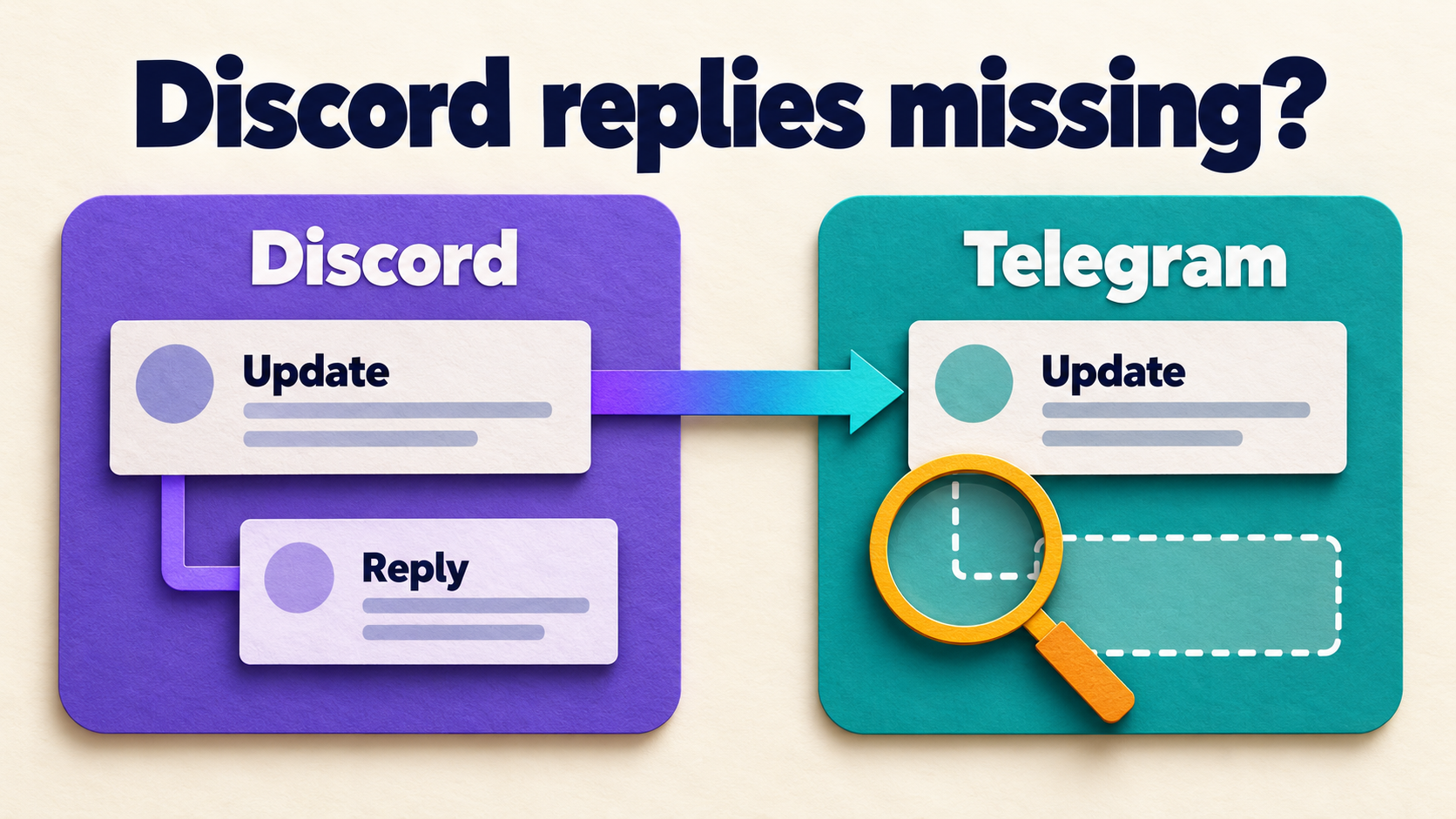
If ordinary Discord posts reach Telegram but replies disappear, check the task’s FILTERS REPLY setting before reconnecting the bridge. RedFox’s D2T Filters guide says this switch skips reply-type messages when enabled. A green check means “skip,” not “forward.” Allowing replies through that filter is a different job from preserving their parent-message context.
This guide is for an existing RedFox Discord to Telegram task that already delivers new, ordinary posts to the correct Telegram chat. The goal is to find whether replies are excluded, arrive without context, or fail only when they reference older messages. Those starting conditions need different next steps; a reply-shaped gap does not establish one universal cause.
First decide what “missing reply” means
Consider a fictional support channel. A Discord post says “Maintenance begins Friday.” A member uses Discord’s Reply action to ask “Which timezone?” The announcement reaches Telegram, but the operator cannot find the question. Before changing settings, search the destination for the question’s actual words.
- The reply’s words are absent: investigate message eligibility, including FILTERS REPLY, then compare fresh samples.
- The words arrived as a standalone post: delivery happened, but the parent relationship is missing or unclear. Follow the separate reply-context review guide; do not call this a skipped message.
- Only replies to older parents fail: preserve the age distinction. An older parent may never have had a corresponding Telegram copy; disabling an exclusion does not prove that a missing reference can be reconstructed.
- No new ordinary posts arrive either: leave this narrow diagnosis and review task state, source access and destination access in the owning bridge setup guide.
For the first check, use a normal message in an ordinary Discord text channel and Discord’s explicit Reply action. A new post in a thread or forum is not the same specimen. Likewise, typing a person’s name into a fresh message does not establish that Discord classified it as a reply.
Inspect the one task that should carry the reply
Open the D2T Web dashboard and select the existing route. You can also use the official iOS app or Android app. Choose your preferred surface; Web or the app is preferable to a limited bot entrypoint when reviewing the complete task configuration.
- Confirm the endpoints. The task-settings documentation identifies Source as the Discord Channel ID and Target as the Telegram Chat ID, with Target Topic where applicable. Compare exact identifiers, not just similar channel names.
- Record the current state. Keep the task label, forwarding status, reply filter state and other active inclusion or exclusion rules. Save the source message link and the destination copy of its parent, if one exists.
- Check the intended policy. Some feeds deliberately publish announcements without discussion. If that is the approved boundary, a skipped reply may be expected rather than broken. Do not disable an intentional restriction on the public feed to demonstrate delivery.
- Use a controlled route for changes. Choose channels and harmless messages you are authorized to share. Do not create a duplicate task reading and writing the same production endpoints merely to troubleshoot one missing question.
If the affected route is distributing misleading information or reaching the wrong audience, use the documented Stop Forward control while its operator investigates. Pausing a task does not retract copies already delivered.
Check FILTERS REPLY, not just the Reply control
From the selected task’s details, open Filters and locate FILTERS REPLY. The official guide defines the two states:
- Green check: skip this message type during forwarding.
- Gray cross: allow this message type through this filter.
If the controlled feed is meant to include replies, leave the reply-message exclusion inactive. Reopen the task’s Filters area to confirm the saved state. Keep unrelated settings unchanged so the next result can be attributed to the condition you actually changed.
The separate task overview also lists a Reply control under Message Forward Control. Do not treat that similarly named control as proof that reply-type messages pass the Filters list. Inspect the exclusion directly. This procedure addresses eligibility; it does not promise Telegram-native threading, automatic recovery of an absent parent, or every Discord reply format.
A gray cross is not an unconditional delivery guarantee. A reply can also contain a link, image or phrase covered by another saved rule. Review the rules that genuinely apply to the specimen rather than switching off every production filter. The official not-forwarding guide recommends checking active filters and rules when messages fail.
Compare a fresh parent, its reply and an older parent
The following is a reader-run diagnostic sequence, not a forwarding test performed by Auto-Bot.io. Use ordinary short text without links or attachments first, so media handling does not obscure the reply question. Keep other integrations from delivering the same specimens into the test destination.
- Fresh ordinary control: post “REPLY CHECK A — maintenance notice” as a new message in the selected source channel. Verify that its words arrive in the exact Telegram destination. Record both message references.
- Reply to that fresh parent: use Discord’s Reply action on specimen A and send “REPLY CHECK B — which timezone?” Look for B’s words in Telegram. Record whether B is absent, present as standalone text, or visibly associated with A.
- Second ordinary control: send “REPLY CHECK C — ordinary follow-up” as a separate top-level message. If C arrives but B does not, you have a narrower reply-specific difference than “the bridge stopped.”
- Older-parent comparison: if your real failure involves an older post, reply to a harmless older source message in the same test channel. Record whether that parent already has a Telegram copy. Do not assume its age is the only difference.
Run the same fresh-parent pair before and after one authorized filter change when practical. If you cannot capture a baseline, record that limit rather than claiming the change caused a recovery. Do not repeatedly resend identical production questions or copy private support conversations into a test audience.
The minimum acceptance result for eligibility is that the fresh reply’s words reach the intended destination while ordinary controls still arrive. Parent association is a separate acceptance result. Neither result proves that older replies are replayed, missing parents are imported, edits synchronize, or every reply with media will behave identically.
Use the observed difference to choose the next step
- Fresh replies arrive after the exclusion is disabled: retain the saved state and sample pair as evidence for that route. Check a representative harmless reply with a link or attachment only if the real feed needs it.
- Reply words arrive, but their parent is absent: move to context handling. Note whether the parent was excluded, predates the route, or simply has no identified destination copy. Do not enable more message-type exclusions to repair context.
- Fresh replies work; only older-parent replies fail: give support both sample pairs and the parent’s destination status. Do not reconnect accounts, buy a plan or launch a historical clone based on an assumed reference problem.
- Fresh replies still fail with FILTERS REPLY inactive: preserve the exact source link, task, timestamp, saved rules and any non-sensitive error. Check for another rule matching the same content; otherwise ask RedFox support to inspect that specific case.
- Both ordinary controls fail: return to the base route. Check forwarding status and the actual endpoints before treating this as a reply-only fault.
For escalation, distinguish “no destination message” from “destination message exists without its parent.” Include the connected bot identity and exact source/destination channels, but never include tokens, passwords or private message bodies in a public report. If connection policy becomes relevant, use the supported bot-account setup in the owning guide rather than a normal Discord user token.
Frequently asked questions
Does a green FILTERS REPLY check enable replies?
No. The D2T Filters documentation says green means the type is skipped. Gray allows that type through this filter; other saved rules and delivery conditions still apply.
Is a Discord thread the same as a reply?
No. This check uses the explicit Reply action on a message in an ordinary text channel. Do not infer thread or forum coverage from a successful reply specimen; investigate that source shape separately.
Will changing the filter restore earlier missing replies?
Do not assume so. Verify with fresh source messages. Recovering historical content is a separate operation with its own duplication, audience and context checks.
What if only replies to messages from before setup fail?
Record whether the parent has any Telegram copy and compare against a fresh parent-plus-reply pair. That distinction helps support investigate reference handling without guessing that every missing reply is a filter problem.
Check one missing reply before rebuilding the bridge
Start with the RedFox Discord to Telegram overview, then inspect FILTERS REPLY on the exact task. Your next action is small: establish whether the reply’s words are absent, confirm the skip state, and compare a fresh parent-plus-reply pair in an authorized test destination.
Active forwarding runs in the service’s cloud. The runtime FAQ says your internet connection does not need to stay on; holding the management screen open is not a repair step.
Auto-Bot.io publishes this editorial guide; RedFox supplies the product. Product documentation was checked on October 23, 2026. The featured image is a concept illustration of an absent reply, not product UI or evidence of an executed forwarding test.
Find the Missing Reply on Your D2T Route
Review the exact task’s reply-message exclusion, then compare fresh ordinary posts and replies in a controlled destination.
Documented task filters · Reader-run diagnosis