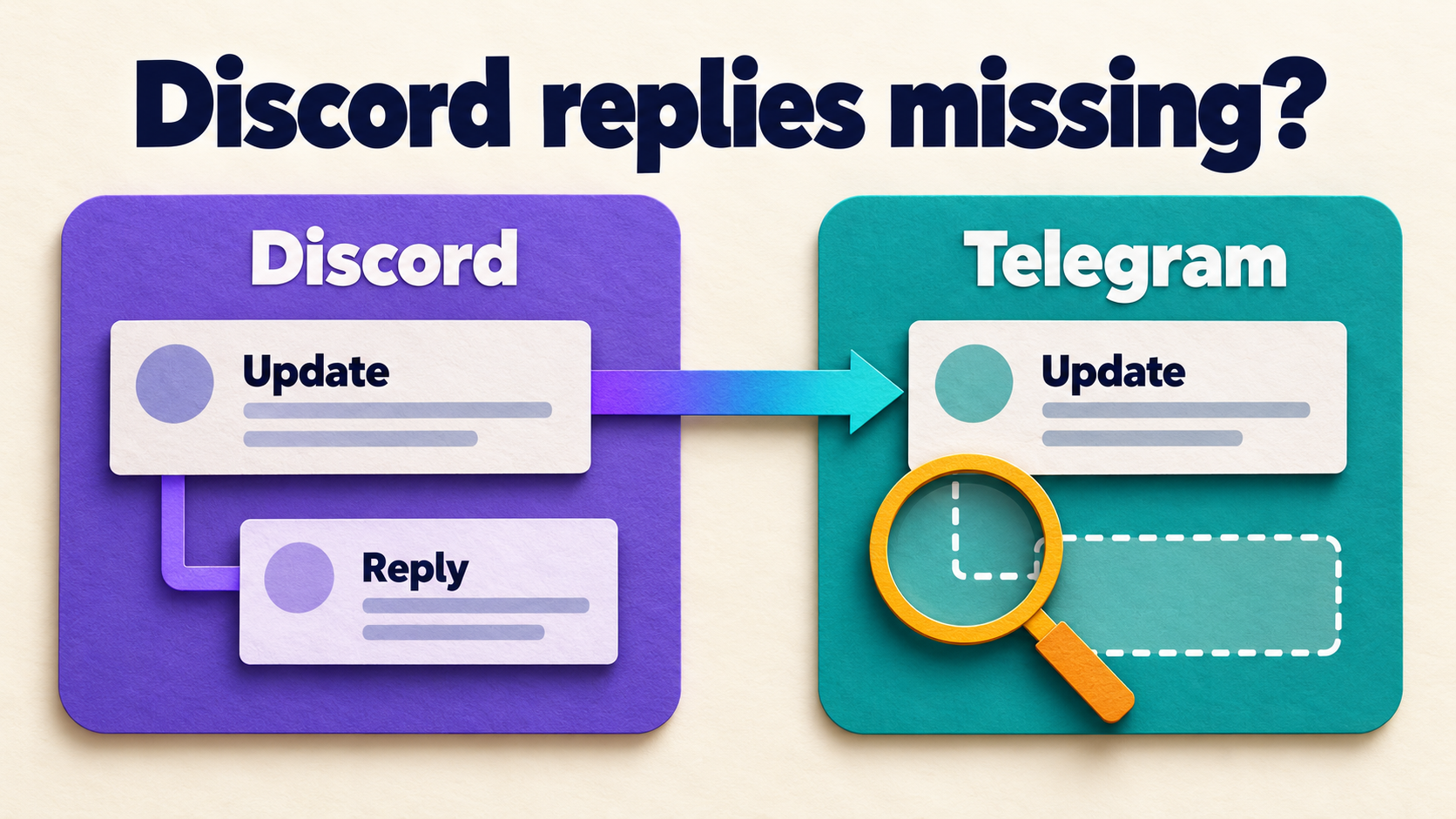
Discord to Telegram: Remove Promo Lines, Keep the Announcement

Keep the useful Discord announcement and remove only its recurring optional promo line. In RedFox Auto Forward Discord To Telegram (D2T), choose Replace → Remove Lines By Keywords and match a distinctive phrase used only on that standalone line. The rule removes the entire matching line—not just the phrase—and can match it anywhere in the message. It is not automatic footer detection.
This guide is for an operator whose authorized Discord-to-Telegram route already works. The goal is a clearer Telegram announcement without losing the event details, useful links, warnings, required disclosures or proper source credit. RedFox supplies the product; Auto-Bot.io publishes this guide.
Choose line removal, not whole-message blocking
The official D2T Replace guide documents line removal when a line contains any configured keyword. That distinction matters when a worthwhile announcement ends with an optional promotion.
- Remove Lines By Keywords: remove the matching line while retaining the rest of the message. Use it when the unwanted content has a stable, distinctive marker.
- Basic Replace: change or remove a particular word or phrase. It is a different operation from deleting its entire line.
- Blacklist: block a matching message from forwarding. Do not blacklist the promo phrase when you still want the announcement containing it.
- Cleaner: remove selected content types, such as URLs. Removing all URLs is not a substitute for removing one optional promo line: the announcement may need its registration or reference link.
Keyword removal also differs from Remove Lines By Line Number. A positional rule can target a different line when an author inserts a heading or an extra paragraph. A distinctive keyword can follow the promo when its position changes—but it will also remove a useful line containing that same keyword.
Choose a marker that never belongs in the useful text
Review several representative source posts before making the rule. Identify the exact optional standalone promotion, then check whether its proposed marker appears in titles, instructions, source credit, warnings or useful URLs elsewhere.
For the fictional example below, the marker is Optional community promo:. It is deliberately more specific than join, update, link, https or a common community name. Those broad terms could delete the very lines your Telegram readers need.
Permission comes first: remove only content you are entitled to omit. A promotional-looking footer may contain required attribution, a sponsorship disclosure or redistribution conditions. Keep that information. If you cannot separate an optional promotion from required information, do not use a line-deletion rule on it.
Illustrative source and intended output
These are fictional text specimens and intended results for a reader-run check, not captures from an executed D2T account or a forwarding test.
Discord source:
Intended Telegram text after removing the matching line:
The time, preparation instruction, useful URL and source credit remain. The example.com address is an illustrative placeholder, not a registration destination.
Reject a rule that would delete a mixed line
Now consider a source that puts the action and promo together:
Do not apply the example line-removal rule to this format. Its marker would select the entire line, including the registration deadline and useful URL. The same problem applies if a required disclosure or credit shares that line. Ask the source owner to separate optional copy onto its own line, with permission, or choose a narrowly reviewed text replacement instead. A line-removal setting does not understand which half of the sentence matters.
Configure one explicitly selected task
- Identify the route. In D2T Web, open the existing task and verify its Discord source and Telegram destination. Use an authorized private test destination for sample messages rather than an audience-facing channel.
- Check plan access before changing the route. The D2T plan table, checked October 25, 2026, lists Remove Line by Keyword on Platinum, not Gold or Diamond. Confirm that this specific mode is available in your current account before creating the rule; general Replace access does not establish access to every mode.
- Check the header compatibility warning. The Replace guide states: “This feature will not work if you enable "Show Header Forwarder" in task list”. The task guide calls the header control Show Forward Header. Do not enable that incompatible mode for this workflow. If your route requires that header, resolve the attribution and formatting requirement before changing it; do not silently discard source identification to make cleanup work.
- Create the narrow rule. Open Features → Replace → Add New. Use a descriptive label such as
promo_line, select Remove Lines By Keywords, and enter the exact reviewed marker in the keyword field. Start with one marker. The documented + New Keyword control adds alternatives; any matching keyword can select a line for removal. - Select one task before saving. Set Apply For Task to the intended private test task explicitly. The documentation says leaving this field blank applies the rule to all tasks. Do not leave it empty and do not choose Apply For All Tasks.
- Save and read back. Save the rule and inspect the selected task’s active Replace association. Check the saved type, keyword and task identity before sending any sample. Do not paste commands from a different Telegram forwarding product into D2T.
Already have a correct rule affecting the wrong feed? Follow the separate D2T Replace task-scope repair guide. That guide owns association troubleshooting; the checks here focus on what each matching line would remove.
Run the positive and negative controls
Compare a fresh source specimen with what actually arrives at your private Telegram destination. A saved setting alone does not show that the right content was retained. Use the same authorized route and record each result before changing an audience-facing task.
- Positive sample: send the standalone-line specimen. Accept only if the promo line is absent and the title, time, instructions, useful link and complete credit remain.
- No-marker control: send an otherwise useful announcement without the marker. Its text should remain unchanged by this rule. If it changes, inspect other active transformations rather than widening the keyword.
- Moved-line control: put the optional promo on a different standalone line. It should still be the only selected line. This checks your assumption that the marker—not a footer position—is doing the selection.
- Collision control: review a specimen where the marker appears beside a useful instruction, URL, warning or required disclosure. Treat that match as a failed rule design, not a successful cleanup. Keep it out of the live rule’s supported source formats.
- Untouched-route control: inspect the saved associations and confirm another existing route has not acquired this rule. Do not send tests into unrelated real audiences.
Also check the real source’s capitalization, punctuation and line breaks. A line break in the source is not the same as a long sentence wrapping visually on your phone. Do not assume case matching, rich-message formatting or every possible post layout behaves identically: verify the actual formats your route receives.
Stop if useful content disappears. Use the rule’s documented Activate/Deactivate For Task control to deactivate it on the affected task, then read back that association. Narrow the marker or change the source layout with permission, and repeat the private checks. Do not compensate for a destructive match by adding more broad keywords.
Questions before you expand the rule
Does this remove only the footer?
No. It removes a matching line wherever that line appears. Use it for a recurring optional standalone promo, not as an automatic detector of advertising or footers.
Can I keep useful URLs and source credit?
Yes—design the keyword so their lines do not match, then verify the actual output. If useful content shares a matching line, reject the rule for that source format. Do not remove required disclosures or proper credit merely because they look like footer text.
What if I only want to remove user mentions?
That is a different content-granularity decision. See the D2T user-mention Cleaner guide instead of deleting an entire line that happens to contain a mention.
Must I keep the management interface open?
No. D2T’s runtime FAQ says it copies messages without keeping your internet connection on. You do not need to leave the management interface open for the rule to operate.
Keep the announcement worth forwarding
Start with one clearly optional line, one distinctive marker and one explicitly selected task. Expand only after fresh private samples retain the useful message and the rule leaves nonmatching posts alone.
Explore RedFox Auto Forward Discord To Telegram, then manage your route through D2T Web, iOS or Android. Choose your preferred surface; Web or the apps provide the management interface for reviewing the task and its content rules.
Keep the Announcement. Remove the Optional Line.
Review a narrow keyword on one task, preserve useful links and source credit, and check a private Telegram copy before expanding.
Line-level control · One explicitly selected task