New Phone Number Banned or Restricted on Telegram?
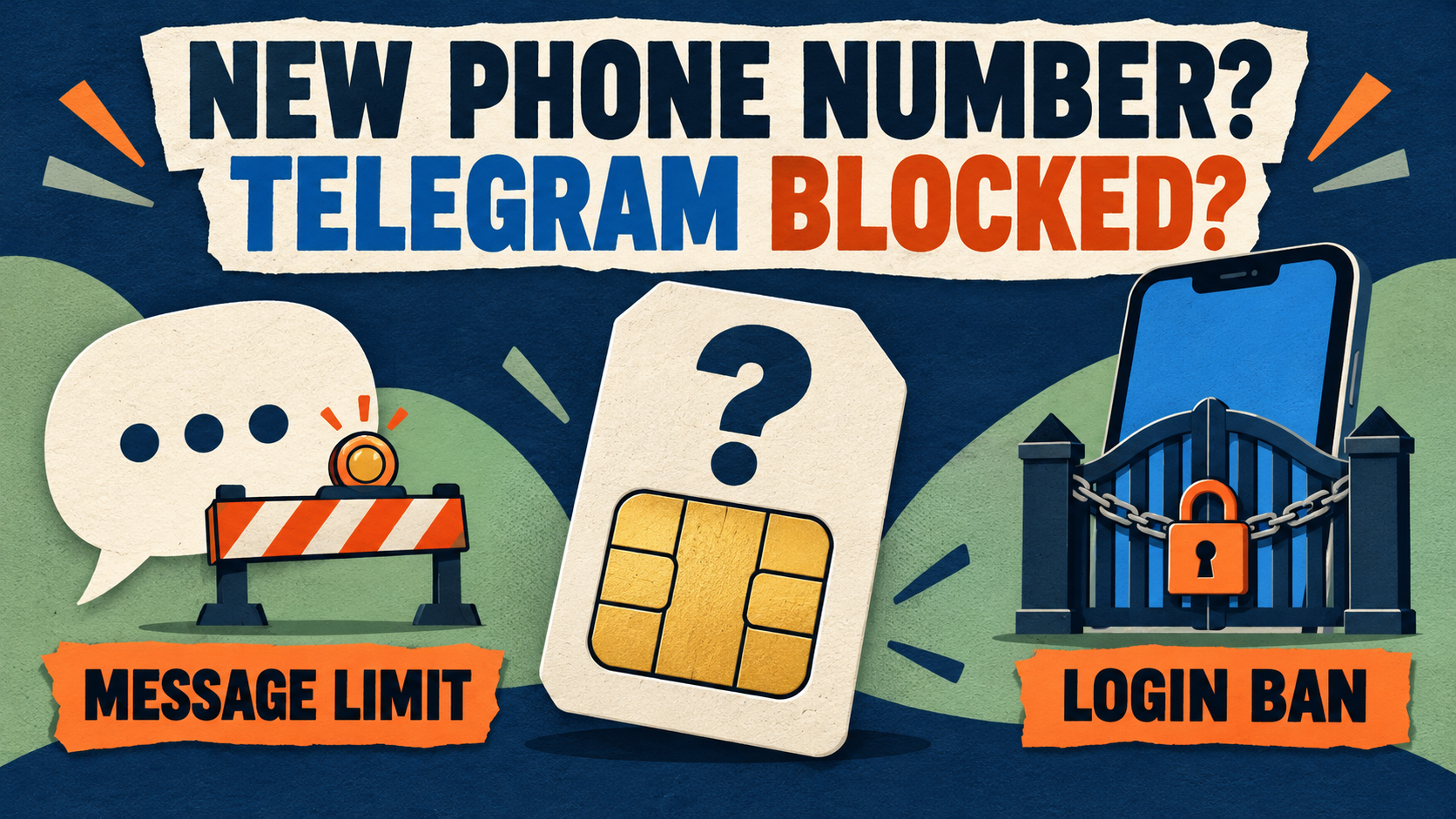
If a newly acquired phone number is restricted on Telegram, first check whether you can log in to your own account. A mistaken spam limit on an account you can use goes to the official @SpamBot. An explicit “This phone number is banned” error before login needs the official login Help route or Telegram’s support form. A missing code, invalid number or retry warning is a separate login problem.
If the number opens an unfamiliar person’s profile or asks for a two-step password you never set, stop. Do not read their chats, try to take over the profile or delete the account to make room for yours. Ask Telegram for help with the number-ownership and account boundary.
This independent Auto-Bot.io guide is for people who legitimately control a new or reassigned number. It explains what to check, which official route fits and what information to keep private. Sources checked October 14, 2026; no account recovery was performed for this guide.
Match the exact symptom before trying a fix
A new SIM, a newly assigned number and a new Telegram account are not the same thing. Record the wording on the screen and identify whether the account is actually yours.
| What you see | What to distinguish | First step |
|---|---|---|
| You are signed in to your own account, but cannot start some conversations; SpamBot reports a limit. | A messaging restriction, not a login ban. | Use @SpamBot’s mistaken-limit route from that account. |
| Registration or login explicitly says the phone number is banned. | A number banned at login, not merely delayed SMS. | Use the official banned-number Help or support route. |
| The number is rejected as invalid or incorrectly formatted. | Number entry, not a confirmed moderation ban. | Check the country code and assigned number. |
| No code arrives, or the app says you requested or tried too often. | Code delivery or a retry restriction. | Follow the displayed delivery method or wait instruction; do not keep requesting codes. |
| An unfamiliar profile appears, or a two-step password you never set is required. | An account-ownership boundary, not your forgotten password. | Stop and seek official help without exploring or resetting someone else’s account. |
If the notice instead says “frozen” or gives an appeal/deletion deadline, use the frozen-account deadline and appeal guide. Do not substitute a new-number SpamBot appeal for that notice.
Does a recycled number explain the restriction?
Telegram’s Spam FAQ explicitly addresses people who have just signed up and have not sent messages, but are already limited. It says some numbers may trigger an overly harsh response because of previous owners’ activities or because they are certain virtual/VoIP numbers. It directs people who think this applies to them to @SpamBot.
That is a possible explanation within the FAQ’s spam-limit scope. It does not establish that the previous owner caused your particular restriction, that every virtual number is banned, or that a registration-time number ban has the same cause or remedy. A SIM newly sold to you does not establish the number’s entire history.
The distinction also appears in community questions. One first-account Reddit report describes being limited to mutual contacts before sending messages. A separate new-number report describes a banned-number error at sign-up, unanswered email and the same error a week later. Neither establishes a cause or a completed recovery.
The retrieved threads did not expose publication dates or a demonstrably complete reply history. The first thread’s replies claim conflicting removal times; the second includes disputed device speculation. Treat them as examples of the questions people face, not a recovery timetable or Telegram policy. In your own report, say “the carrier assigned this number to me on this date”, not “the previous owner definitely spammed.”
Before proceeding, preserve the access that is yours
- Keep any known, trusted session for your existing account. Do not log out, clear its app data or reinstall as an experiment. Telegram’s logout FAQ warns that logging out loses that device’s Secret Chats.
- Keep control of your phone, SIM and email. If assignment or SMS service is unclear, ask your carrier to verify that the number is legitimately assigned to you and that its SMS service works. A carrier can help with number assignment and delivery; it cannot reverse Telegram’s moderation decision.
- If you are moving an existing account to a new number, pause the migration while this is unresolved. Telegram’s new-number FAQ distinguishes changing an existing account’s number from using a separate number/account. Do not abandon your working account or its current number as a troubleshooting shortcut.
- Do not delete an account to test the ban. Telegram says account deletion is irreversible; signing up again does not restore the deleted history.
If you can use your own account: check the mistaken spam limit
Open @SpamBot from the official link while using the affected account. Read its actual result rather than assuming every failed message is a spam restriction.
- If SpamBot reports a limit you believe is mistaken, follow its offered appeal flow. Describe the newly assigned number, assignment date and exact restriction truthfully. Telegram’s Spam FAQ specifically asks people in the new-number situation to tell SpamBot their story; no magic appeal wording is required.
- Understand the remaining messaging scope. For the limits described in that FAQ, you can message people who have your number saved in their contacts and reply to people who message you first. Saving someone in your own contacts is not the same condition.
- Avoid unsolicited messages and invitations while the case is unresolved. Do not message strangers to test the limit or ask them to add you merely to work around it.
- Keep the bot’s status or response and follow its account-specific instructions. A submitted explanation is not an approved appeal. The FAQ’s possible few-day first restriction is not a universal deadline for new-number cases.
If SpamBot says there are no limits but messages still fail, use the clear-SpamBot messaging diagnostic guide. A clear result does not prove that every group, recipient or chat allows posting.
If the number is blocked before you can sign in, you cannot use SpamBot from that account. Do not borrow an account or create another one to imitate that appeal. Use the login route below.
If login says the phone number is banned: use the login Help route
Telegram’s login-code documentation lists PHONE_NUMBER_BANNED separately from PHONE_NUMBER_INVALID, too many code requests and too many login attempts. An explicit banned-number error should not be treated as a request to keep resending SMS.
- Confirm that the number and country code match the number you legitimately control. If the message actually says invalid number, follow the format branch instead.
- Use Help on the banned-number notice in the official app, when offered. The official Android client source checked for this guide prepares a banned-number email to [email protected], including the number and app/device details. Its error dispatch sends
PHONE_NUMBER_BANNEDto that banned-number dialog. This is a source-defined Android route, not an observed walkthrough; another platform or version may offer different labels or actions. - If Help is unavailable or cannot open email, use telegram.org/support. The official FAQ directs users who cannot log in to that form. Describe the exact error and number-assignment context; fill in its requested identity/contact fields privately.
- Keep a record of the route, date and response. If the error remains or the form fails, add the new factual detail to your case rather than repeatedly switching numbers, devices or networks as an “unban” method.
The Android source supports the address above; a Reddit recommendation alone would not establish it. Telegram’s separate [email protected] instruction for unfairly banned bots, channels or sticker sets is not the same personal login case. Neither sending an email nor submitting the form guarantees a reply or restored access.
If the problem is number format, code delivery or too many attempts
Invalid number: compare the selected country code and number with your carrier’s assignment. Telegram’s login contract specifies international format. Correct the entry; do not file a spam appeal for a typo.
Missing code: use an up-to-date official Telegram app and read where the login screen says it sent the code. Telegram’s code FAQ explains that a code may arrive in the verified Telegram service chat on an already connected device instead of by SMS. Check only a known session that is yours. Do not seek access to a previous owner’s device or ask them to relay a code.
If the app says it is using SMS and delivery fails, your carrier can check SMS service for the number you control. Follow the app’s offered next step or countdown. The official authorization documentation says the system chooses the delivery method and that some SMS/call conditions require official mobile apps; it does not promise an SMS on every attempt.
Too many attempts: stop repeated requests and follow the wait or instruction actually shown. Keep the exact wording and time if you later need support. There is no universal retry interval for every error.
A payment prompt is not automatically a ban. Telegram also documents a separate official paid-auth flow for high SMS costs in some country/provider situations. That is not a payment to overturn a spam limit or number ban. Do not pay a third-party “unban agent.”
If the number opens someone else’s profile or an unknown password
Legitimate control of a reassigned number does not justify reading another person’s account data or presenting yourself as them. If you notice an unfamiliar name, profile or conversations, stop exploring: do not read, export, forward or screenshot their chats, message their contacts, change the profile or delete the account as a test.
If Telegram asks for a two-step password you never set, do not guess it or treat it as your own forgotten-password recovery. Telegram’s authorization documentation distinguishes the two-step password from the login code. Its password-recovery documentation describes recovery tied to existing sessions and a previously configured email, not permission to use someone else’s recovery channels.
Use official support to explain that you legitimately acquired the number and encountered an unfamiliar account or unknown password. Ask for guidance on resolving that boundary. Keep your carrier’s assignment confirmation private; do not attach purchase receipts or someone else’s data to a generic request. This guide does not promise entitlement to the previous account’s data or a particular resolution.
Different condition: if this really is your own established account, you forgot the password and you still have your own trusted signed-in session, follow the active-session forgotten-password guide. That route should not be applied to an unfamiliar previous-owner profile.
Keep a minimal private support record
Prepare facts you can verify, not a large evidence dump. For the official route that fits your case, keep:
- Exact notice and first-seen date/time: banned number, SpamBot limitation, code problem or unknown password.
- Remaining legitimate access: whether you can use your own account or still have your own trusted session. An unfamiliar profile is a separate observation.
- Number-assignment context: carrier/provider and the date it assigned the number to you; distinguish confirmed assignment from suspected recycling.
- Platform and app version: include relevant device details if the official Help flow requests them.
- Support attempts: route used, submission date, response or exact failure. No invented approval or promised deadline.
Provide your full number in international format only where the genuine private Help/support route needs it. Never publish the number, receipts or private chats in a community thread, and never send login codes, two-step passwords or session files to a helper. Telegram’s login-code guidance says account login codes must never be shared with other services or apps.
Do not buy a rented SIM, rotate accounts or use VPN switching as a recovery plan. Preserve the number and access you legitimately control, follow the appropriate official route and judge the result by what Telegram actually reports—not a seller’s guarantee.
Choose the next step for this number
Own account accessible and mistakenly limited? Use @SpamBot. Number explicitly banned before login? Use the official banned-number Help action or Telegram’s support form. Format, code or retry issue? Follow that login instruction. Unfamiliar account or password? Stop and ask official support about the ownership boundary.
For other account states, return to the Telegram account-problem decision tree. A newly acquired number is useful context for your case, not proof of its cause or a guarantee of recovery.
Number Banned Before Login?
If you cannot sign in, describe the exact error and your legitimate number-assignment context through Telegram’s support form. For an accessible account with a mistaken spam limit, use @SpamBot instead.
Official Telegram support route • Independent Auto-Bot.io guide