Bypass Anti-Repasse Bot: When You Need the Add-on
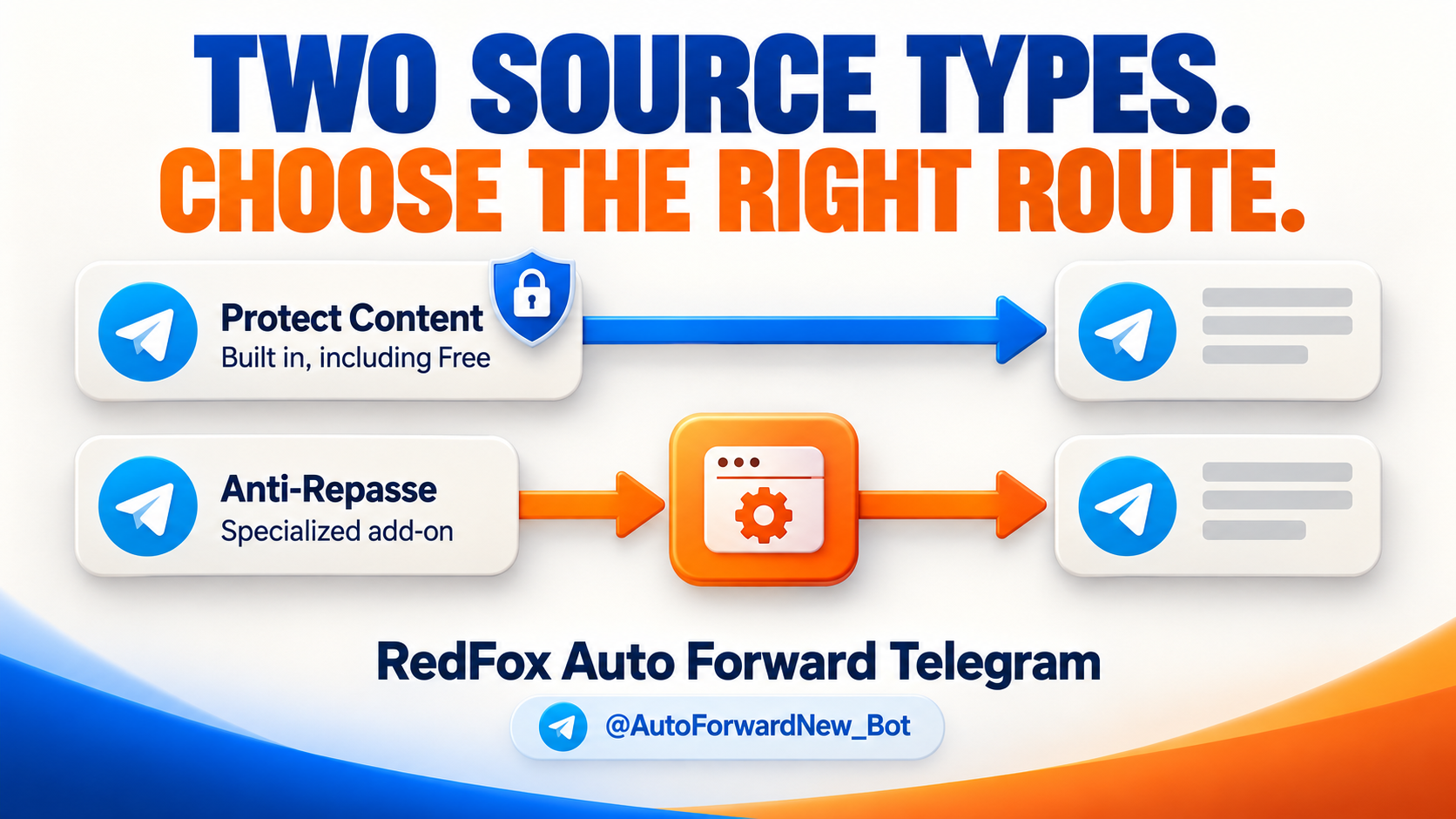
Do you need Bypass Anti-Repasse Bot to forward a protected Telegram channel? Usually the answer is no: RedFox Auto Forward Telegram (@AutoForwardNew_Bot) includes ordinary Telegram Protect Content forwarding in its regular tasks on every plan, including Free. The separate Bypass Anti-Repasse Bot add-on is for a specialized source flow in which a message offers an Anti-Repasse button or link that opens a Telegram mini-app/webview to reveal content for forwarding.
Auto-Bot.io is an editorial publisher, not the developer or operator of RedFox Auto Forward Telegram. The previous bot moved to the current @AutoForwardNew_Bot handle.
Concept illustration: standard Protect Content uses built-in forwarding; the Anti-Repasse source path uses its specialized add-on.
Choose standard forwarding or the add-on
| Your source | Use in RedFox | What to do first |
|---|---|---|
| A channel or group whose Telegram Protect Content setting disables the normal Forward button | Regular source-to-target forwarding task, including on Free | Select the accessible source and an authorized target; no Anti-Repasse purchase. |
| A post with an Anti-Repasse Bot button/link that leads into a mini-app or webview for the content | Specialized Bypass Anti-Repasse Bot add-on on the task that needs it | Confirm that exact source behavior, then check add-on entitlement and enable it for that task. |
The difference is the content path: a normal protected Telegram post is handled by the base forwarding route; a button-opening mini-app presents an additional step before the content can enter the forwarding pipeline. The add-on handles that specialized step and passes the available content into the task's delivery flow. It is not a universal switch for every protected post, unrelated mini-app or paywall. Source access and permission to redistribute to the intended audience are still required; purchasing an add-on grants neither.
Set up the route for the source you actually have
- Identify the source: if it is only Telegram Protect Content, follow the private-channel setup guide and create a regular task. If a post has the Anti-Repasse button or link into a mini-app/webview, continue with the add-on steps below.
- Create a base task: on RedFox Web or the official iOS/Android app, use Forwarding List → Create Task +. Under Select Source Forward select the accessible channel/group; under Select Target Forward choose a controlled destination, then name and create the task. The official task guide documents this flow.
- Unlock the specialized add-on if needed: go to My Addons, find Bypass Anti-Repasse Bot and use Unlock as described in the add-on guide. Check the displayed credit cost and access period before purchasing; Free's built-in Protect Content support is a separate entitlement.
- Enable it on the relevant task: open that task's settings, find its Bypass Anti-Repasse Bot option, switch it on and save. The documentation describes per-task enablement; do not assume one purchase automatically turns it on for every route.
- Test one relevant post: use an accessible source with the actual Anti-Repasse button/link and a target you control. Compare the source post and destination content; if your workflow depends on a caption or media, check those specifically before using a live audience.
Open RedFox Web and configure the right task. You can also manage it from the official mobile apps; the bot handle above is the current Telegram entrypoint.
When the specialized route does not deliver
| What you see | Check | Next step |
|---|---|---|
| The source is missing from task selection | Is the connected Telegram account joined, and is the right source type selected? | Correct the account or selector; for a recently joined source, consult the task guide and use Reload once if needed. |
| Ordinary protected posts forward, but button-linked posts do not | Does the post actually open the Anti-Repasse mini-app/webview? Is the add-on active and enabled on this exact task? | Check My Addons and the task setting; retry one relevant new post to a controlled target. |
| The task is active but no new post arrives | Exact source, target posting rights, add-on entitlement and optional filters | Try one fresh post with unnecessary filters minimized, then compare the source and target. |
| Text arrives but expected media/caption is missing | Message type and applicable filters or transformations | Test that type by itself and share the specific result with support via the product if it still differs. |
When asking support, include a non-sensitive example of the button/link behavior, the affected task's source/target types, add-on state and what reached the controlled destination. Avoid sharing login codes or private message content. For a source that only has Telegram's standard Protect Content setting, return to the regular task instead of troubleshooting an add-on you do not need.
The practical choice
Start with RedFox's built-in protected-source forwarding on Free if its regular task limits fit. Choose Bypass Anti-Repasse Bot only when your accessible source actually presents the specialized button-to-mini-app flow and you have enabled the add-on for the affected task. Create or inspect your route on RedFox Web, then test the message type that prompted your choice.
Choose the right forwarding route
Standard Telegram Protect Content forwarding is built into every plan, including Free. The separate Bypass Anti-Repasse Bot add-on is for supported button-linked mini-app content.
Current bot: @AutoForwardNew_Bot; former @Auto_Forward_Messages_Bot has moved.