AutoForward v1.0.57: Rewards, Add-on Deals, and What to Try

AutoForward v1.0.57 adds a Reward Leaderboard, makes Add-on discounts easier to see, and includes performance improvements announced by RedFox. The useful next step is simple: open Reward Center, check the activities available to you, then choose any extra features that solve a real forwarding need.
This update is for RedFox Auto Forward Telegram (@AutoForwardNew_Bot). RedFox develops and operates the product; Auto-Bot.io is a separate editorial website. The release details below come from the official announcement of September 18, 2026.
What changed in v1.0.57?
- Reward Leaderboard: follow your position as you complete Reward activities. RedFox says special weekly and monthly events with rewards for top users are coming; the announcement does not publish their prize rules.
- Add-on Deals: discount information is displayed directly on Add-ons. You can compare the offer with the capability and duration before unlocking it.
- Performance: RedFox reports system optimizations for a faster, smoother and more stable experience. This is the developer's release statement, not a measured speed comparison by Auto-Bot.io.
Try the update in a few useful steps
- Open AutoForward. Use Web, iOS or Android; the current Telegram bot is another entry point.
- Check Reward Center. From Home, open Menu → Reward. Review daily check-in, reward codes and other available activities.
- Read your results. Check your Reward history and the Leaderboard. A rank describes activity; it is not, on its own, confirmation that you have won an event prize.
- Choose an Add-on by need. Go to Menu → My Addons. Read the feature description, displayed discount, price and duration before confirming.
- Apply it to your workflow. After unlocking a feature, configure the relevant task when required and check one source-to-destination result.
Which guide should you read next?
- Want to earn credits? Read the Reward Credits guide for check-ins, codes, referrals and eligible uses.
- Choosing an extra feature? Use the Add-on Deals checklist before unlocking.
- Understanding your rank? See how to read the Reward Leaderboard, including categories, periods and the difference between a ranking and an award.
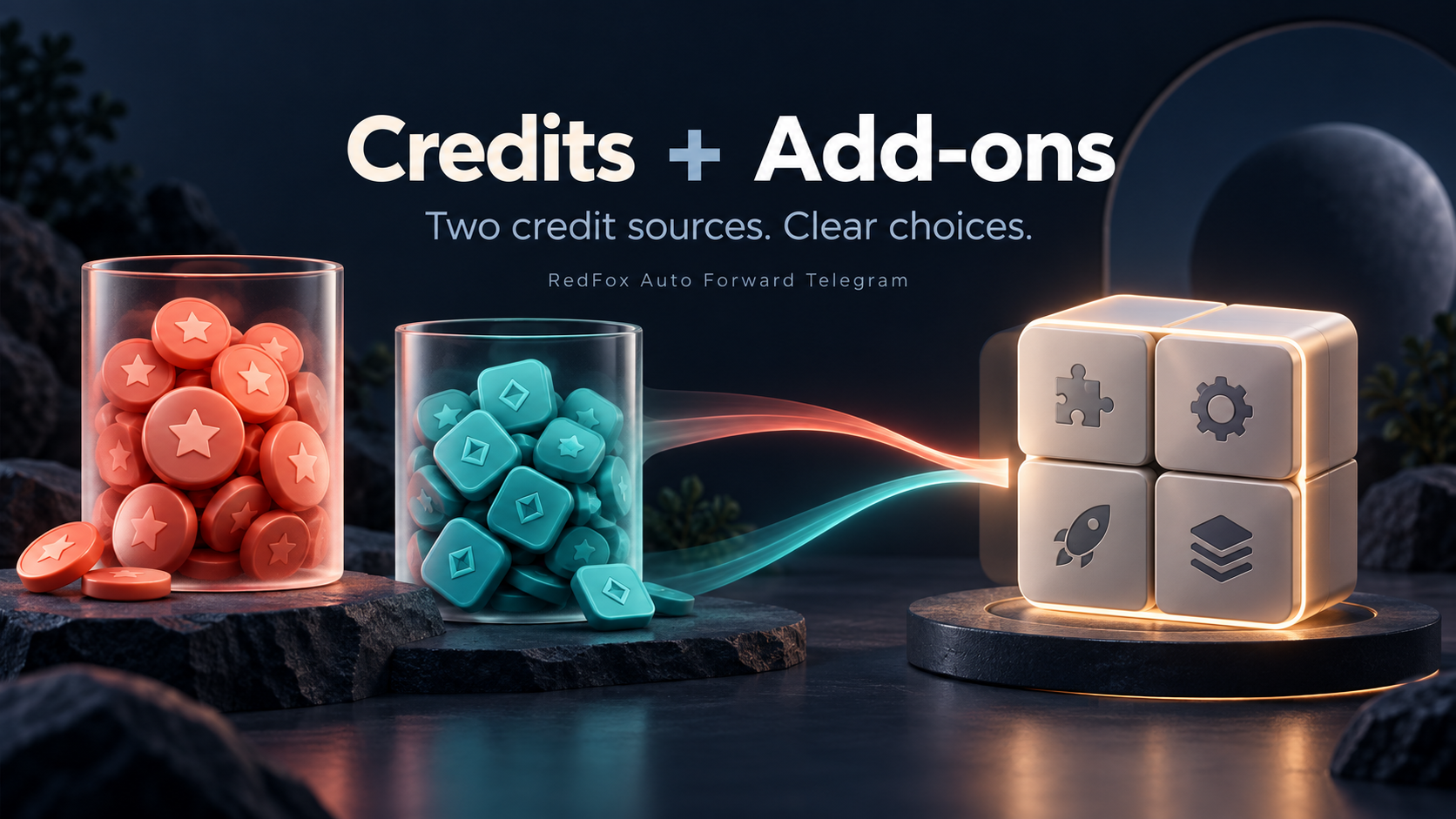
- New to the payment model? Start with Credits and Add-ons explained.
Where can you open AutoForward?
Choose Web, iOS, Android, or @AutoForwardNew_Bot. If you used the historical @Auto_Forward_Messages_Bot, the current bot is @AutoForwardNew_Bot.
For product help, contact RedFox support. Start with one useful activity or Add-on and keep the rest of your working setup unchanged.
Open the Exact RedFox Auto Forward Telegram Bot
Verify @AutoForwardNew_Bot, then review current plans, limits, and documented destinations before connecting an account.
Check current plans and limits in the bot