Tutorials, product updates, and automation insights from auto-bot.io.
Check your AutoForward tasks and adjust forwarding settings without leaving Telegram. Open the current official bot and tap Open App.
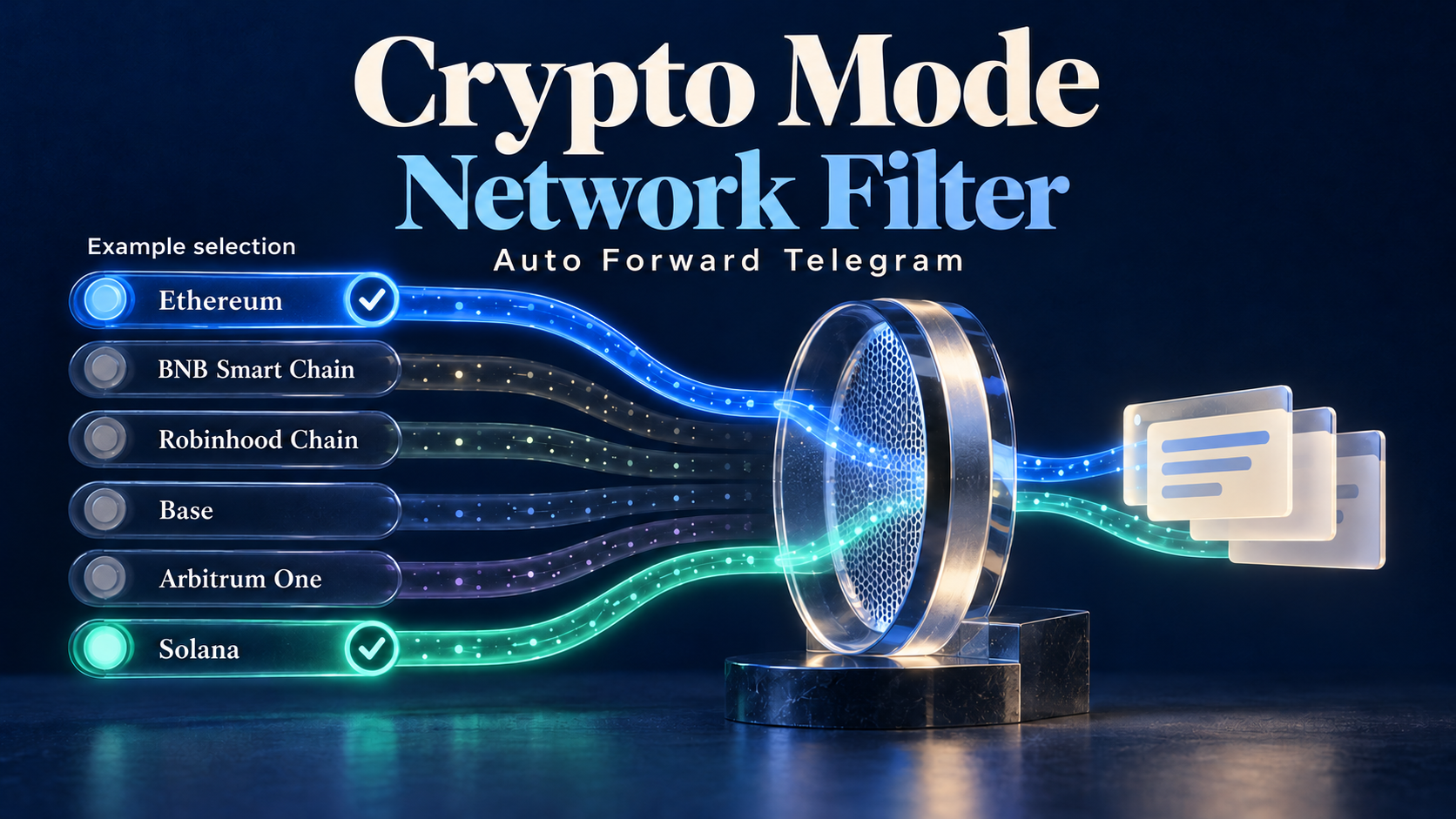
Choose one or several networks for Auto Forward Telegram Crypto tasks. Set up Network Filter and understand why All networks differs from selecting all six.
Explore AutoForward v1.0.57: the Reward Leaderboard, visible add-on deals, and a quick checklist for trying the update on Web, iOS, or Android.
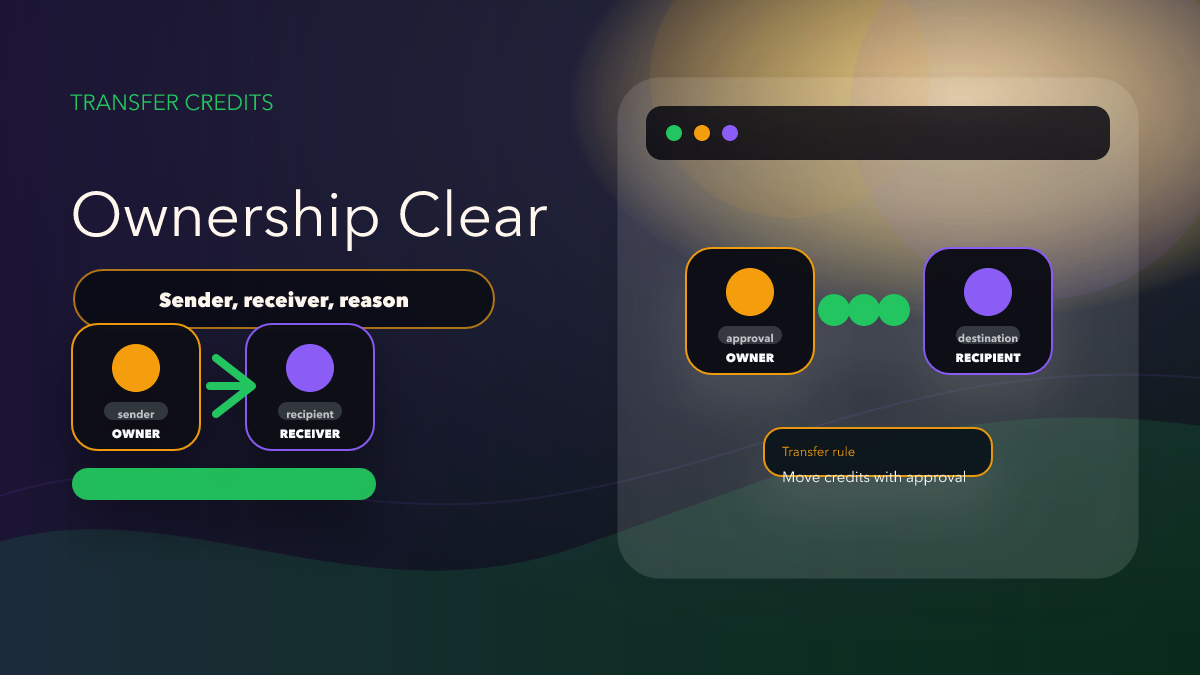
A narrow read of the v1.0.47 announcement: Transfer Credits is now mentioned by name, but the product announcement does not confirm rules like limits, fees, or reversal flow.
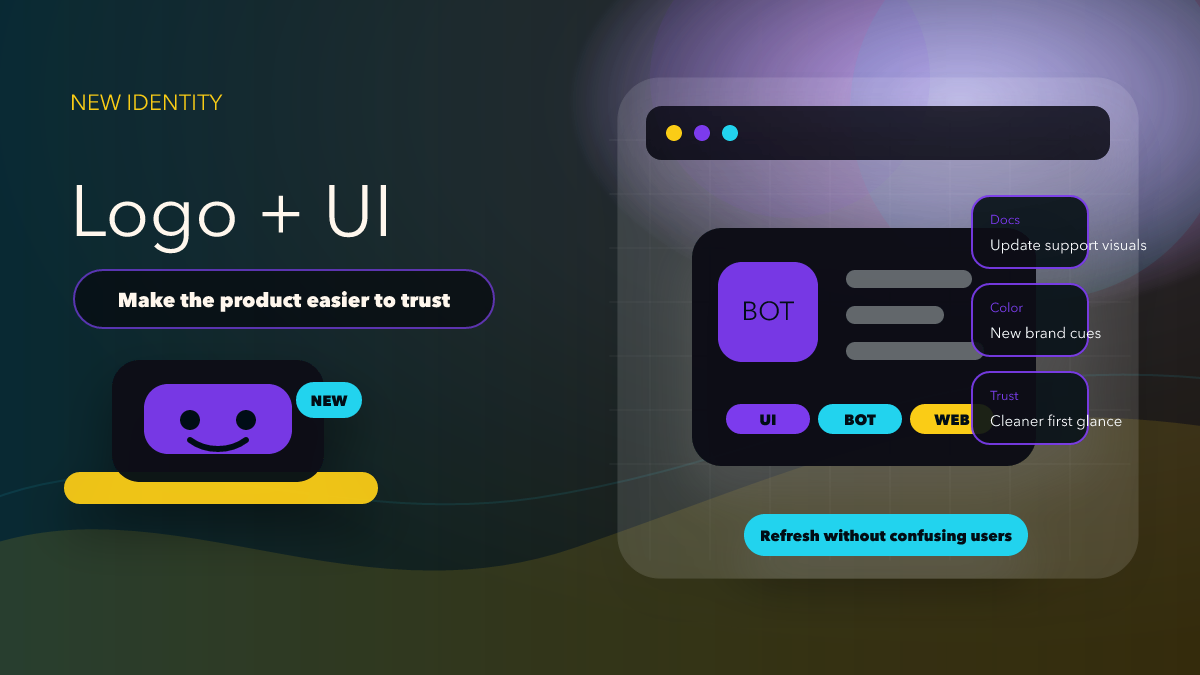
AutoForward v1.0.47 introduces a new app logo and a cleaner UI/UX. Here is what existing users will notice first and what teams should update before support questions pile up.
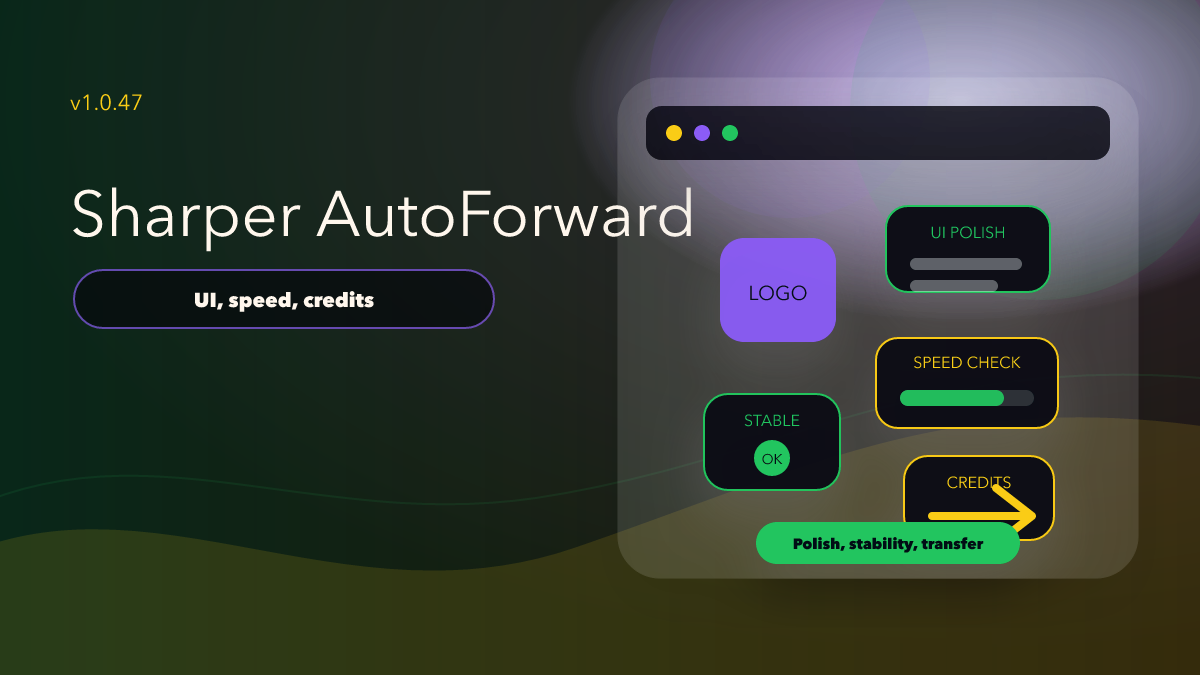
AutoForward v1.0.47 is a practical operator release: new app logo, cleaner UI/UX, speed and stability work, and Transfer Credits between users.
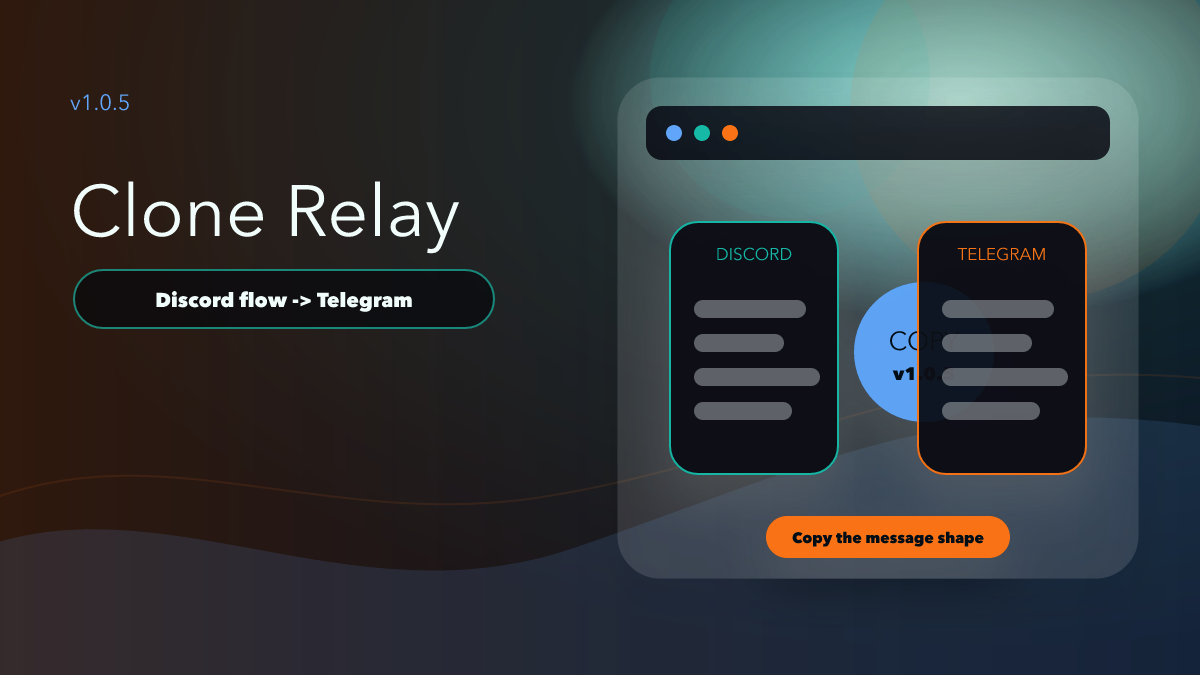
Clone Message in Discord to Telegram v1.0.5 is best understood as a context-preservation feature, not as a reason to mirror every Discord channel blindly.
Discord to Telegram v1.0.4 adds delay control, max edit time, duplicate filters, crypto mode, link buttons, MMO support, watermarking, AI rewrite, and OCR image AI.
Understand purchased credits, Reward Credits and time-limited Add-ons in RedFox Auto Forward Telegram, then choose the right upgrade for your workflow.