Discord-to-Discord Partner Announcements: Keep the Feed One-Way
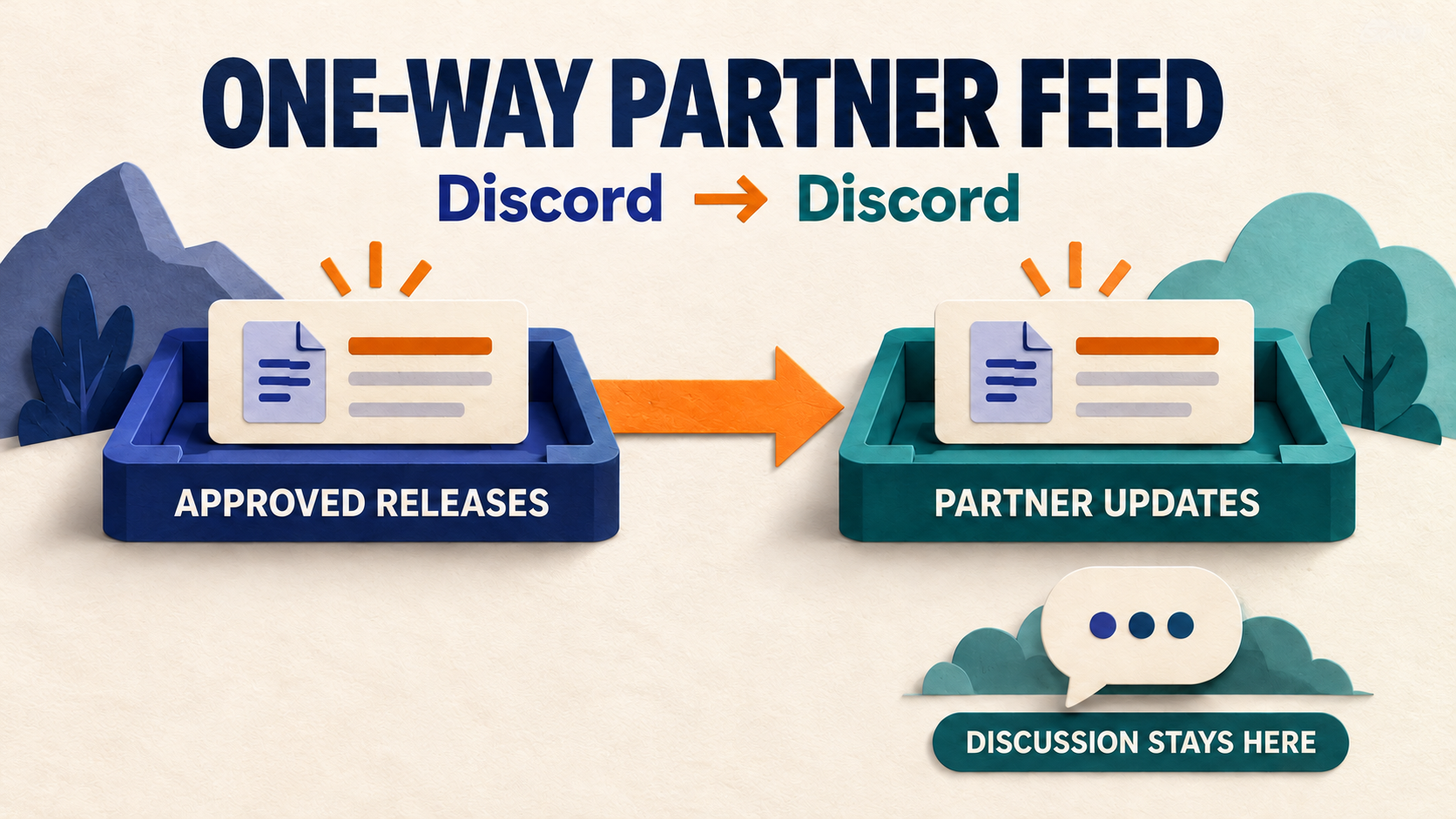
To share approved Discord announcements with a partner server, use a one-way route from a dedicated release channel to one partner updates channel. Keep the receiving channel out of every return route, and check that native Follow or another task is not already delivering the same notices. A readable partner feed is not the same thing as mirroring a conversation.
This guide is for community managers planning that feed or narrowing an existing Discord-to-Discord task. RedFox’s D2T Auto Forward documentation supports forwarding between Discord channels in the same or different servers, with task-specific filters. The workflow below adds an editorial boundary: only approved material enters the source lane, and partner discussion stays local. It is a proposed operating plan, not a delivery test or a claim of automatic loop prevention.
The featured image is a concept illustration, not product UI. Its one-way arrow represents the intended route; it does not certify exactly-once delivery.
1. Define a partner feed, not a conversation mirror
Consider a fictional software community sharing release notices with a partner community. Its main server has three channels: #release-drafts, #approved-releases and #general. The partner has #partner-updates and #release-discussion.
The useful route is main server / #approved-releases → partner server / #partner-updates. Drafts, internal coordination and general discussion stay out. Partner members can discuss the release locally without their comments being copied back into the source announcement lane.
- Audience: partner members who need the approved release, not the internal review.
- Source: one channel whose posting rules make it suitable for redistribution.
- Destination: one clearly labeled updates channel in the partner server.
- Owner: one operator who can pause the route and contact both server teams.
- Success: an approved notice appears in the intended channel with useful attribution and media; unrelated discussion does not enter the feed.
This channel design is an editorial recommendation. D2T does not approve your release on your behalf. Its Discord-to-Discord guide describes automatic copying, so treat anything posted to a selected source as potentially eligible under the saved rules.
2. Give each source-to-destination pair one delivery owner
Before adding a task, ask the partner administrator how updates arrive today. Check the source and destination channel IDs, not just their names: two channels in different servers can both be called #announcements.
If the source already has an Announcement channel and the partner only needs its published announcements, Discord’s native Channel Following may already cover the job. The source team chooses which posts to publish, and the destination needs Manage Webhooks permission to configure Follow. Do not add a parallel task merely because a draft was not published. Our Discord Follow troubleshooting guide owns that missing-post diagnosis.
Use the documented D2T Discord-to-Discord route when its channel-to-channel automation and content controls fit the approved feed. It supports same-server and cross-server pairs; separate tasks can have separate filters. You do not need a Telegram destination for this documented direction, despite the product family’s Discord to Telegram name.
- List existing paths. Include D2T tasks, native Follow integrations, other relays and the team’s manual reposting habit.
- Compare the exact pair. A task with a different label can still read the same source and write to the same destination.
- Choose the owner of delivery. Coordinate any change with the existing operator; do not remove a working integration without agreement.
- Record the other paths. A deliberately separate feed is fine. An unexplained second copy is not a reason to create a third task.
One assigned path makes duplicates easier to investigate. It is not an exactly-once transport guarantee.
3. Keep the receiving lane out of return routes
A one-way task is only one part of the topology. Check whether another task reads #partner-updates and sends it back to #approved-releases, or sends it through a third channel that eventually feeds the original source. Include routes managed by the partner team.
For this announcement use case, keep #partner-updates as a receiving lane and put local conversation in #release-discussion. Do not configure the receiving lane as a source for a return route. If both communities need to exchange news, create a separately owned, separately approved source lane for the other direction rather than reversing the incoming feed.
The practical distinction is between an echo and a duplicate:
- Echo: content returns through a forwarding path and may circulate again. Inspect every route that reads a destination.
- Duplicate: two paths independently deliver the same original notice. Inspect overlapping tasks, Follow integrations and manual reposts.
These are diagnostic possibilities, not reported D2T defects. Do not assume the product blocks every cycle or ignores every other bot’s output. The message-type filter documentation describes an outgoing-message skip option for messages sent by the bot itself; that is not evidence of protection against all multi-bot or multi-service loops. Route separation is the primary recommendation here.
4. Configure the narrow task and its permissions
For an authorized connection, follow the current D2T Discord-to-Discord setup guide: select Discord for both ends, identify the intended source, choose the target channel, and review the task’s content options. The guide documents pasting a source message link to extract identifiers. Confirm the resulting server and channel before enabling anything.
Resolve connection policy before a new setup. Discord forbids automating normal user accounts outside its OAuth2/bot API. Use a supported bot-account connection for the complete route; a bot-posted destination alone does not establish how the source is read. If your existing connection asks for a normal user token, stop and confirm a compliant route with the provider rather than using it to bypass missing source access.
The bot-based forwarding guide lists source View Channel and Read Message History, and destination Send Messages, Embed Links and Attach Files. Check the actual channels as well as the server role. Discord’s permissions reference documents channel-level overwrites and notes that Administrator bypasses them. Do not grant Administrator just to make a narrow feed work.
- Start with the dedicated source. Do not select a mixed private discussion channel and hope a keyword prevents every accidental disclosure.
- Review existing rules. A saved blacklist, whitelist or message-type skip can exclude an intended notice. Add only the filters needed for this lane.
- Check media deliberately. If release images or files matter, review the task option and destination permission, then inspect the actual delivered attachment.
- Decide corrections separately. Edit and delete synchronization are different decisions. For an existing task whose copy stays stale, use the Discord correction and sync runbook, not another parallel route.
Do not treat a content filter as an authorization system. Permission to read a source channel does not itself grant permission to distribute its contents to a partner audience.
5. Give partner readers enough context
A copied notice should identify the approved publisher and tell readers where to discuss it. D2T’s header/footer documentation supports adding a title, channel name, signature or link. Use that for stable route context; do not assume a template can dynamically insert a source-message link unless the current feature explicitly documents it.
For the fictional route, a static header could read “Release update from Example Project”. A footer could point to a real, approved public release-notes page and explain that partner discussion stays in the partner’s discussion channel. Replace the example organization name and every placeholder before saving:
This is an editorial template, not literal D2T variable syntax. Keep event dates, version numbers and changed instructions in the source announcement itself. A static footer should not become an outdated second copy of the release details.
Also check what a partner member can actually open. An internal Discord message link is not a public reference merely because the operator can view it. Use a shareable public source or self-contained approved wording when partners lack source access. Do not expand private-channel access just to make attribution work.
6. Test the boundaries before widening the feed
Use a source and destination you control, with a suitable test audience and no sensitive content. Keep unrelated delivery paths out of this test. The following is an acceptance plan for your route, not a test performed on a RedFox account.
- Approved notice: post one recognizable harmless notice in the selected source. Inspect the exact partner destination and save both message links. Compare wording, attribution and a representative public link.
- Outside-source control: post a harmless note in a separate test discussion channel. It should not appear in the partner updates lane. Do not use a real confidential draft as a negative control.
- Partner conversation: post a harmless local comment in the partner discussion channel. Inspect the original source and any other configured destinations. For this design, local discussion has no return route.
- Second-path check: inspect whether the approved notice appears more than once. Compare the sender/integration and message links before deciding whether it is an overlapping route, a manual copy or another failure.
- Media check: if the route needs images or files, send a small representative sample and inspect the actual attachment, not just a filename or link preview.
Do not put a blanket completion label on the result. “Plain text arrived” does not prove attachment delivery, correction propagation, notification behavior or absence of every possible loop. Record the cases you actually inspected, the saved task configuration, and any untested content shapes.
If content reaches the wrong audience or begins repeating, pause the affected forwarding path first, coordinate with the other operator and preserve the message links. Do not repeatedly repost the notice while diagnosing it. If a wrong copy needs removal, confirm the destination action with its administrator; pausing forwarding does not retract messages already delivered.
7. Hand over a route another moderator can understand
Keep a short route note beside the configuration: exact source and target, delivery owner, approved content boundary, other integrations checked, local discussion location, observed test pairs and pause condition. Include who handles an urgent correction and how to reach the partner administrator. Never include tokens or login material.
When adding a second partner, review its audience and permissions separately. A successful first destination does not authorize another server or prove its media and access settings. Add one deliberate pair at a time instead of turning the route into an undocumented network.
Auto-Bot.io publishes this independent guide; RedFox supplies D2T Auto Forward. Product capabilities here are first-party documentation checked on October 16, 2026, not an independently measured delivery, speed or security benchmark.
Frequently asked questions
Do I need Telegram for a Discord-to-Discord destination?
The D2T product documentation explicitly describes Discord-to-Discord tasks with Discord selected at both ends. Use that direction’s guide, not a Telegram chat ID from a different setup flow.
Can I make the feed two-way so partner replies return?
That is a different job from a one-way announcement feed. Do not reverse the receiving lane casually. Define who may speak, what can be redistributed and how every path avoids feeding its own inputs before designing a separate conversation bridge.
Does one task guarantee only one delivered copy?
No. This guide recommends one assigned delivery path to reduce configuration overlap. It does not establish exactly-once delivery or certify automatic deduplication. Inspect the actual message pair and other integrations if duplicates appear.
Should I replace a working native Follow feed?
Not just to add automation. If published Announcement-channel posts already meet the partner’s need, preserve that route. Use a D2T task when its documented channel routing and content controls serve a distinct requirement, and avoid unintended parallel delivery.
Plan one partner route with D2T Auto Forward
Start from RedFox’s Discord to Telegram / D2T Auto Forward overview and its documented Discord-to-Discord direction. Choose the Web dashboard, iOS app or Android app for management; prefer Web/App when reviewing the complete task settings. Active forwarding runs in the service’s cloud, so the management screen does not need to stay open, as the service FAQ explains.
Your next step is specific: document one approved source, one partner destination and every existing delivery path, then validate a supported, authorized one-way task. Keep the release feed useful—and let each community keep its own conversation.
Plan One Clear Discord Partner Feed
Explore D2T Auto Forward’s documented Discord-to-Discord route. Choose one approved source, one partner updates channel and an authorized connection, then inspect the actual result.
Approved source · one-way route plan · audience checks