AutoForward Transfer Credits: What v1.0.47 Actually Confirms
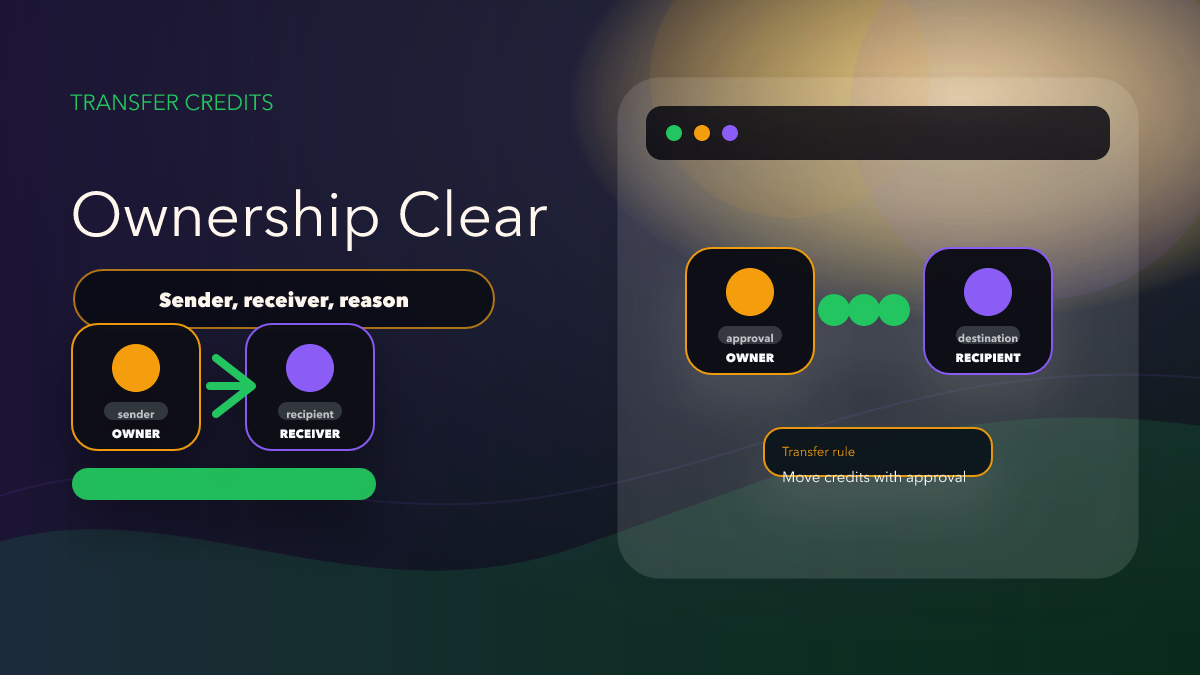
Summary
A narrow read of the v1.0.47 announcement: Transfer Credits is now mentioned by name, but the product announcement does not confirm rules like limits, fees, or reversal flow.
The important distinction is simple: the April 11, 2026 product announcement confirms that Transfer Credits between users exists in AutoForward v1.0.47. It does not confirm every rule a team might want to know before using it.
That makes this a release-note article, not a billing policy page. The editorial job is to report the change accurately, point readers to the correct product surfaces, and avoid inventing operational details that have not been confirmed.
What the Release Actually Confirms
- The April 11, 2026 announcement names Transfer Credits between users as part of AutoForward v1.0.47.
- The official docs already establish the real entry points users work from: Telegram bot, web app, iOS, and Android.
- The Upgrade Plans Package docs provide plan context, but they do not automatically answer every question about transfer rules.
That is enough to tell readers something useful: Transfer Credits is no longer only a private support concept or an assumed workflow. It has been named publicly in a release announcement. That is meaningful for existing users who manage paid capacity across teammates or client accounts.
What This Article Refuses to Invent
The reviewed sources do not confirm transfer limits, whether fees apply, whether some plans are excluded, whether transfers can be reversed, or what happens if a team moves credits by mistake. Those are exactly the kinds of details that sloppy content tends to pad with guesswork.
That guesswork is what damages trust. Once a blog post suggests a rule, readers repeat it as if it came from official documentation. For a feature tied to account balance or paid usage, that is a bad editorial habit. So this post keeps the line clear: the release confirms the existence of the capability, not the full policy around it.
Who Should Pay Attention First
If you are a solo user running one account, Transfer Credits may simply feel like a convenience. But if you operate a team, manage client allocations, or run shared workflows across several operators, the feature matters more because it changes how value moves inside the product.
That makes it relevant to agencies, community operators, and support teams. They are the groups most likely to ask the next practical questions: who transferred credits, why they were moved, and which workflow they were meant to support. Those are not edge cases. They are normal operational questions once a feature like this becomes available.
How to Verify the Feature Safely
- Open the real product surface: Check the Telegram Bot or the Web App to see where the transfer action appears.
- Use a low-risk internal test: If your account supports the feature, start with a small internal transfer rather than a high-stakes production move.
- Capture what the UI actually shows: Note the fields, wording, and confirmation steps so your support answers stay factual.
- Do not extrapolate: If the UI does not show a limit, that still does not prove there is no limit.
- Document ownership: If a transfer is tied to a client or route, write that relationship down immediately.
Why This Product Post Still Matters
Some release items are small enough that they do not deserve their own article. Transfer Credits does, because even a short announcement can materially affect how teams manage paid usage. A precise article reduces future support confusion and helps readers understand that the feature is real without overselling what has been documented so far.
It also creates a cleaner CTA path. Someone interested in this release item should continue to Auto Forward Messages Telegram, then inspect the feature in the actual product surface. That is a much better next step than reading a vague “growth” article that never lands on the product.
Comparison Table
| Editorial choice | Credible version | Weak version |
|---|---|---|
| Core claim | Transfer Credits is named in v1.0.47 | AutoForward now has a fully documented transfer policy |
| User guidance | Verify it in bot or web app | Assume undocumented rules are true |
| Search value | Specific and source-backed | Generic and padded with speculation |
| CTA | Point to Auto Forward Messages Telegram | Send readers to a generic automation destination |
Where to Check It
Start with Auto Forward Messages Telegram, then verify the feature in the bot or the web app. If you need a team-process layer on top, read A Simple Internal SOP for Teams Using AutoForward Transfer Credits.
FAQ
Does this article explain every transfer rule?
No. It explains what the release note confirms and deliberately stops before undocumented details.
Why not write more aggressively about the feature?
Because a release article should help readers trust the product, not bury them under assumptions that may later prove false.
Who should verify this first?
Existing AutoForward users who share paid capacity across teammates, clients, or internal operators should verify it first.
Review Credit Transfers Inside AutoForward
Start from the Telegram-forwarding product page, then move into the app surfaces where credit ownership and approvals actually matter.
Use with owner, recipient, and review rules clear