What AutoForward v1.0.47 Teaches About Telegram Bot UX
Summary
AutoForward v1.0.47 is a useful example of Telegram bot UX done for real users: clearer settings, safer account actions, and less friction between bot and web surfaces.
AutoForward v1.0.47 is useful because it shows what Telegram bot UX looks like when a product has to support real work rather than demo scenarios. The release announcement highlights improved UI/UX, and the docs still point users to practical account actions through Profile Settings. That gives us a clear editorial angle: good bot UX is not about looking clever. It is about making sensitive actions understandable and repeatable.
Lesson 1: Risky Actions Need More Clarity Than Routine Actions
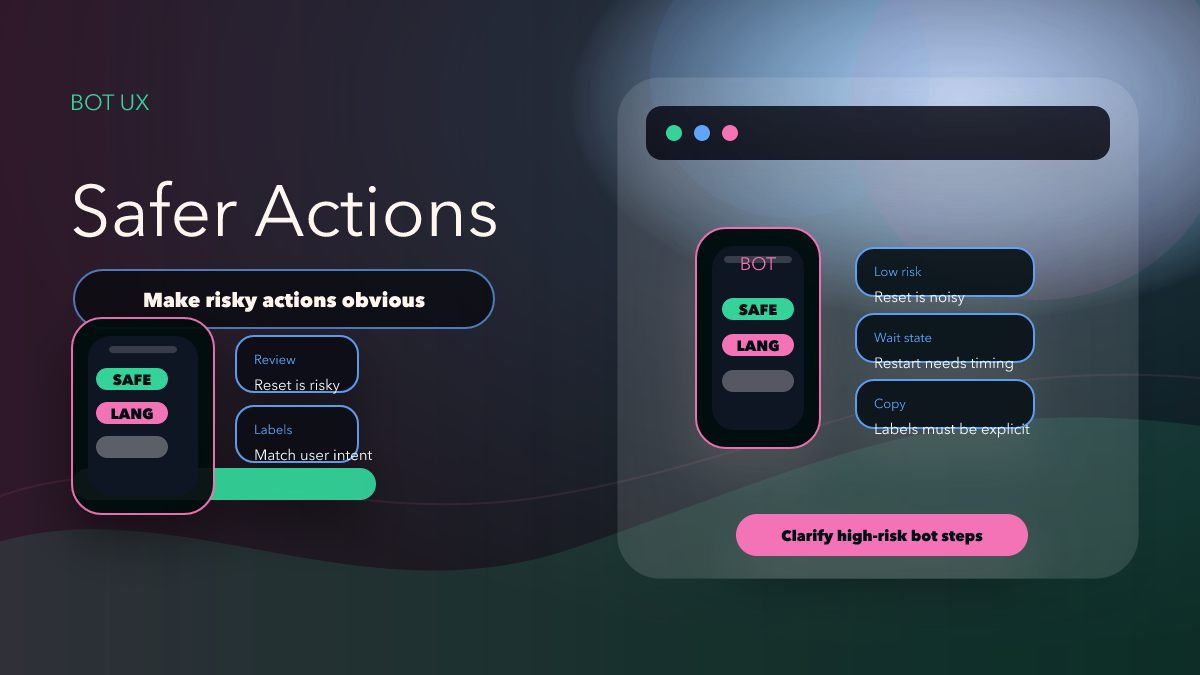
The Profile Settings docs list actions that are ordinary for a product team but risky for a user: Restart BOT, Reset Configuration, and Logout. Those actions do not live in a neutral design space. Each one can interrupt a workflow, erase effort, or force the user to reconnect an account.
That is why better UI/UX matters here. When a Telegram bot is also a serious operating tool, it needs to separate safe actions from dangerous ones in wording, placement, and expectation-setting. If a release improves UI/UX but still leaves users guessing whether Reset Configuration is reversible, the product has not fully solved the real problem.
Lesson 2: Language Settings Are Part of Onboarding
The docs explicitly mention Change Language inside Profile Settings. That may sound minor, but it is one of the fastest ways to reduce support friction. A multilingual product that hides language handling behind awkward steps increases confusion before the user even finishes setup.
For AutoForward, language is not only a preference. It is part of getting a user from first contact to first useful route. If the bot and web app are easier to understand because the language path is clearer, that directly improves the first-run experience and the likelihood that the user reaches a successful CTA instead of giving up midway.
Lesson 3: Telegram Bot UX Does Not End Inside the Chat Window
The official docs position Auto Forward Messages across Telegram, Web, iOS, and Android. That means the UX story is larger than the bot alone. A user may discover the product on the website, continue in Telegram, inspect a route in the web app, and return to the bot for account-level actions.
So when the release says UI/UX improved, a good product-introduction article should read that improvement across surfaces. Are labels consistent? Do users understand which actions happen in the bot and which are easier in the web app? Does the product still feel like one system rather than four disconnected entry points?
What Other Bot Builders Can Learn From This
- Make account actions explicit: Users should know when they are restarting, resetting, or logging out before they confirm.
- Treat language as support prevention: A clear language path reduces onboarding confusion immediately.
- Keep wording aligned across surfaces: If the bot says one thing and the web app says another, the user pays the cost.
- Design for operators, not just new signups: AutoForward is used for live routes, so repeat actions matter as much as first impressions.
- Use release notes to explain user value: “Enhanced UI/UX” becomes meaningful only when tied to actual tasks users perform.
Why Better UX Improves CTA Quality
A product CTA works best when the reader believes the next step will be manageable. Cleaner UX reduces uncertainty. That matters for AutoForward because the real next step is operational: connect an account, configure a task, review settings, and trust the product with live routes.
So the product-introduction angle should be grounded in usability. Readers interested in Telegram automation do not need abstract UI theory. They need to know whether the product looks understandable enough to try. That is why this article should lead readers toward Auto Forward Messages Telegram, then into the bot or the web app where the UX can be judged directly.
UI/UX Review Checklist
- Risky actions are clearly labeled and do not feel interchangeable with routine actions.
- Language switching is easy enough to support first-time users.
- The bot and web app use consistent wording for shared concepts.
- The release note explains user value, not just design ambition.
- The CTA points to the product that owns the experience being discussed.
Comparison Table
| UX principle | Good product behavior | Weak product behavior |
|---|---|---|
| Risk communication | Restart, reset, and logout are explicit | Sensitive actions blend into the same visual level |
| Onboarding | Language change is easy to reach | Users stay confused because language is treated as secondary |
| Cross-surface consistency | Bot and web app feel like one product | Labels drift between surfaces |
| CTA readiness | Reader feels confident enough to try the product | Reader still expects friction before first success |
See the UX in the Real Product
Open Auto Forward Messages Telegram, then inspect the current experience in the bot or the web app. If you want the broader release context around the same version, continue with AutoForward v1.0.47: UI, Performance, and Transfer Credits.
FAQ
Why use AutoForward as a UX example?
Because the product has to support real operator tasks across multiple entry points, which makes its UX decisions more instructive than a purely decorative bot demo.
What is the strongest lesson here?
Clarity around settings and account actions matters more than visual polish alone.
Is this article aimed at designers or users?
Both, but from a product angle. Users get a clearer introduction to the product, and builders get a concrete example of bot UX that supports live operational work.
Explore Safer Telegram Bot Flows
Use the AutoForward product as the reference point for better settings copy, clearer risky actions, and more predictable bot UX.
Useful for operators who manage settings often