How to Preserve Discord Media Without Ruining the Telegram Read
Summary
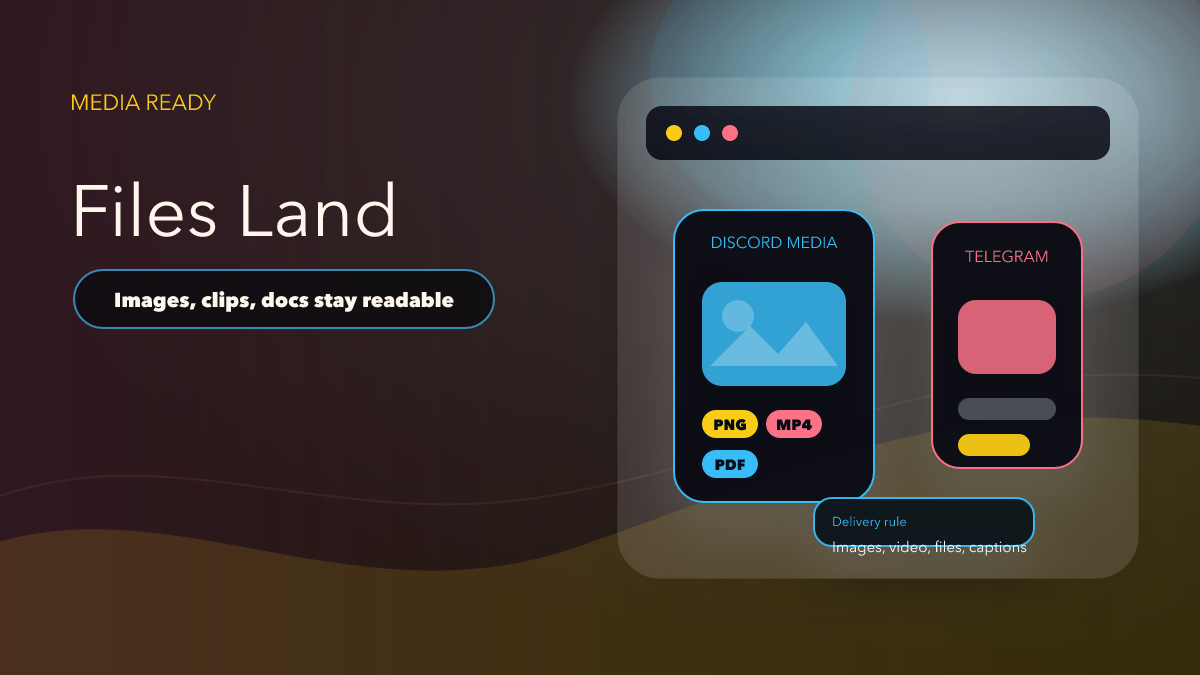
Discord to Telegram can preserve files, images, and videos, but media quality only matters if the final post still feels readable and intentional on Telegram.
The official Discord to Telegram docs say the bridge supports files, images, and videos without quality loss. That is an important capability, but it is only half the story. Media preservation is successful when the final Telegram post still reads cleanly, keeps its context, and does not feel like a broken export from another platform.
Preserving Media Is Not the Same as Preserving Meaning
A file arriving intact is good. A Telegram reader understanding why that file matters is better. Discord messages often rely on surrounding chat, fast back-and-forth updates, or caption context that is obvious inside the original server but easy to lose in a forwarded destination.
That is why strong product content should talk about attachment order, caption clarity, and mobile readability, not only “quality loss.” Users deciding whether to bridge media care about whether the message still feels ready to consume on Telegram.
How to Review Media Forwarding Properly
- Prepare a varied sample set: Include an image, a video, a file, a long caption, and a post with multiple attachments.
- Review on Telegram mobile: That is where many readers will actually consume the result.
- Check caption continuity: Make sure the attachment still makes sense without requiring the reader to open Discord.
- Confirm order and spacing: A media sequence that arrives in the wrong order can damage the whole update.
- Document exceptions: If some media types require extra handling, that should become part of your operating notes.
Where Discord to Telegram Fits Best
The docs frame the bridge around use cases such as news, events, livestream alerts, support, gaming, and trading. In each of those environments, media is often the point of the post. That is why the feature should be introduced as a publishing-quality bridge, not as a raw forwarding pipe.
If the user is evaluating whether Telegram can become a real destination for Discord-origin updates, this is the kind of article that helps: one that explains what to inspect before trusting media-heavy flows live.
What Good Media Preservation Looks Like
Good media preservation is not only sharp images or intact files. It means the Telegram post still has a clear reason to exist. The attachment order feels intentional, the caption still carries enough context, and the post does not look like it was dumped from another platform with no editorial care.
When teams review media with that standard, they usually make better route decisions and produce channels that feel more curated.
Where This Feature Shines
This feature is especially valuable for event recaps, promo assets, news drops, and any source channel where visual content does most of the work. In those cases, preserving the asset while keeping the Telegram presentation clean can directly affect engagement and trust.
It is a much stronger story than generic “supports media” copy because it explains why the feature matters in real channel operations.
Operator Notes
Teams should keep one review folder with example source posts and Telegram outputs for each important media route. That makes it much easier to spot whether later layout or caption drift is caused by the route itself or by a changed source pattern.
Simple evidence like this also improves future editorial content because every claim stays tied to a visible result.
It is one of the cheapest habits a content or operations team can adopt, and it pays off every time a route is expanded.
It also helps the team avoid a common trap: thinking a route is healthy because the asset still arrives, even though the post no longer feels polished enough for the destination audience.
That difference between delivery and presentation is exactly what good media workflows are built to protect.
Common Ways Media Routes Go Wrong
The most common failure is assuming the attachment alone carries the message. The second is skipping mobile review. The third is scaling the bridge before the team has written down which content types look great on Telegram and which ones need a human eye.
Those are not minor operational details. They directly affect whether users trust the channel and whether the CTA from this post should lead them into the product with confidence.
Media Review Checklist
- The sample set includes more than one type of media.
- The Telegram result was reviewed on mobile.
- Captions and context still explain the asset clearly.
- Attachment order looks intentional.
- The post directs readers to Discord to Telegram, which is the product that owns this workflow.
Comparison Table
| Media workflow | Healthy version | Weak version |
|---|---|---|
| Validation | Review media and captions together | Only confirm the file arrived |
| Reader context | Telegram audience understands the asset immediately | Telegram audience needs Discord to decode the post |
| Scale-up | Expand after sample review | Publish to all channels immediately |
| CTA | Point to Discord to Telegram | Point somewhere generic |
Test Your Media Route
Open Discord to Telegram and build one review route before scaling. If you want the release context that made clone-style media preservation more relevant, read Discord to Telegram v1.0.5: Clone Message Mode.
FAQ
Do the docs really mention media support?
Yes. The official docs explicitly say the bridge supports files, images, and videos without quality loss.
Why emphasize mobile review?
Because Telegram readers often experience media posts on mobile first, and layout issues show up there quickly.
What is the main goal here?
To preserve not only the attachment, but also the clarity of the final Telegram reading experience.
Keep Media Readable In Telegram
Use Discord-to-Telegram when images, video, files, and captions need to land together in the destination channel.
Designed for readable cross-platform media delivery