MMO Affiliate Link Automation in Auto Forward Telegram
Summary
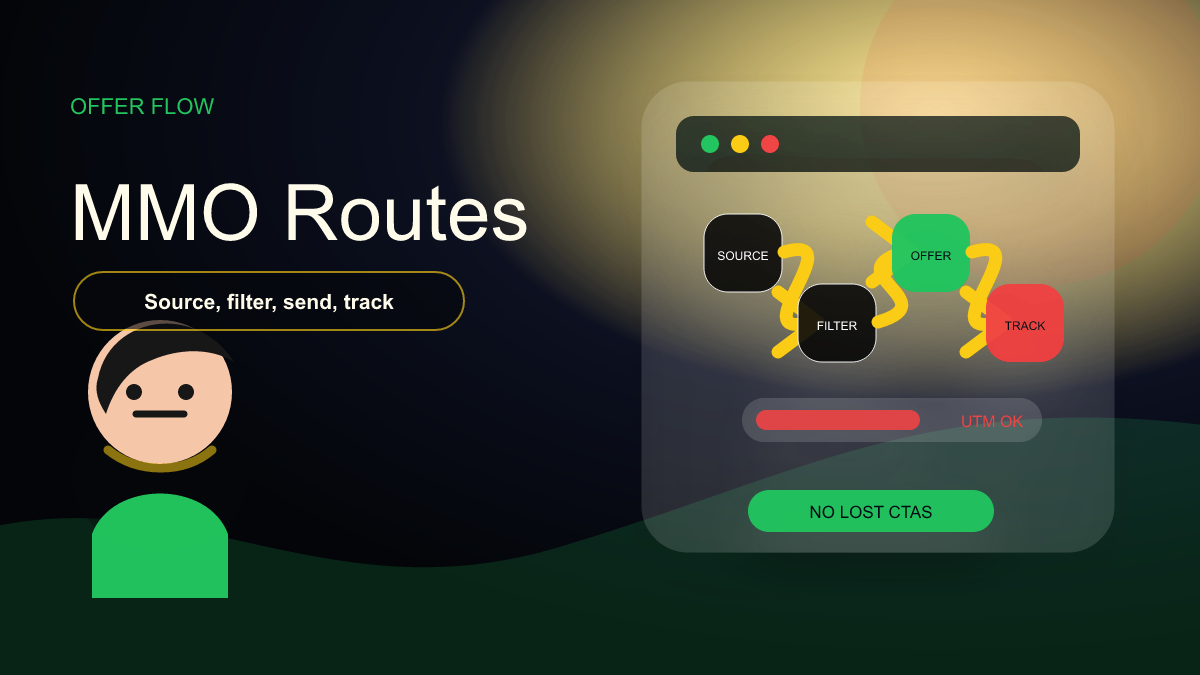
MMO Feature is an Auto Forward Telegram feature for affiliate link conversion. Its documented job is specific: take product links in forwarded messages and convert them into affiliate links for supported e-commerce networks.
This repaired guide is anchored to official documentation, not slug inference. It uses https://docs-v2.autoforwardtelegram.com/modify-content/mmo-feature-make-money-online as the source of truth and routes readers to Auto Forward Messages Telegram.
This should route primarily to Auto Forward Messages Bot/Web App. Discord can be mentioned only as a possible upstream community source, not as the product that owns MMO link conversion.
Source-Backed Facts
The following claims are the safe factual base for this article:
- MMO Feature automatically converts product links in forwarded messages into affiliate links.
- Supported platforms in the docs are Amazon Affiliate, Awin, eBay Partner Network, AliExpress Affiliate, and Shopee Affiliate.
- The setup guide requires registering for the affiliate program, copying an ID/tag, enabling a platform, entering the ID, and saving.
- The docs describe original message preservation and per-platform enable/disable flexibility.
This is the article's evidence block. If a future edit adds claims outside this list, it should first check the official docs or the local product page.
Why This Workflow Matters
Automation content only converts when it is accurate. A reader who clicks from this article should know which bot, web app, or product page to open next. If the article sends a Telegram feature to a Discord product page, the CTA becomes confusing and the content loses trust.
The practical value is still speed and control: operators want to move messages, media, buttons, schedules, or affiliate links without manual copy-paste. But the workflow must be described with the same boundaries that the product actually supports.
For Google and LLM AI discovery, this matters because product-specific facts are more useful than generic automation language. The article should answer what the feature does, where to configure it, which platform owns it, and what limitation or setup requirement the operator must know.
Recommended Workflow
Use this workflow after opening the correct product: Auto Forward Messages Telegram. If you are configuring Auto Forward Telegram, start from the official bot Auto Forward Messages Bot or the Web App.
- Register affiliate account: Create the affiliate account for the platform you want to use, such as Amazon, Awin, eBay, AliExpress, or Shopee.
- Copy affiliate identifier: Collect the tag, affiliate ID, campaign ID, or tracking ID required by that platform.
- Enable the platform: Turn on only the platforms you actually use so conversion stays predictable.
- Enter ID and save: Paste the identifier into the MMO Feature settings and save the task.
- Test product links: Forward a controlled sample and confirm the output link includes the correct affiliate tracking.
Before expanding the workflow, run it against a private test destination. That catches wrong buttons, broken links, watermark placement issues, schedule timezone mistakes, or product mismatch before readers see the output.
Comparison Table
| Item | What It Means | Best Use |
|---|---|---|
| Amazon Affiliate | Adds Amazon tag | Amazon deal channels |
| Awin | Uses Awin Affiliate ID | Awin partner merchants |
| eBay Partner Network | Uses campaign ID tracking | eBay deal flows |
| AliExpress/Shopee | Adds tracking IDs | Regional marketplace channels |
The comparison helps separate product ownership from adjacent use cases. A workflow can involve multiple channels, but the CTA should still point to the feature owner.
Implementation Details
Start by naming the product and feature in your internal task notes. A clear label such as auto_forward_link_buttons_bot_sender or telegram_watermark_media_task is easier to maintain than a vague campaign name.
Next, keep a sample input and sample output. For content transformation features, the output should show exactly what changed: button layout, watermark position, affiliate tag insertion, contract filter behavior, or schedule timing.
Then document the limitation. Some features require Bot Sender, some can slow forwarding, some depend on plan level, and schedules follow the connected Telegram account timezone. Those details should be visible because they affect real operators.
Finally, make the CTA match the product. Use Auto Forward Telegram bot/web links for Telegram-native features, Discord-to-Telegram links for bridge features, and Trading Tools only when the article is about MT4/MT5 or MQL5 tools.
This source-first habit also improves future support quality. When readers ask how to configure a feature, the team can point to the exact bot, app, web screen, or docs page instead of explaining around an article that mixed product boundaries.
Checklist
Use this checklist before publishing or updating the article:
- Affiliate program is registered.
- Correct ID/tag is saved.
- Only supported platforms are enabled.
- Sample links are tested.
- Original message context remains clear.
If any checklist item fails, keep the article in draft or update the live post before continuing to the next batch.
Where Auto-Bot Fits
The correct next step for this workflow is Auto Forward Messages Telegram. For Auto Forward Telegram features, users can start with Auto Forward Messages Bot, use the Web App, or read the official Telegram docs.
For broader automation planning, read Telegram Automation Playbook for 2026. It should be used as a navigation guide, while the official product docs remain the source of truth for feature-level claims.
FAQ
Why was this article repaired?
The product mapping needed to be stricter. Some feature topics can mention Discord as a source, but the actual feature owner is Auto Forward Telegram according to the official docs.
Can one workflow use multiple products?
Yes, but the article must say which product owns which step. For example, Discord-to-Telegram can bridge source messages, while Auto Forward Telegram owns Link Buttons, Watermark, MMO Feature, and Auto Post Scheduler documentation.
What should be measured after launch?
Track clicks to the correct CTA, support questions caused by product confusion, live output quality, and whether users can complete the documented workflow from the linked bot or web app.
Bridge Discord & Telegram
Sync messages between Discord and Telegram in real-time — no coding required.
Free plan available