Build a Source-Backed Web Research Workflow with CamoFox MCP
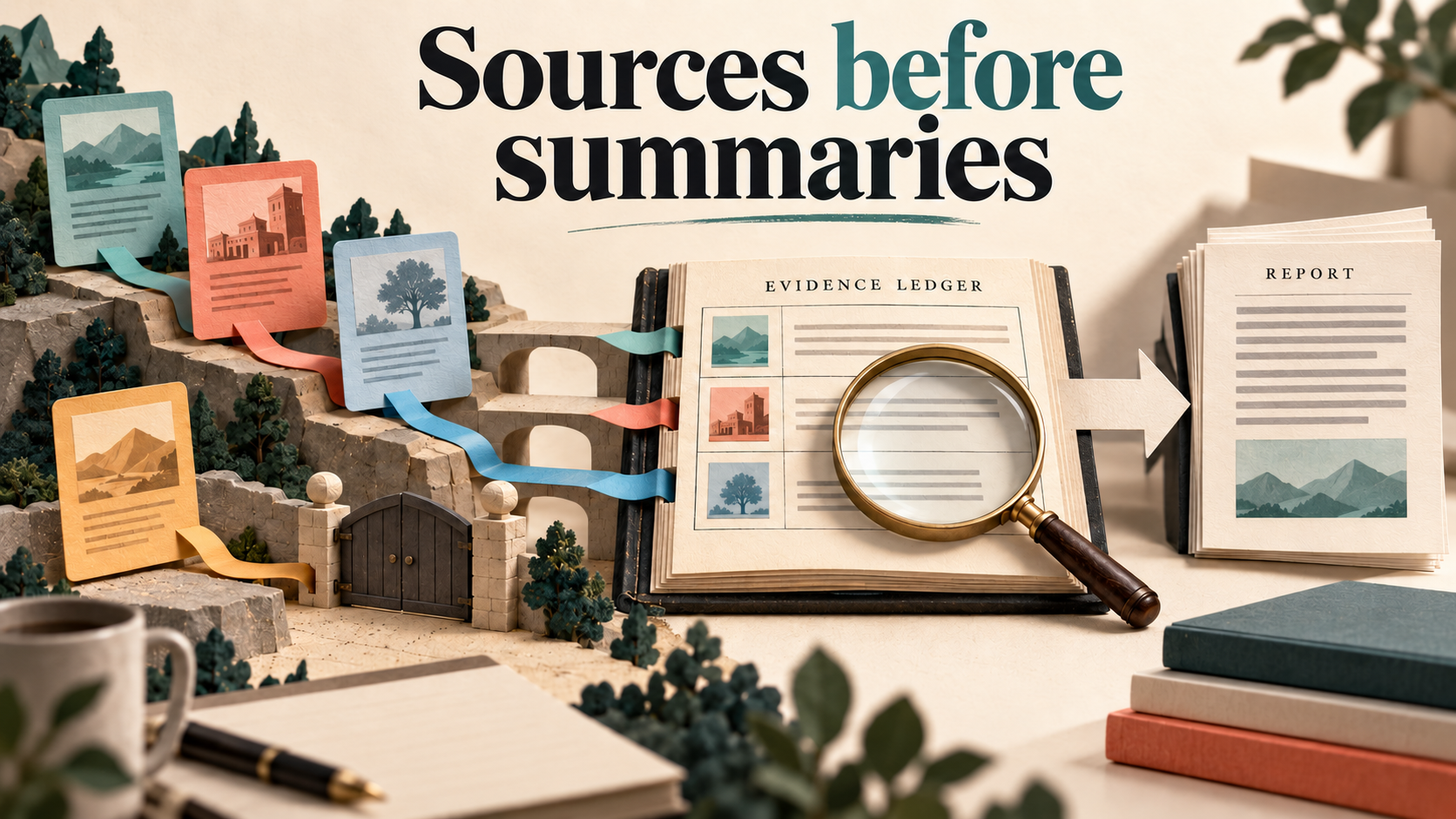
Quick answer: Separate what the browser observed from what the AI concluded. With CamoFox MCP, keep a source ledger containing the resolved URL, supported excerpt, source date when visible, retrieval time and access/completeness status. Let the assistant summarize only accepted evidence rows, and keep unavailable or truncated sources in the final report instead of silently filling the gaps.
CamoFox MCP gives a compatible AI client tools for interacting with CamoFox Browser. It is not an independent fact-checking engine. The useful result is a research pack someone else can inspect: a concise answer, the evidence behind it and the limits that could change the decision.
Verification scope: the worked documentation decision below uses exact inspected original excerpts. We also exercised the underlying Browser observation pattern on controlled sources: delayed rendered text, a redirect, denied access and snapshot continuation. Those were real REST observations on local fixtures, not a completed MCP-client or AI-agent research run. The tool sequence remains sourced MCP guidance; the distinction matters when judging your own result.
Start with a decision, not an instruction to research everything
A request such as “research browser automation” makes it difficult to tell when the task is complete. A better brief specifies a decision and the evidence needed to support it. For example:
For a permitted reporting portal, should a deterministic export workflow call the Browser REST API directly, or should an AI client coordinate browsing through MCP? Compare the roles and prerequisites using official sources. Keep unavailable evidence visible. Do not claim that either approach has been tested in our production environment.
This question produces an actionable answer without needing a market-wide ranking or speculative benchmark. If an official static document already answers a question, use a straightforward permitted text read. Rendered browsing earns its place when the needed content appears after JavaScript, depends on a permitted interaction, or requires visual inspection.
Understand the three roles
Use the Browser overview for the browser service and the MCP overview for its AI-client bridge. The research-quality checks below apply regardless of the client you choose.
| Component | Role in research | Responsibility it does not take over |
|---|---|---|
| CamoFox Browser | Loads pages, maintains browser state and exposes browser actions/observations. | It does not decide which claims are true simply because a page opened. |
| CamoFox MCP | Exposes browser-related tools to a compatible AI client. | It is not the AI model or a universal native integration with every client. |
| Your AI client and reviewer | Choose permitted sources, organize evidence, draft analysis and check claims. | They should not replace an unavailable source with an invented quote. |
For setup, use our two-layer MCP architecture guide and, where relevant, the Windows Browser-versus-MCP checklist. This article begins after those components are understood; it is about the quality of the research result.
Build a source ledger before asking for the summary
Use one row per original source, not one row per copied announcement. A practical ledger contains:
- Requested and resolved URL: keep both if the page redirected.
- Source title and publisher: identify whether it is official documentation, a user report or vendor promotion.
- Source date: a publication/update date visibly supported by the source, or “not stated”.
- Retrieval time: when your workflow inspected it; this is not its publication date.
- Relevant excerpt: exact text that supports a specific claim, with a section/location.
- Access and completeness: inspected relevant section, partial/truncated, login required, denied or unavailable.
- Supported conclusion and remaining question: separate direct evidence from your inference.
A screenshot can establish what an interface looked like at a particular time. It is not automatically better evidence for a text claim than the original readable document. Never paste private cookies, credential values or unrelated account content into the ledger or an AI prompt.
Use the MCP tools as an observation workflow
The canonical tool index documents the snapshot-first path and its fallback tools. The sequence below describes their roles, not a transcript of a completed AI-client run:
| Step | Documented tool | Evidence to retain |
|---|---|---|
| Create a dedicated permitted task. | create_tab | Returned tab ID and chosen user/session scope. |
| Open a known original URL. | navigate or navigate_and_snapshot | Resolved URL, title and returned page observation. |
| Inspect the relevant content. | snapshot | Excerpt/section and completeness metadata, not just the first lines. |
| Find original references. | get_links | Actual destination URLs and why each source is relevant. |
| Read a rendered section that refs do not capture. | camofox_get_page_html, scoped to a selector when appropriate | The relevant DOM text and its scope; respect required API authentication. |
| Wait for delayed content. | camofox_wait_for_text or camofox_wait_for_selector | The expected text/selector actually appearing, followed by a fresh observation. |
| Capture appearance if the claim needs it. | screenshot | Actual image, time, page and claim it supports. |
| Finish the owned task. | close_tab, with ownership/readback checks | Cleanup result and absence of the owned tracked tab. |
For a long snapshot, inspect its truncated, hasMore and nextOffset metadata. Continue with the returned offset when more content is needed. Confirm that the required first and final sections were actually inspected. Do not call a truncated opening paragraph “the whole source”.
Verify one permitted source through the MCP setup, then record its evidence row. Start with a known official page before expanding to a larger source list.
A worked documentation decision: REST orchestration or MCP research?
The following small evidence ledger uses original documentation, not an invented customer story. It answers the example decision above. It does not require an AI browser to read static docs, and it is not a claim that an n8n or AI-client integration was executed.
| Original source and scope | Exact supported excerpt | Conclusion it supports |
|---|---|---|
| n8n HTTP Request documentation, node introduction. Relevant text retrieved 5 October 2026; source date not stated in the inspected text. | “It allows you to make HTTP requests to query data from any app or service with a REST API.” | n8n can coordinate REST calls. This does not establish that a browser login or private network path works. |
| CamoFox Browser README, commit-bound Structured Extract section. Relevant text captured 4 October 2026; no publication date inferred from retrieval. | “Structured extract returns deterministic JSON from a DOM schema without arbitrary JavaScript.” | Browser can provide a structured DOM extraction step; CSV conversion, report delivery and scheduling remain workflow logic. |
| CamoFox MCP tool index, snapshot entry. Relevant text captured 4 October 2026; source date not asserted. | “Read the accessibility-tree snapshot, including refs and pagination metadata for long pages.” | A compatible AI client has a documented observation path, including pagination metadata. It does not guarantee complete or correct research. |
Decision: for a fixed permitted report-export sequence, call Browser REST from n8n if that deployment and authentication are appropriate; MCP is not required merely because Browser is involved. For a research task in which an AI client needs to inspect sources and choose subsequent browser actions, MCP provides the tool bridge. In both cases, retain evidence and check the actual result.
What would change this decision? A supported source export/API may remove the need for browser automation. An unreachable or policy-denied private portal can invalidate the proposed deployment. A client without the required MCP support cannot use the bridge as described. These are prerequisites, not reasons to invent a claim of tool superiority.
Keep inaccessible and partial sources visible
A controlled rendered-source ledger, separate from the documentation decision
In the local Browser test, a permitted synthetic source redirected and inserted its excerpt after a delay. A fresh snapshot after the wait contained the exact text below. This is a fixture quote used to test observation and attribution—not an independent market source or evidence that CamoFox itself exports a finished CSV.
| Ledger field | Actual controlled observation |
|---|---|
| Requested URL | http://127.0.0.1:53772/research-start |
| Resolved URL | http://127.0.0.1:53772/research-rendered |
| Supported excerpt | “The fixture supports local JSON export after the catalog renders.” |
| Source date | Not stated. The fixture had no publication date; retrieval was not substituted for one. |
| Access/completeness | Relevant delayed text actually inspected in a fresh Browser snapshot. |
The ephemeral loopback URLs are historical test observations, not live destinations. A separate denied fixture yielded no usable excerpt, so its outcome stayed unavailable. Plain HTTP against another instance of the same fixture corroborated the source's HTTP 403; a successful Browser navigation response was not treated as access permission.
The long-source test exposed a further trap: the first snapshot was truncated but already contained an end marker from its tail excerpt. We still followed the returned nextOffset of 74800; the next window reported hasMore: false, and start/end coverage was checked. These were accessibility-text windows, not source-site pagination. Seeing a final heading in a truncated response does not prove the middle was read; inspect the relevant material and continuation metadata.
If a source is denied, login-walled or not returned, its record should say what was attempted, what was observed and which question remains unanswered. It should contain no fabricated excerpt. If the source's date is absent, record that absence instead of assigning the retrieval date to the source.
This is a blank template, not an observed failed request. On a real task, preserve the actual failure or truncation information. Use another original source only if it genuinely supports the question, and disclose when the substitute changes the scope. Never treat an unreadable page as proof that a product lacks a feature.
Give the AI a constrained writing instruction
This improves the task contract; it does not certify the model's output. Independently check important quotations, entity names, dates and URLs against the original. A source may support a narrower fact than the sentence the AI wrote. Two copied press releases are one source lineage, not two independent confirmations.
Review the result before calling the research complete
- Does the report answer the decision in the original brief?
- Can someone inspect the source behind each material claim?
- Are important source sections complete enough for those claims?
- Are requested and resolved URLs consistent with the cited product?
- Are maker promotion and first-party claims labeled appropriately?
- Do unavailable rows still appear, with their unanswered questions?
- Are inferences and recommendations distinguished from observations?
- Did the owned browser task finish and clean up without touching unrelated sessions?
A useful outcome is a source-backed decision pack, not a large word count or a confident answer with decorative citations. This workflow makes review easier; it does not promise lower token costs, universal source access or more AI citations.
Method and scope
Auto-Bot.io is the editorial publisher. Browser and its separate MCP companion refer to the linked redf0x1 repositories; Camoufox is the engine, not an interchangeable product identity. The three-quote comparison is an original-document decision. The added fixture ledger comes from real Browser REST observation, not MCP-client execution or an AI-agent transcript. No public/commercial rendered research or automatic fact-checking was demonstrated.
The 5 October 2026 fixture runs used unpatched Browser v2.4.8 (Preview), commit 4f23dcf30dc0a1fb20b1a94fd6035a000a31a8bd, camoufox-js 0.8.5, Node 22.22.2 and isolated official Camoufox 135.0.1 beta.24. Its age/security was unassessed: no production downgrade is recommended. The earlier 156.0.1 beta.34 pair failed before tab creation with Unknown property navigator.product in config; this failed preflight remains separate evidence, not erased by the later local result. Verify your approved runtime before real use. Generated illustrations are not runtime evidence; keep private credentials/account content out of ledgers and AI prompts.
Review CamoFox MCP for Your Research Client
Check the current MCP setup and tool reference. Keep source quotations and access gaps inspectable; the article's fixture test did not execute an MCP client.
Source capture is not independent fact-checking